Add a soft picture
Choose, drop or paste a JPG, PNG or WebP image.
Turn soft, slightly blurry pictures into crisper ones: AI rebuilds edges and texture rather than just raising contrast.
This page opens on the Balanced setting, which adds detail without a big download. The result is larger than the original, because the detail is rebuilt at a higher size.
Enlarge a photo or illustration 2×, 3× or 4× with AI that adds detail instead of blur.
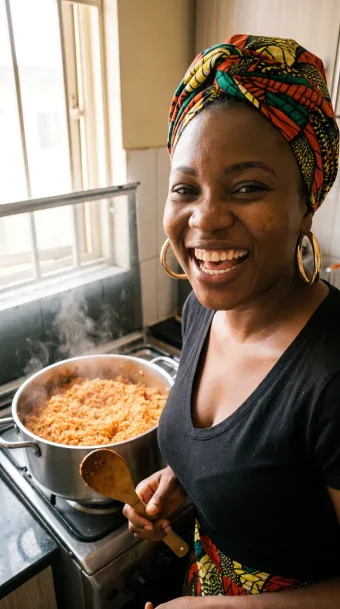
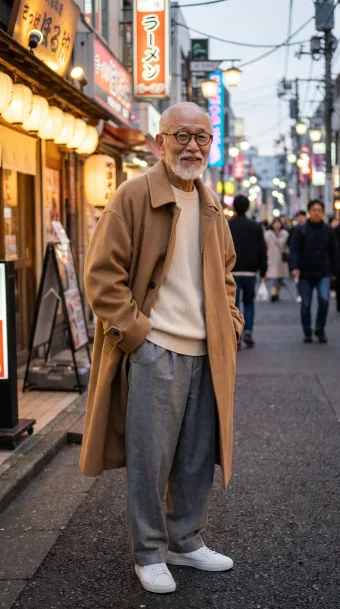
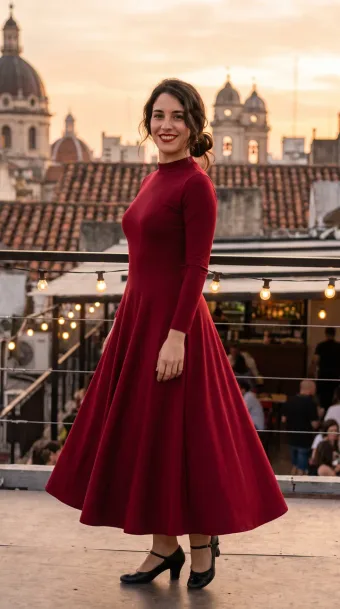
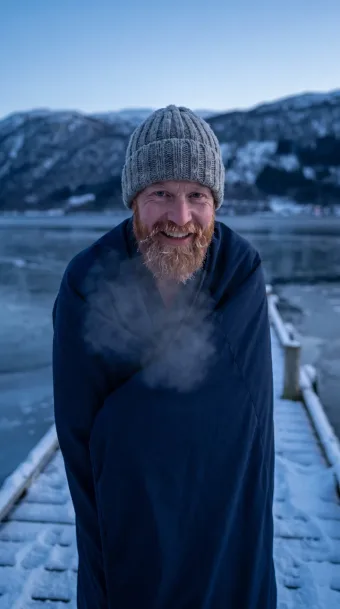
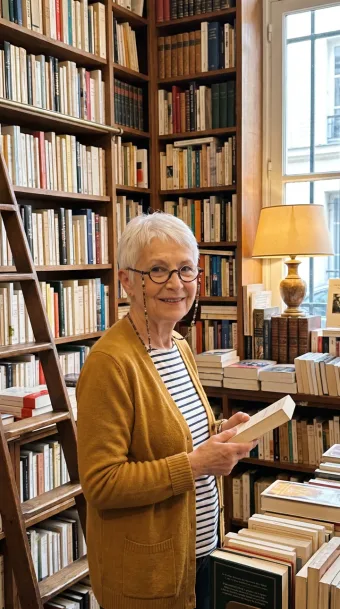
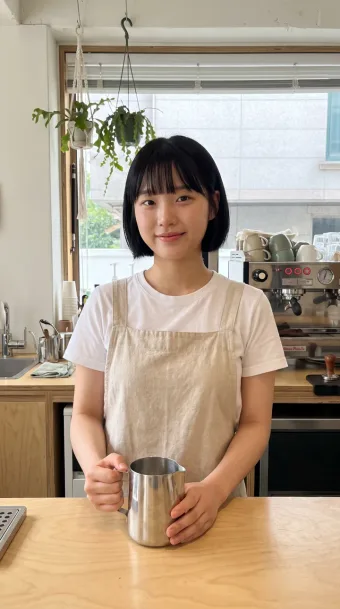
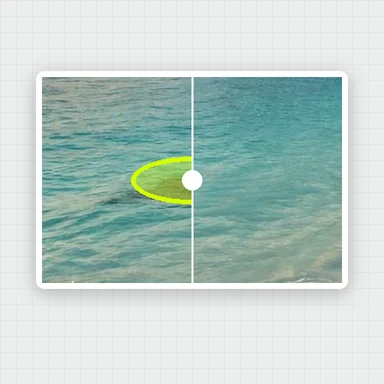
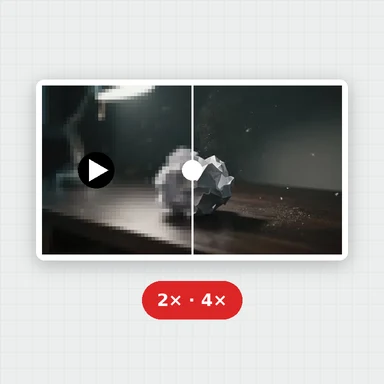
JPG, PNG, WebP, AVIF and more · up to 50 MB · or paste with Ctrl+VPhotos, a sticker and a drawing, each shown small and enlarged in your browser. Drag the slider to compare.
Choose, drop or paste a JPG, PNG or WebP image.
Balanced quality is already selected. Pick 2× for the closest size, then press Upscale.
Slide between before and after, then download PNG, JPG or WebP.
When enlarging isn't enough, create a fresh image at full resolution with WaveSpeed AI.
Generate photos, illustrations and designs from a prompt, or edit a picture with words.
Bring an upscaled photo to life as a short video clip.
Turn a picture into a 3D model.
$1 in free credits for eligible new accounts. No card needed. Generators have separate account and credit requirements. The image upscaler is free.
A sharpen filter boosts contrast along edges and can add halos. This tool predicts real detail and enlarges the picture, so edges look natural.
No. The result is at least 2× larger. If you need the original size, shrink the result in any image editor and the extra sharpness stays.
Soft focus, slight blur and low resolution improve well. Heavy motion blur or very out-of-focus pictures only improve a little, because the detail is not in the file. For blurry faces, try the free face enhancer.
The first run downloads a small AI model (about 3 MB) once and your browser keeps it. For the sharpest detail choose Best in the settings: it is slower and downloads a larger model.
No. It is processed in your browser and stays on your device.
Balanced quality · Before/after slider · No upload