Pick a look
Browse by style or search for “red lips”, “winged liner” or “glitter”.
8 free looks in “Bridal”. Open one and use it in the AI Image Generator.
8 looks
Browse by style or search for “red lips”, “winged liner” or “glitter”.
Press “Try this look” to open the AI Image Generator with the look as the reference, then add your own photo.
Try a few looks on the same photo before an event, or give your AI character a signature makeup.
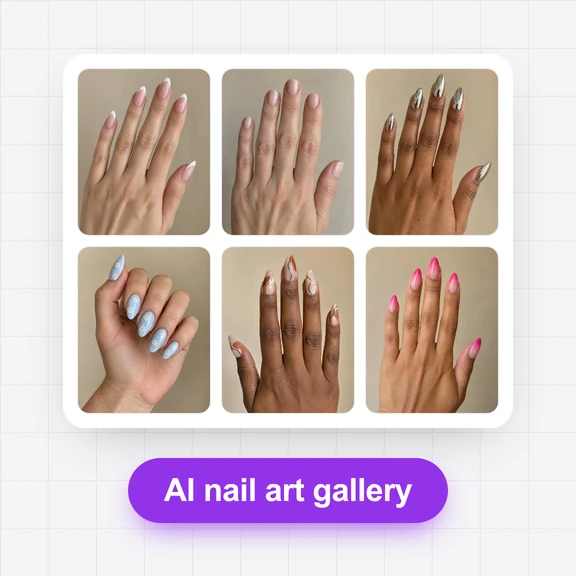
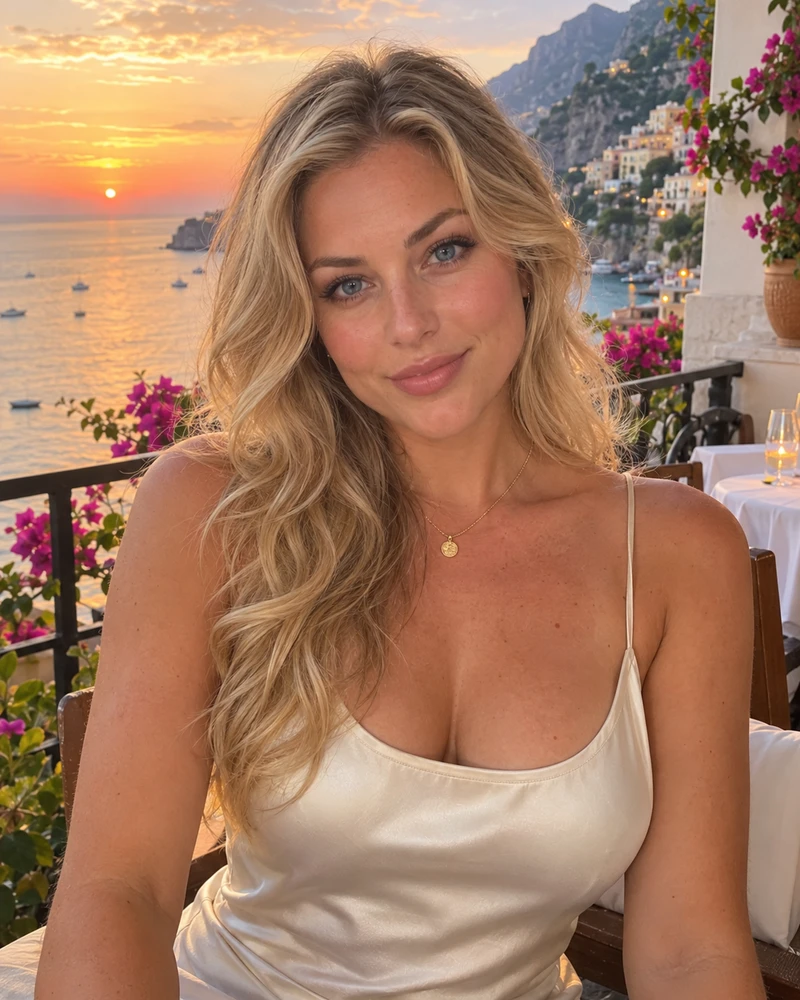
Each picture started from a look in this gallery. Tap a picture to open its look.
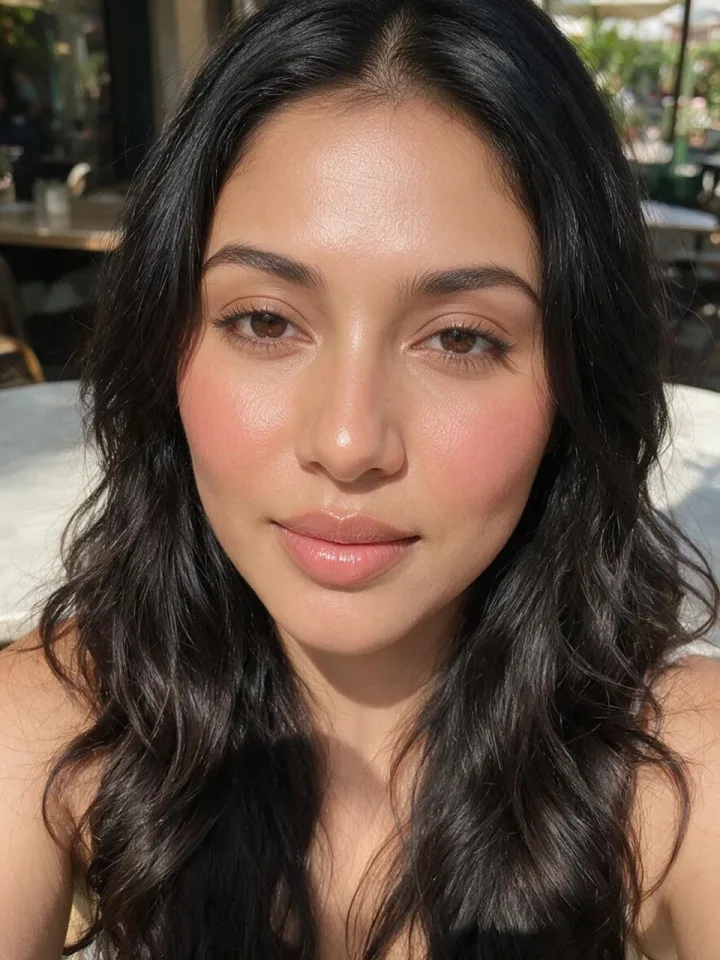
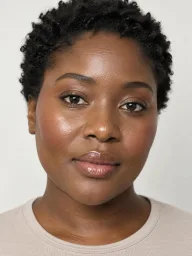
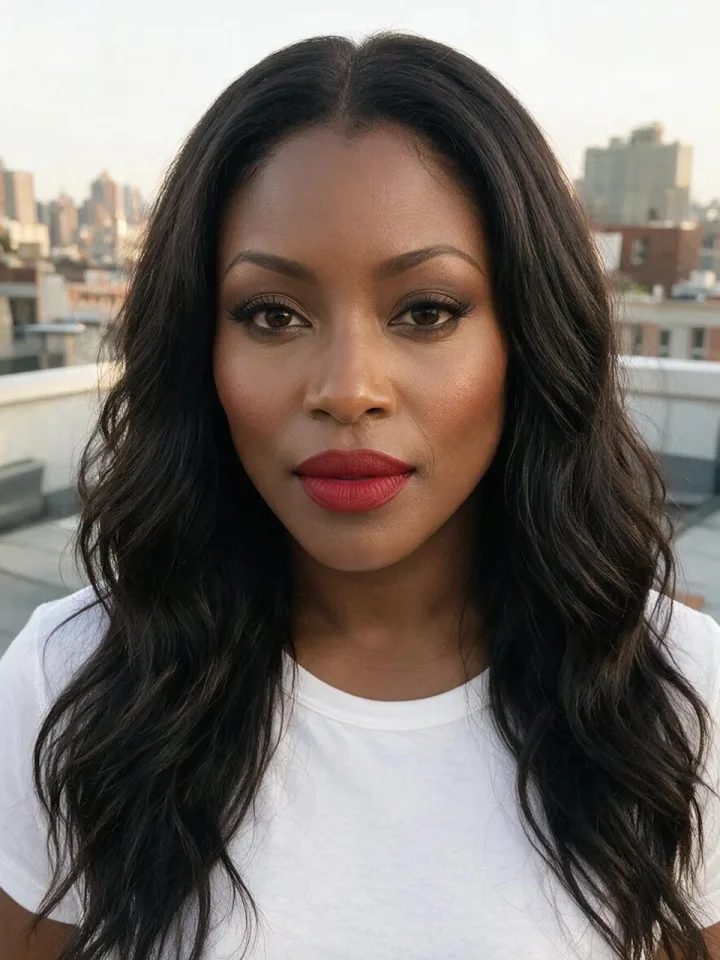
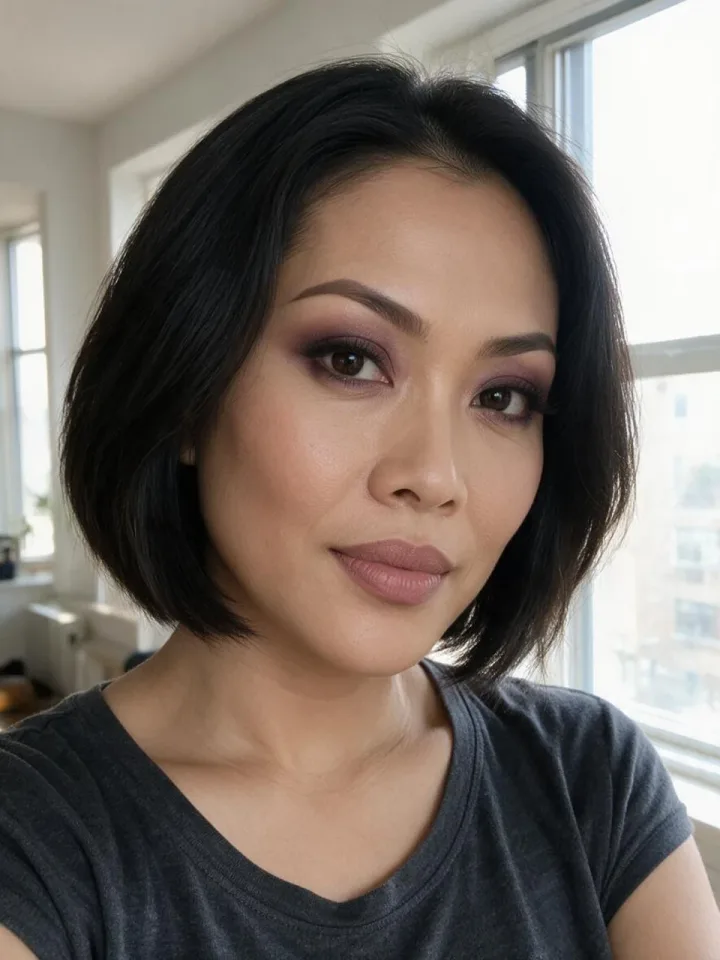
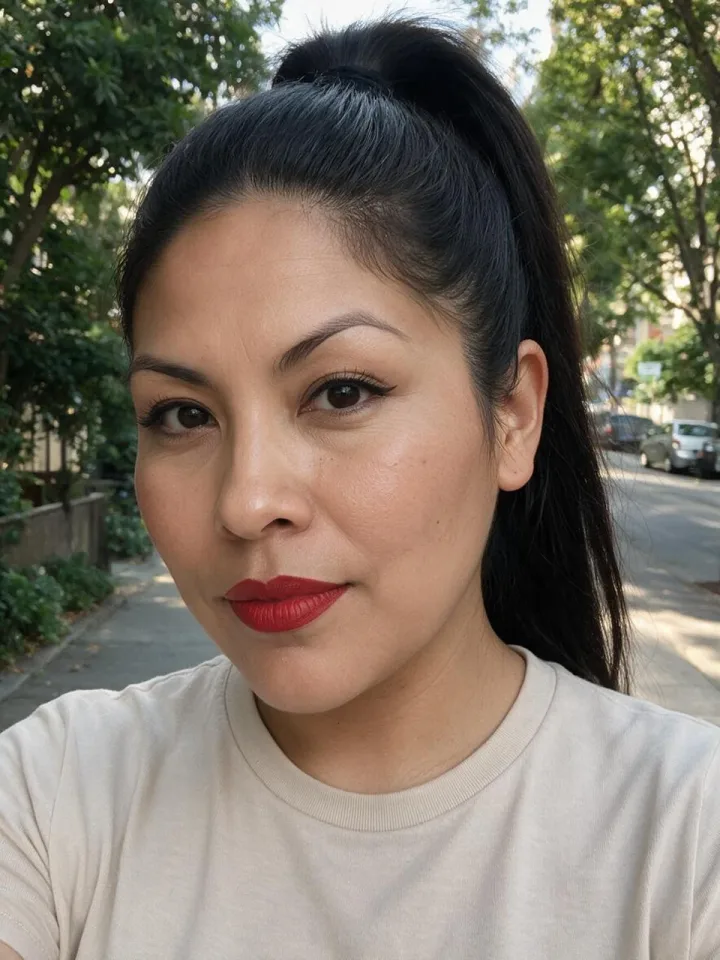
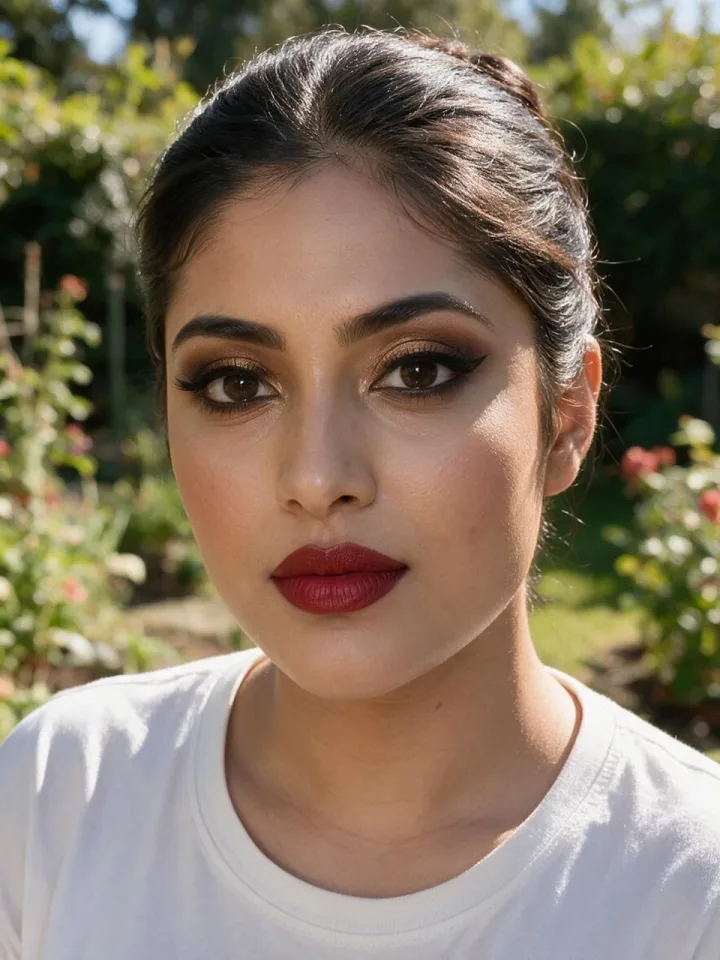
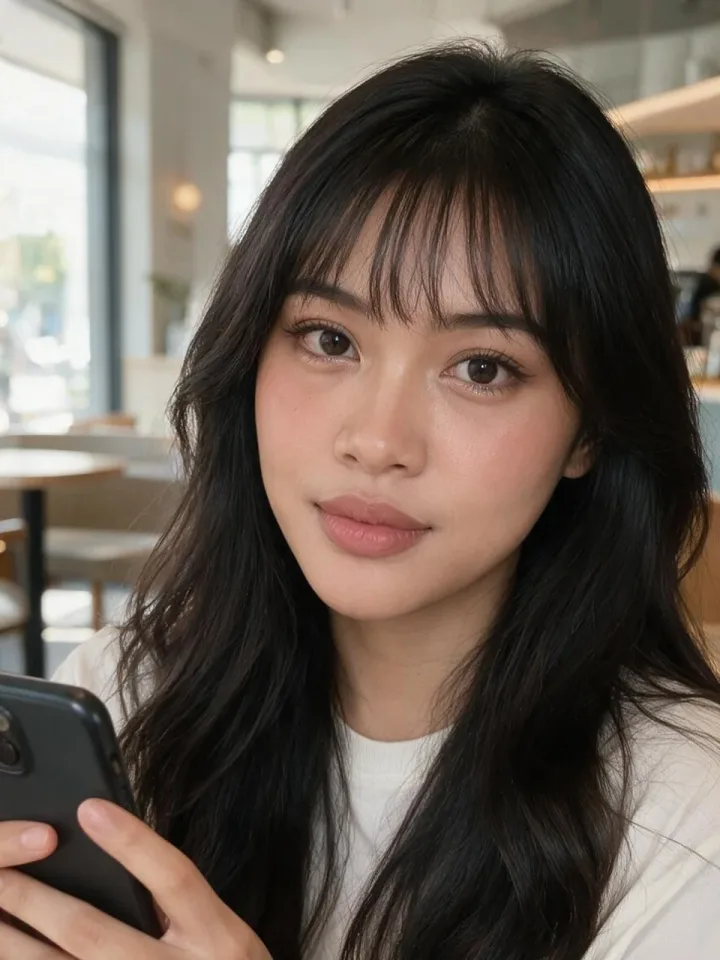
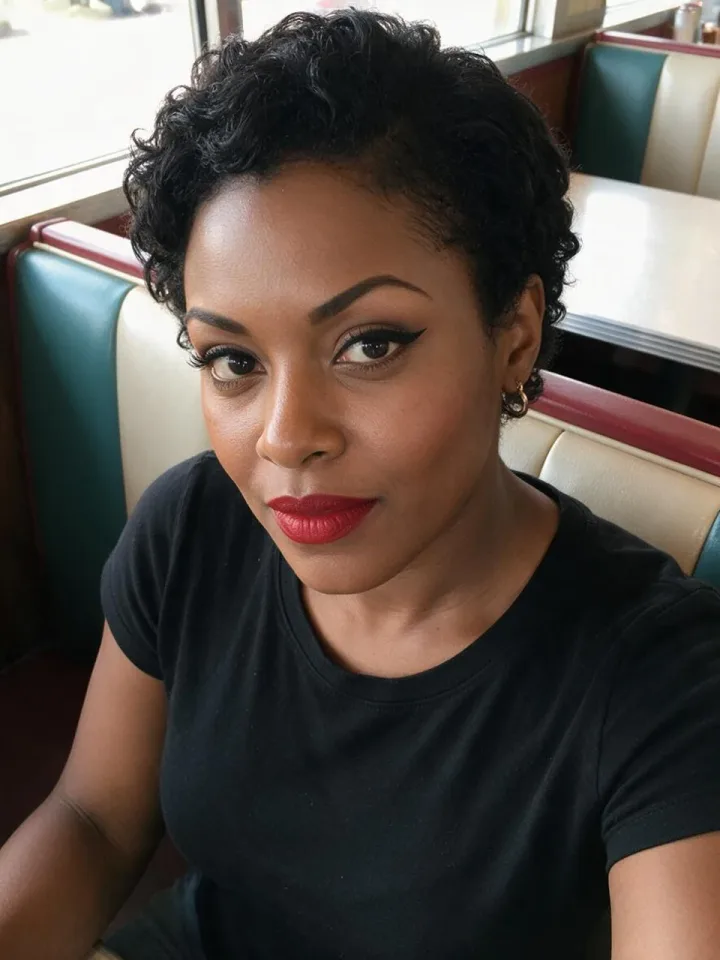
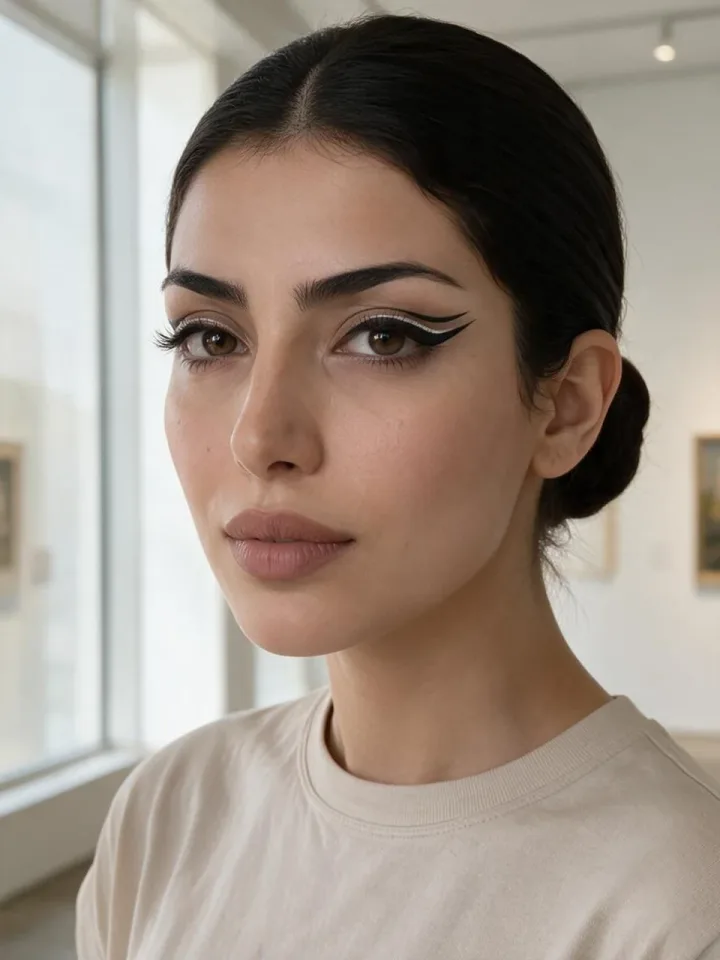
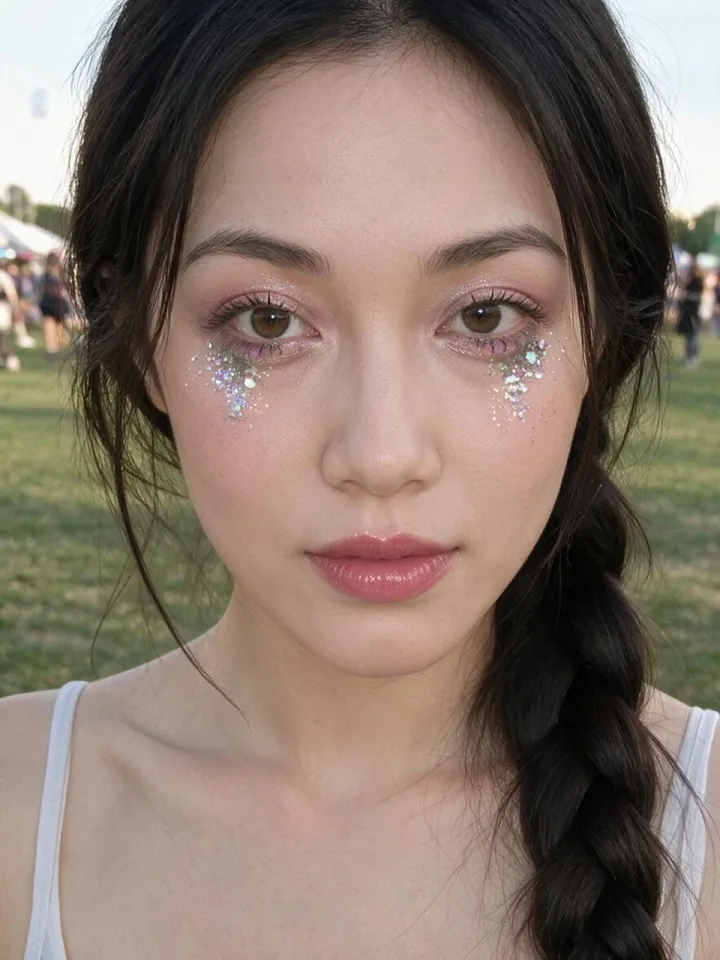
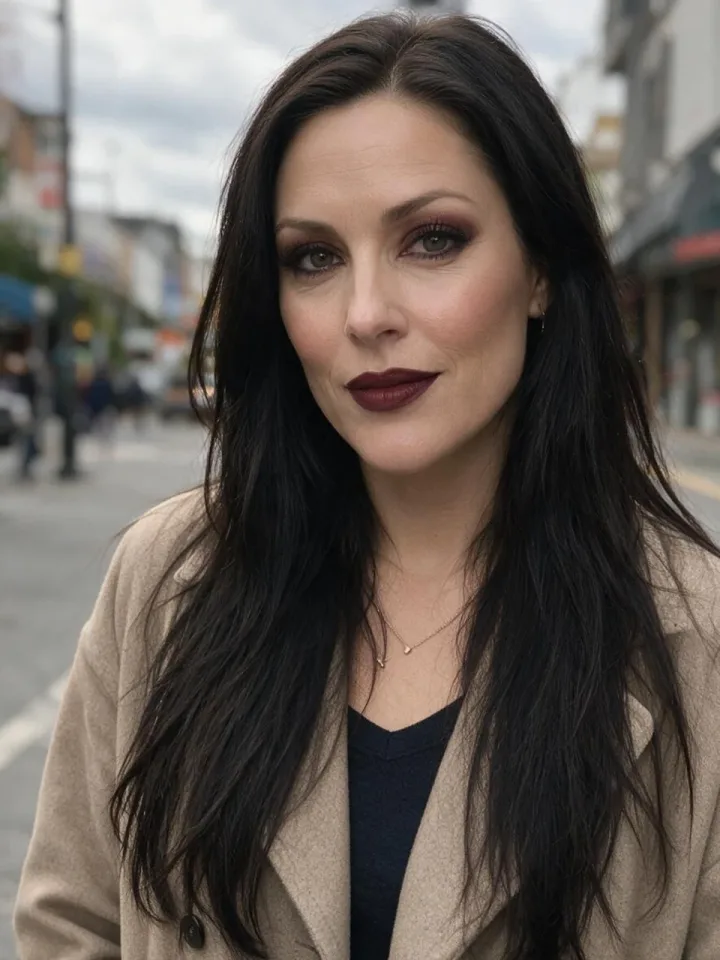
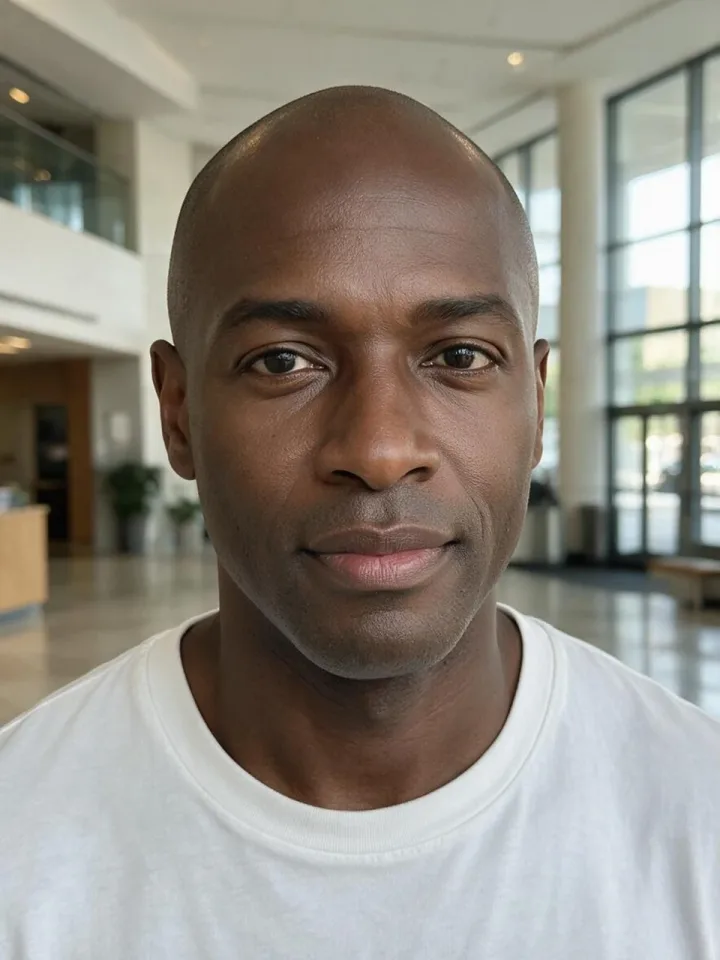
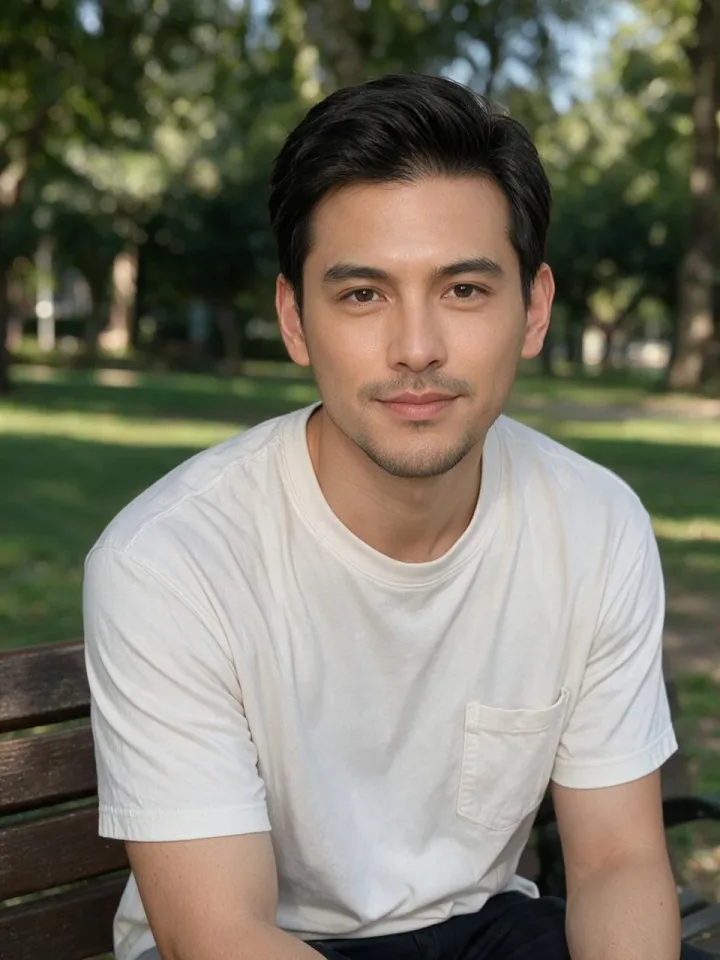
Preview a bridal, party or date-night look on your own face before you book or buy.
Give your AI character a recognisable makeup style across posts.
Show clients ideas, or build a mood board for a shoot.
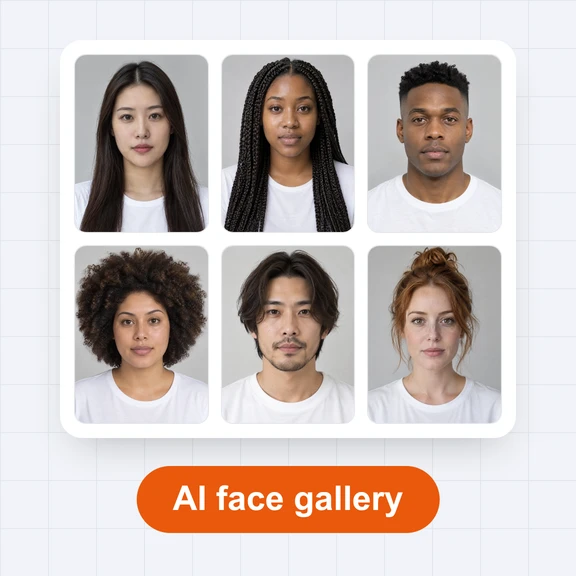
No. Every face was made by WaveSpeed AI and shows a person who does not exist.
Open a look and press “Try this look”. In the AI Image Generator, add your photo as a second reference. The prompt keeps your face and copies only the makeup.
Yes, in personal and commercial work, without signing up.
Yes. The men’s grooming category has natural skin, groomed brows and subtle looks for men.
Browsing and downloading are free. Generating photos in the AI Image Generator uses credits.
Try any makeup on your own photo in one step.