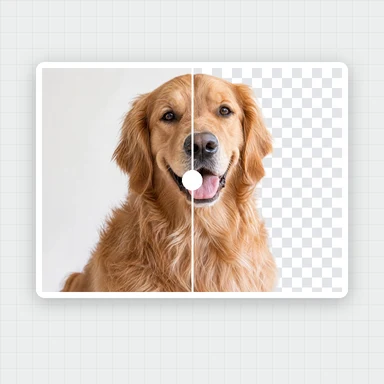
Pick a design
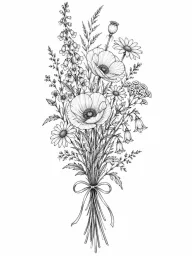
Browse by style or search for “rose”, “moon” or “wave”. Switch between the design and the on-skin view.
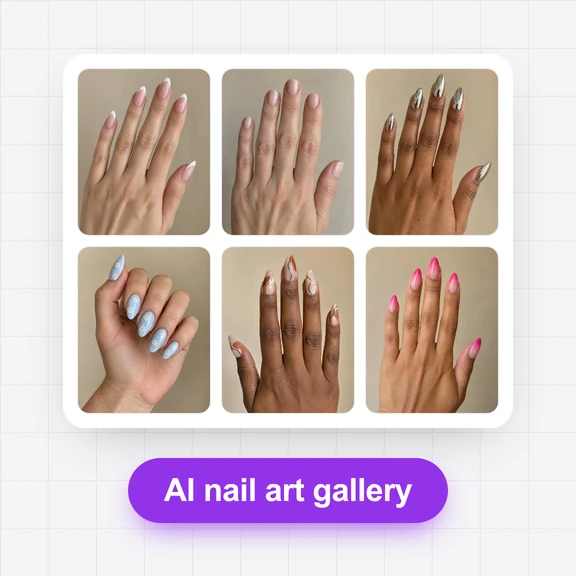
120 tattoo designs by style: fine line, floral, animals, geometric, small and minimal, script, traditional, Japanese style, blackwork, watercolor, celestial and mandala.
See each one as a clean design and on skin, then try it on a photo of your own arm, wrist or back.
120 tattoos
Browse by style or search for “rose”, “moon” or “wave”. Switch between the design and the on-skin view.
Press “Try this tattoo on” to open the AI Image Generator with the design, then add a photo of the spot you have in mind.
Download the design and talk it through with your tattoo artist.
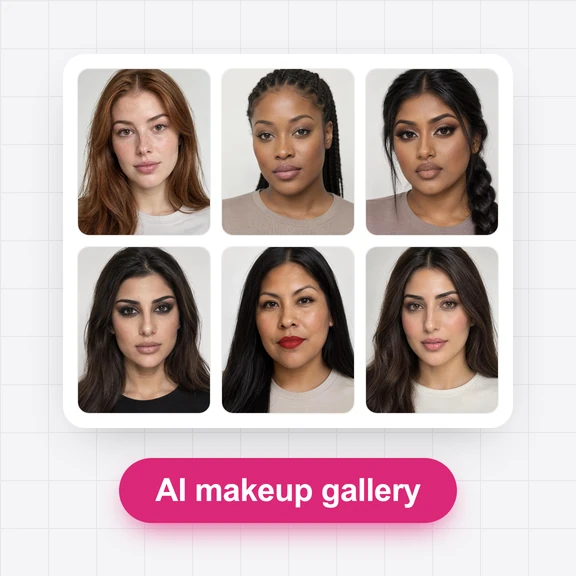
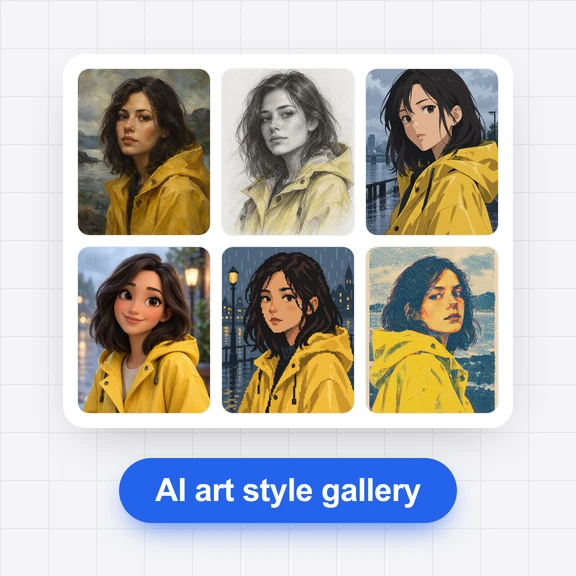
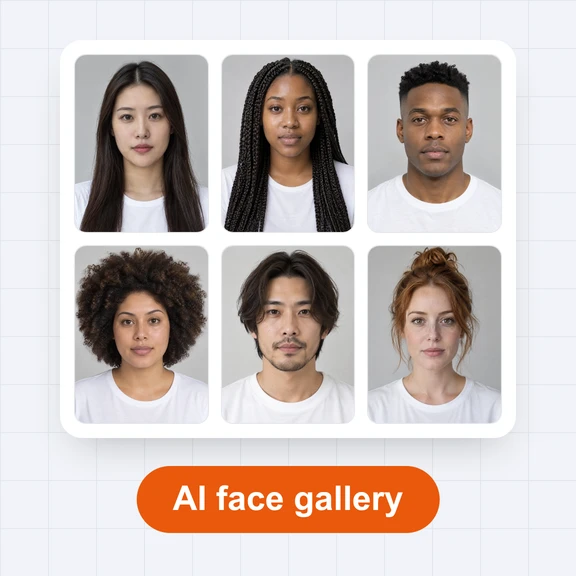
Each picture started from a tattoo in this gallery. Tap a picture to open its tattoo.

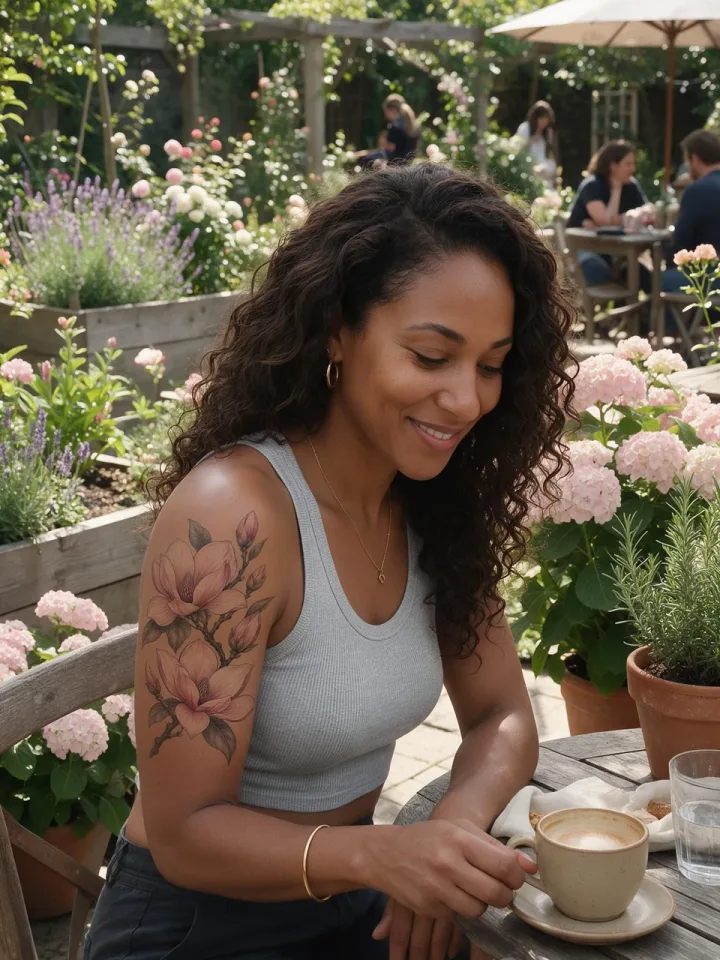
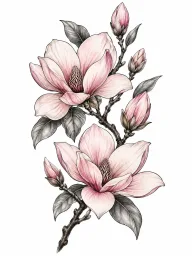
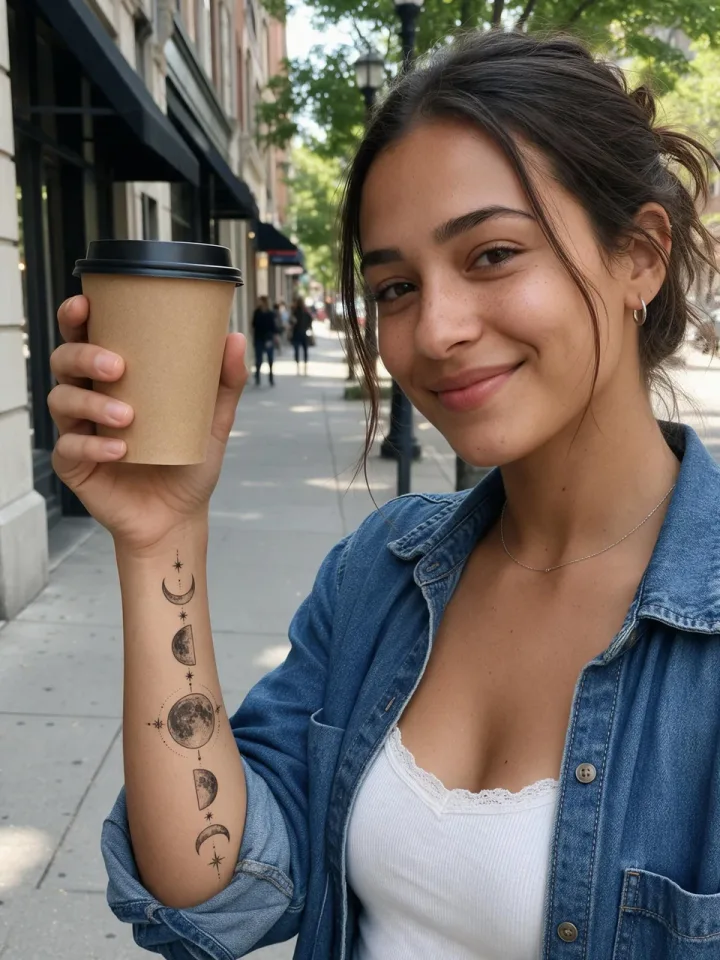
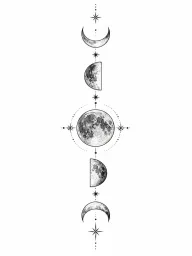
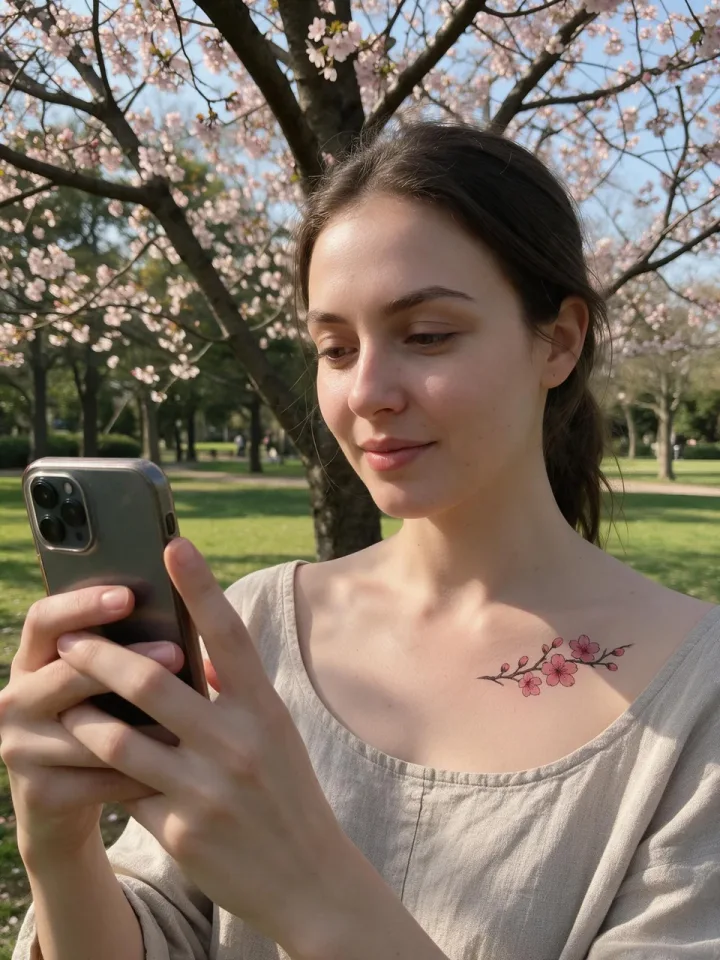
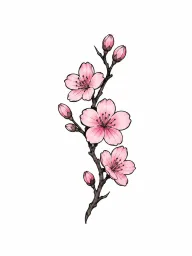

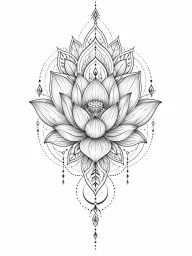
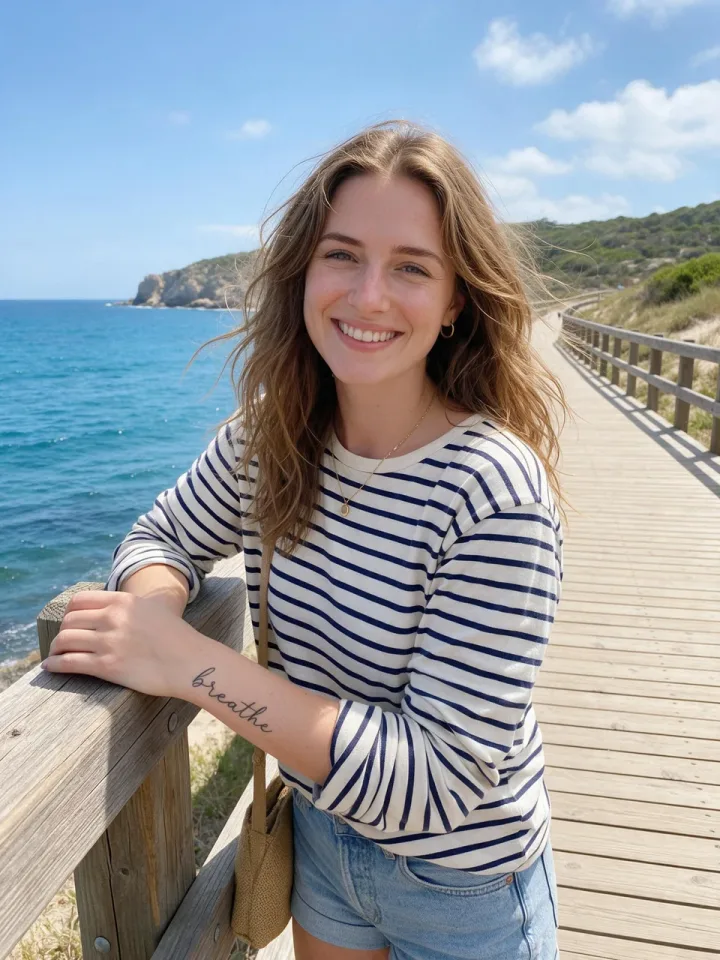
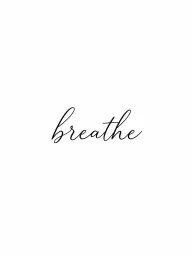

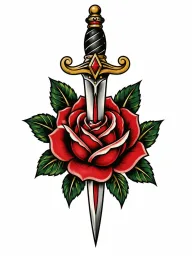

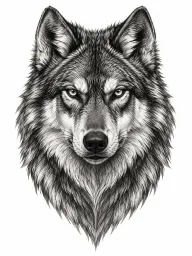

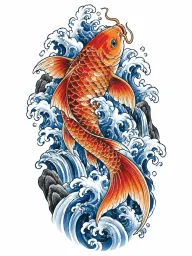

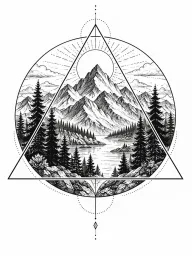
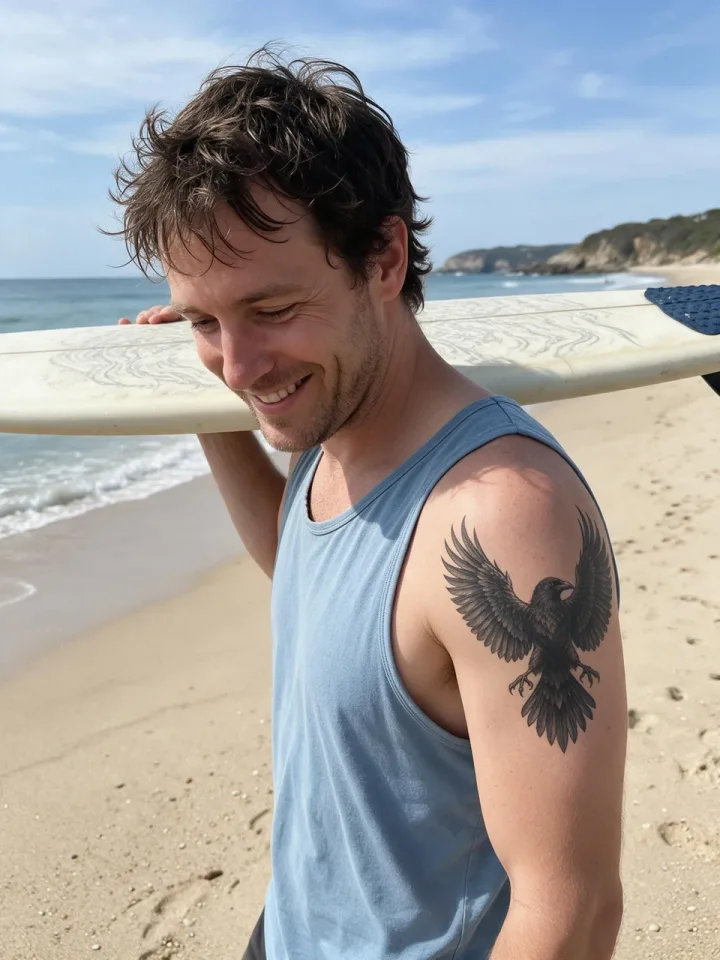
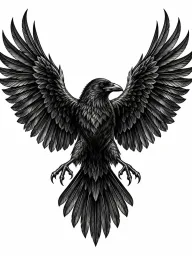
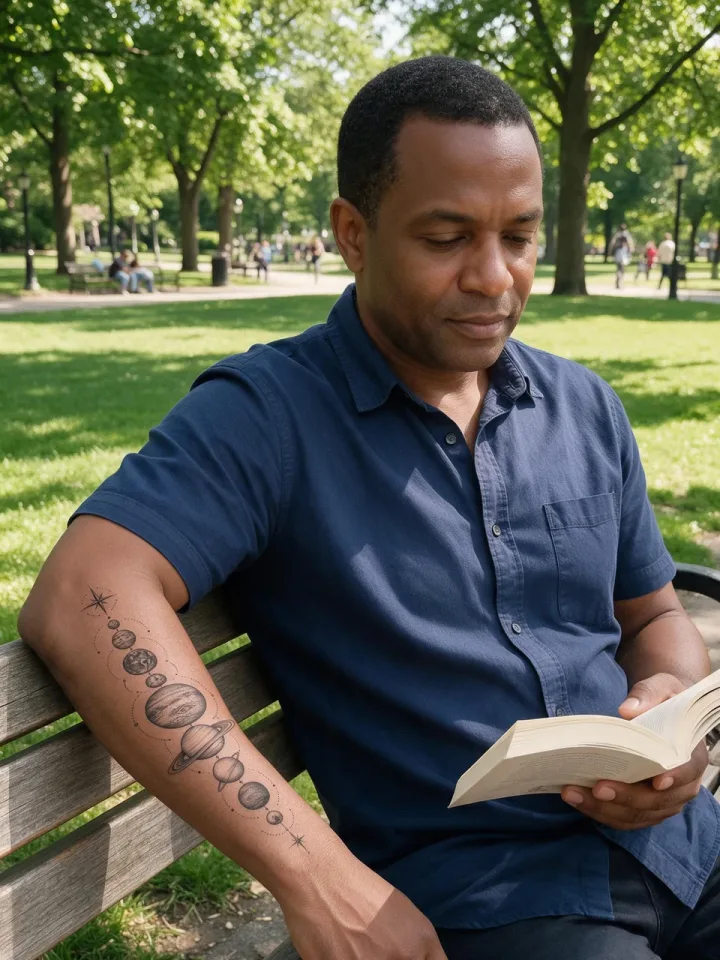
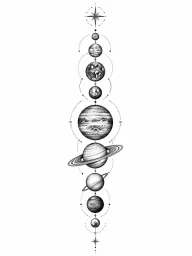
See how a design looks on your own skin, size and placement before you commit.
Show clients ideas and placements, or start a custom piece from a reference.
Give your AI character tattoos that stay the same across photos.
Yes. The designs are free to use. Your tattoo artist can adapt one to your size and placement.
Open a design, press “Try this tattoo on”, and add a photo of your arm, wrist or back in the AI Image Generator.
Yes, in personal and commercial work, without signing up.
Lettering designs use short English words. Check the spelling with your artist before you get one.
Browsing and downloading are free. Generating photos in the AI Image Generator uses credits.
See any design on your own skin in one step.