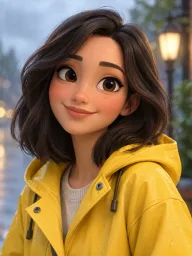
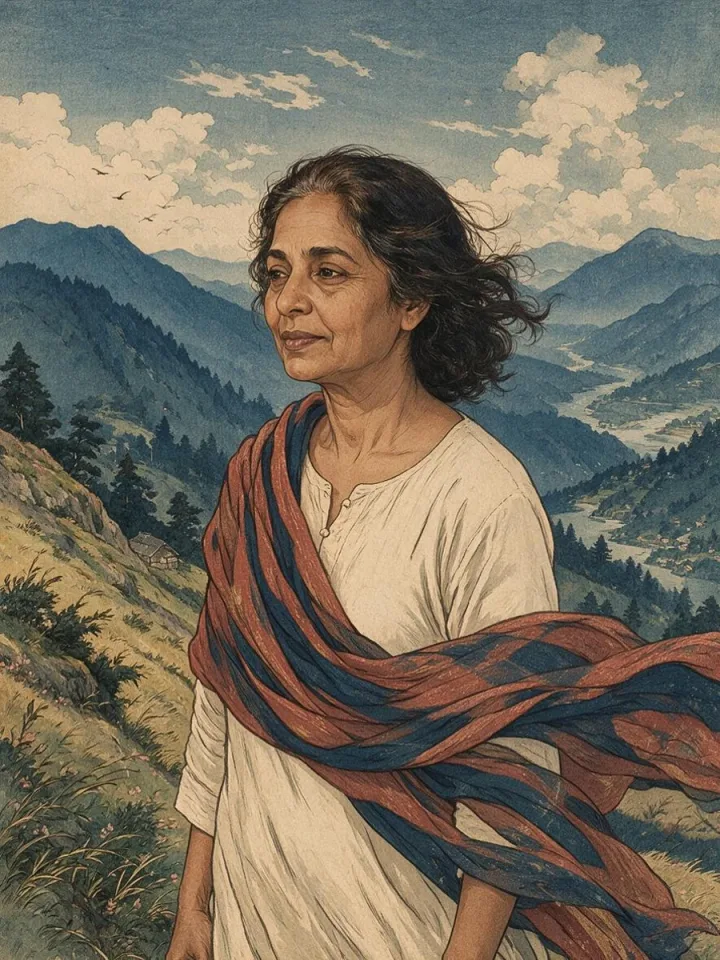
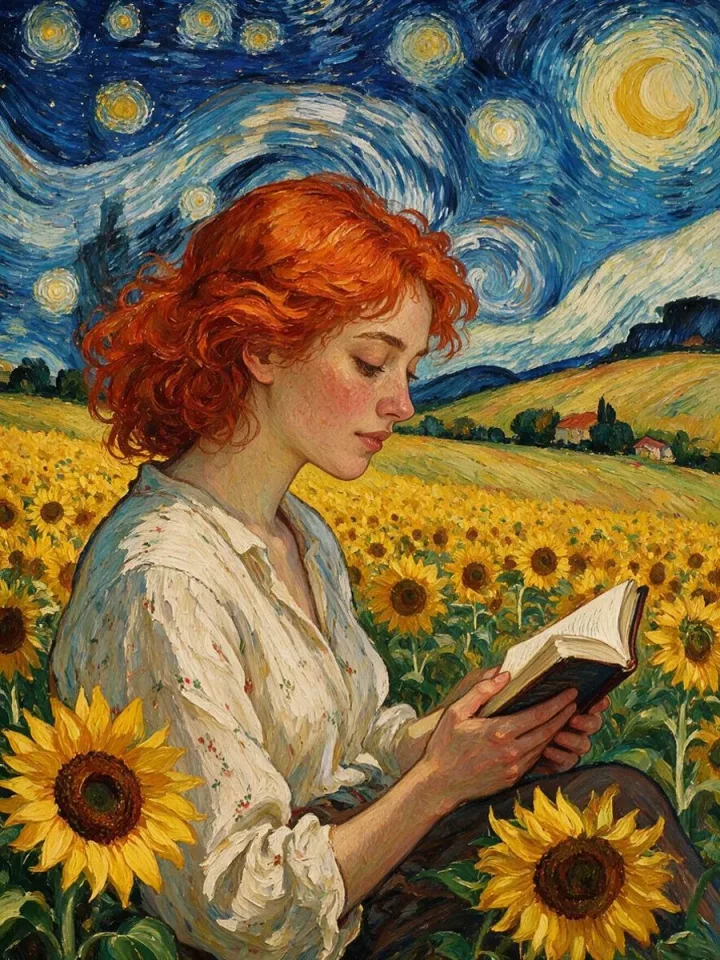
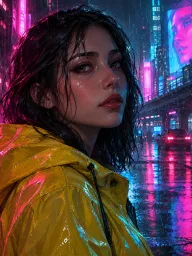
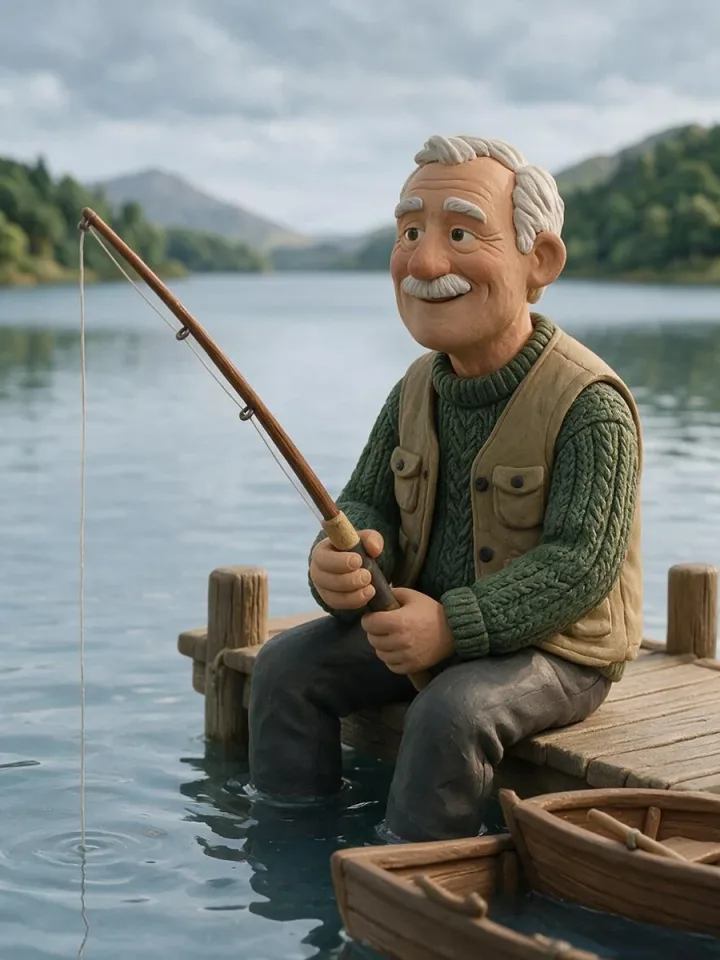
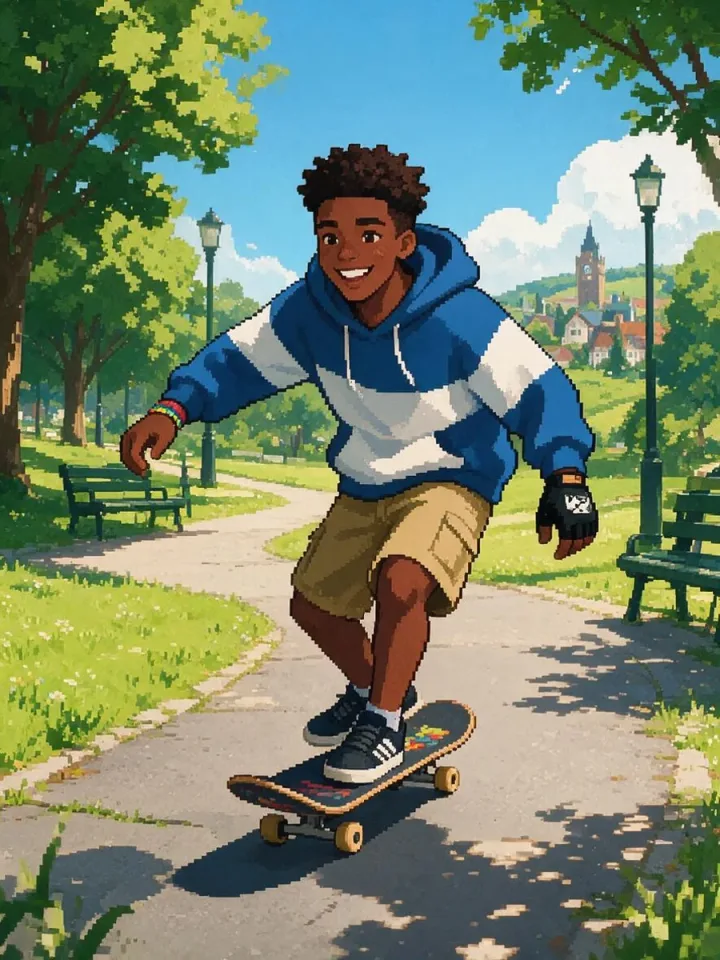
Pick a style
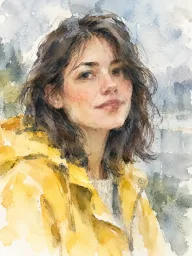
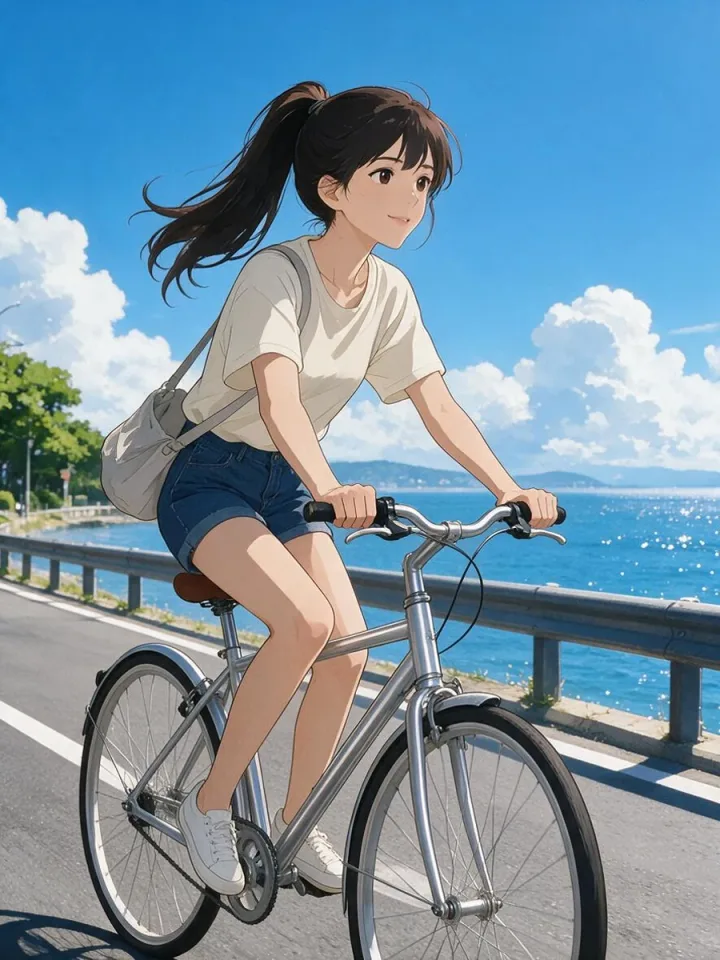
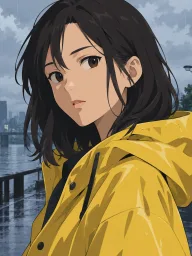
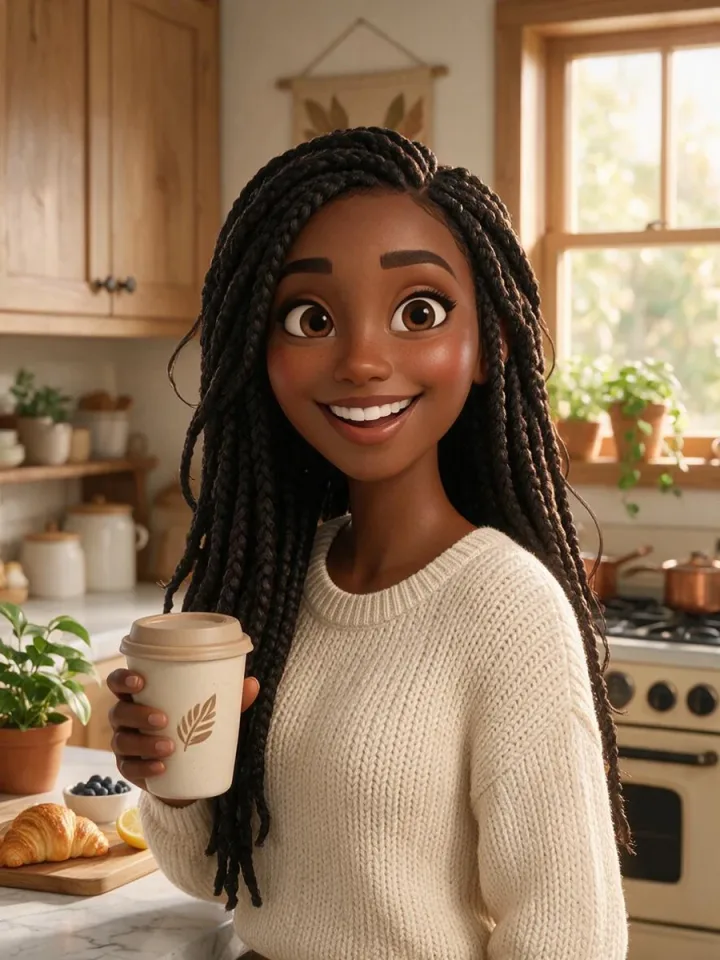
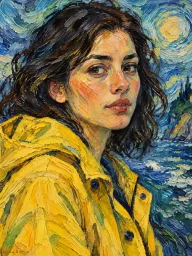
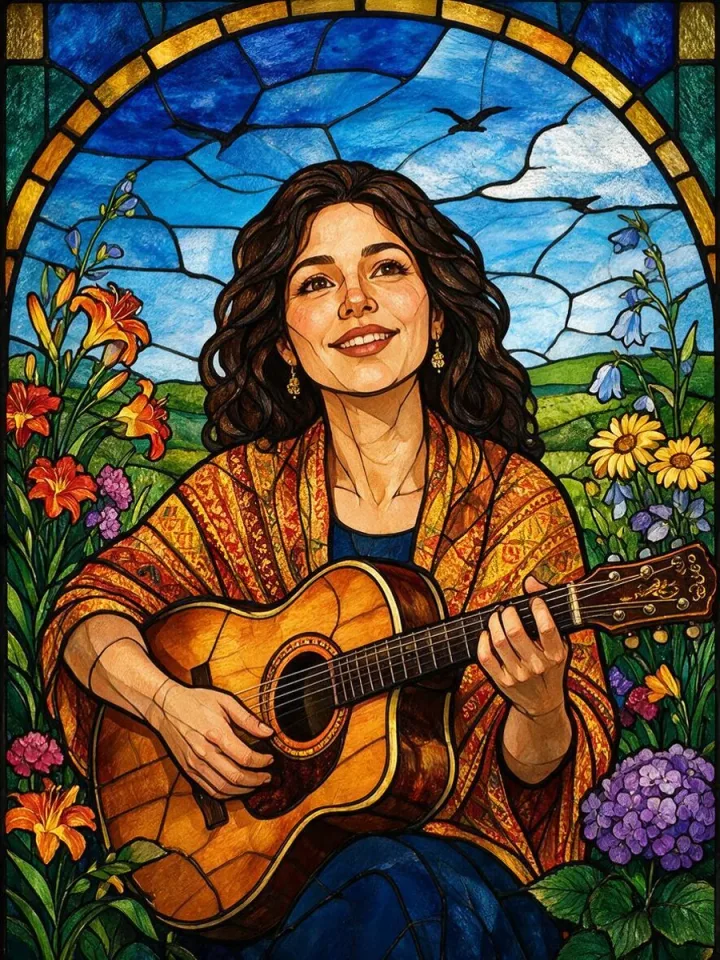
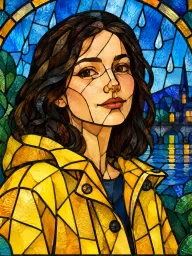
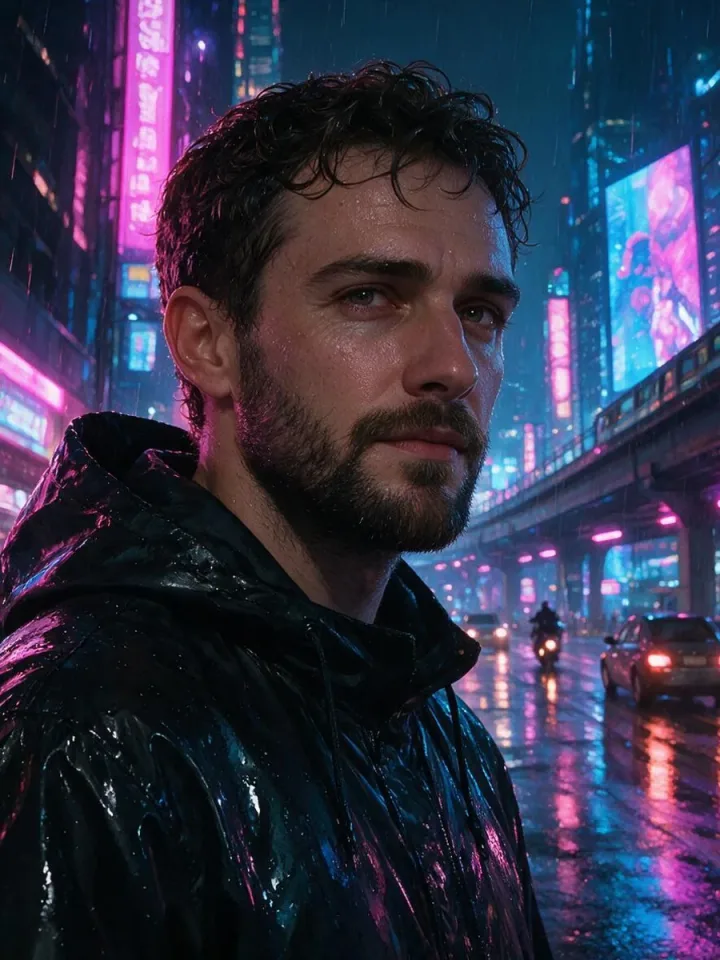
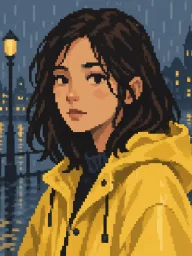
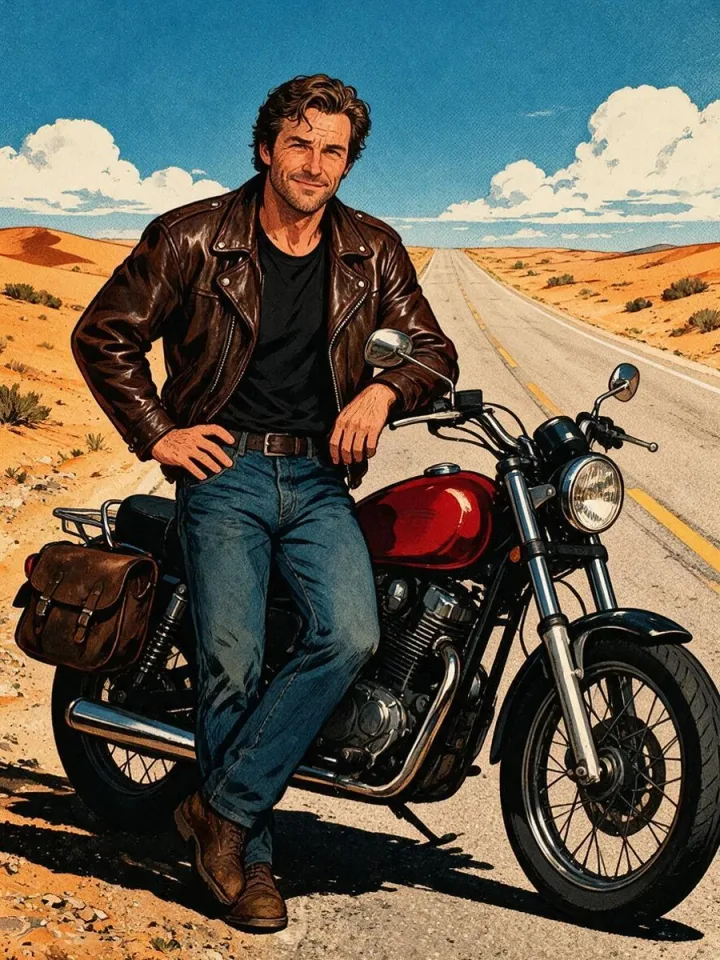
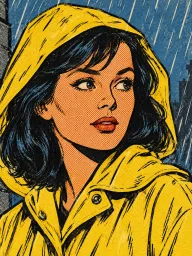
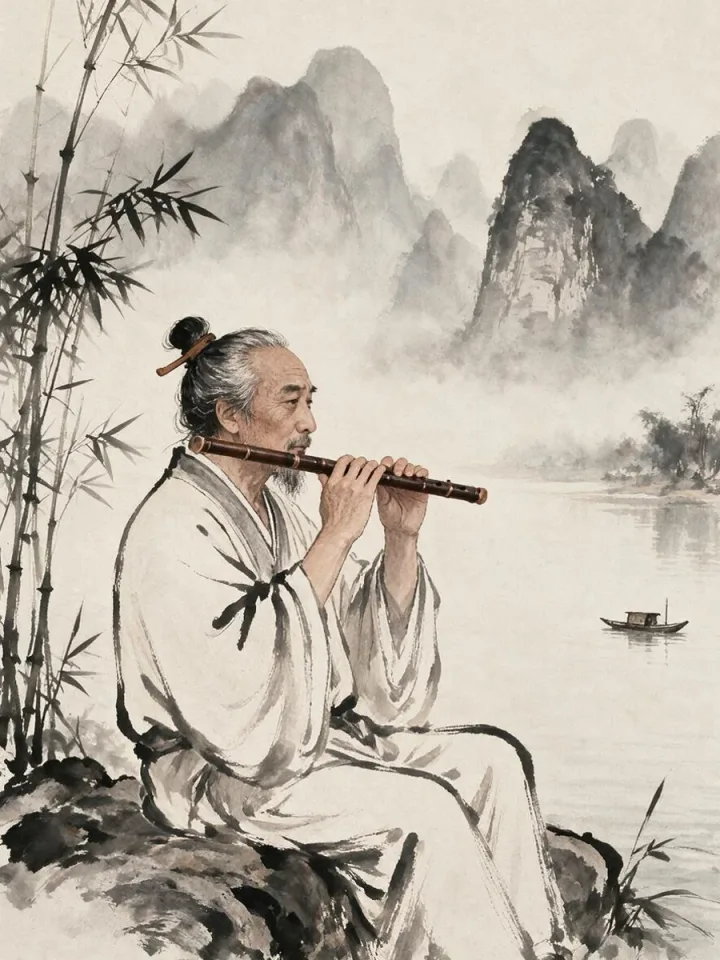
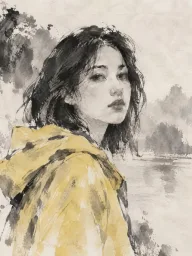
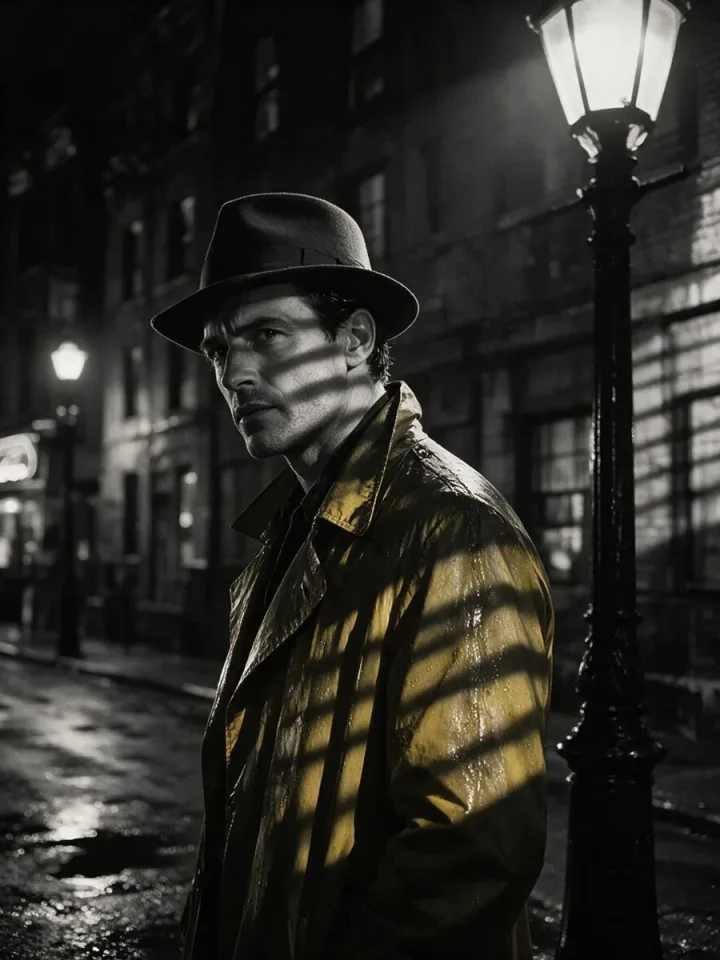
Browse by category or search for “watercolor”, “pixel” or “anime”. Compare the portrait and the scene.
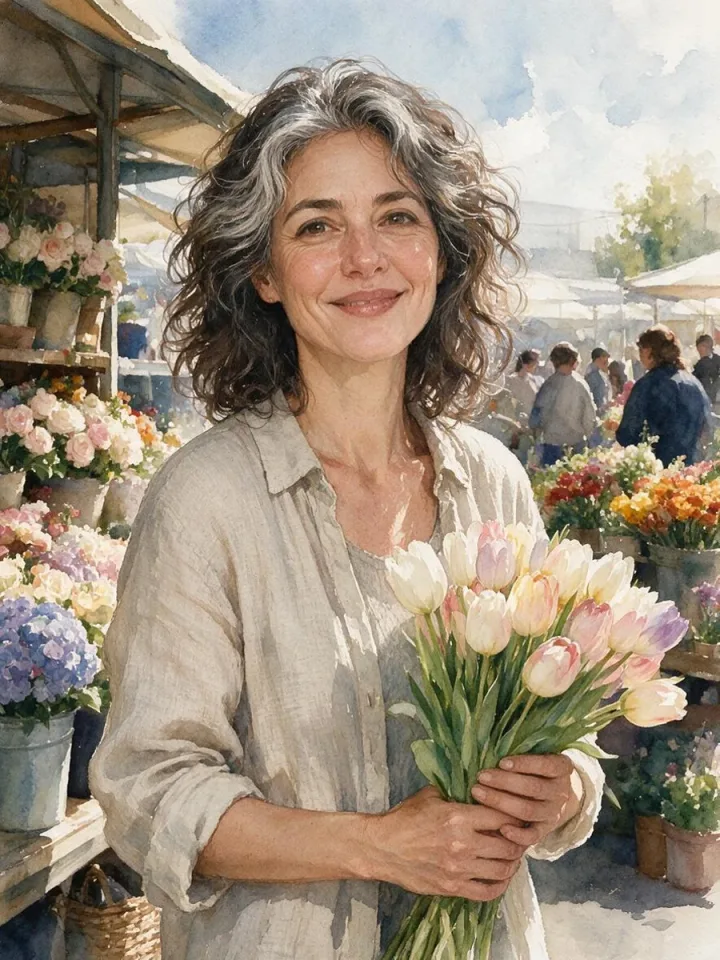
100 art styles, each shown on the same portrait and the same street scene: painting, drawing, anime and manga, 3D, digital art, print and graphic, photo styles, craft, art movements and traditional art.
Pick a style, and AI draws your photo or idea the same way.
100 styles
Browse by category or search for “watercolor”, “pixel” or “anime”. Compare the portrait and the scene.
Press “Make a picture in this style” to open the AI Image Generator with the style as the reference. Add your photo or describe what to draw.
Try the same photo in a few styles and keep your favourite.
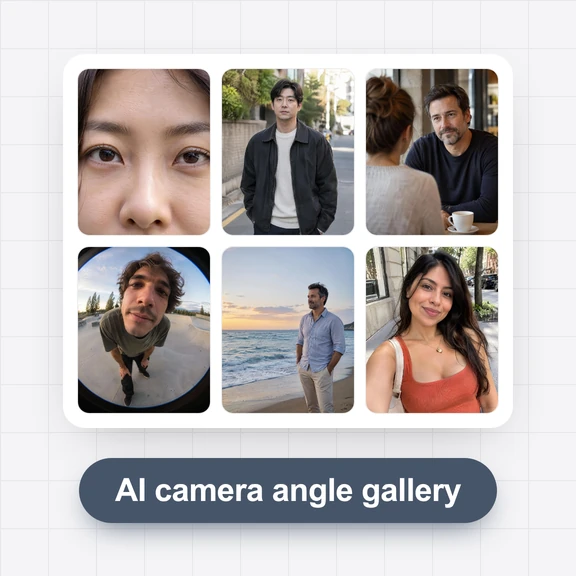
Each picture started from a style in this gallery. Tap a picture to open its style.
/filters:quality(82)/media/images/208d86a6-d218-4e08-9325-a36556f3ee98.webp)
/filters:quality(82)/media/images/ec190e58-67b4-4108-9b10-b53bf647fed3.webp)
/filters:quality(82)/media/images/a8d90cf1-08fa-4623-962b-9e033965ae18.webp)
/filters:quality(82)/media/images/9b6cbe36-16f9-438a-991a-5cdfd1f4a0fd.webp)
/filters:quality(82)/media/images/ca0fafd2-b95b-49b0-a68c-cd1539456f61.webp)
/filters:quality(82)/media/images/3cef52a0-7b7a-4c36-aaa9-ba70c5e02920.webp)
/filters:quality(82)/media/images/6bff4e3e-4a3a-42fd-adb1-2e92f8147ca8.webp)
/filters:quality(82)/media/images/b78344d0-567b-4034-929e-8e6b2121fff7.webp)
/filters:quality(82)/media/images/c6b84814-dd88-44de-919c-4add34d9fe37.webp)
/filters:quality(82)/media/images/20c14104-313f-4bfc-b6ec-f6661f1b9578.webp)
/filters:quality(82)/media/images/31ec0aae-f285-4aa1-b61a-00e84079fd65.webp)
/filters:quality(82)/media/images/1a9b471d-17f4-4010-b475-c48b60085d87.webp)
/filters:quality(82)/media/images/0937f372-aff1-4f71-a420-89ee88fe6799.webp)
/filters:quality(82)/media/images/7627ebaa-4039-4895-b8be-b7bb9b460a96.webp)
/filters:quality(82)/media/images/82d4c333-4d0f-4e76-8da6-3fc1eac85f89.webp)
/filters:quality(82)/media/images/facb3210-880d-470a-9c8c-78e48ee6e21d.webp)
/filters:quality(82)/media/images/7922496c-f555-4cc9-84f5-e7882a1f10f5.webp)
/filters:quality(82)/media/images/3645871f-571d-4665-ac88-c8e8381d8ee3.webp)
/filters:quality(82)/media/images/908acb19-1e08-4ca7-b4e2-fdffd7c75d1d.webp)
/filters:quality(82)/media/images/23009a28-8165-4909-b9f3-25cfe0f4182c.webp)
/filters:quality(82)/media/images/00779fb2-f306-4b2c-a6a5-6f276a93fed3.webp)
/filters:quality(82)/media/images/65358900-8cd7-4a29-8047-6be8faf3d2c1.webp)
/filters:quality(82)/media/images/dc935994-c08d-402e-8934-d264266e09cc.webp)
/filters:quality(82)/media/images/63964e9b-0be2-4a85-aa1a-8f952286130f.webp)
Turn a photo into a watercolor, an anime portrait or a pop art print.
Keep one recognisable style across posts, thumbnails and ads.
Explore mediums and movements for inspiration and mood boards.
So you can compare styles side by side: only the style changes.
Open a style, press “Make a picture in this style” and add your photo in the AI Image Generator.
Yes, in personal and commercial work, without signing up.
No. Styles are named by medium, technique or movement, not by artist.
Browsing and downloading are free. Generating pictures in the AI Image Generator uses credits.
Pick a style and get the picture in one step.