Pick a face
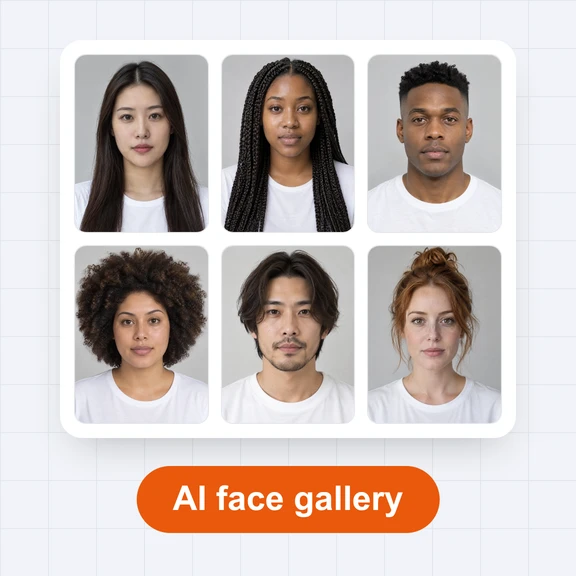
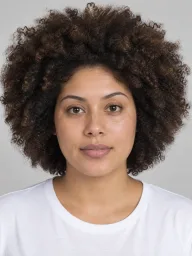
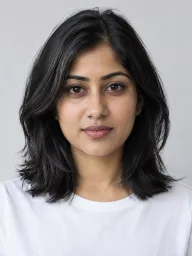
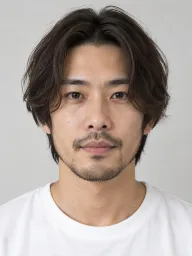
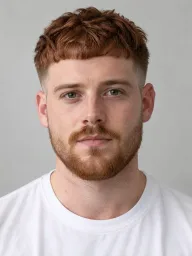
Choose a person who does not exist from the AI Face Gallery, or press Surprise me.
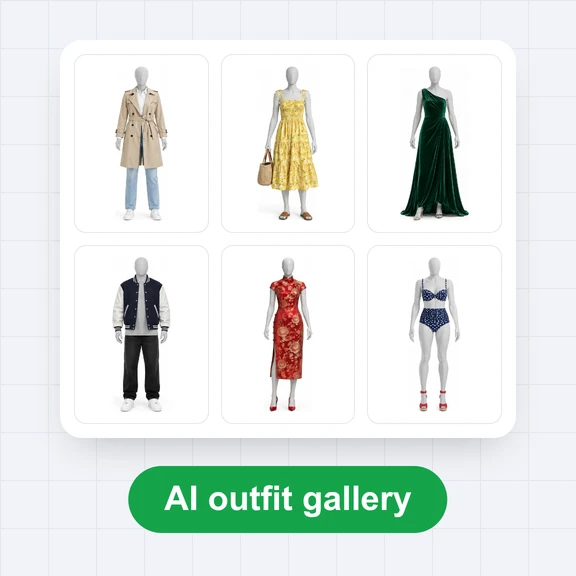
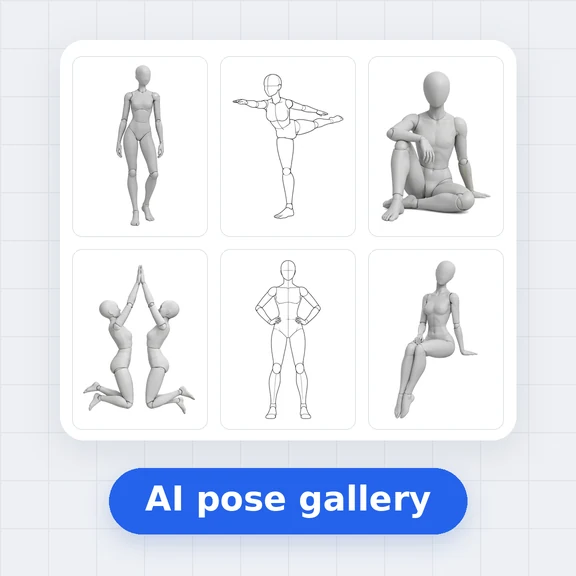
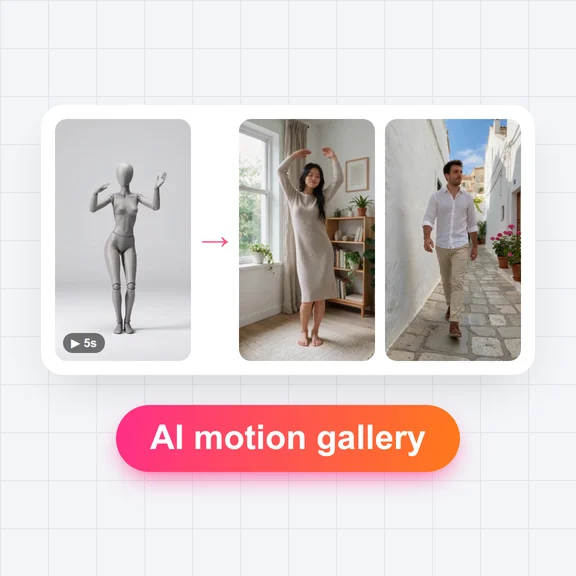
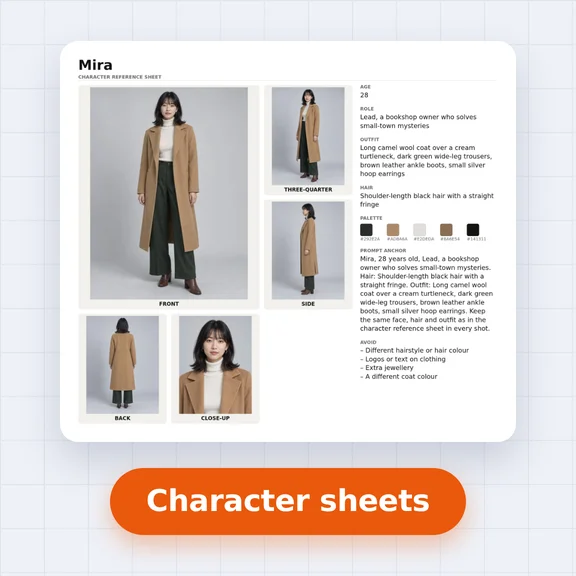
Pick a face from the AI Face Gallery, an outfit from the AI Outfit Gallery and a pose from the AI Pose Gallery, or let us surprise you.
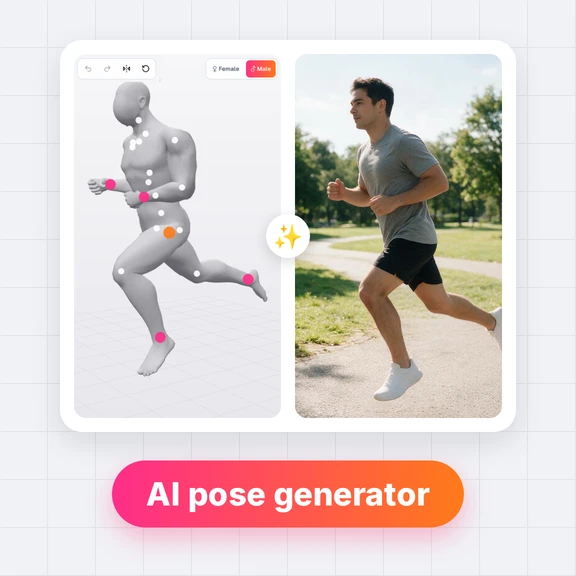
One click sends all three to the AI Image Generator with a ready-made prompt.
The AI Image Generator opens with the face, outfit and pose as three reference images and this prompt. You can still change anything there.
Choose a person who does not exist from the AI Face Gallery, or press Surprise me.
Add an outfit and a pose, choose a setting and check the prompt.
Open the AI Image Generator with all three references and generate. Keep the face for your next post.
Each photo came from one face, one outfit and one pose. Tap a photo to open its combination.
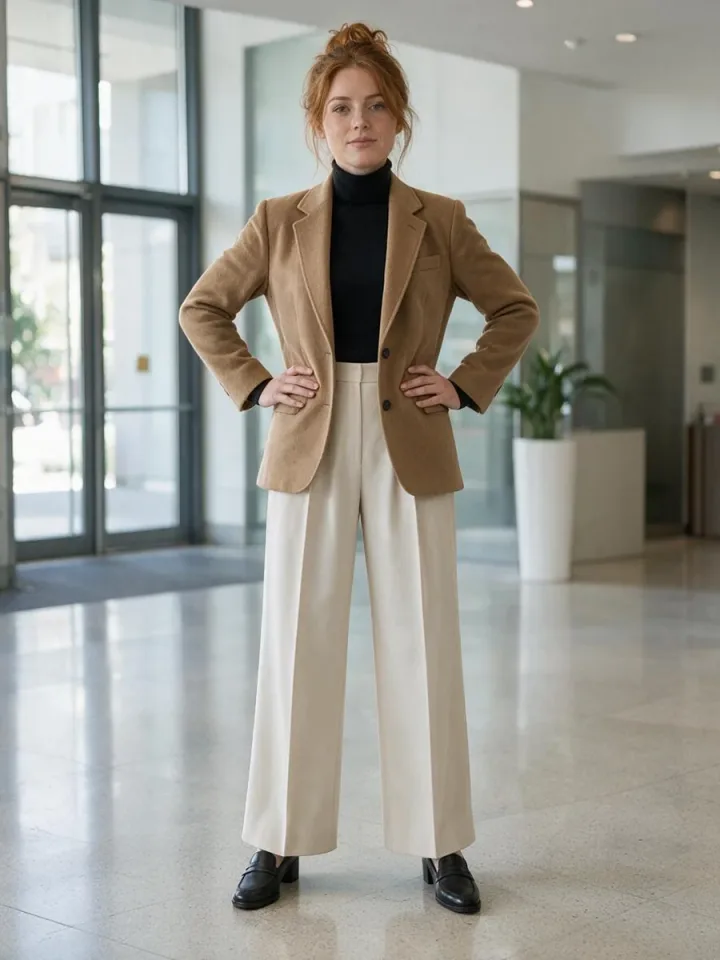
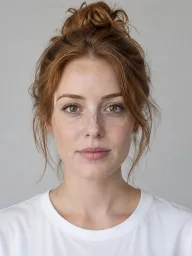
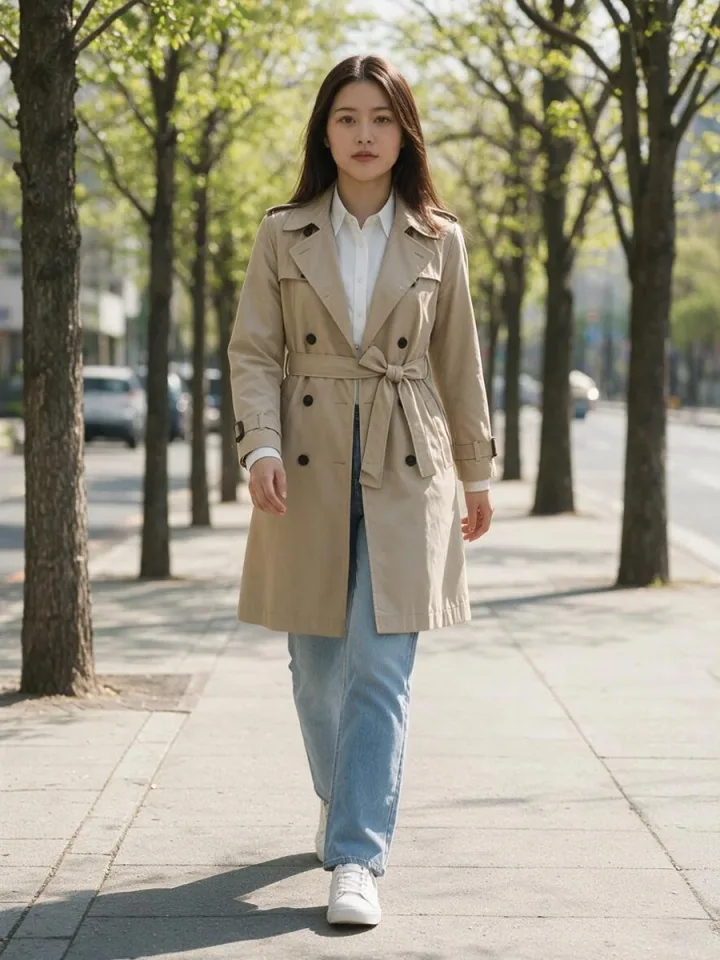
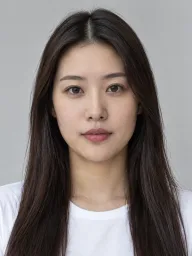
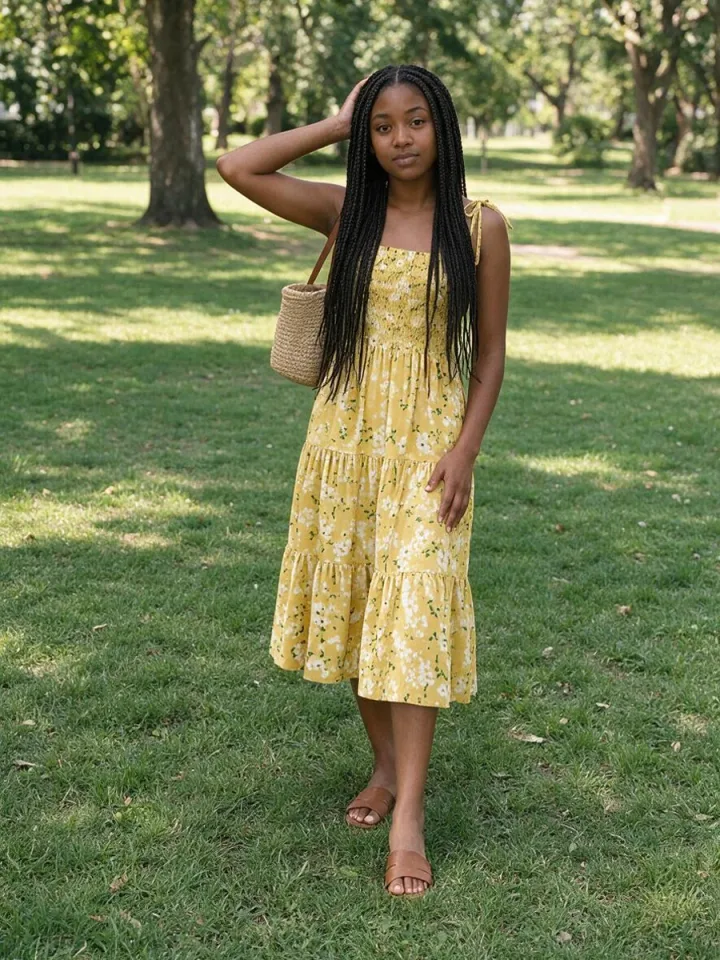
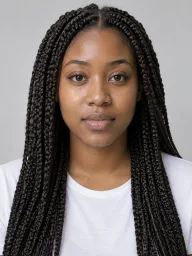
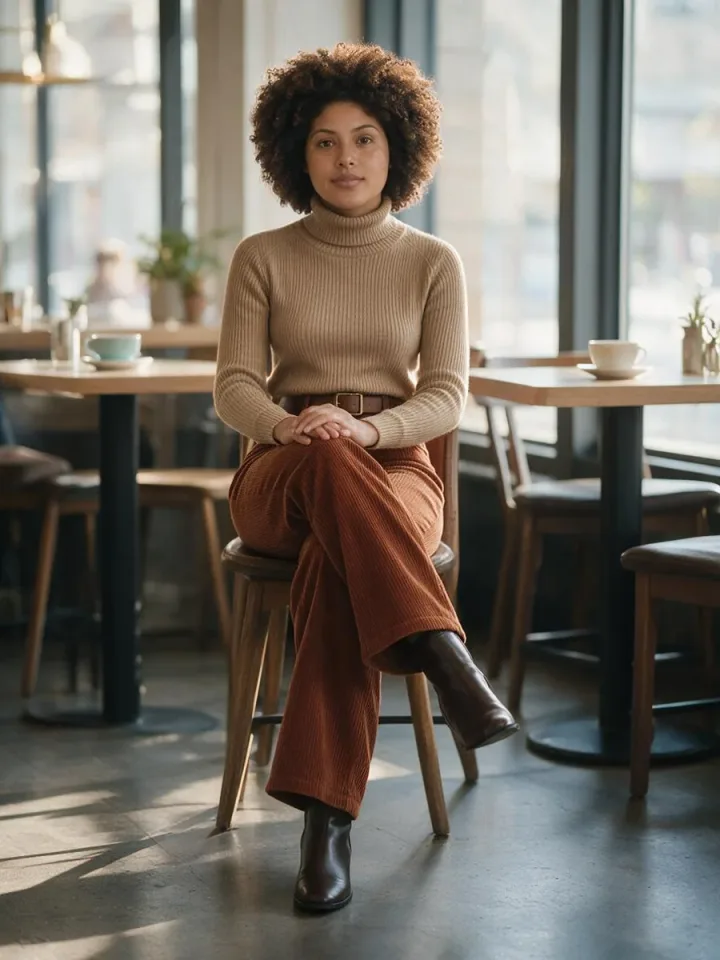
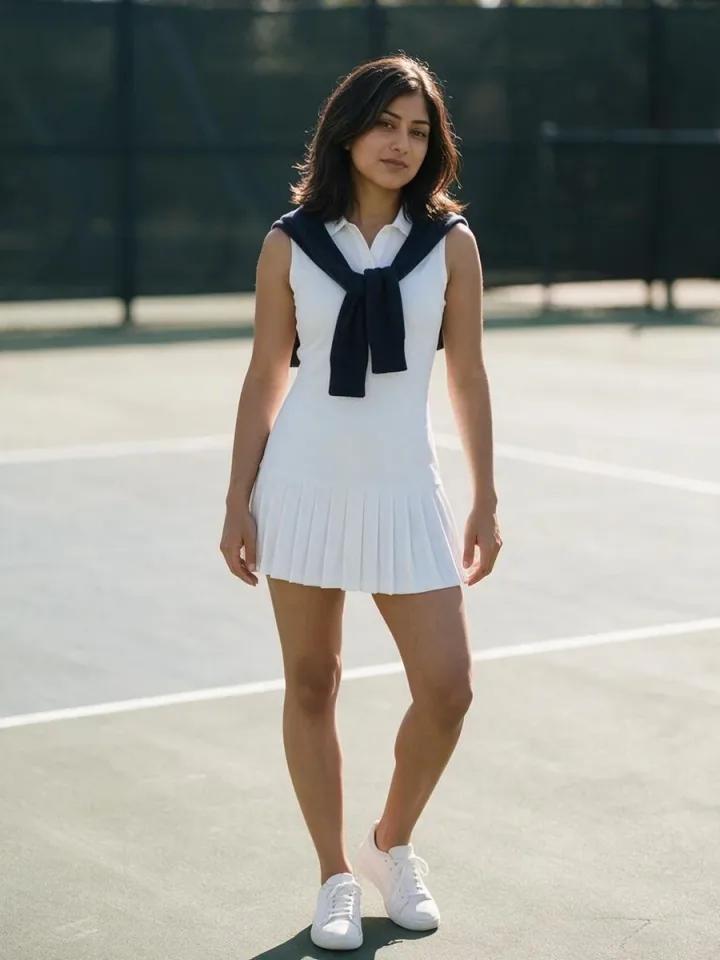
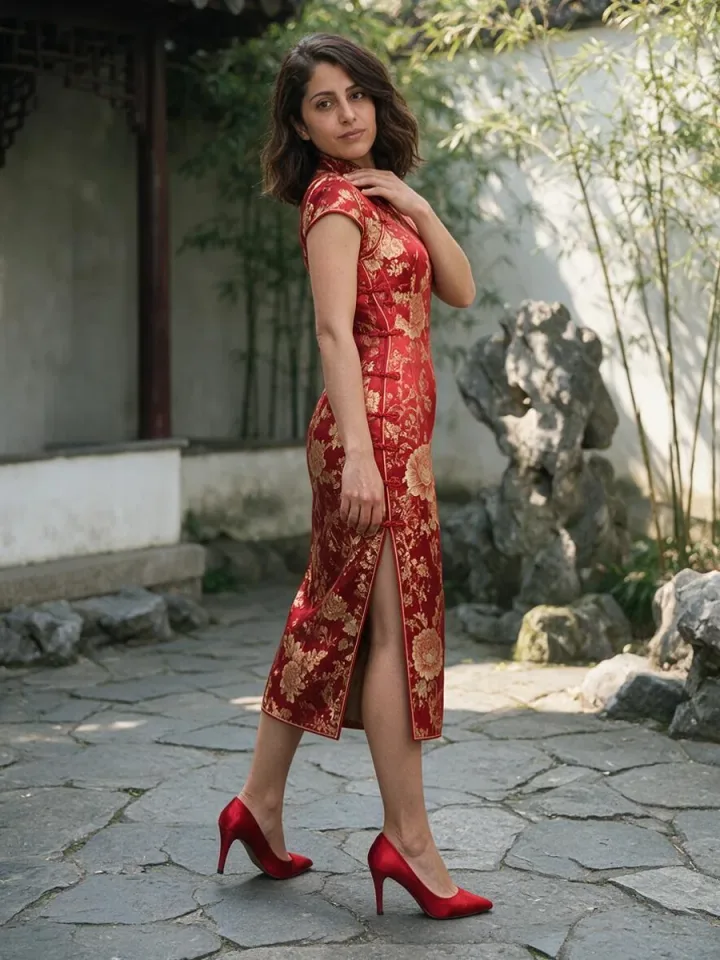
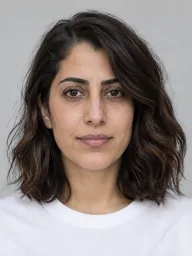
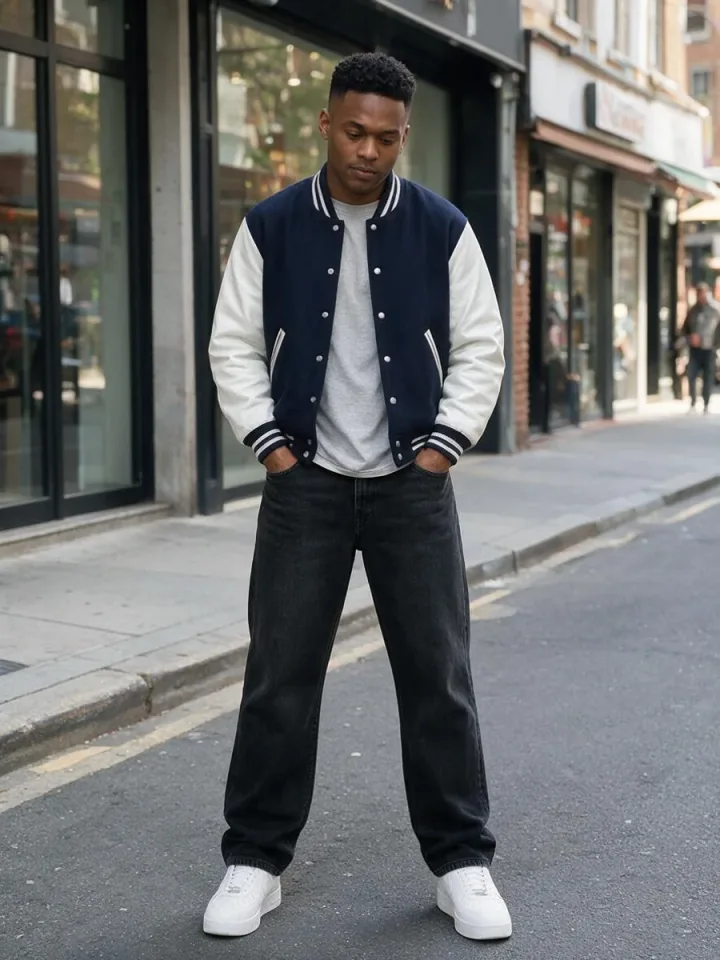
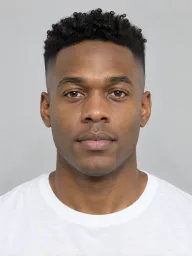
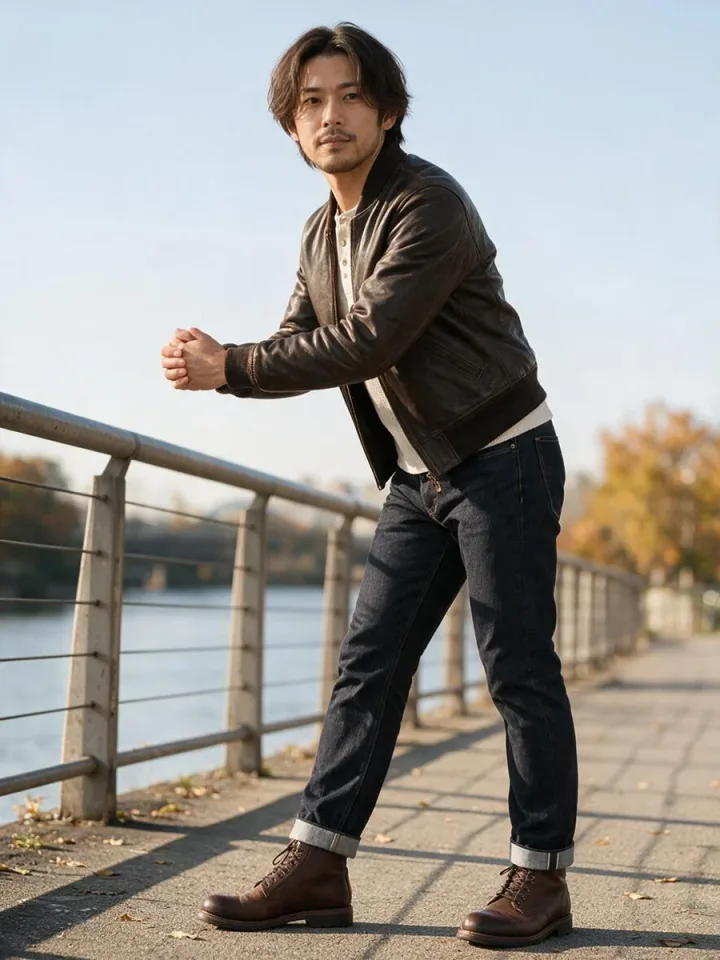
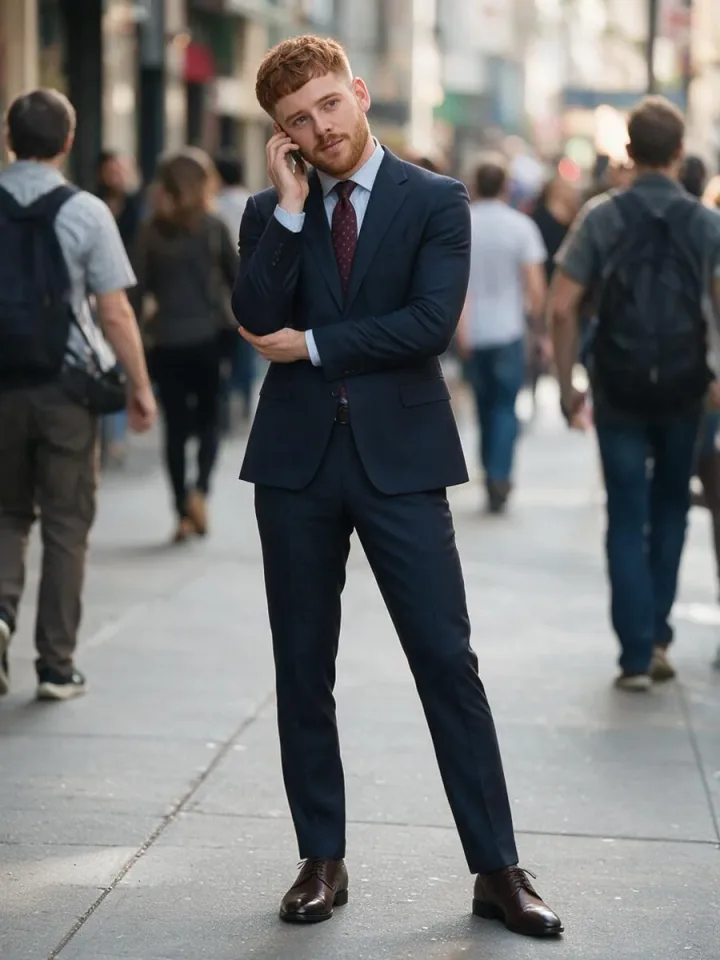
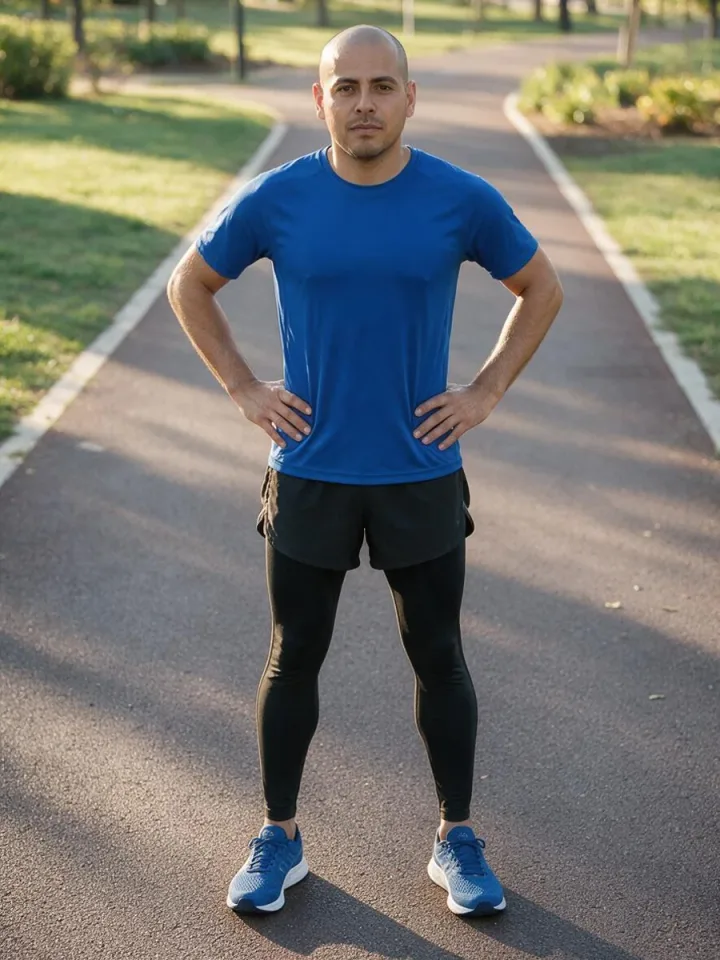

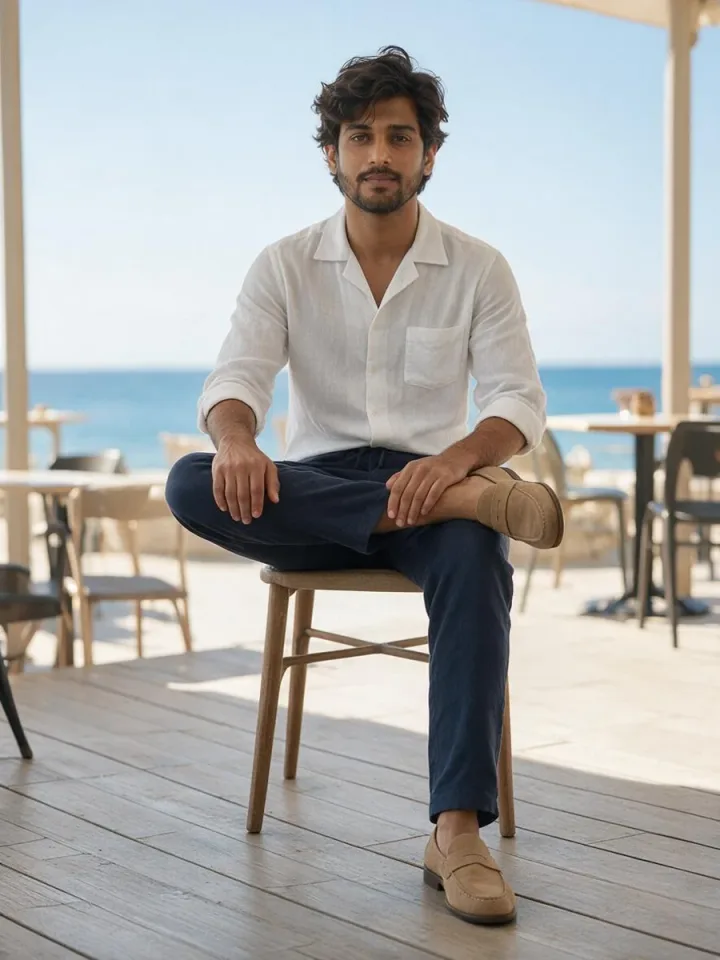
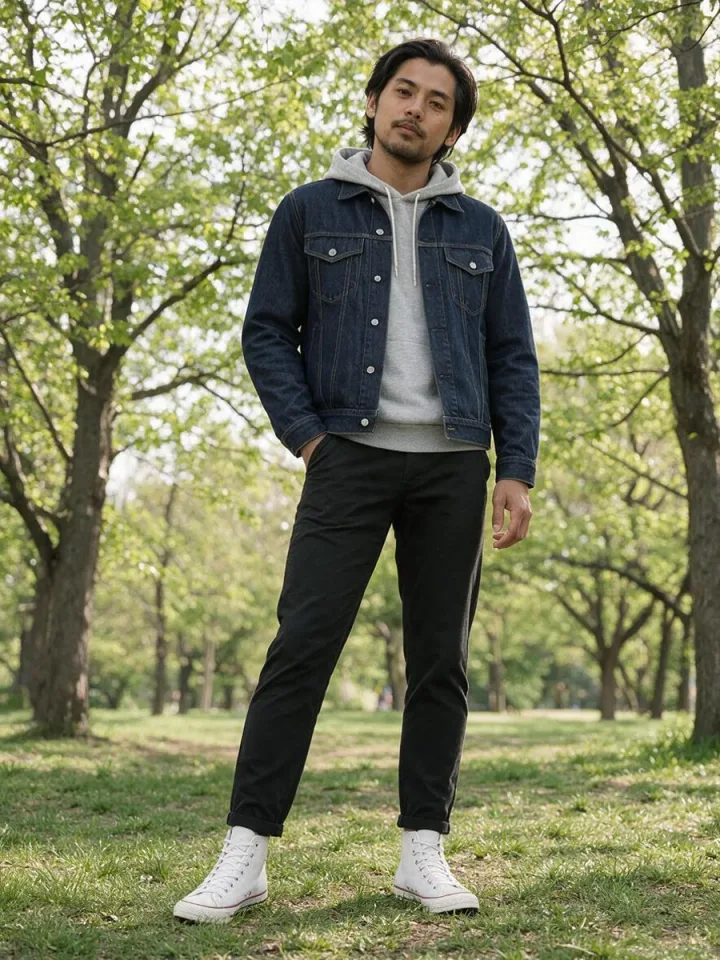

Post the same character in a new outfit, pose and place every day.
Try an outfit on different people and poses before a shoot.
Keep a cast of characters consistent across scenes.
Yes. Picking and combining is free and needs no sign-up. Making the photo uses the AI Image Generator, which needs a WaveSpeed account.
The AI Image Generator opens on its default model with your three references and the prompt. You can switch models there.
The prompt asks the model to keep the face, hairstyle and skin tone of the reference. Results can vary slightly; generate again or pick a clearer pose if needed.
Yes. In the AI Image Generator you can replace any of the three references with your own image.
Yes. The page address holds the face, outfit, pose and setting. Copy the link to share it or come back to it later.
Face, outfit, pose and setting, in one place.