Pose the mannequin
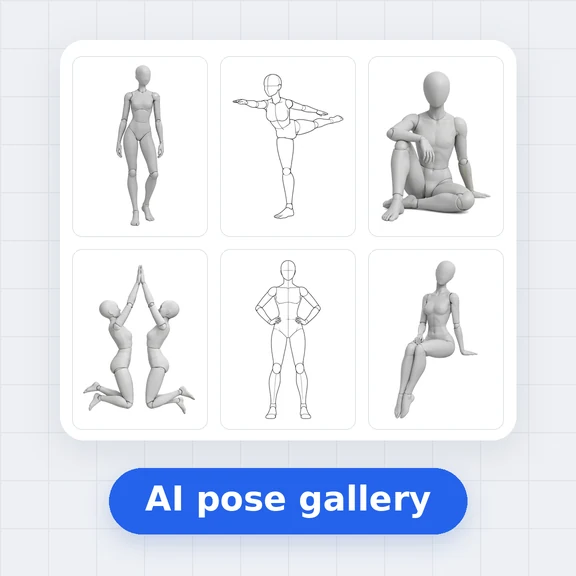
Drag the pink hands and feet, move the hips, or tap a joint and turn it. Start from a starter pose or from any pose in the gallery.
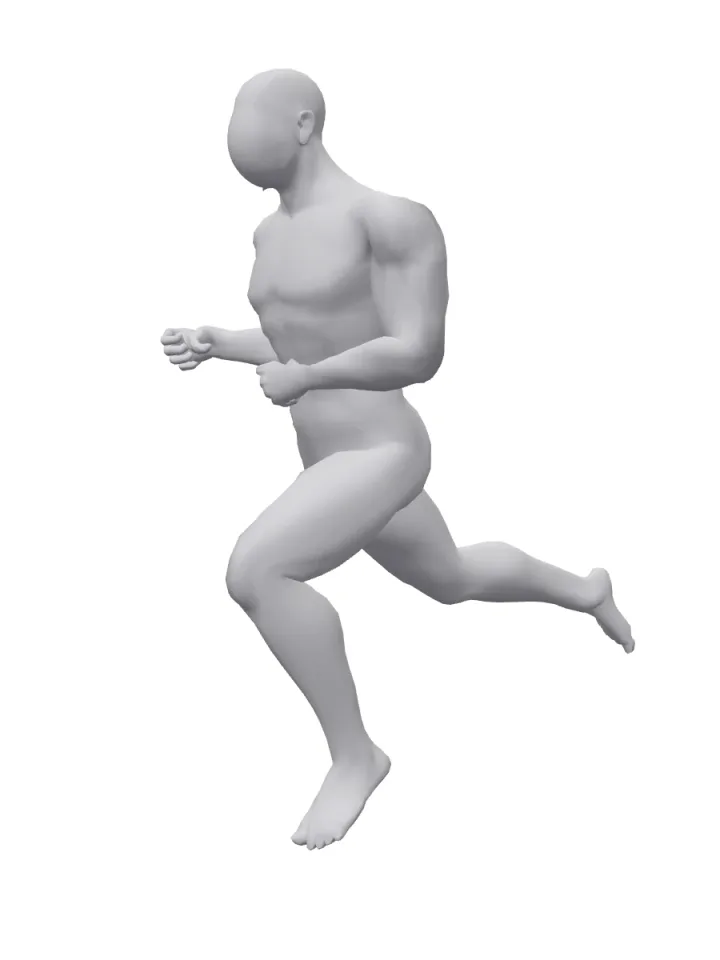
Drag the hands and feet of a female or male 3D mannequin, bend any joint and set the camera angle and lens.
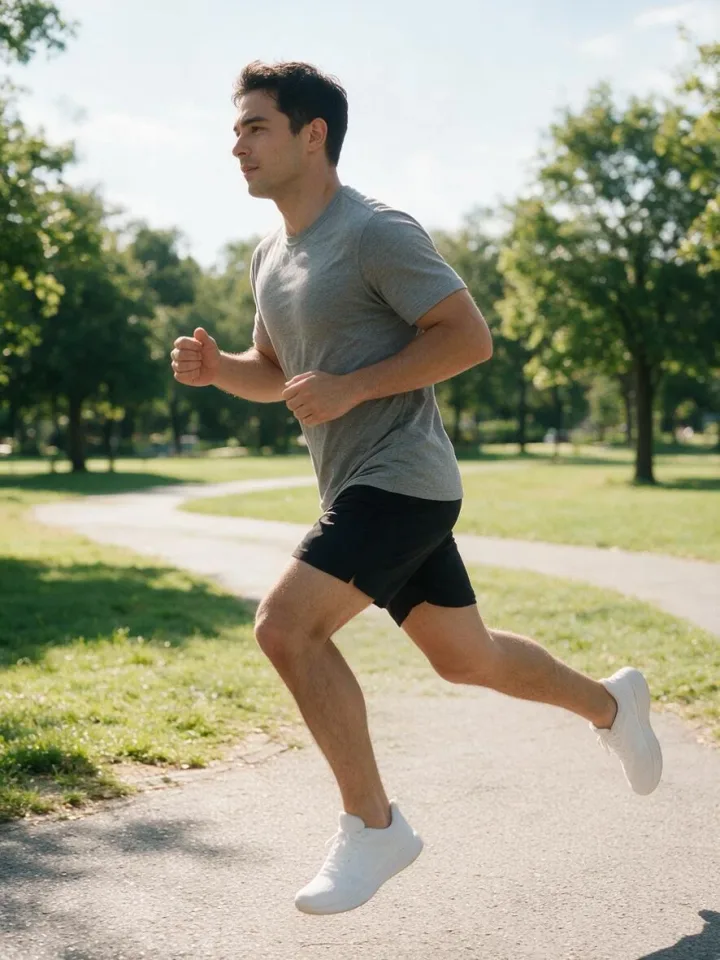
Download the clean reference, or send it to the AI Image Generator and turn your AI model into that exact pose.
Drag the pink hands and feet, move the hips, or tap a joint and turn it. Start from a starter pose or from any pose in the gallery.
Orbit the camera, pick front, 3/4 or side, and choose a lens. What you see in the 3:4 frame is the reference AI gets.
Press “Make this photo” to open the AI Image Generator with your pose as the reference. Describe your model, outfit and place, and generate.
Get the exact boudoir, glamour or lingerie pose you have in mind instead of hoping the prompt lands. Same pose, new outfit, new set.
Plan a week of posts for the same character: mirror selfies, beach shots, fashion poses, all with consistent angles.
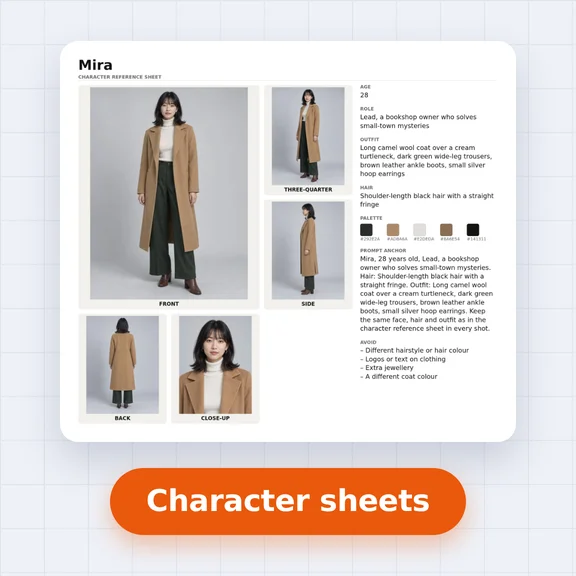
A free posable drawing mannequin with real joint limits and lens control, for gesture studies, comics, character sheets and shoot plans.
Yes. Posing the mannequin, downloading the reference picture and sharing links is free, with no account and no watermark. Generating photos in the AI Image Generator uses credits.
Drag a pink hand or foot and the arm or leg follows. Drag the orange hips to move the body while the feet stay put, for example to sit or squat. Tap a white dot to turn that joint with the rings or the sliders. Every joint stops at a natural limit, so elbows and knees only bend the right way.
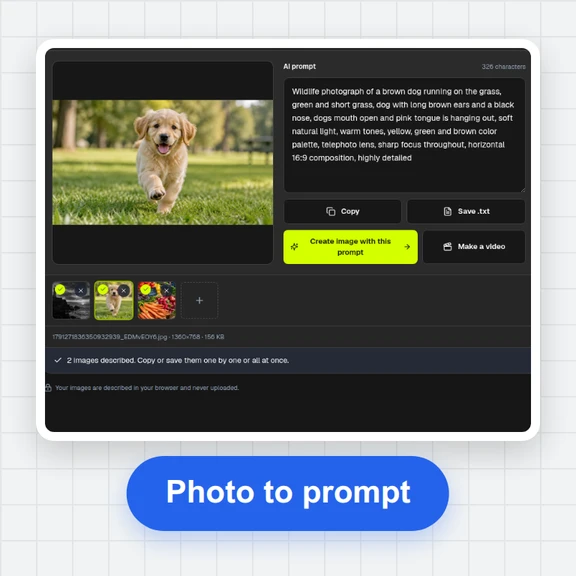
“Make this photo” renders the current view as a clean picture on white and opens the AI Image Generator with it as the reference image and a prompt that asks for the same pose and angle. Add who the person is, what they wear and where they are, then generate.
Yes. Open a pose in the gallery and press “Edit this pose in 3D”. Most single-person poses come with a 3D starting point and the gallery picture as a see-through overlay, so you can line the mannequin up and fine-tune it. Two-person poses open as a reference only.
Each hand has a shape: relaxed, open, fist, point or peace sign. Turn the wrist like any other joint. Fine finger posing is easier to describe in the prompt, for example “fingers resting on her collarbone”.
No. The mannequin and the pose live in your browser. A share link carries the pose in the address itself. The picture is only uploaded when you open it in the AI Image Generator, as with any reference image you add there.
Yes. The reference pictures you make are yours to use in personal and commercial work, with no watermark and no credit needed.
Yes. Drag with one finger to pose or orbit, pinch to zoom, and use the sliders for exact angles. A recent phone browser with WebGL is all it needs.
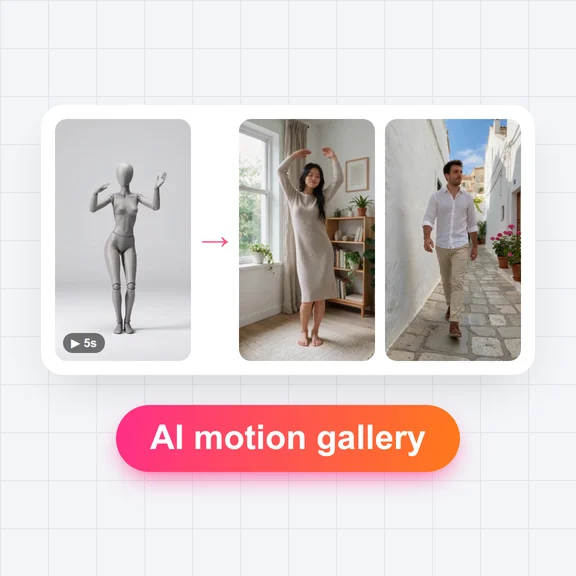
Make the photo in the AI Image Generator, then animate it in the AI Video Generator.