Find a look
Browse icons, UI, characters, tilesets and more, or filter by art style. Search for “sword”, “slime” or “isometric” to jump straight to it.
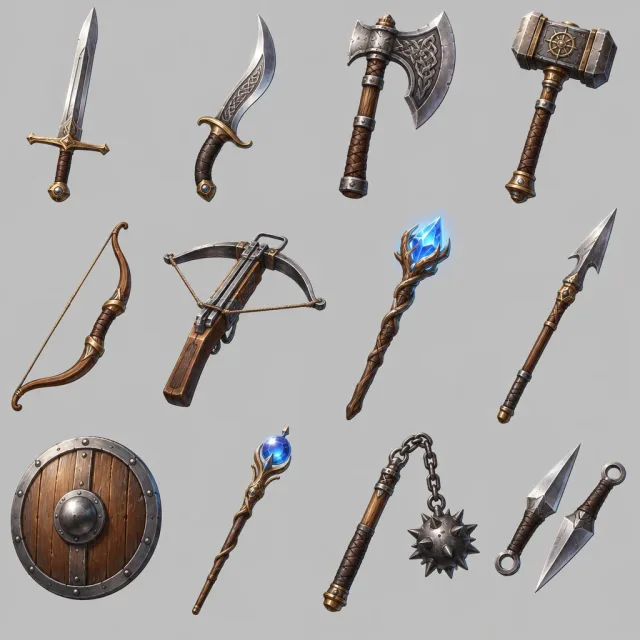
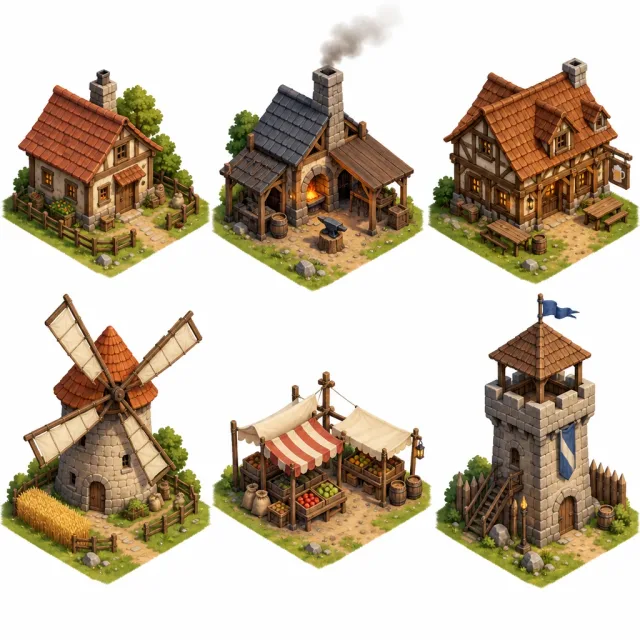
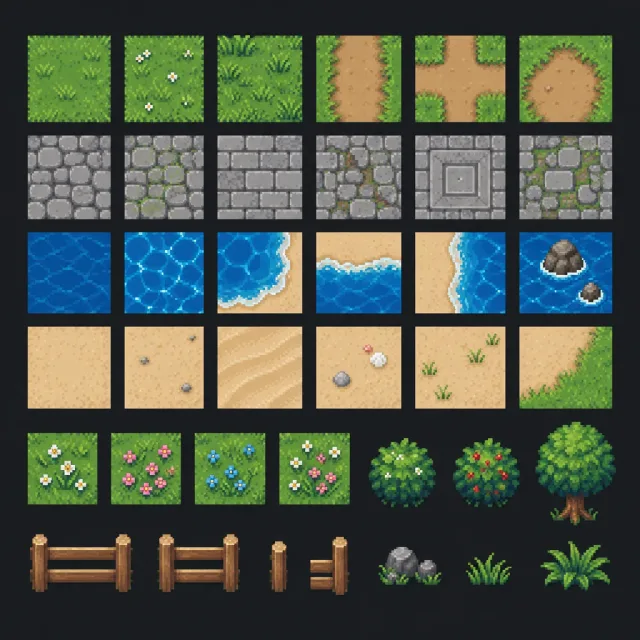
88 examples of AI game art in eight categories, from weapon icons and potions to UI kits, monsters, parallax backgrounds and tilesets.
Open one, copy its prompt or send it to the AI Image Generator, and make a matching set for your own game.
88 examples
Browse icons, UI, characters, tilesets and more, or filter by art style. Search for “sword”, “slime” or “isometric” to jump straight to it.
Press “Use this prompt” and the AI Image Generator opens with the exact prompt. Swap the items, creatures or colors for your game’s and generate.
Cut out and arrange the pieces, pack animation frames with the Sprite Sheet Maker and make textures repeat with the Seamless Texture Maker.
AI images get a project moving fast. Treat them as a starting point and give them the same care as any other art in your game.
Fill a vertical slice, a jam game or a pitch deck with icons, characters and backgrounds in an afternoon, so people can judge the feel of the game before the final art exists.
Explore ten looks for the same creature or building, then pick a direction for your artist or for your own sprites. Character turnarounds and expression sheets are useful briefs.
Icons, item sheets, UI pieces and backgrounds can ship after clean-up: cut each piece out, remove stray pixels, check the edges at the size the game draws it and keep a consistent palette.
A game reads as one world when its art shares one style. These habits keep a set consistent across many generations.
Keep one sentence for the look, such as “hand-painted, soft rim light, consistent lighting from the top left”, and paste it into every prompt of the set. Only the subject changes.
“Nine icons in a 3 by 3 grid on a plain background” gives you a matching set in one image, with the same lighting and scale. Cut the cells apart afterwards.
Say the viewing angle (side view, top-down, isometric), the sprite size for pixel art (32x32, 16-bit) and a plain background color so pieces are easy to cut out.
When one image has the look you want, use it as a style reference for the next ones (“Use as style reference”). New assets follow its palette and rendering.
End prompts with “no text, no labels, no watermark” so icons and buttons come out clean. Ask for blank buttons and frames and add your own text in the engine.
Write original designs in your own words. Don’t ask for existing game characters, logos or the look of a named game or studio: keep the art yours.
Finish the assets you make with these browser tools.
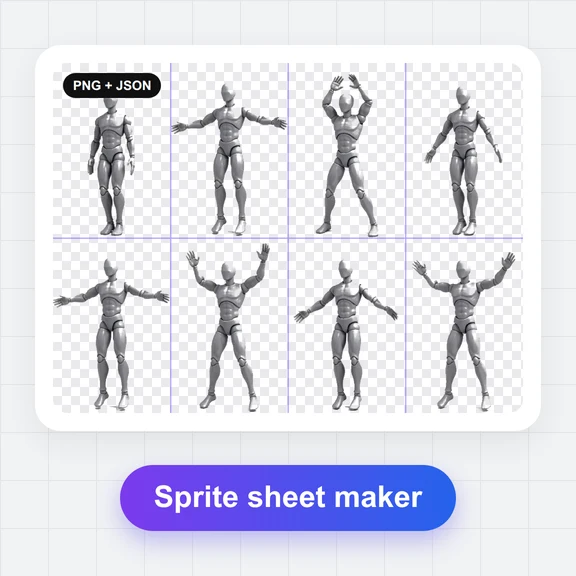
Pack animation frames into one sprite sheet with even cells, ready for your engine.
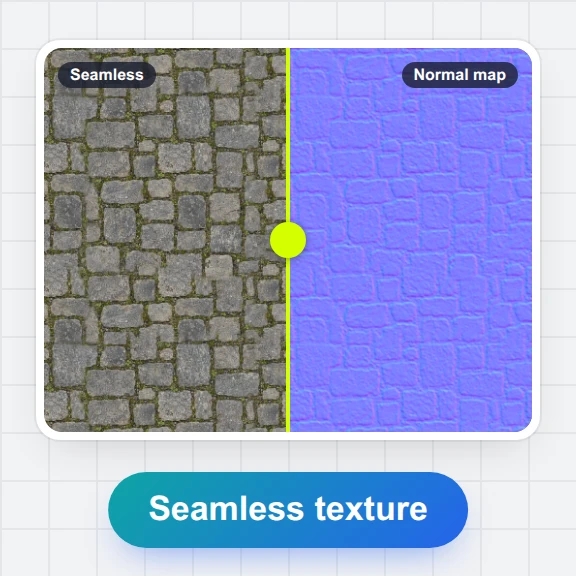
Make a sprite sheet Seamless Texture MakerTurn a ground or wall image into a texture that tiles without visible seams.
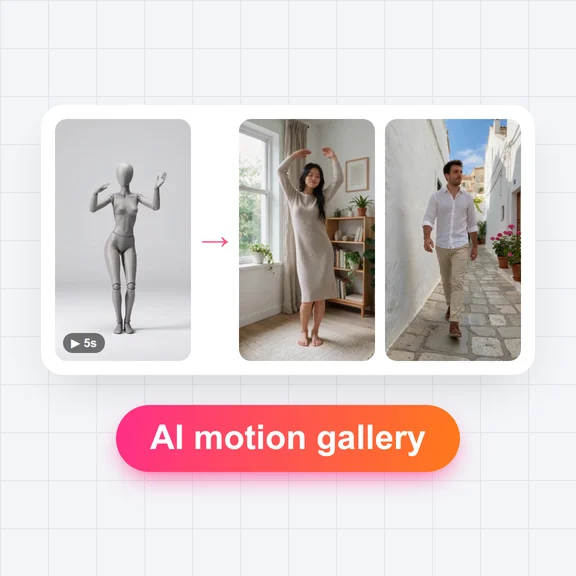
Make a seamless texture Game moves in the AI Motion GalleryMotion clips for game characters: attacks, idles, jumps and more, to animate your character art.
Browse game movesThe examples here show what each prompt can make. You may browse them, copy the prompts and use an image as a style reference in the AI Image Generator. They are not an asset pack: for the art in your game, generate your own.
Images you generate with WaveSpeed AI are your outputs, and the Terms of Service set out how you may use them. You are responsible for what you make and publish: keep designs original and don’t copy other games’ characters, logos or artwork. Some stores and platforms ask you to disclose AI-generated content, so check their rules before you release.
Yes. Browsing, searching and copying prompts is free and needs no account. Generating images in the AI Image Generator uses credits.
The examples are here to show what the prompts make and to serve as style references. For your game, generate your own assets from the prompt in the AI Image Generator. How you may use what you generate is set out in the WaveSpeed AI Terms of Service.
Yes. Each example shows the prompt the image was made from, word for word. Results vary from run to run, so the same prompt gives a new image each time.
Write one style sentence and keep it in every prompt, ask for whole sheets of items instead of single pieces, and use your best image as a style reference so the next ones follow its palette and rendering.
Yes. Name the sprite size or era (32x32, 16-bit), a limited palette and a plain background. Check the result at its real size and clean up stray pixels; for tiles that must repeat, run them through the Seamless Texture Maker.
Ask for a plain background and even spacing, then cut each cell in any image editor, or remove the background with the free Background Remover. For animation frames, the Sprite Sheet Maker lines them up in even cells.
Yes. Open the game moves in the AI Motion Gallery for motion clips, or animate a still in the AI Video Generator. For frame-by-frame sprites, pack the frames with the Sprite Sheet Maker.
It depends on where you publish. Several game stores and platforms ask developers to disclose AI-generated content. Check the current rules of each store before you release.
Start from any prompt in the gallery, or describe your own icons, characters and worlds.