Add your animation
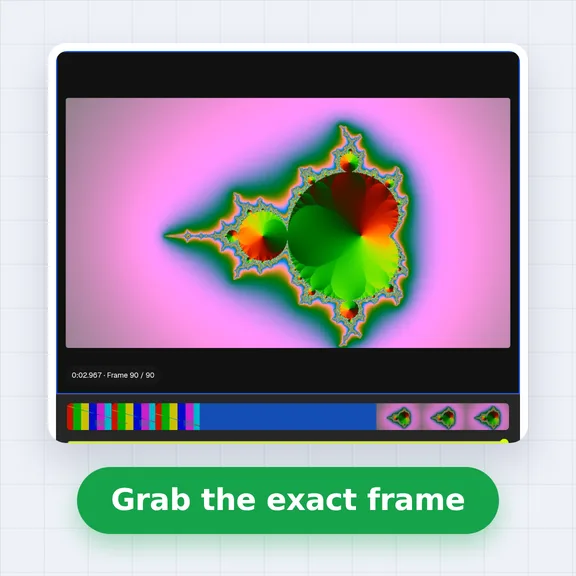
Drop a video, an animated GIF or a set of frames, or try the example clip. Nothing is uploaded.
Take the frames of any animation, remove the background and pack them into one sprite sheet.
Preview the loop, then download a PNG with JSON frame data for your engine.
A video (MP4, WebM, MOV), an animated GIF or WebP, or several PNG or JPG frames.
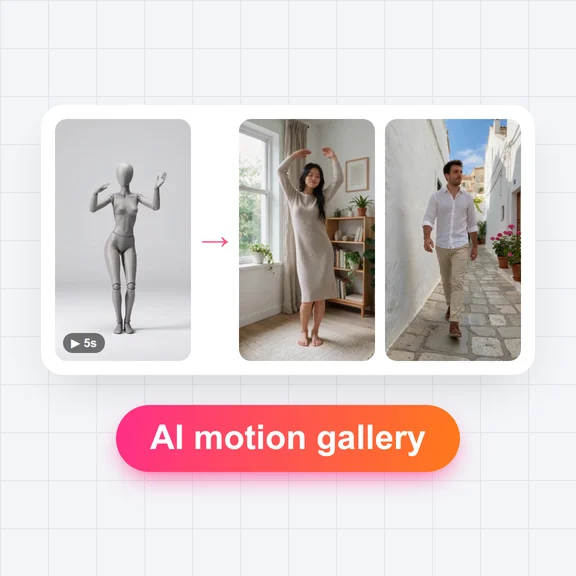
Pick several images at once to use them as frames, in file-name order.Need a move? Browse the AI Motion GalleryCreate a character, put it in motion with AI, then bring the clip back here to make its sprite sheet.
Drop a video, an animated GIF or a set of frames, or try the example clip. Nothing is uploaded.
Set the fps and the start and end, leave out frames you don't want, and remove the background with AI or a colour key.
Choose the grid, frame size and padding, watch the loop, then download the PNG sheet with its JSON, a GIF or a ZIP of frames.
The JSON uses the TexturePacker hash or array layout, which Phaser's atlas loader and PixiJS read directly, with an animation listing every frame. Or slice it as a spritesheet by frame width and height.
Every frame has the same size, so a Sprite2D only needs Hframes and Vframes, and AnimatedSprite2D can add the frames from the sheet by grid. The tool shows the numbers to type in.
Slice the PNG by cell size in Unity's Sprite Editor, or import it as a strip in GameMaker. The frame size, padding and fps are shown next to the download and stored in the JSON.
Design game characters and make them move with WaveSpeed AI, then turn the clip into a sprite sheet here.
Design a character, an enemy or an item from a prompt.
Make the character walk, run, jump or attack in a short clip.
$1 in free credits for eligible new accounts. No card needed. Generators have separate account and credit requirements. The sprite sheet maker is free.
Yes. Make as many sprite sheets as you like, with no account and no watermark.
No. Frames are taken, cut out and packed in your browser, so your video or images never leave your device. The first time you use AI background removal, your browser downloads the AI model (about 91 MB) once and keeps it for next time.
Add the video, choose the frames per second and the start and end of the move, then download the sheet. 8 to 12 fps is enough for most game animations; a looping move such as a walk or a run usually needs half a second to a second.
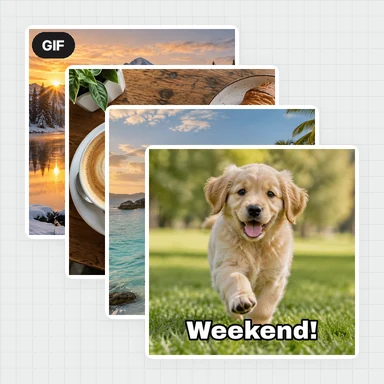
Yes. Add an animated GIF or WebP and its frames are read with their own timing. Some browsers can't read animated images; use Chrome or Edge, or add the frames as PNG files.
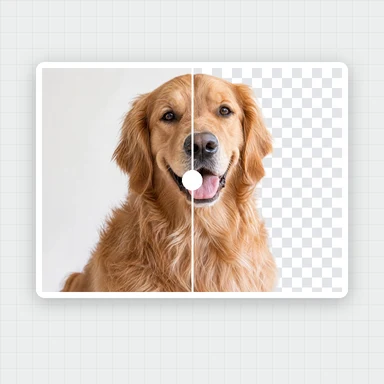
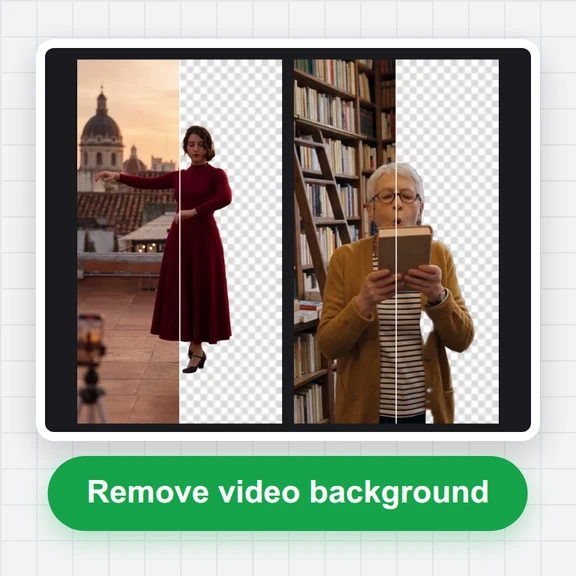
Choose AI remove and press Remove background: AI cuts the character out of each frame. For a green screen or a plain colour backdrop, Key colour is instant.
When frames are cropped one by one, the character shifts inside each frame. Trim to content uses one box around the character in all frames, and fixed-size frames keep it standing on the bottom edge, so it stays in place.
TexturePacker-style JSON, as a hash or an array, with the position and size of every frame, its duration, and an animation that lists the frames. Phaser and PixiJS load it directly. The grid size, padding and fps are in it too, for engines that slice by grid.
Yes. Turn on Pixel art to scale with sharp edges instead of smoothing, and pick a scale such as 200% or 400%. Set a fixed frame size like 32 × 32 or 64 × 64 for a classic look.
Up to 150 frames, and a sheet up to 8192 px on a side. Larger frames leave room for fewer; lower the fps or choose a smaller frame size to fit more.
Create the character with the AI Image Generator, then make it move with the AI Motion Gallery or the AI Avatar Generator, and bring the clip here.
Free, private and no sign-up. Your files never leave your device.