Pick an expression
Browse by emotion or search for “smirk”, “wink” or “crying”. Switch between the front and the 3/4 view.
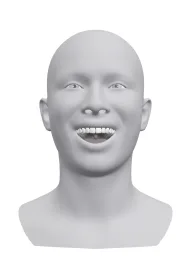
8 free Angry facial expressions on a neutral 3D head. Open one and make a photo with that face.
8 expressions
Browse by emotion or search for “smirk”, “wink” or “crying”. Switch between the front and the 3/4 view.
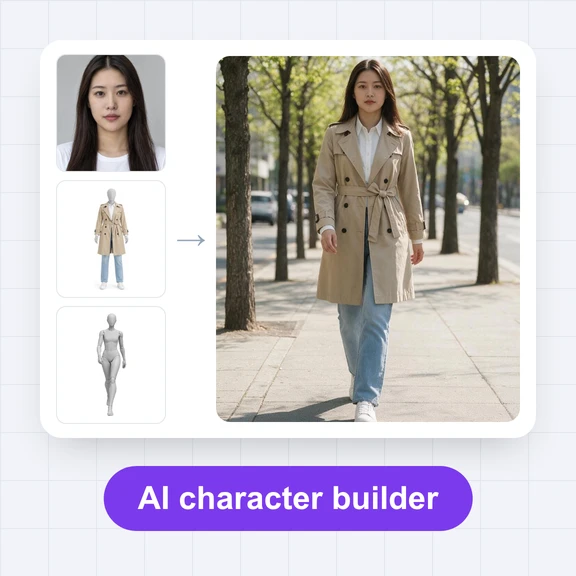
Press “Make a photo with this expression” to open the AI Image Generator with the head as the reference. Add your own photo, or describe the person and the setting.
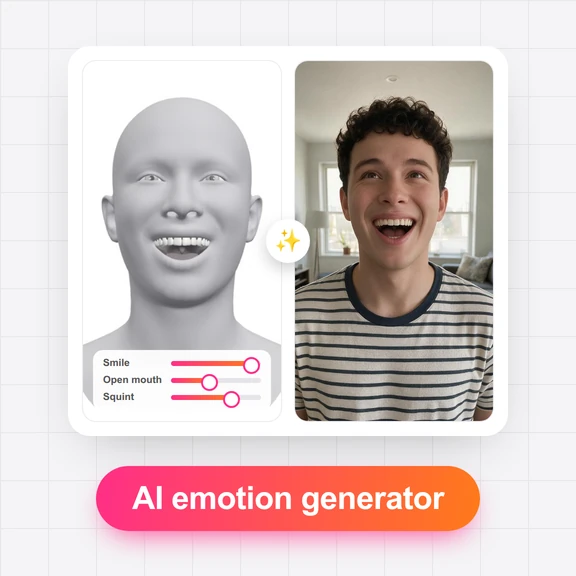
Want it a little stronger, or the eyes looking elsewhere? Open the expression in the AI Emotion Generator and move the sliders.
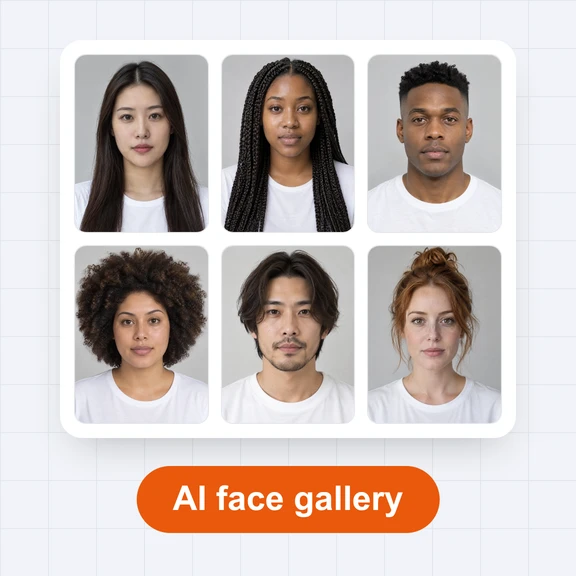
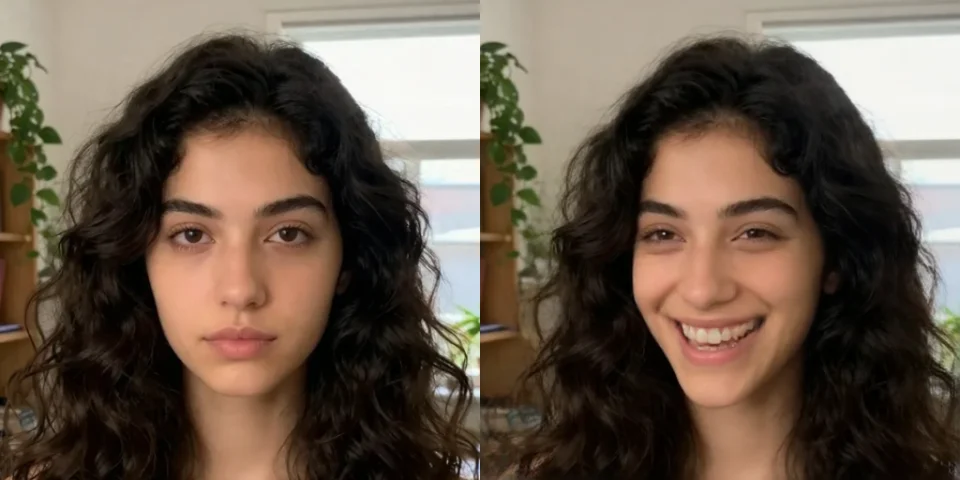
Each photo started as an expression from this gallery. Tap a photo to open its expression.

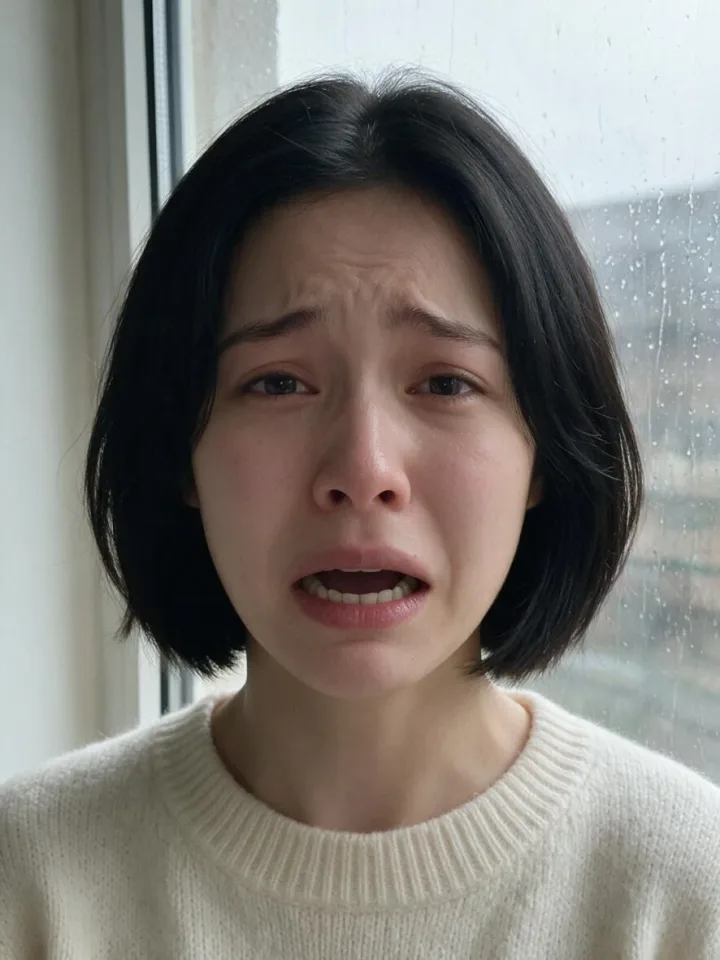
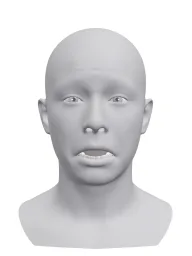
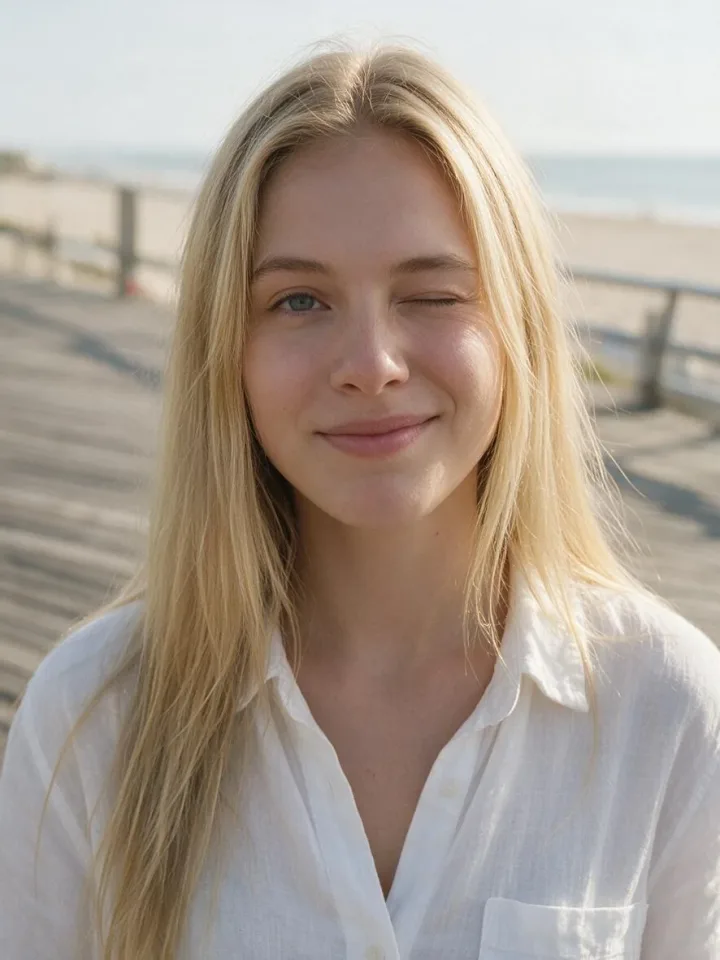
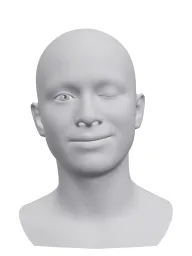

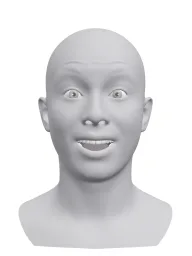

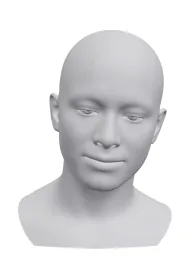
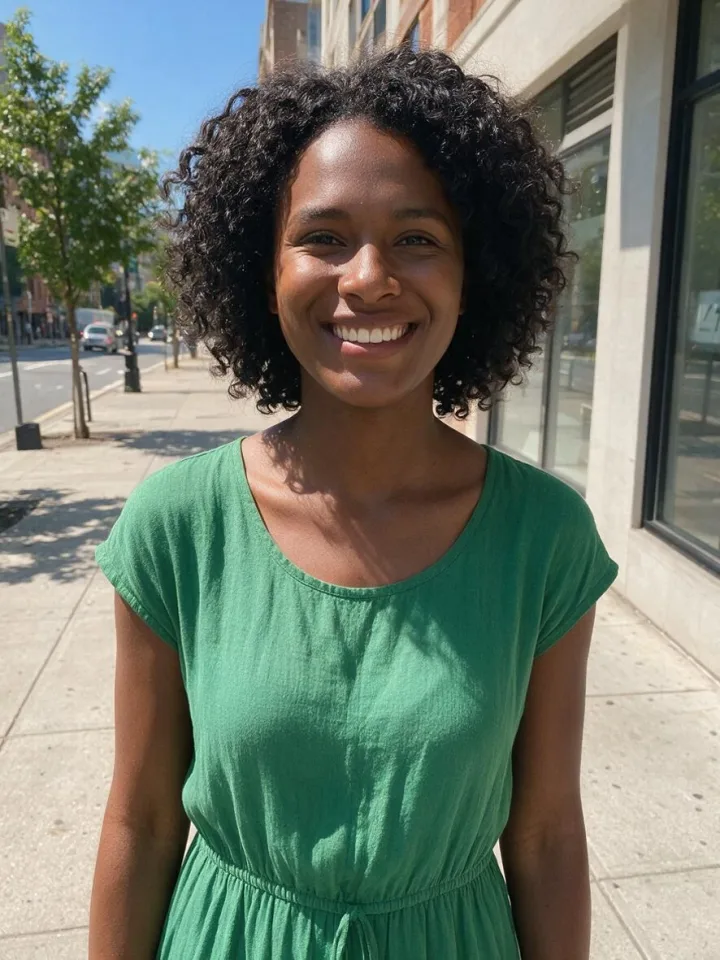
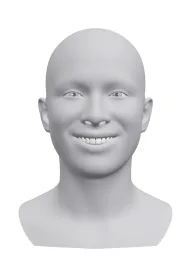

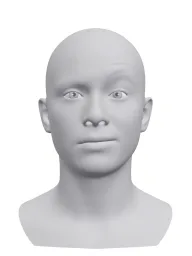
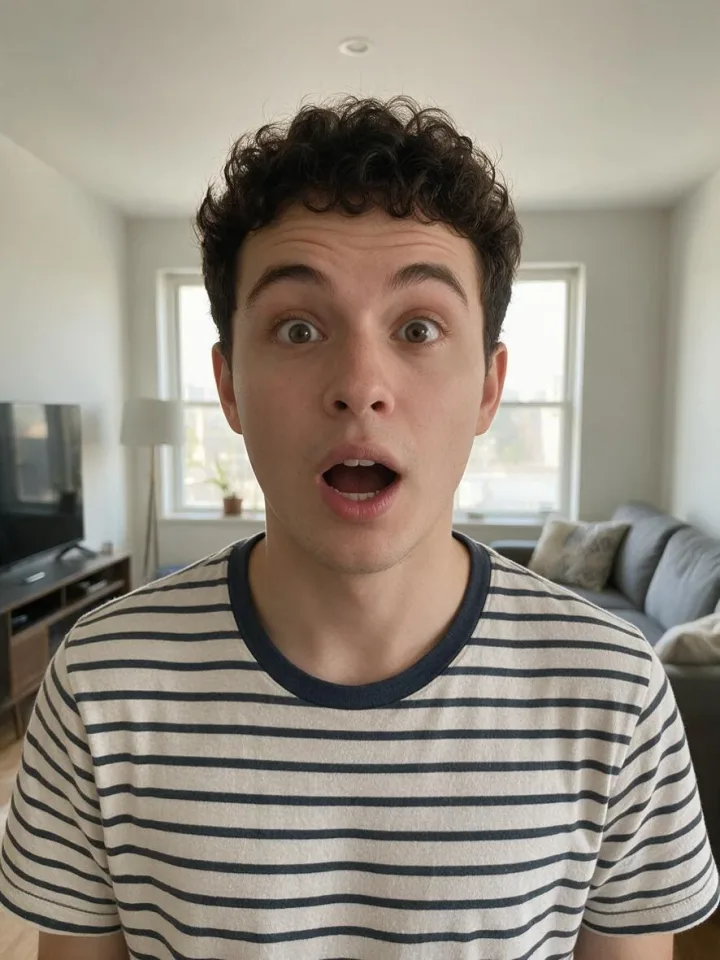
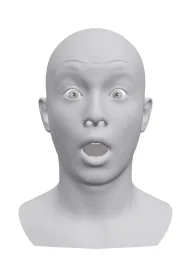
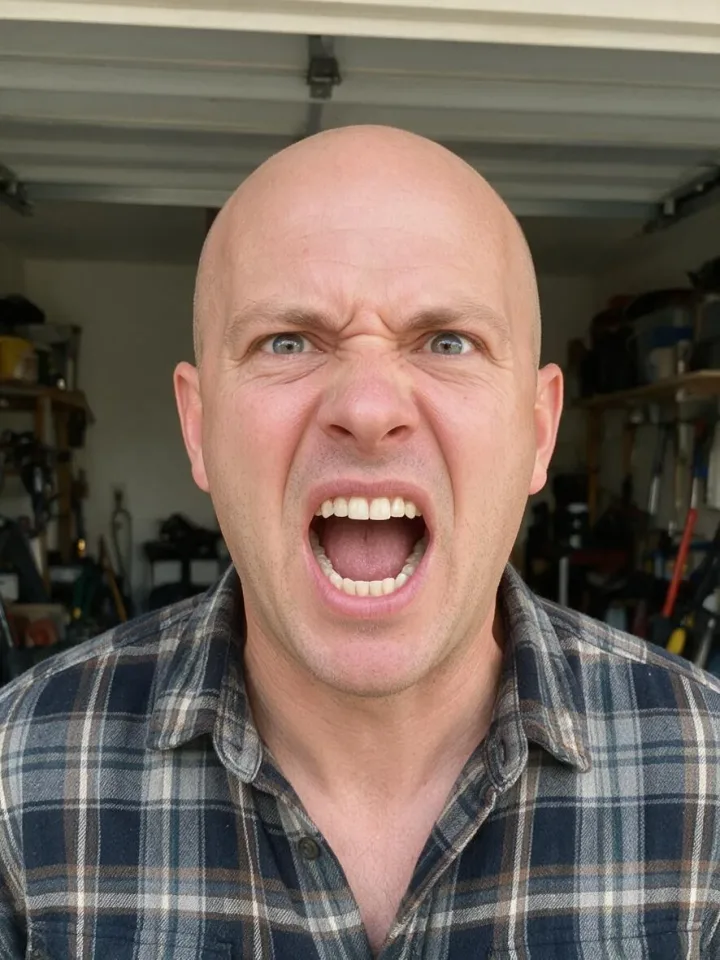
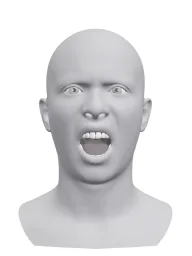

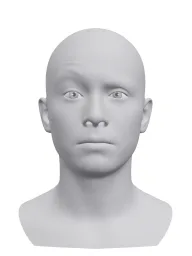
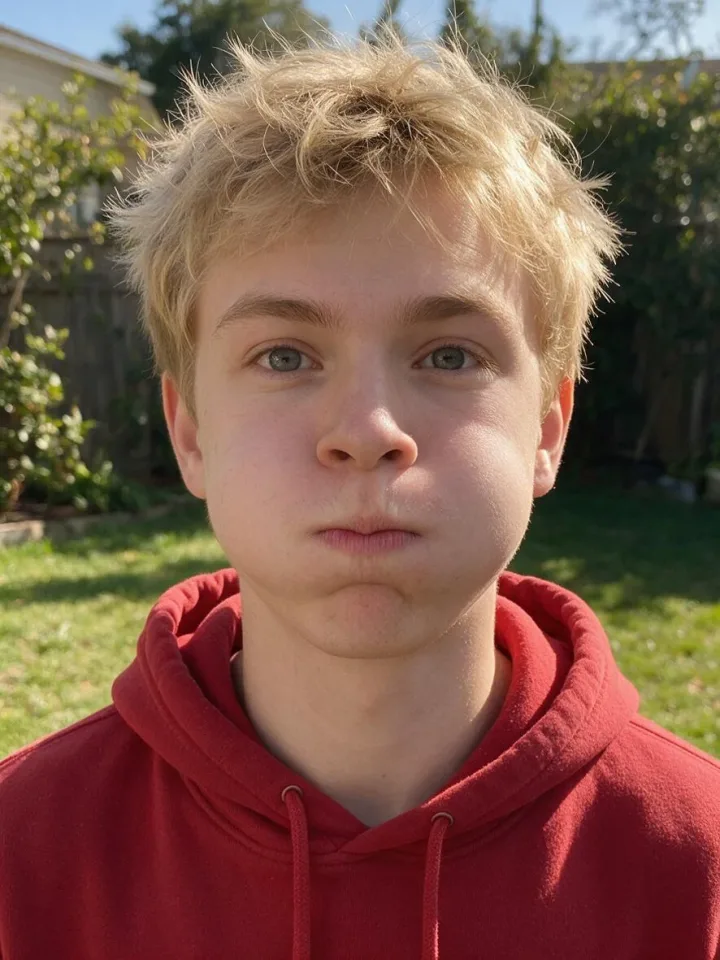
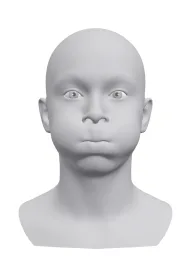
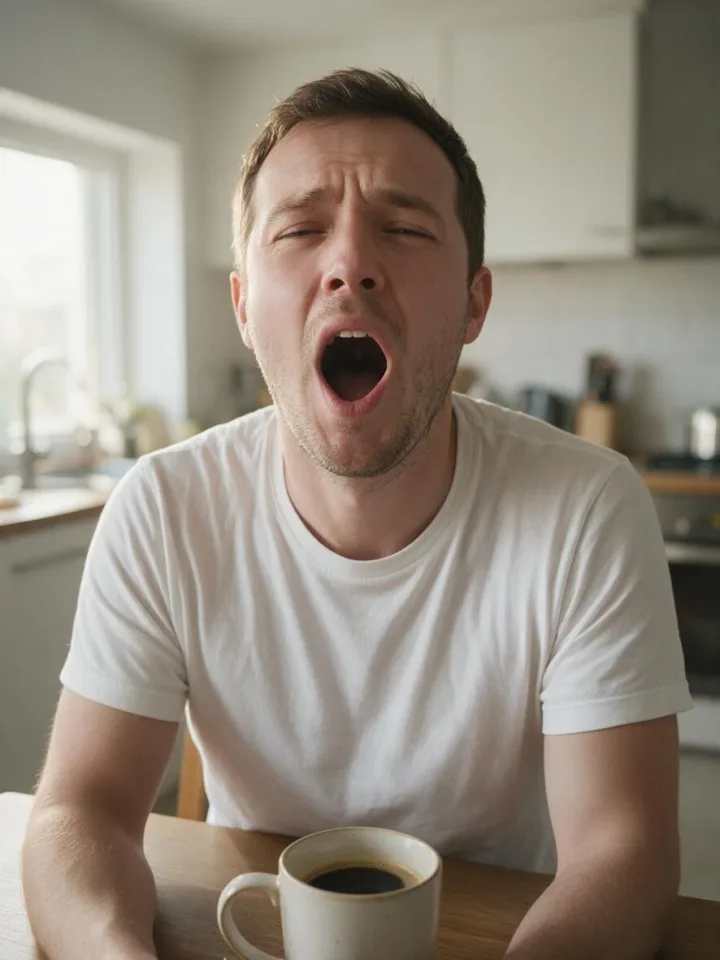
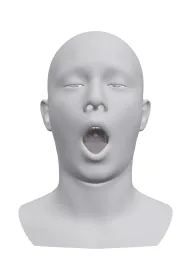
Give your AI character real reactions: laughing, shocked, flirty, unimpressed. Posts with a clear emotion get more attention than another neutral face.
Get the exact over-the-top reaction a YouTube thumbnail or an ad needs, on your own character, without a shoot.
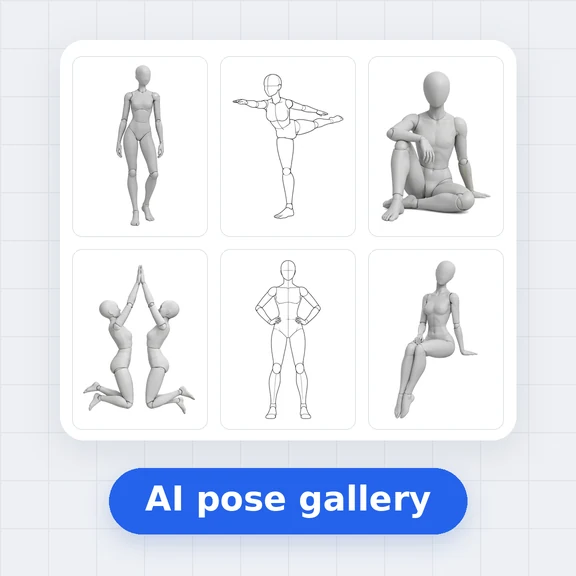
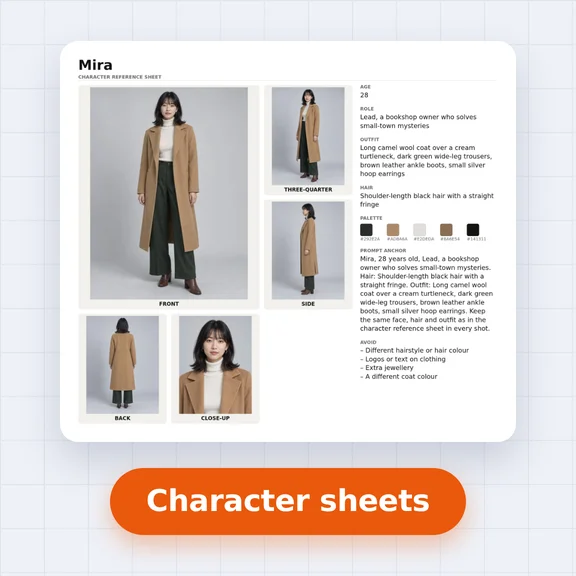
A free facial expression sheet for drawing, comics, visual novels and character sheets, from the front and at 3/4.
The head has no identity of its own: no skin, hair or age to copy. AI takes only the expression from it and keeps the person you choose.
Open the expression in the AI Emotion Generator, add your photo under “Your photo” and press “Change my photo”. The AI Image Generator opens with your photo and the expression, and keeps everything but the face’s expression.
Yes. You can download them and use them in personal and commercial work, without signing up.
Yes. Every expression opens in the AI Emotion Generator, where you can move the eyebrows, eyes, gaze, mouth and head angle with sliders.
Browsing, downloading and editing in 3D are free. Generating photos in the AI Image Generator uses credits.
Shape an expression on the 3D head with sliders, or copy it from a photo, and send it to AI.