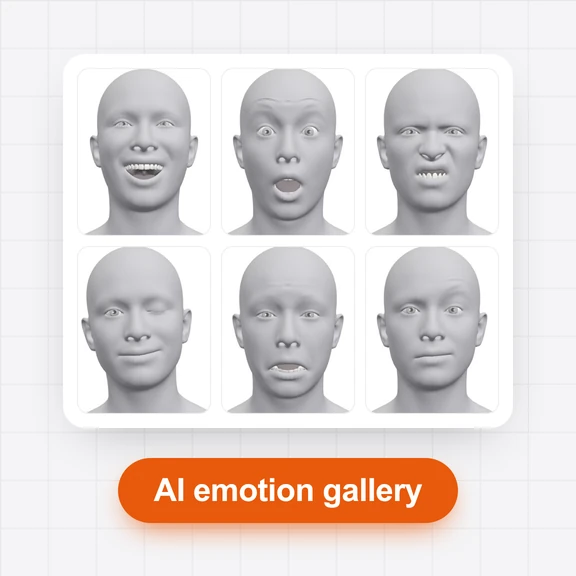

Pick an emotion
Start from happy, shocked, flirty or 11 more, set the strength, or copy the expression from a photo.
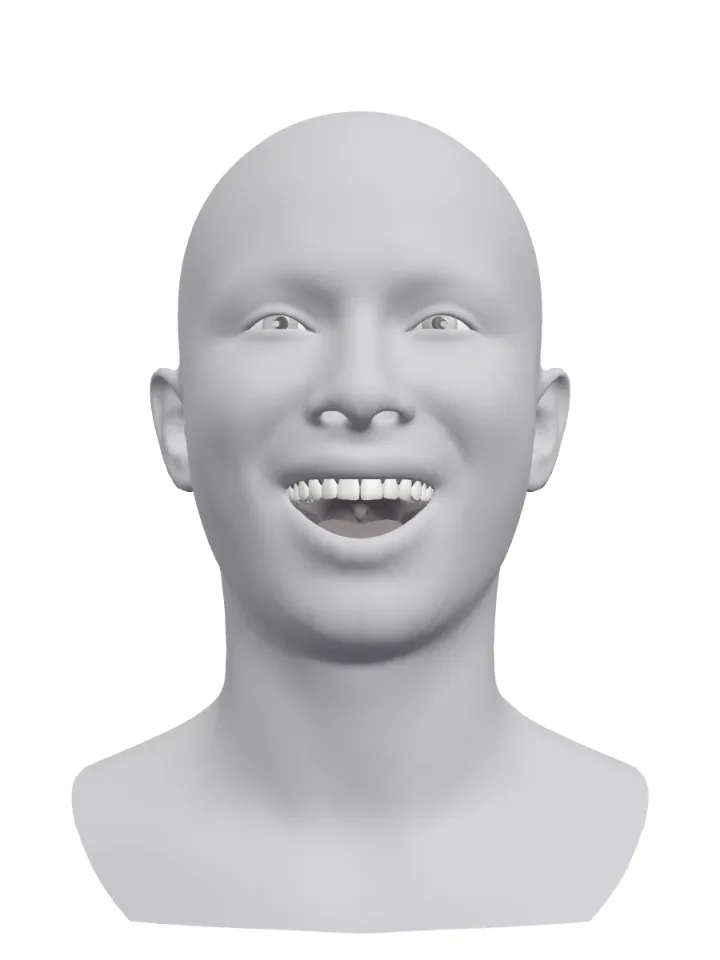
Pick an emotion, then move the eyebrows, eyes, gaze, mouth, jaw and head with 30+ sliders on a realistic 3D head, or copy the expression from any photo.
Send it to the AI Image Generator for a new photo with that face, or put the expression on your own photo.
Start from happy, shocked, flirty or 11 more, set the strength, or copy the expression from a photo.
Raise one eyebrow, close one eye for a wink, look away, open the mouth or tilt the head. The head shows every change at once.
Press “Make a photo” to open the AI Image Generator with the head as the reference, or add your photo first to change its expression.
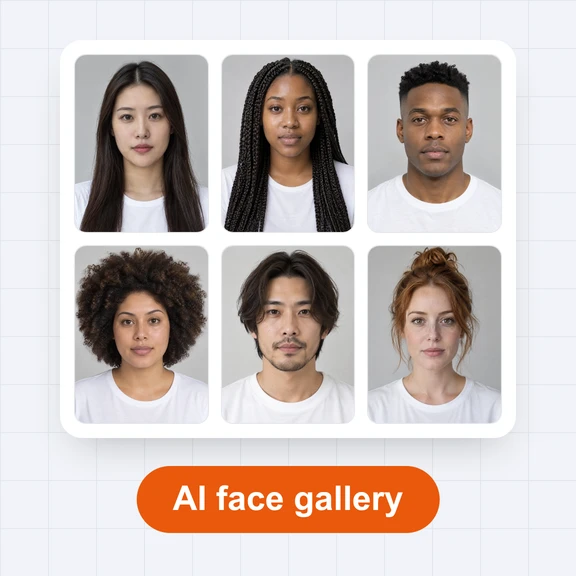
Show real reactions on the same character, from a soft smile to a scream, instead of the same neutral face in every post.
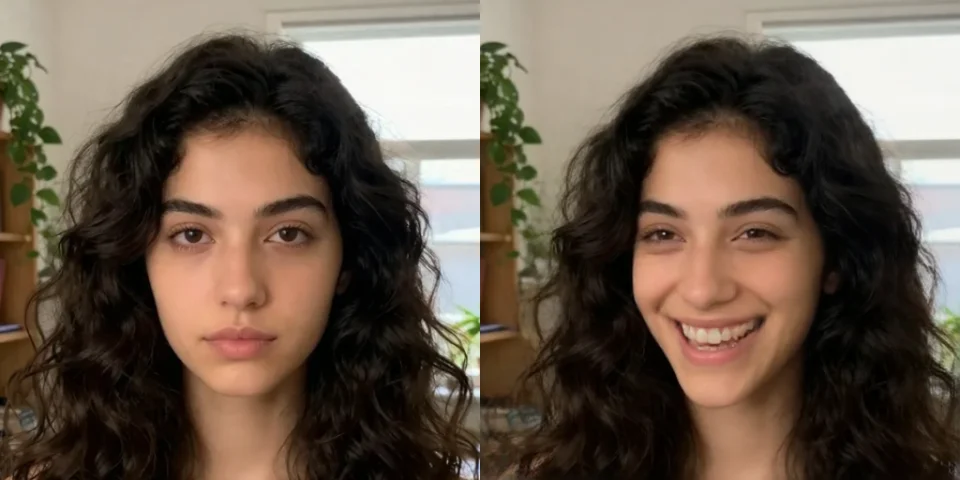
Turn a serious shot into a smile, open closed eyes or make the eyes look at the camera, keeping the person and the scene.
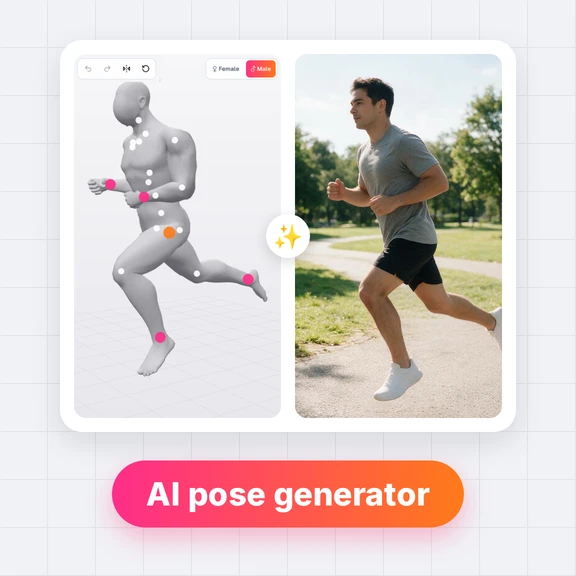
A free posable face for expression sheets, comics and storyboards, from the front, at 3/4 or from the side.
Yes. Shaping expressions, copying them from photos, downloading the reference and sharing links are free, with no account and no watermark. Generating photos in the AI Image Generator uses credits.
Shape the expression, add your photo under “Your photo” and press “Change my photo to this expression”. The AI Image Generator opens with your photo first and the head second, and a prompt that keeps the person and changes only the expression.
A face model runs in your browser, finds the face in the photo and measures 52 expression values and the head angle, which move the 3D head. The photo is not uploaded. The first time, the model (about 5 MB) is downloaded and kept in the browser.
Yes. Switch “Both sides” to “Each side” and every paired slider splits into a left and a right one.
Yes. Open any expression in the gallery and press “Edit this expression in 3D”: it opens here with the same face, ready to change.
Yes. The reference pictures you make are yours to use in personal and commercial work, with no watermark and no credit needed.
Yes. Drag with one finger to look around the head, pinch to zoom, and use the sliders. A recent phone browser with WebGL is all it needs.
Make the photo in the AI Image Generator, then animate it in the AI Video Generator.