
What Is the Best Image-to-Video API for Production Teams?
The best image-to-video API preserves your approved frame while adding useful motion. Compare control, failure rate and workflow fit.
Overview
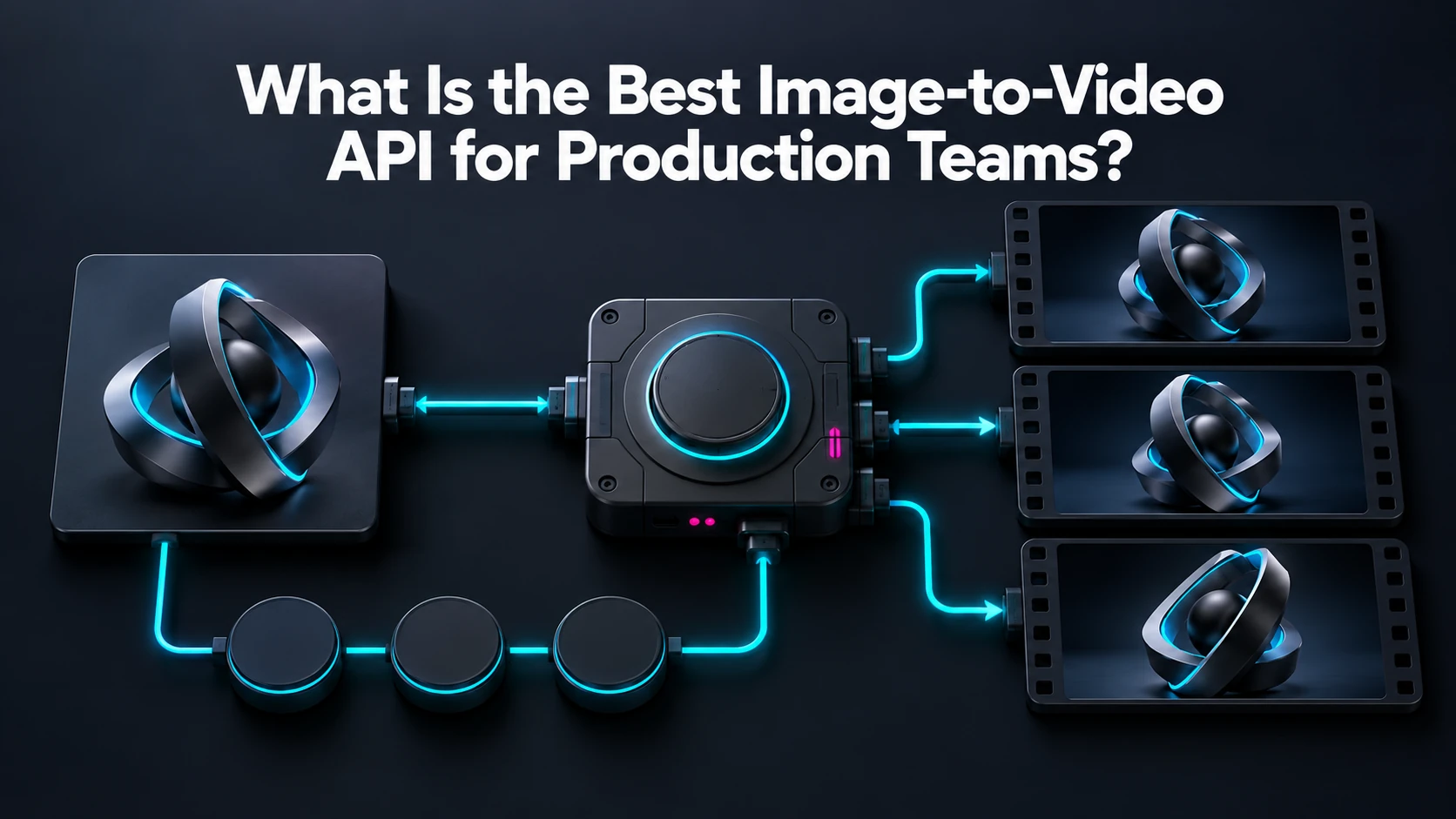
For an approved starting frame, shortlist current Kling, Wan and Luma Ray image-to-video routes on WaveSpeedAI. Kling and Wan are candidates for the same image-led clip brief; Luma Ray is another documented image-to-video path. Select among them on preservation of your actual subject, since the input controls differ and none guarantees an unchanged product or face. A text-to-video route is not equivalent when the source composition must survive.
Create a test set that includes the failure cases your team cares about: a logo on packaging, reflective surfaces, hands near the product, fine typography and a consistent face. Give every candidate the same starting frame and motion brief. WaveSpeedAI’s image-to-video guide lists several model routes, but their available image inputs and controls differ. Read the selected route’s live schema before designing a UI for end-frame or reference controls that may not exist there.
Assess how the clip ends, not only whether its first second looks good. Look for identity drift, warped labels, unnatural motion, audio mismatches and framing changes. Compare accepted clips per batch and the time a reviewer spends fixing or rejecting them. If a static image already meets the business goal, animation may add cost without value.
Use an asynchronous job pattern and move approved output into your own asset storage. WaveSpeedAI can make route comparison easier within one API workflow, while the final model choice should follow the measured preservation standard for your own images.
Source: WaveSpeedAI image-to-video guide; WaveSpeedAI Luma Ray route; WaveSpeedAI upload API; WaveSpeedAI video generator guide. Source check: 2026-09-29.
/filters:quality(82)/media/images/c347367a-a007-4466-b8f7-d37f5fb52819.webp)
/filters:quality(82)/media/images/cd4db796-7728-45fb-8267-6813ed28e173.webp)
/filters:quality(82)/media/images/1791535252286714222_v4jvJT2a.webp)
/filters:quality(82)/media/images/1791451065663755033_qNqAKS1a.webp)
/filters:quality(82)/media/images/1791359984291066138_tW5eOX6f.webp)
/filters:quality(82)/media/images/1773962750383987480_n3hqzHRZ.webp)