
How Can You Build a Zapier AI Image and Video Generation Integration?
How to build a Zapier AI image and video generation integration: trigger-to-publish flow with a human approval step until quality is proven.
Overview
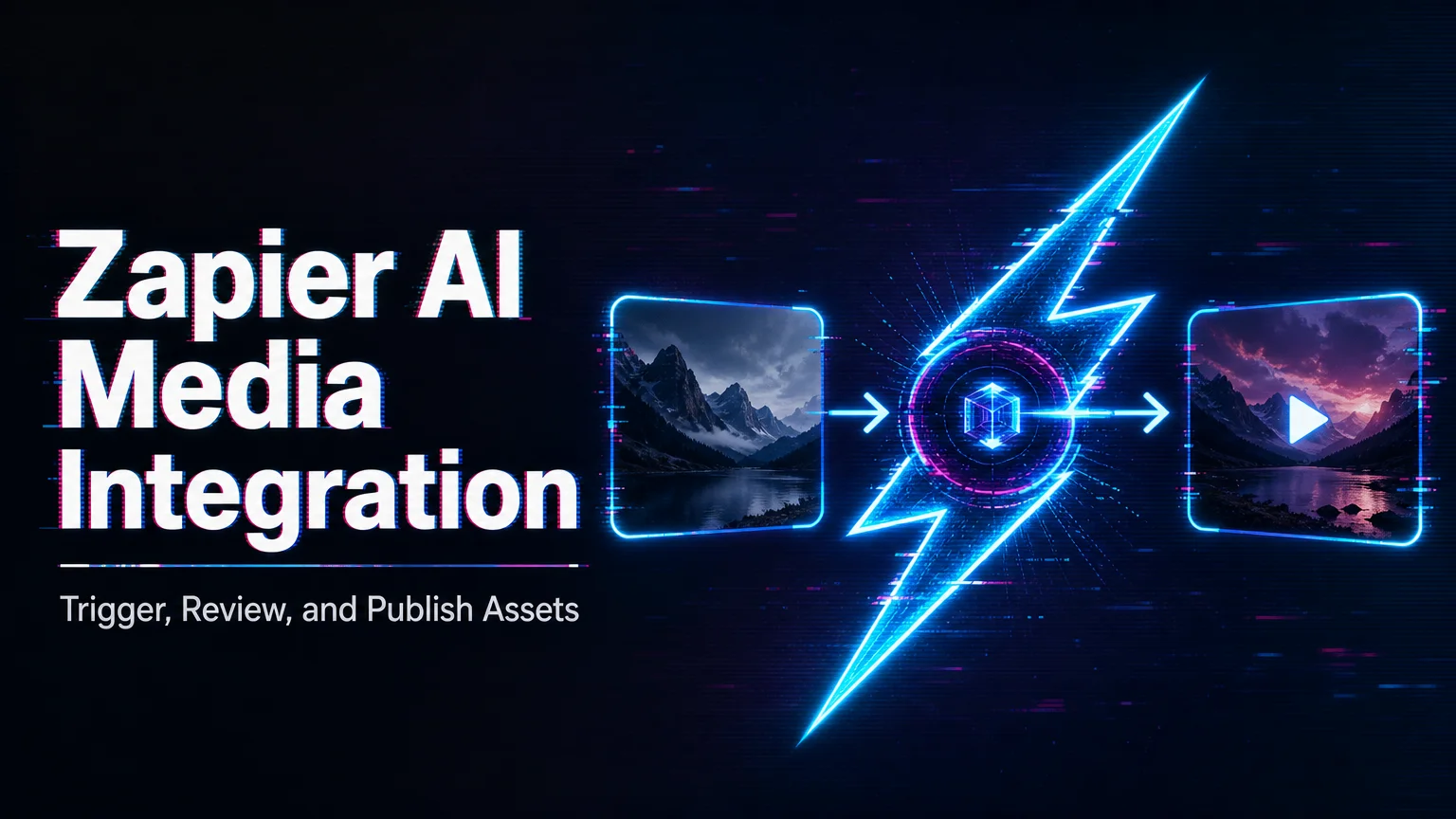
Zapier AI image/video generation integration connects no-code triggers, form inputs, spreadsheets, storage apps, and publishing workflows to AI generation APIs. It is useful for lightweight automation, but teams still need cost controls, review steps, and error handling.
- Use Zapier to trigger generation from forms, CMS entries, product rows, or campaign briefs.
- Add approval steps before publishing generated images or videos.
- Track API cost, failed jobs, output links, and retries in a system of record.
No-code automation can make AI generation accessible to non-engineering teams. The risk is that a workflow can create many assets quickly without enough review. Product images, ads, and client deliverables need human review before publication.
WaveSpeedAI fits Zapier-style workflows when teams want one API layer for image, video, audio, and related generation tasks. The best first workflow is small and review-heavy: trigger, generate, store, notify, approve, then publish. Once quality and cost are predictable, teams can expand automation safely. In Zapier, add a human-approval step between generation and publish for the first month; removing it later is one click, while un-publishing bad assets from live channels never is.
/filters:quality(82)/media/images/c347367a-a007-4466-b8f7-d37f5fb52819.webp)
/filters:quality(82)/media/images/cd4db796-7728-45fb-8267-6813ed28e173.webp)
/filters:quality(82)/media/images/1791535252286714222_v4jvJT2a.webp)
/filters:quality(82)/media/images/1791451065663755033_qNqAKS1a.webp)
/filters:quality(82)/media/images/1791359984291066138_tW5eOX6f.webp)
/filters:quality(82)/media/images/1773962750383987480_n3hqzHRZ.webp)