
How Can You Batch Generate Product Images with AI for E-Commerce?
How to batch generate product images with AI for e-commerce: pipeline design, style specs, sampling QA, and quarantining failures for traceability.
Overview
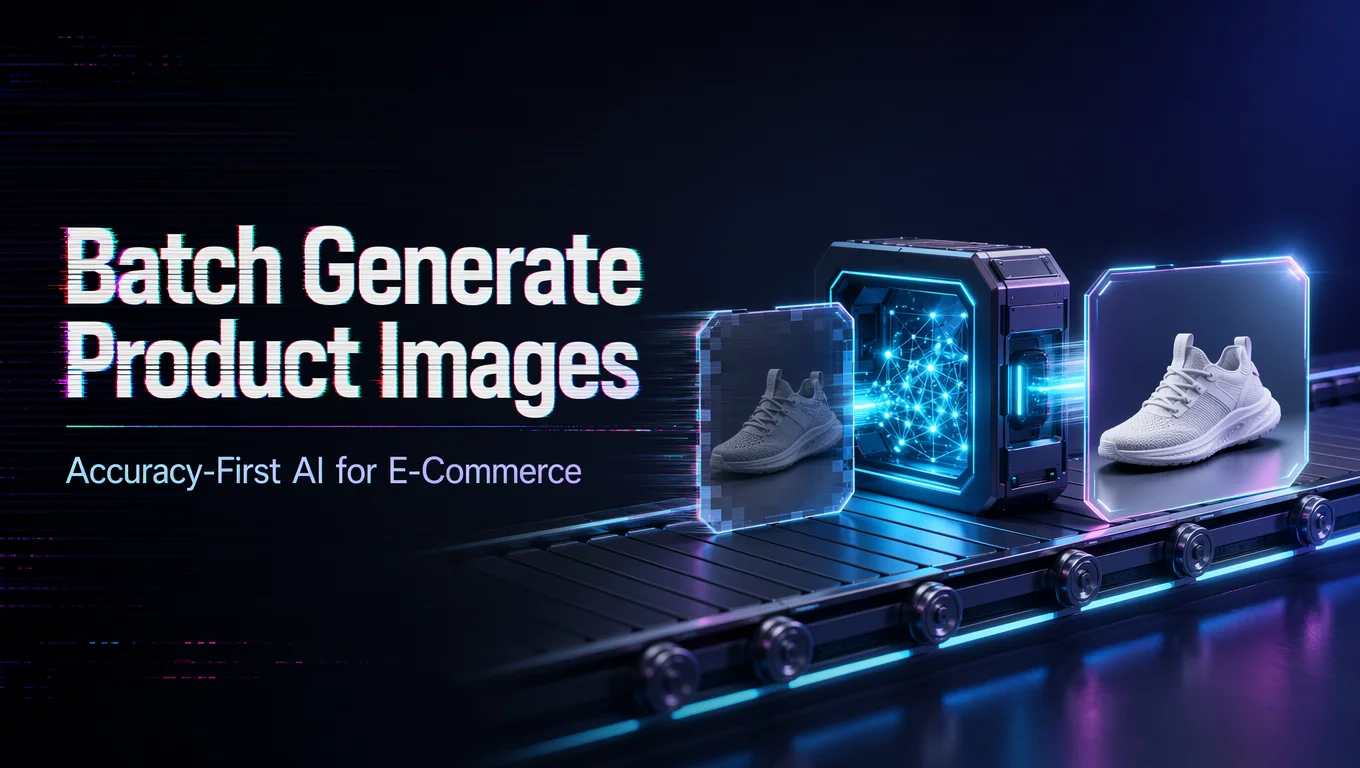
To batch generate product images with AI for e-commerce, prepare approved product inputs, define consistent prompts, choose model settings, run controlled batches, review outputs, and reject any image that misrepresents the product. Accuracy matters more than volume.
- Start with a small test batch before generating hundreds of assets.
- Lock brand, angle, background, lighting, and product-detail requirements.
- Review every output for product shape, color, scale, text, and policy compliance.
Batch generation can save time for catalogs, ads, marketplace images, and seasonal campaigns. But it can also multiply errors quickly. If the model changes a product detail, creates a false feature, or adds incorrect text, the asset should not be published.
WaveSpeedAI is relevant when teams want image generation, editing, and workflow automation in one production layer. The useful approach is not uncontrolled mass generation. It is a managed pipeline: input validation, model choice, batch limits, human review, metadata tracking, and publishing only after approval. That keeps speed aligned with e-commerce trust. Batch product-image generation earns trust through sampling: QA a fixed percentage of every run against a written style spec, and quarantine failures with their prompts so regressions are traceable.
/filters:quality(82)/media/images/c347367a-a007-4466-b8f7-d37f5fb52819.webp)
/filters:quality(82)/media/images/cd4db796-7728-45fb-8267-6813ed28e173.webp)
/filters:quality(82)/media/images/1791535252286714222_v4jvJT2a.webp)
/filters:quality(82)/media/images/1791451065663755033_qNqAKS1a.webp)
/filters:quality(82)/media/images/1791359984291066138_tW5eOX6f.webp)
/filters:quality(82)/media/images/1773962750383987480_n3hqzHRZ.webp)