
Kling 3.0 Omni Explained: Multi-Shot Storyboarding, Native Audio, and Where It Beats Veo
A practical breakdown of Kling 3.0 Omni, including storyboarding, native audio, image and video generation, and how builders should compare it with Veo, Seedance, and Runway.
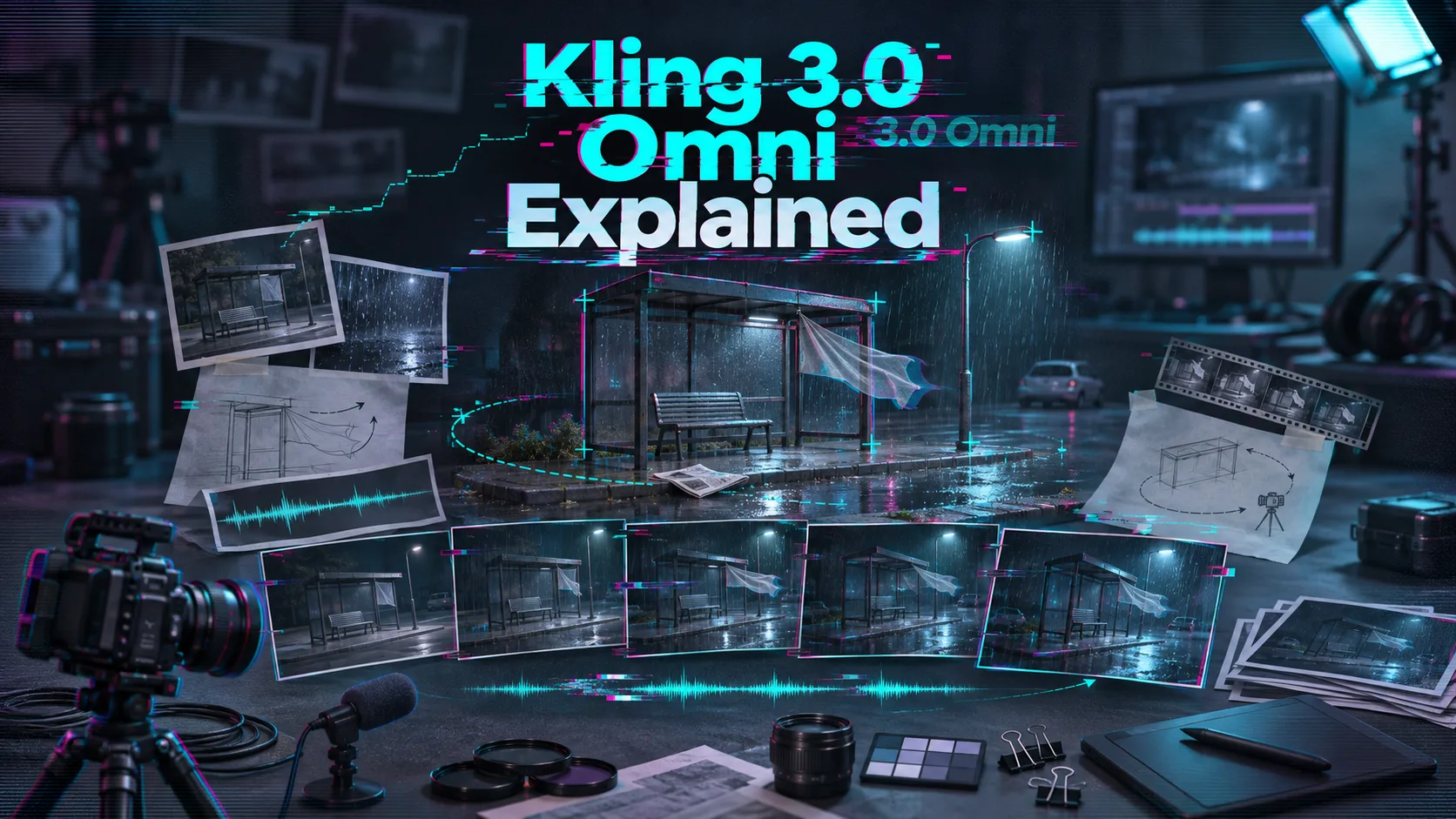
Kling 3.0 is one of the clearest signs that AI video is moving from clip generation toward directed production. Kuaishou announced the Kling 3.0 series on February 5, 2026, including Kling Video 3.0, Kling Video 3.0 Omni, Kling Image 3.0, and Kling Image 3.0 Omni.
The headline is not only visual quality. The useful shift is control: multi-shot storyboarding, reference-guided continuity, and native audio. Those capabilities make Kling worth considering when a brief describes several shots rather than one attractive clip.
What “Omni” means in Kling 3.0
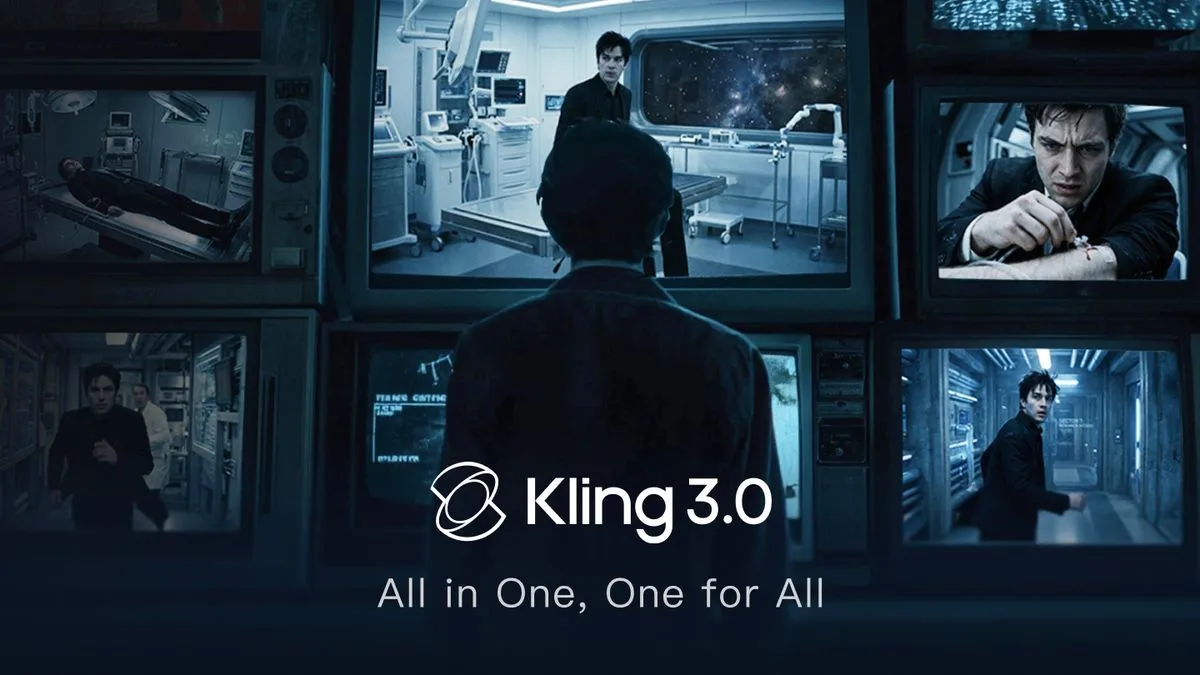
In Kuaishou’s release, Video 3.0 Omni is the video model with stronger reference-based generation and a multi-shot storyboard feature. Image 3.0 Omni is a separate image model. “Omni” does not mean that every image, video, and editing feature is available through one interchangeable API request.
You may also see Kling O3 in third-party endpoint names, including fal’s O3 Pro reference-to-video route. Check the route’s schema before using a tutorial’s parameters: provider names and field names differ.
For creators, the practical options are to:
- supply images that define a character, product, or scene;
- describe shot changes and camera movement;
- assign time to individual shots where the endpoint supports it;
- request generated audio where that route exposes an audio setting.
Reference images give the model something to follow. They do not guarantee that a face, logo, or object will remain identical in every frame.
The feature that matters most: multi-shot storyboarding
Most AI video models can produce one attractive clip. A production brief often asks for a sequence:
Shot 1: wide shot of a mountain road at sunrise.
Shot 2: close-up of the rider's face inside the helmet.
Shot 3: chase shot behind the motorcycle.
Shot 4: product reveal on the bike frame.
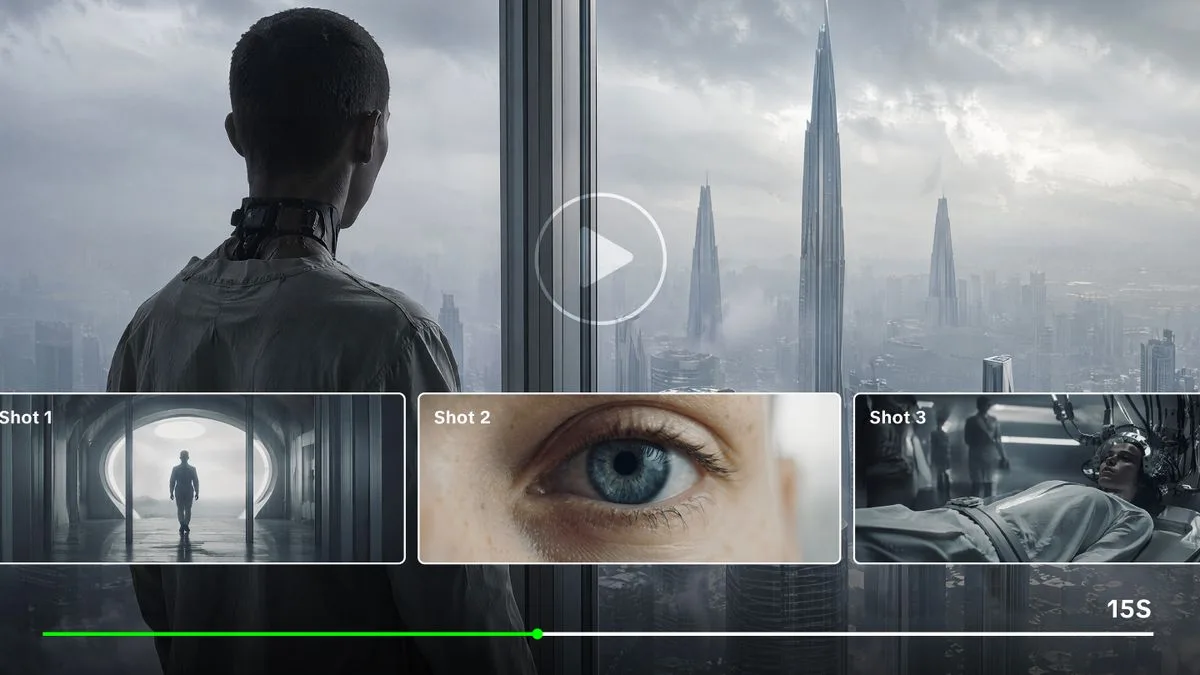
That is a mini production plan. Kuaishou says Video 3.0 Omni lets creators specify each shot’s duration, size, perspective, narrative content, and camera movement in its storyboard workflow. What reaches an API depends on the provider and endpoint; do not assume every storyboard control shown in Kling’s interface has a field with the same name elsewhere.
This approach is useful for ads, trailers, music videos, product explainers, and short-form stories. A clear shot boundary also makes a failed result easier to diagnose: you can identify whether the problem was the transition, the camera direction, or a subject that changed appearance.
Native audio changes the brief
Native audio lets you describe sound alongside the action:
A glass bottle rolls across a wooden table and falls onto a rug.
Include a rolling sound, a muted impact, and quiet room ambience.
Kuaishou lists native audio among the Kling 3.0 series capabilities. On individual API routes, it may still need to be enabled. For example, WaveSpeedAI’s O3 Pro reference-to-video route uses sound: true for generated audio when no reference video is supplied. If you provide a reference video, its keep_original_sound setting addresses the source audio instead.
Review the exported clip with sound on. A plausible impact noise is not necessarily synchronized with the frame where the bottle lands, and spoken words may need another take or an audio edit.
Where Kling 3.0 can beat Veo
The strongest case here is a workflow fit, not a measured quality win. I have no same-input renders in this article that would establish which model produces better motion, realism, or character consistency.
| Workflow question | Documented difference | What to check yourself |
|---|---|---|
| Need to set several shots within one request? | Kling O3 endpoints expose multi_prompt with a prompt and duration for each shot. | Do the shot boundaries and timings survive in the export? |
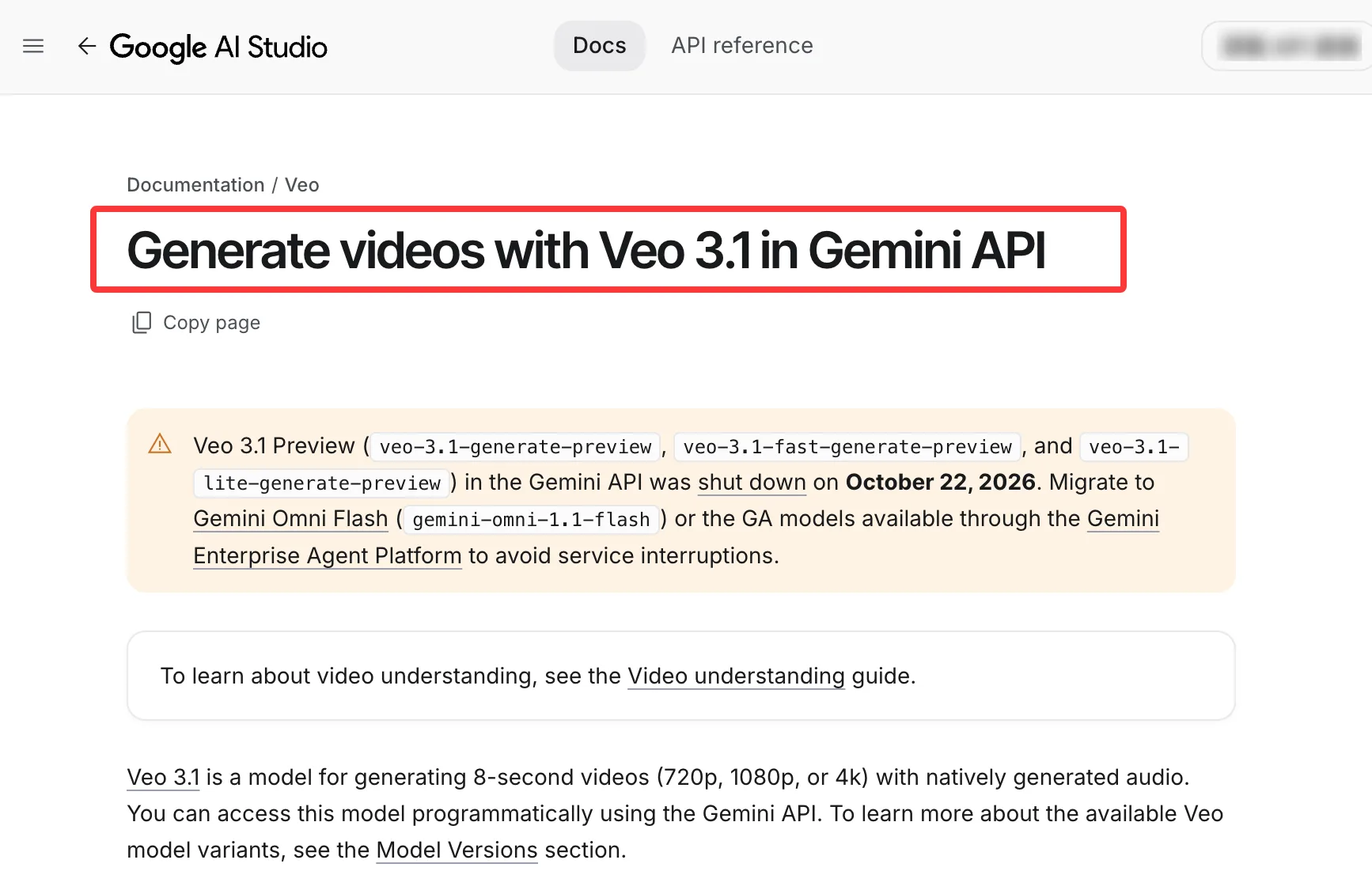
| Need a clip longer than eight seconds in one generation? | Kling O3 Pro routes list 3–15 seconds. Veo 3.1 documentation lists 4, 6, or 8 seconds per generated clip. | Compare a finished 10–15 second scene, including drift near the end. |
| Need reference-guided characters? | Both families document reference-image workflows, with different limits and input rules. | Check faces, clothing, props, and logos across every shot. |
| Need native audio? | Both families document it. | Check synchronization and whether the sound is usable. |
| Need 4K output? | Do not infer this from the Kling 3.0 series announcement; the chosen video route determines output resolution. Veo’s supported resolutions also depend on its route and duration. | Confirm the endpoint and exported file before comparing. |
Google’s Veo documentation also notes that its Veo 3.1 preview API endpoints shut down on October 22, 2026. Check the currently available Google route before building a new comparison or integration around an older example.
Kling is worth testing first when per-shot timing is central to the brief. Veo remains a serious comparison for cinematic video, reference images, and audio. Neither gets an overall quality win from a feature table.
Where Kling still needs care
Production teams should test it with their actual assets before standardizing on it. Watch for:
- character drift across shot changes;
- a product logo or prop changing shape;
- action and audio landing at different times;
- an overloaded shot prompt producing the wrong camera move;
- differences in limits and pricing between providers or routes.
One concrete failure check, rather than a claimed test result: if Shot 1 shows a rider with a black helmet and Shot 2 gives that rider a different visor or jacket, the storyboard has failed your continuity requirement even if both shots look good alone. Compare those details frame by frame. This article does not claim that the failure occurred in a measured Kling run.
For a longer sequence, it can still be easier to generate smaller controlled clips and assemble them in an editor.
Best prompt format for Kling 3.0
Use shot blocks when you need a directed sequence:
Style: cinematic automotive commercial, realistic, high contrast, wet asphalt.

Subject: silver electric sports car with a thin LED headlight strip.

Shot 1: low-angle front view as the car turns onto a neon street.
Camera: slow dolly backward.

Shot 2: side tracking shot, reflections moving across the door panels.
Camera: smooth lateral tracking.

Shot 3: close-up of the wheel cutting through a shallow puddle.
Camera: macro, slow motion.

Constraints: keep the same car design across all shots; no text or logo changes.
This structure is useful for planning even when an endpoint takes only a text prompt. If the endpoint exposes a shot array, put each shot in its own entry rather than pasting the whole plan into one field.
A storyboard request with references and audio
Here is one concrete way to map that plan to an API. This example uses WaveSpeedAI’s Kling O3 Pro reference-to-video endpoint. Replace the example image URL with an accessible image you have rights to use.
{
  "images": ["https://example.com/silver-car-reference.jpg"],
  "shot_type": "customize",
  "multi_prompt": [
    {
      "prompt": "The same silver electric sports car turns onto a wet neon street. Low-angle front view; camera dollies backward.",
      "duration": 3
    },
    {
      "prompt": "The same car in a side tracking shot. Reflections move across its doors; preserve the thin LED headlight strip.",
      "duration": 4
    },
    {
      "prompt": "Close-up of the same car's wheel cutting through a shallow puddle. Keep its body design unchanged.",
      "duration": 3
    }
  ],
  "duration": 10,
  "aspect_ratio": "16:9",
  "sound": true
}
The three shot durations add up to the requested 10 seconds. This route allows a total duration of 3–15 seconds and up to six shot entries. In customize mode, multi_prompt carries the storyboard; a top-level prompt is not used for it. The reference image supplies the car’s appearance, while sound: true requests generated audio. This is a schema-based example, not a claim that the sample URL or output was tested.
If you switch to fal’s O3 route, translate the fields using that route’s schema. For example, its audio field is generate_audio, and its reference inputs are structured differently. Do not copy the JSON above unchanged.
How to use Kling inside a multi-model API
Kling belongs in a “directed video” lane when the request includes shot-by-shot timing, camera instructions, or visual references. A simple routing rule could be:
One shot, no references       → test a standard video endpoint
Several timed shots           → test a Kling storyboard-capable endpoint
Reference-driven sequence     → test Kling's reference-to-video route
Timeline-level changes        → assemble or edit clips after generation
This is a starting rule for product design, not a performance ranking. Keep the model, endpoint, source assets, prompt, duration, and audio setting in your job record. If an output fails, those details let you reproduce the request and see what changed on the next attempt.
Final take
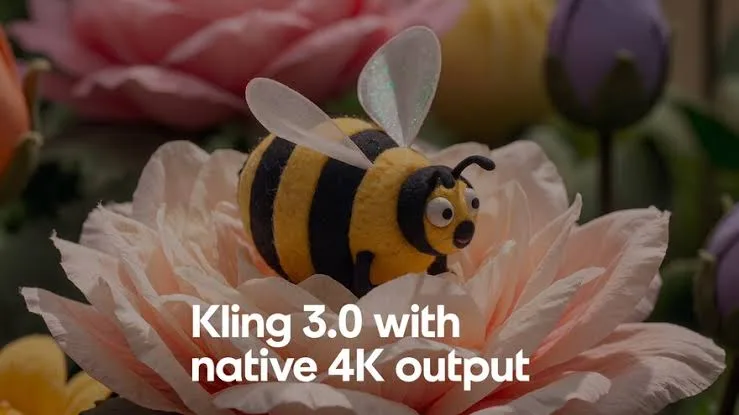
Kling Video 3.0 Omni’s interesting feature is the ability to describe a sequence of shots with references and timing, rather than asking for one clip. Native audio can make the first output more useful as a draft, provided you check synchronization in the export.
For developers, the practical question is whether a chosen Kling endpoint exposes the controls your brief needs. If it does, test one short storyboard with the same references and review every transition. Choose it over Veo when those controls solve a real constraint in your workflow—not because a release announcement says one model is better.
Source
The product naming and storyboard capability come from Kuaishou’s announcement linked above. Endpoint fields and limits come from the linked O3 API documentation; the Veo comparison uses Google’s linked model documentation.
Previous posts:
Related Articles
Atlas Cloud vs WaveSpeedAI (2026): Credits, Pricing, Rate Limits and API for Image and Video Models
kie.ai Problems in 2026: Tasks Stuck at 99%, Credits Deducted, Errors After Top-Up, Refunds and Support
Best muapi Alternatives in 2026: What to Check Before You Switch
muapi vs WaveSpeedAI (2026): Pricing, API, SDKs, Refunds and Limits Compared
Runway API Limits in 2026: Usage Tiers, Concurrency, Daily Caps, Spend Limits and Hidden Costs