
How Do I Use Reference Video with the MiniMax H3 API?
How to pass reference video to the MiniMax H3 API for motion transfer and scene guidance, and its limits.
Overview
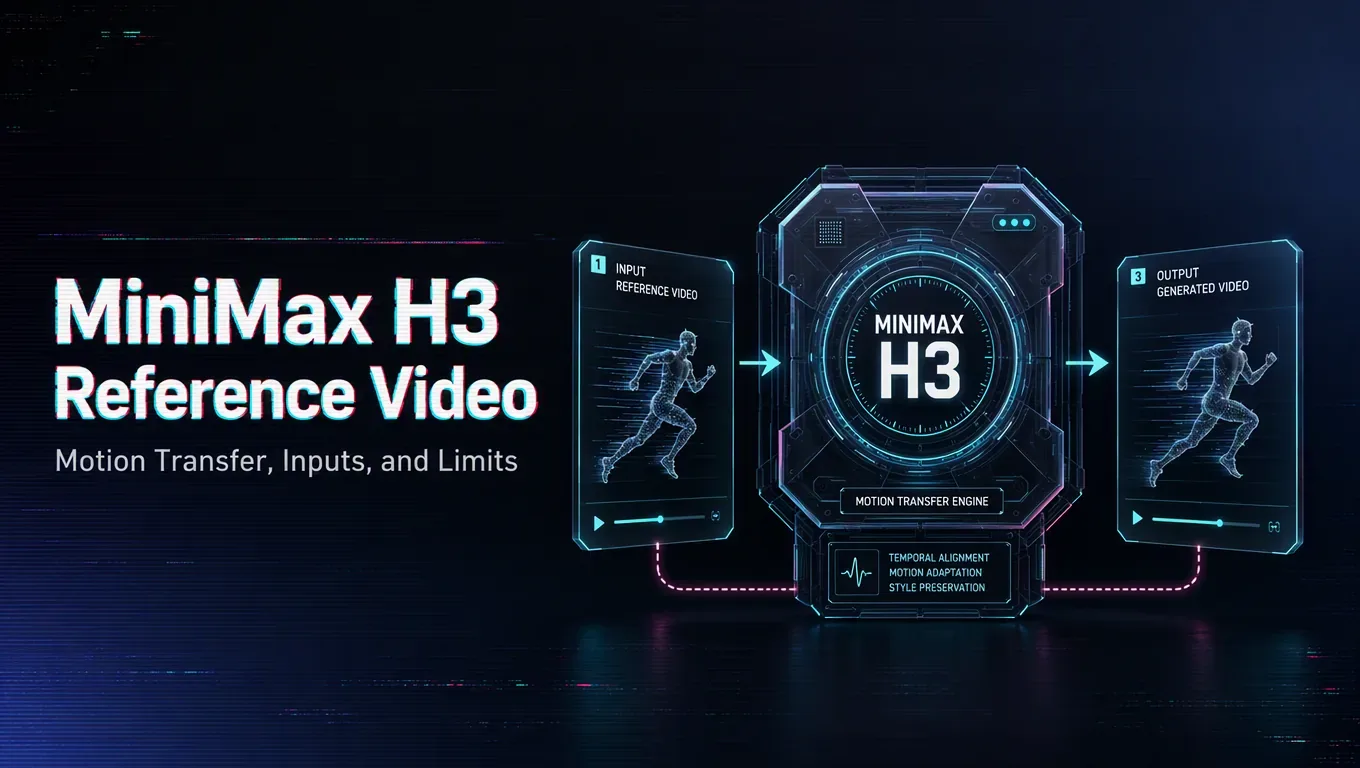
A video reference guides generation with motion and scene cues a still image cannot carry, which makes it useful for motion transfer. Confirm that your MiniMax H3 route accepts video input and how it is attached in the request schema, along with any limits on length, resolution, or format, since these constraints vary and shape what you can send.
Source note: Verified 2026-08-06 against the MiniMax official H3 blog, MiniMax Video Generation API docs, and Hugging Face MiniMax-H3 model page.
Treat the reference as a strong signal to manage, not just an input to attach. A clip with clear, dominant motion tends to steer the output firmly, so match its pacing and framing to what you actually want, and reduce its influence if the result copies the source too literally instead of taking direction. Trim the reference to the few relevant seconds and keep it clean, because a long, busy clip buries the motion you care about under detail you do not.
Combine it with a focused prompt that describes the new subject or setting while the reference handles the movement, rather than asking both to do the same job.
From there it is the standard asynchronous flow: submit with the video reference attached, keep the task ID, poll for the terminal state, then retrieve and store the output. Run a single-reference test first to learn how hard the model follows before committing to a full sequence.
/filters:quality(82)/media/images/c347367a-a007-4466-b8f7-d37f5fb52819.webp)
/filters:quality(82)/media/images/cd4db796-7728-45fb-8267-6813ed28e173.webp)
/filters:quality(82)/media/images/1791535252286714222_v4jvJT2a.webp)
/filters:quality(82)/media/images/1791451065663755033_qNqAKS1a.webp)
/filters:quality(82)/media/images/1791359984291066138_tW5eOX6f.webp)
/filters:quality(82)/media/images/1773962750383987480_n3hqzHRZ.webp)