
How Do I Call MiniMax H3 Image-to-Video Through an API?
How to call MiniMax H3 image-to-video via API — attaching the source image, setting motion, and handling the async job.
Overview
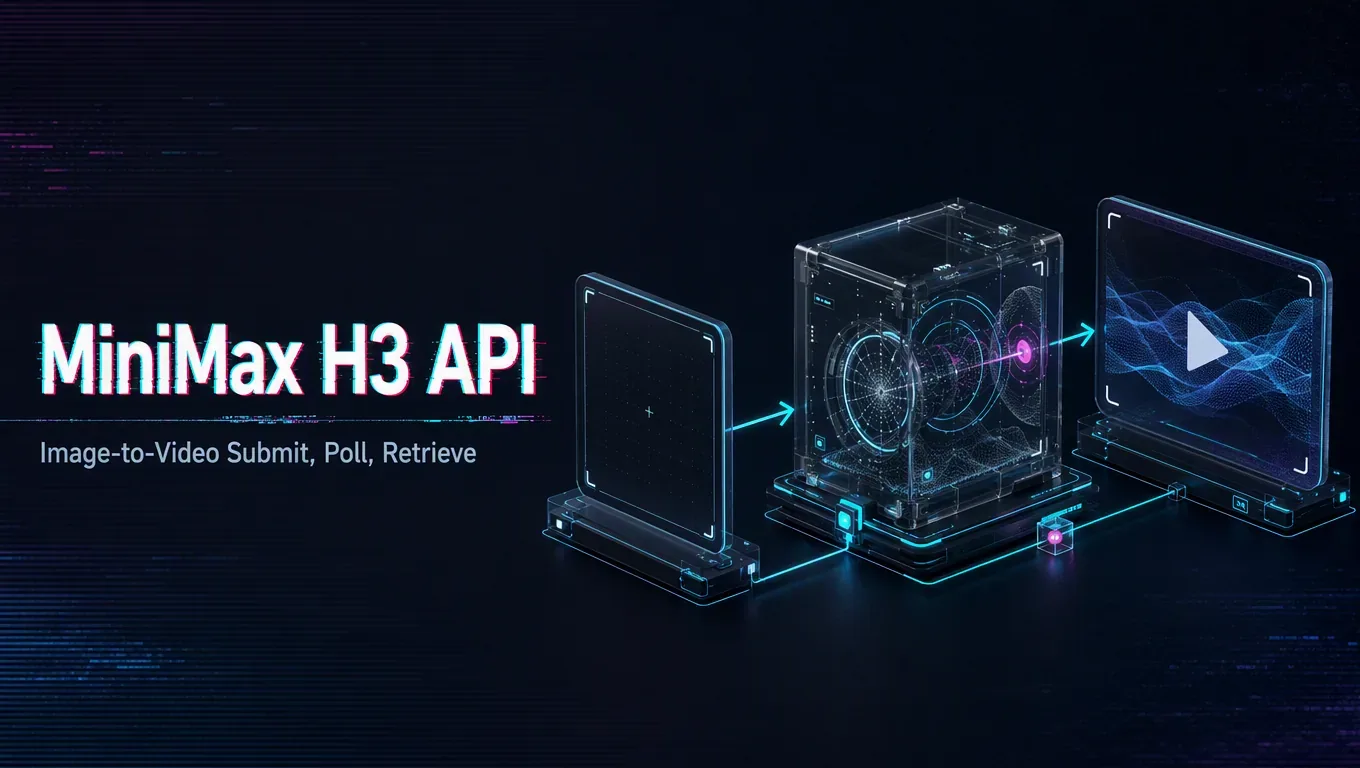
Image-to-video follows the same submit-poll-retrieve flow as text-to-video, with one key difference: you attach a source image the motion should build from. Confirm the accepted image format, size limits, and how the field sits in the request schema for MiniMax H3, since a rejected or mis-sized image is a common early stumble.
Source note: Verified 2026-08-06 against the MiniMax official H3 blog, MiniMax Video Generation API docs, and Hugging Face MiniMax-H3 model page.
Prepare the input, then describe the motion. Your source image sets the starting look, and your prompt tells the model how it should move or evolve over the clip. Keep the image clean and at a supported resolution, and keep the motion description focused, because a still image plus a vague “make it move” prompt tends to wander. If the model supports a first frame or first-and-last-frame control, that is often the cleaner way to anchor exactly where the animation begins and ends.
From there the mechanics match any async video call: submit and store the task ID, poll status, then retrieve and save the output to your own storage.
Test with one representative image and prompt first so you learn how strongly the model follows the source, then scale the pattern once the balance between image and motion behaves the way you expect.
/filters:quality(82)/media/images/c347367a-a007-4466-b8f7-d37f5fb52819.webp)
/filters:quality(82)/media/images/cd4db796-7728-45fb-8267-6813ed28e173.webp)
/filters:quality(82)/media/images/1791535252286714222_v4jvJT2a.webp)
/filters:quality(82)/media/images/1791451065663755033_qNqAKS1a.webp)
/filters:quality(82)/media/images/1791359984291066138_tW5eOX6f.webp)
/filters:quality(82)/media/images/1773962750383987480_n3hqzHRZ.webp)