
Can MiniMax H3 Use First and Last Frames?
Learn what first-and-last-frame generation does in MiniMax H3 workflows and how teams can use it for controlled transitions.
Overview
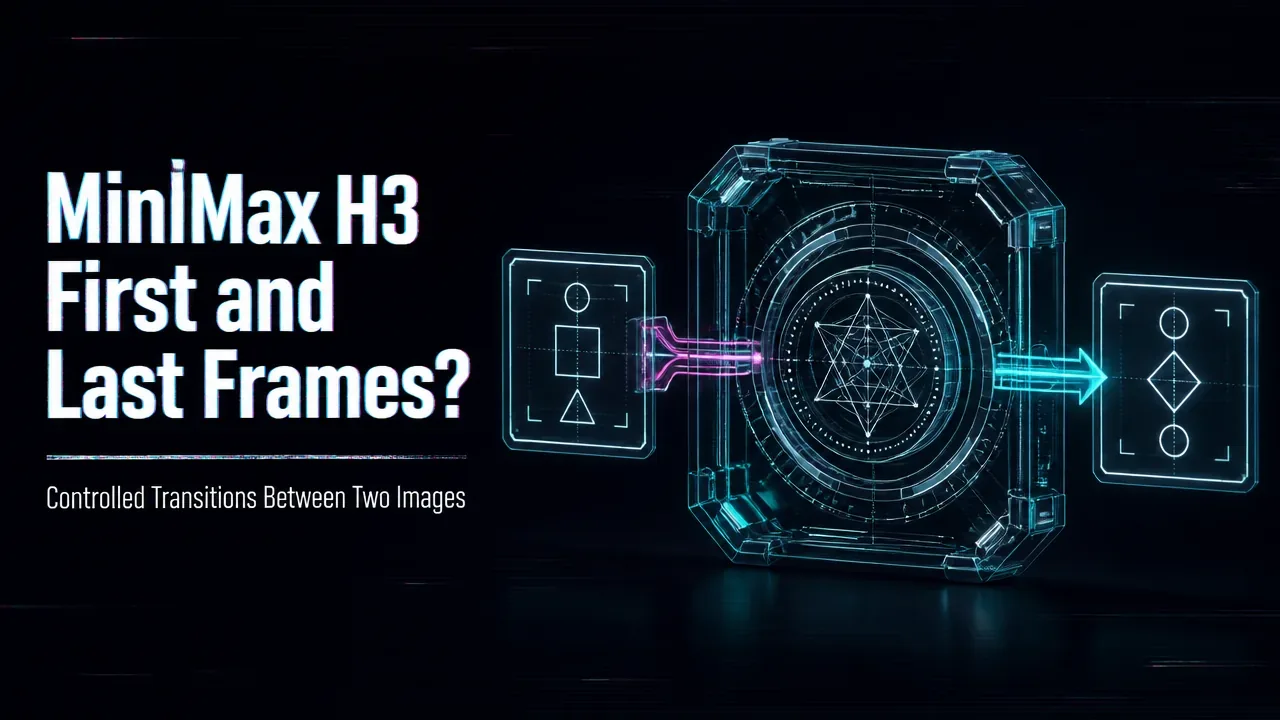
MiniMax H3 may support first-and-last-frame style workflows depending on the provider and exposed model mode. This feature lets a team supply the opening image and ending image, then ask the model to generate motion between them.
Source note: Verified 2026-08-06 against the MiniMax official H3 blog, MiniMax Video Generation API docs, and Hugging Face MiniMax-H3 model page.
The value is transition control. A text-only prompt might create a beautiful shot but drift away from the desired endpoint. A first-and-last-frame workflow gives the model two anchors: where the clip starts and where it should arrive. That is useful for product reveal shots, before-and-after scenes, character movement, app screen transitions, and cinematic cuts where the final composition matters. The limitation is that the model still has to invent the path between frames, so motion, object permanence, and cropping can vary. API implementations also differ: some routes may support only certain resolutions, durations, aspect ratios, or image requirements. WaveSpeedAI should frame this as a controlled video workflow, not a guarantee of perfect interpolation.
Use this mode when the start and end state are both known. If only the opening asset matters, image-to-video may be simpler.
In production, validate first-frame and last-frame pairs as a unit before sending user jobs at scale. Mismatched crops or aspect ratios can create avoidable failures.
/filters:quality(82)/media/images/c347367a-a007-4466-b8f7-d37f5fb52819.webp)
/filters:quality(82)/media/images/cd4db796-7728-45fb-8267-6813ed28e173.webp)
/filters:quality(82)/media/images/1791535252286714222_v4jvJT2a.webp)
/filters:quality(82)/media/images/1791451065663755033_qNqAKS1a.webp)
/filters:quality(82)/media/images/1791359984291066138_tW5eOX6f.webp)
/filters:quality(82)/media/images/1773962750383987480_n3hqzHRZ.webp)