
Does MiniMax H3 Support Dialogue or Speech in Generated Videos?
Whether MiniMax H3 can generate dialogue or speech in video, and the quality boundaries to test before relying on it.
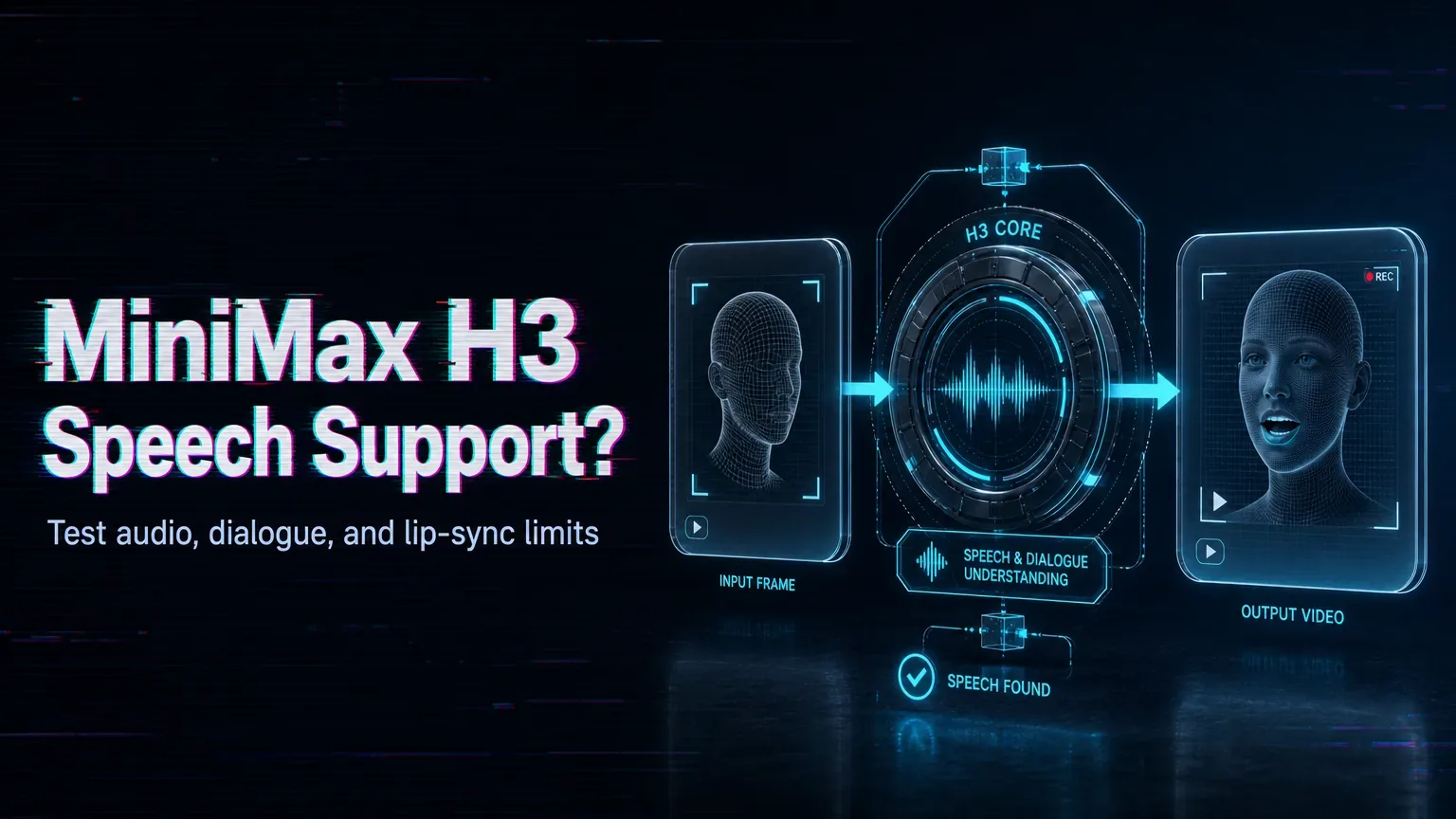
Overview
Newer Hailuo-family models push toward native audio, including speech and ambient sound, but exact support depends on the version and route, so confirm it before you plan a talking-head shot. Where speech is available, treat it as capable rather than perfectly controllable, and design your workflow with that gap in mind.
Source note: Verified 2026-08-06 against the MiniMax official H3 blog, MiniMax Video Generation API docs, and Hugging Face MiniMax-H3 model page.
Set realistic expectations for three layers. Ambient sound and simple audio tend to work most reliably. Spoken dialogue is harder, and lip-sync accuracy can drift, especially over longer clips or with dense lines packed into a few seconds. Fine control over exact wording, timing, and voice character is the least predictable, so do not promise a client frame-accurate speech until you have tested it on your real script. Keeping lines short and clips brief gives sync the best chance to hold together.
The practical move is to test your hardest case early rather than your easiest. Generate the specific line and delivery you need, review the timing with sound on, and decide whether native audio is good enough or whether a dedicated text-to-speech and lip-sync step still earns its place in your pipeline for the demanding shots.
Native speech can simplify a workflow when it holds up, but validate the quality on your own content and your toughest lines rather than assuming a smooth demo reflects the exact use case you are shipping.
/filters:quality(82)/media/images/c347367a-a007-4466-b8f7-d37f5fb52819.webp)
/filters:quality(82)/media/images/cd4db796-7728-45fb-8267-6813ed28e173.webp)
/filters:quality(82)/media/images/1791535252286714222_v4jvJT2a.webp)
/filters:quality(82)/media/images/1791451065663755033_qNqAKS1a.webp)
/filters:quality(82)/media/images/1791359984291066138_tW5eOX6f.webp)
/filters:quality(82)/media/images/1773962750383987480_n3hqzHRZ.webp)