
Can MiniMax H3 API Generate Synchronized Audio and Video in One Request?
Whether MiniMax H3 can generate synchronized audio and video in a single API request, and when you still need TTS.
Overview
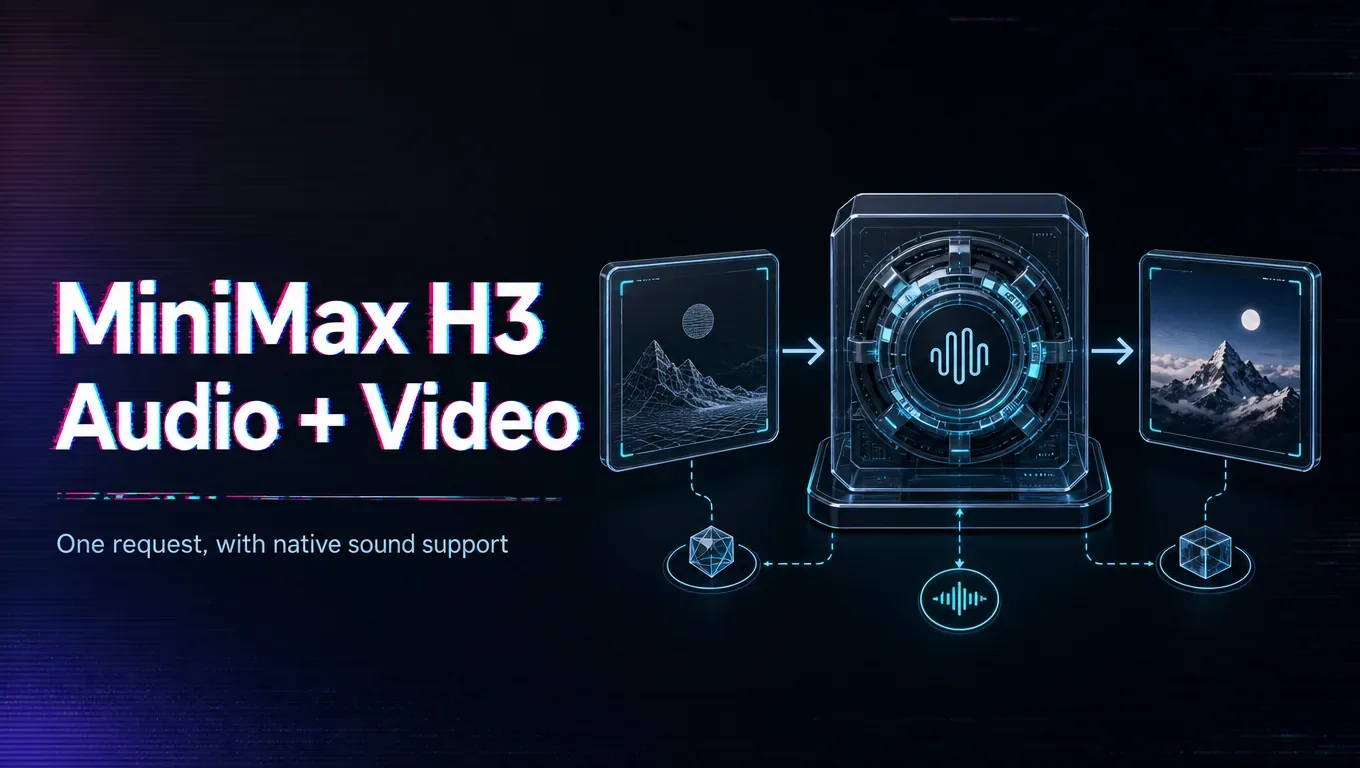
Where native audio is supported, the appeal is exactly this: one request returns video with synchronized sound, so you skip a separate text-to-speech and lip-sync stage. Confirm that your MiniMax H3 route offers native audio and how you request it, because this is a differentiator that not every version or provider exposes.
Source note: Verified 2026-08-06 against the MiniMax official H3 blog, MiniMax Video Generation API docs, and Hugging Face MiniMax-H3 model page.
Understand what “one request” buys you and where it stops. When it works, generating picture and sound together saves a whole pipeline step and keeps timing coherent, which is genuinely valuable for quick spots and social clips. But quality varies by content: ambient sound is usually reliable, while precise lip-synced dialogue over longer clips is the hardest case and can drift. So the honest answer is that a single request can replace a separate audio pipeline for many jobs, but not necessarily the ones with exacting speech requirements.
The practical test is to run your hardest audio case — the specific line, voice, and length you need — and judge whether the in-request result clears your bar.
If it does, you simplify your stack meaningfully. If it does not, keep a dedicated TTS-and-lip-sync fallback for those shots and use native audio where it holds up, rather than forcing one approach onto every clip.
/filters:quality(82)/media/images/c347367a-a007-4466-b8f7-d37f5fb52819.webp)
/filters:quality(82)/media/images/cd4db796-7728-45fb-8267-6813ed28e173.webp)
/filters:quality(82)/media/images/1791535252286714222_v4jvJT2a.webp)
/filters:quality(82)/media/images/1791451065663755033_qNqAKS1a.webp)
/filters:quality(82)/media/images/1791359984291066138_tW5eOX6f.webp)
/filters:quality(82)/media/images/1773962750383987480_n3hqzHRZ.webp)