How Do I Collect Multiple Image or Video Output Urls in n8n and Save Them Permanently?
Collect multiple WaveSpeedAI output URLs in n8n, split the array, download every file, and save durable asset records.
Overview
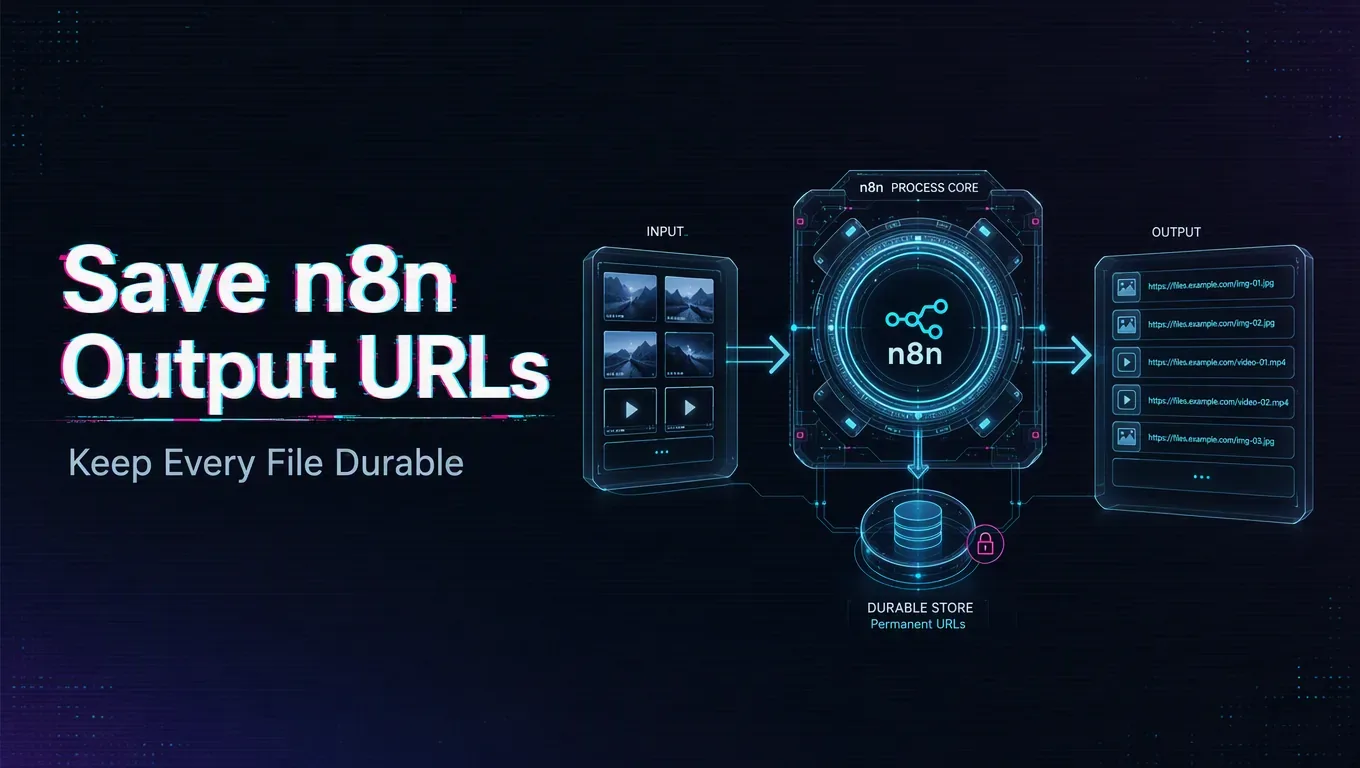
Wait for the generation task to reach completed, then read the outputs array and create one n8n item per URL. Download every item into storage you control and save a database record that connects the durable asset to its WaveSpeedAI task ID.
Build the workflow in stages
Start with an HTTP Request node that submits the model task. Save the returned task ID. For simple workflows, poll the result endpoint with a Wait node: return outputs on completed, stop with an error on failed, cancelled, timeout, or deleted, and continue polling for every other status. For higher volume, use a webhook endpoint and verify the webhook signature before accepting the payload.
After completion, use Split Out or an equivalent item operation on the outputs array. For each URL:
- download the binary file;
- write it to object storage, a media library, or another durable destination;
- store the permanent URL, original output URL, task ID, model ID, and item index;
- mark individual transfer failures for retry.
WaveSpeedAI says generated media files are temporary and generally expire within seven days. Do not use returned CDN URLs as your permanent asset system.
Retry the right operation
If one download fails, retry that transfer rather than rerunning the generation task. Keep a unique key such as task_id + output_index so repeated webhook deliveries do not create duplicate records.
Confirm durable storage
Finish only after your storage service returns success and the asset is readable. “Generation completed” and “asset safely stored” are different workflow states.