
How Do You Build an n8n AI Video Generation Integration?
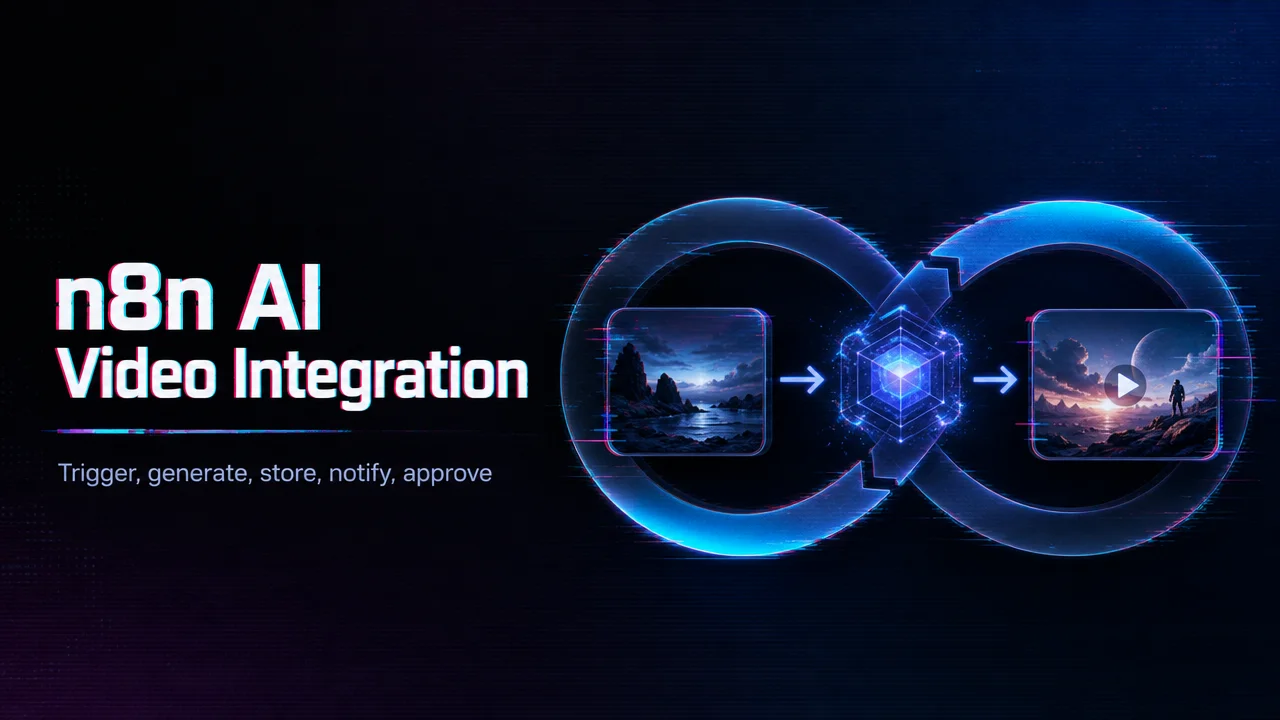
How to build an n8n AI video generation integration: a five-node skeleton, trigger, generate, store, notify, approve, that scales safely.
Overview
n8n AI video generation integration lets teams automate video workflows by connecting triggers, prompts, API calls, job polling, webhooks, storage, and publishing steps in a no-code or low-code environment. It is useful for repeatable creative or operational pipelines.
- Use n8n to collect inputs, call the video API, wait for completion, and route outputs.
- Add error handling, retry limits, budget controls, and review steps.
- Store job IDs and output links so failed or delayed jobs can be traced.
AI video workflows should not run as uncontrolled bulk tasks. Each generation can cost money, take time, and produce outputs that need review. A good n8n flow includes approval checkpoints before final publishing.
WaveSpeedAI fits n8n workflows when teams want one API for multiple video, image, audio, or LLM models. The value is not just automation; it is connecting automation to a model access layer that can evolve. For production, teams should start with a small flow, test errors, estimate cost, then scale only after review and monitoring are in place. Start the n8n build with a five-node skeleton, trigger, generate, store, notify, approve, and only add branching once that loop runs a week without manual rescue.
/filters:quality(82)/media/images/c347367a-a007-4466-b8f7-d37f5fb52819.webp)
/filters:quality(82)/media/images/cd4db796-7728-45fb-8267-6813ed28e173.webp)
/filters:quality(82)/media/images/1791535252286714222_v4jvJT2a.webp)
/filters:quality(82)/media/images/1791451065663755033_qNqAKS1a.webp)
/filters:quality(82)/media/images/1791359984291066138_tW5eOX6f.webp)
/filters:quality(82)/media/images/1773962750383987480_n3hqzHRZ.webp)