Advanced SAM 3D body generation model for creating detailed 3D human body models from images with optional mask-based segmentation. Ready-to-use REST inference API, best performance, no coldstarts, affordable pricing.
Idle
$0.02per run·~50 / $1
ExamplesView all

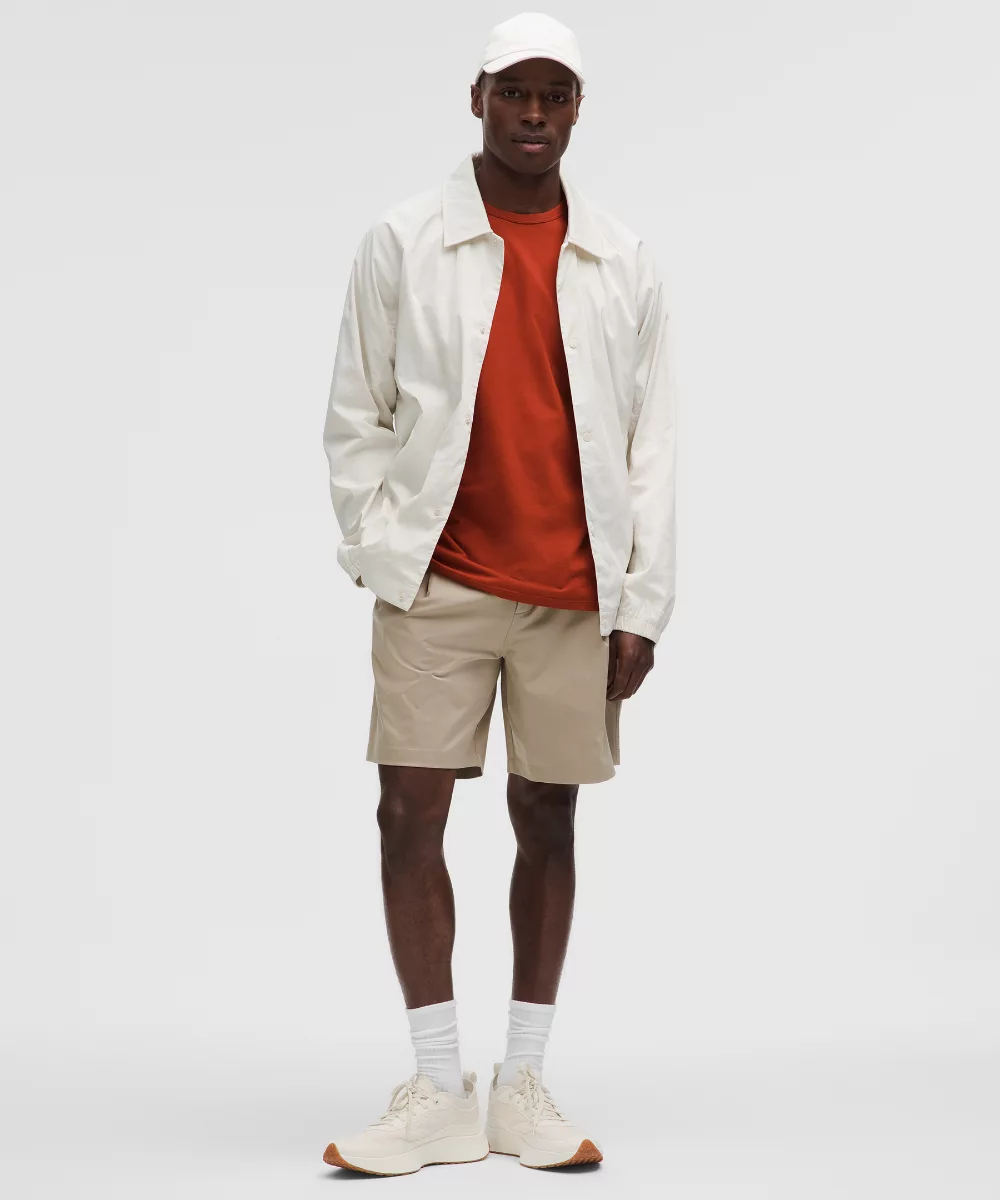

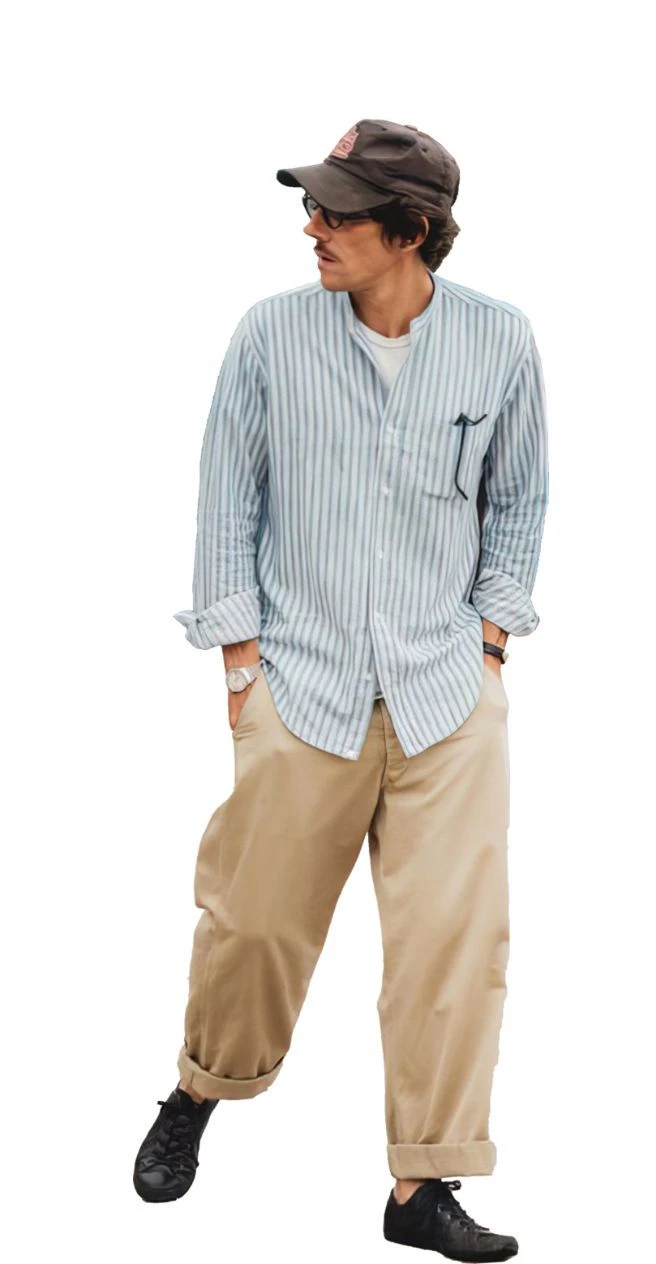


Related Models
/filters:quality(82)/media/images/1790055359461222633_sVA5nxPe.webp)
/filters:quality(82)/media/images/1790055357630118327_7rW5fpyH.webp)
/filters:quality(82)/media/images/1789118312974471104_PeBKU3ck.webp)
/filters:quality(82)/media/images/1789120746143744570_VtCMW5en.webp)
/filters:quality(82)/media/images/1789119708524405601_mQHR09is.webp)
/filters:quality(82)/media/images/1789121897153465635_WuENX6fp.webp)
README
WaveSpeedAI SAM 3D Body Image-to-3D
SAM 3D Body (wavespeed-ai/sam-3d-body) generates a 3D human body asset from a single input image, with an optional mask to isolate the body region. It’s designed for practical pipelines where you want fast, repeatable 3D body reconstruction from photos and screenshots.
You provide the source image (and optionally a mask image). The API returns output URL(s) for the generated 3D result.
Key capabilities
- Single-image 3D human body generation from an input image URL.
- Optional mask-guided subject isolation via
mask_imagefor cleaner results when the background is busy. - Simple, minimal input surface (just
image, plus optionalmask_image)—easy to plug into automation. - Asynchronous job workflow with task status (
created/processing/completed/failed) and output URLs when finished. - Production-style response payloads including timing info and NSFW flags in the result metadata.
Parameters and how to use
- image: (required) Input image URL for 3D body generation.
- mask_image: Optional mask image URL to constrain processing to a specific region (typically the body).
Prompt
This model is image-conditioned and does not accept a text prompt. Your “instruction” is primarily the image content (and optional mask_image).
Media (Images)
Input
imagemust be a publicly accessible URL when calling the REST API.- For best results, use a clear full-body subject (minimal occlusion, good lighting, sharp edges).
- Avoid heavy motion blur, extreme fisheye distortion, or large cut-offs (missing limbs / cropped torso).
Optional mask
-
mask_imageshould match the same framing and dimensions asimage. -
Use the mask when:
-
the background is cluttered,
-
multiple people appear,
-
the body boundary is ambiguous (similar colors, low contrast).
Other parameters
mask_image
- When to use: Improve subject isolation and reduce background leakage into the reconstruction.
- What to send: A mask image URL aligned to
image(commonly a binary or high-contrast foreground mask).
After you finish configuring the parameters, click Run, preview the result, and iterate if needed.
Pricing
$0.02 per run
Notes
- Best input = best 3D. A well-lit, centered, full-body image will generally outperform a busy, low-contrast scene.
- Use
mask_imageas a control knob. If the output includes background artifacts or misses body parts, add a mask and re-run. - Expect iteration for hard cases. Complex poses, heavy occlusions (arms crossing torso), and multiple overlapping people often need a cleaner source image or a tighter mask.
Related Models
- SAM 3D Objects – Same SAM-style workflow, optimized for single-object reconstruction (with optional mask guidance).
- Hunyuan3D V3 Image-To-3D – Higher-end general image-to-3D model for detailed assets and textures.
- Tencent Hunyuan3D V2 Multi-View – Multi-view reconstruction when you can provide multiple angles for better geometry.
- Tencent Hunyuan3D v2.1 – General-purpose image-to-3D pipeline geared for scalable asset workflows and richer outputs.
Sam 3d Body API — Quick start
Grab a WaveSpeedAI API key, then call POST https://api.wavespeed.ai/api/v3/wavespeed-ai/sam-3d-body with your input as JSON. The endpoint returns a prediction id. Start polling the result endpoint around every 2 seconds, increase the interval for long-running tasks, and stop on any terminal status. On completed, read output values from data.outputs. Examples for Sam 3d Body below.
HTTP example
set -euo pipefail

: "${WAVESPEED_API_KEY:?Set WAVESPEED_API_KEY}"

REQUEST_BODY=$(cat <<'JSON'
{
    "image": "https://interactive-examples.mdn.mozilla.net/media/cc0-images/painted-hand-298-332.jpg"
}
JSON
)

# 1. Submit the prediction.
SUBMIT_RESPONSE=$(curl --silent --show-error --fail-with-body \
  -X POST "https://api.wavespeed.ai/api/v3/wavespeed-ai/sam-3d-body" \
  -H "Content-Type: application/json" \
  -H "Authorization: Bearer $WAVESPEED_API_KEY" \
  -d "$REQUEST_BODY")

TASK=$(printf '%s' "$SUBMIT_RESPONSE" | jq 'if has("data") then .data else . end')
PREDICTION_ID=$(printf '%s' "$TASK" | jq -r '.id')
if [ -z "$PREDICTION_ID" ] || [ "$PREDICTION_ID" = "null" ]; then
  printf 'Submission response did not contain a prediction id
' >&2
  exit 1
fi
RESULT_URL="https://api.wavespeed.ai/api/v3/predictions/$PREDICTION_ID/result"

# 2. Poll until the prediction finishes.
while true; do
  RESPONSE=$(curl --silent --show-error --fail-with-body "$RESULT_URL" \
    -H "Authorization: Bearer $WAVESPEED_API_KEY")
  RESULT=$(printf '%s' "$RESPONSE" | jq 'if has("data") then .data else . end')
  STATUS=$(printf '%s' "$RESULT" | jq -r '.status')
  case "$STATUS" in
    completed) printf '%s\n' "$RESULT" | jq '.outputs'; break ;;
    failed|cancelled|timeout|deleted) printf '%s\n' "$RESULT" | jq . >&2; exit 1 ;;
    *) sleep 2 ;;
  esac
done
Node.js example
const submitUrl = "https://api.wavespeed.ai/api/v3/wavespeed-ai/sam-3d-body";
const apiKey = process.env.WAVESPEED_API_KEY;
if (!apiKey) throw new Error('Set WAVESPEED_API_KEY');

async function requestJson(url, options = {}) {
  const response = await fetch(url, options);
  if (!response.ok) throw new Error(await response.text());
  return response.json();
}

// 1. Submit the prediction.
const body = await requestJson(submitUrl, {
  method: "POST",
  headers: {
    "Authorization": `Bearer ${apiKey}`,
    "Content-Type": "application/json",
  },
  body: JSON.stringify({
        "image": "https://interactive-examples.mdn.mozilla.net/media/cc0-images/painted-hand-298-332.jpg"
}),
});
const task = body.data ?? body;
if (!task.id) throw new Error("Submission response did not contain a prediction id");
const resultUrl = `https://api.wavespeed.ai/api/v3/predictions/${task.id}/result`;

// 2. Poll until the prediction finishes.
while (true) {
  const resultBody = await requestJson(resultUrl, {
    headers: { "Authorization": `Bearer ${apiKey}` },
  });
  const result = resultBody.data ?? resultBody;
  if (result.status === "completed") {
    console.log(result.outputs);
    break;
  }
  if (["failed", "cancelled", "timeout", "deleted"].includes(result.status)) throw new Error(JSON.stringify(result));
  await new Promise(resolve => setTimeout(resolve, 2000));
}
Python example
import json
import os
import time
from urllib.request import Request, urlopen

api_key = os.environ["WAVESPEED_API_KEY"]
headers = {"Authorization": f"Bearer {api_key}", "Content-Type": "application/json"}
payload = {
    "image": "https://interactive-examples.mdn.mozilla.net/media/cc0-images/painted-hand-298-332.jpg"
}

def request_json(url, data=None):
    request = Request(url, data=data, headers=headers, method="POST" if data else "GET")
    with urlopen(request) as response:
        return json.load(response)

# 1. Submit the prediction.
body = request_json("https://api.wavespeed.ai/api/v3/wavespeed-ai/sam-3d-body", json.dumps(payload).encode())
task = body.get("data", body)
if not task.get("id"):
    raise RuntimeError("Submission response did not contain a prediction id")
result_url = f"https://api.wavespeed.ai/api/v3/predictions/{task['id']}/result"

# 2. Poll until the prediction finishes.
while True:
    result_body = request_json(result_url)
    result = result_body.get("data", result_body)
    status = result.get("status")
    if status == "completed":
        print(result.get("outputs", []))
        break
    if status in {"failed", "cancelled", "timeout", "deleted"}:
        raise RuntimeError(result)
    time.sleep(2)
Sam 3d Body API — Frequently asked questions
What is the Sam 3d Body API?
Sam 3d Body is a WaveSpeedAI model for 3D asset generation from images, exposed as a REST API on WaveSpeedAI. Advanced SAM 3D body generation model for creating detailed 3D human body models from images with optional mask-based segmentation. Ready-to-use REST inference API, best performance, no coldstarts, affordable pricing. You can call it programmatically or try it from the playground above.
How do I call the Sam 3d Body API?
POST your input parameters to the model's REST endpoint (shown in the API tab of this playground) with your WaveSpeedAI API key in the Authorization header. Submission returns a prediction ID. Poll the result endpoint starting around every 2 seconds, increase the interval for long-running tasks, and stop on any terminal status. The playground generates Python, JavaScript, and cURL examples for submitting requests and polling results. Full request/response shape is documented at https://wavespeed.ai/docs/docs-api/wavespeed-ai/sam-3d-body.
How much does Sam 3d Body cost per run?
Sam 3d Body starts at $0.02 per run. That figure is the base price — the final charge scales with the parameters you set in the form (output size, length, count, references, or whatever knobs this model exposes), so a higher-quality or larger output costs more than a minimal one. The exact cost for your current input is shown live next to the Generate button before you submit, and the actual per-call charge is recorded on the prediction afterwards.
What inputs does Sam 3d Body accept?
Key inputs: `image`, `mask_image`. The full JSON schema (types, defaults, allowed values) is rendered above the Generate button and mirrored in the API reference at https://wavespeed.ai/docs/docs-api/wavespeed-ai/sam-3d-body.
How long does Sam 3d Body take to generate?
Reported generation time on WaveSpeedAI is around 11 seconds per request. This is an estimate, not a latency guarantee; queue time and input settings can change the total wait. live status is visible in the prediction record.
Can I use Sam 3d Body outputs commercially?
Commercial usage rights depend on the model's license, set by its provider (WaveSpeedAI). Check the provider's applicable terms and WaveSpeedAI's Terms of Service before commercial use.
More from WaveSpeed
View all- wavespeed-ai/ace-stepText to Audio
- wavespeed-ai/ace-step-1.5Text to Audio
- wavespeed-ai/ace-step/audio-inpaintAudio to Audio
- wavespeed-ai/ace-step/audio-outpaintAudio to Audio
- wavespeed-ai/ace-step/audio-to-audioAudio to Audio
- wavespeed-ai/ace-step/prompt-to-audioText to Audio
- wavespeed-ai/ai-age-filterImage to Image
- wavespeed-ai/ai-breast-expansionImage to Image
- wavespeed-ai/ai-celebrity-look-alike-finderImage to Image
- wavespeed-ai/ai-clothes-changerImage to Image
More Image to 3d models
View all- tripo3d/h3.1/image-to-3dImage to 3d
- bytedance/seed3d-2.0/image-to-3dImage to 3d
- wavespeed-ai/hunyuan-3d-v3.1/image-to-3d-rapidImage to 3d
- tripo3d/h3.1/multiview-to-3dImage to 3d
- wavespeed-ai/hunyuan3d-v3/image-to-3dImage to 3d
- hyper3d/rodin-v2.5/image-to-3dImage to 3d
- meshy/v7/multi-image-to-3dImage to 3d
- meshy/v7/image-to-3dImage to 3d
- tripo3d/triposplat/image-to-3dImage to 3d
- wavespeed-ai/meshy6/image-to-3dImage to 3d