Pick a tank
The page opens on a dam break. Choose Wave tank, Big drop or Two columns under Scenes, or change the starting layout in Settings.
Watch a dam break, rock a wave tank or drop a block of water into a pool.
Push the water with your finger and save the splash as a video.
Loading the fluid simulator…
The page opens on a dam break. Choose Wave tank, Big drop or Two columns under Scenes, or change the starting layout in Settings.
Drag to push it, hold Pour to add more, and tilt the tank with the buttons, the slider or the arrow keys.
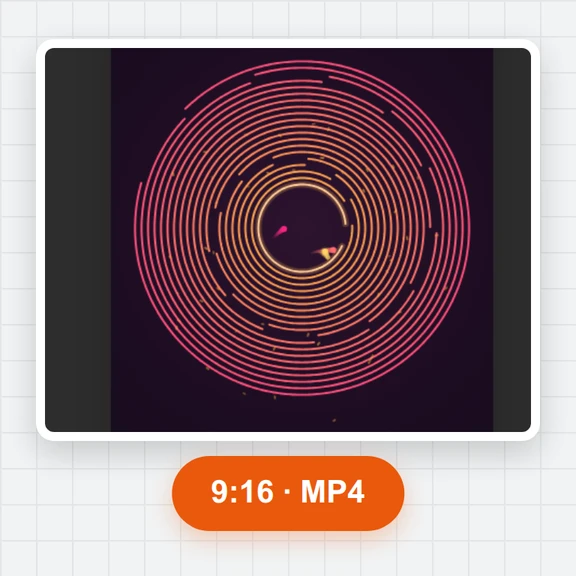
Record a take, or export the automatic show, as a vertical, square or wide MP4 with a splash sound.
Use a frame from the simulator as a starting point for AI images and videos with WaveSpeed AI.
Restyle a smoke frame into a poster, an album cover or a wallpaper.
Animate a still of swirling ink into a longer cinematic clip.
$1 in free credits for eligible new accounts. No card needed. Generators have separate account and credit requirements. The fluid simulator is free.
The water is made of thousands of particles that keep the same spacing, so they behave like a liquid that cannot be squeezed: they fall, splash, slosh and level out.
Use the tilt buttons under the canvas, the Tilt slider in Settings or the left and right arrow keys. The small circle in the corner shows which way is down.
Yes. Raise Thickness for honey-like flow and Cohesion to make it hold together in blobs; Lava and Slime colours suit them.
From 500 up to 6,000. 2,500 runs smoothly on most laptops and phones; lower the count if it slows down.
Yes. No sign-up and no watermark on screenshots or videos.
Thousands of particles · Tilt, push and pour · MP4 clips with sound
/filters:quality(82)/media/images/1791123751656780930_IfFPY7R0.webp)
/filters:quality(82)/media/images/1791123737177812425_RjKT3cku.webp)
/filters:quality(82)/media/images/1791123748309870128_xlkNgK8N.webp)
/filters:quality(82)/media/images/1791123738630744263_oR09R0aj.webp)
/filters:quality(82)/media/images/1791177033162457776_uQ09OY7g.webp)
/filters:quality(82)/media/images/1791123734319125607_JdnwGPY7.webp)
/filters:quality(82)/media/images/1791123746355630206_udnxGPY7.webp)
/filters:quality(82)/media/images/1791123744771362580_yC0sPezZ.webp)
/filters:quality(82)/media/images/1791123738606970169_5KIR1ais.webp)
/filters:quality(82)/media/images/1791123748197655725_EUmuFNW6.webp)