Add TIFF files
Choose, drop or paste .tif or .tiff files. JPG is already selected as the output.
Turn big TIFF scans, print files and camera exports into compact JPGs that open anywhere.
Compressed and uncompressed TIFFs, 8- and 16-bit, RGB, greyscale and CMYK are all welcome.
Drop one or many images here, or paste them
JPG, PNG, WebP, HEIC, AVIF, GIF, BMP, TIFF, ICO, SVG · Up to 100 MB each · Nothing is uploadedLoad a set of images with a target format already picked, then convert them all at once.
Choose, drop or paste .tif or .tiff files. JPG is already selected as the output.
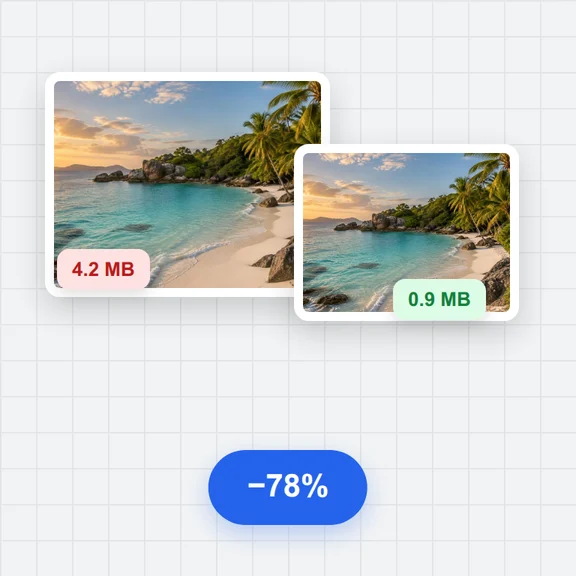
90% keeps scans sharp and readable while making them far smaller.
Press Convert: one image downloads as a JPG file, several come together in a ZIP.
Create photos, illustrations and graphics from a short prompt with WaveSpeed AI.
Make photos, product shots and illustrations from a prompt.
Turn a still image into a short video clip.
Turn a picture into a 3D model.
$1 in free credits for eligible new accounts. No card needed. Generators have separate account and credit requirements. The image converter is free.
TIFF is the format of scanners and print workflows, and its files are large. JPGs are far smaller and open in every app, email and website.
Uncompressed, LZW, ZIP (Deflate), PackBits and JPEG-compressed TIFFs, in RGB, greyscale, palette or CMYK, 8 or 16 bits per channel. Multi-page files give you the first page.
Their colours are converted to RGB, the colour model screens and JPG files use.
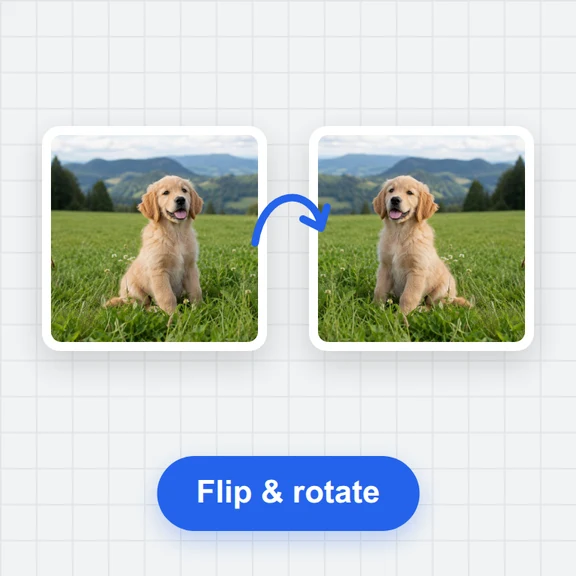
Yes. The orientation stored in the TIFF is applied, so the JPG shows the page upright.
Scans and print files · CMYK and 16-bit · Batch to ZIP
/filters:quality(82)/media/images/1791123751656780930_IfFPY7R0.webp)
/filters:quality(82)/media/images/1791123737177812425_RjKT3cku.webp)
/filters:quality(82)/media/images/1791123748309870128_xlkNgK8N.webp)
/filters:quality(82)/media/images/1791123738630744263_oR09R0aj.webp)
/filters:quality(82)/media/images/1791177033162457776_uQ09OY7g.webp)
/filters:quality(82)/media/images/1791123734319125607_JdnwGPY7.webp)
/filters:quality(82)/media/images/1791123746355630206_udnxGPY7.webp)
/filters:quality(82)/media/images/1791123744771362580_yC0sPezZ.webp)
/filters:quality(82)/media/images/1791123738606970169_5KIR1ais.webp)
/filters:quality(82)/media/images/1791123748197655725_EUmuFNW6.webp)