Add your PDFs
Drop PDF files or try the two sample PDFs. Click a file name to put it in the command.
Add PDFs, pick a common command or write your own, and run qpdf without installing anything.
Read its messages in the console, then open and download the files it wrote.
Drop PDF files here, or add them with the button. Click a file name to put it in the command.
Write qpdf arguments as in a terminal. Use the file names above as inputs; every new file the command writes is listed under Output files.
The first run downloads qpdf (about 347 KB) once. After that it loads from your browser.
qpdf's messages appear here when you run a command.Files your command writes will appear here, ready to open and download.
Drop PDF files or try the two sample PDFs. Click a file name to put it in the command.
Choose a common command, such as linearize, encrypt or merge, or type any qpdf arguments.
Read qpdf's messages in the console, then open the files it wrote, download them or use one as the next input.
Generate images and video from a prompt with WaveSpeed AI, then put them into your PDFs.
Create illustrations, covers and diagrams.
Generate clips from text or a picture.
Turn a picture into a 3D model.
$1 in free credits for eligible new accounts. No card needed. Generators have separate account and credit requirements. The qpdf online is free.
Yes. It is qpdf 12.2.0 compiled to WebAssembly, run with the arguments you type, so options and messages are the same as in a terminal.
No. qpdf runs inside your browser and reads your files there. Nothing is sent to a server; the only download is qpdf itself, about 350 KB the first time, then kept by your browser.
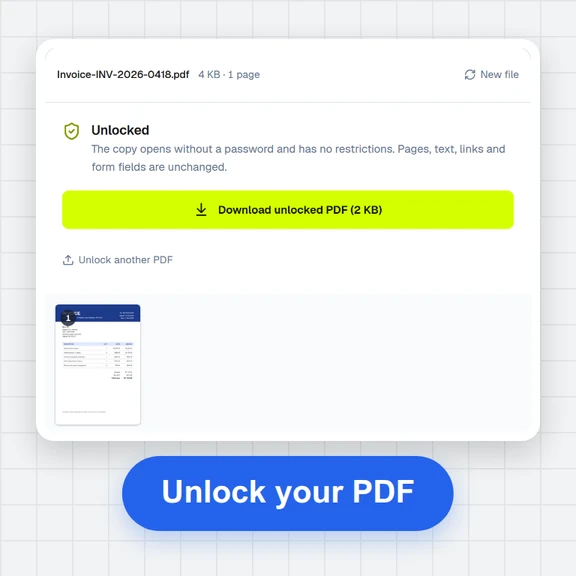
Merge PDF, Split PDF, Unlock PDF and Compress PDF each do one job with a simple form. qpdf Online gives you the whole qpdf command line: exact page ranges from several files, encryption with chosen permissions, linearization for fast web view, structure checks with --check and the document as JSON with --json.
Use “Linearize for fast web view”. qpdf --linearize rewrites the file so a browser can show the first page before the rest has downloaded. qpdf --check-linearization confirms it.
The encrypt preset uses AES-256 (--bits=256) with a password to open and an owner password, and turns off high-quality printing, changes and copying. Change the --print, --modify and --extract options to allow what you want; qpdf --show-encryption lists the result.
Only when you know it. Put the password in --password= and use --decrypt to save a copy without encryption. A wrong password stops with “invalid password”; qpdf does not guess passwords.
Not reliably in this browser build. qpdf on a desktop rebuilds a broken cross-reference table, but this WebAssembly build stops at the first structural error instead. Use --check to see what is wrong; files whose structure is intact can be rewritten and cleaned up.
Yes. No account, no watermark and no limit on runs. qpdf is open source under the Apache License 2.0.
Free, private and in your browser.