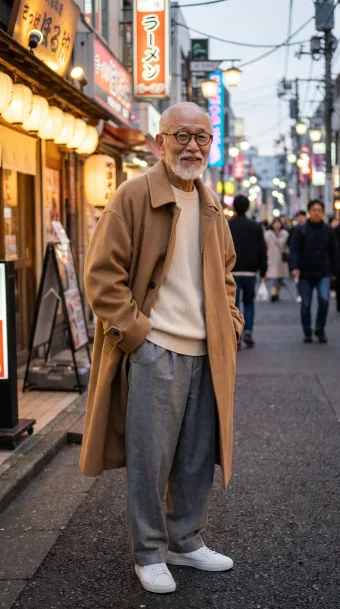
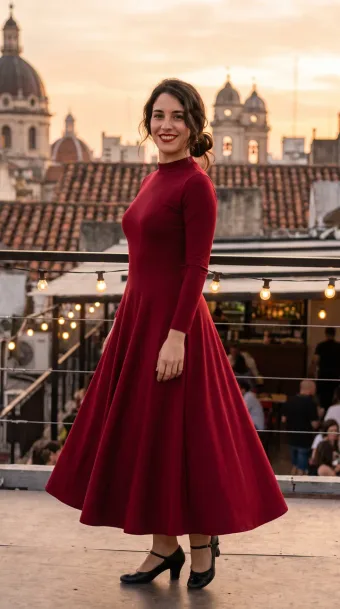
Choose the poster type
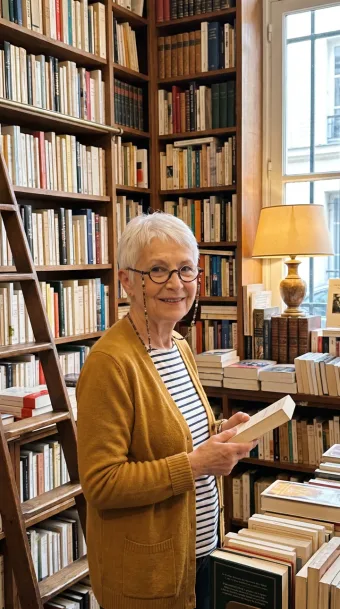
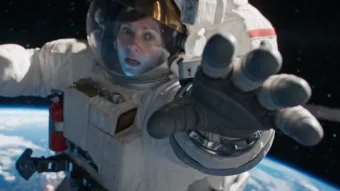
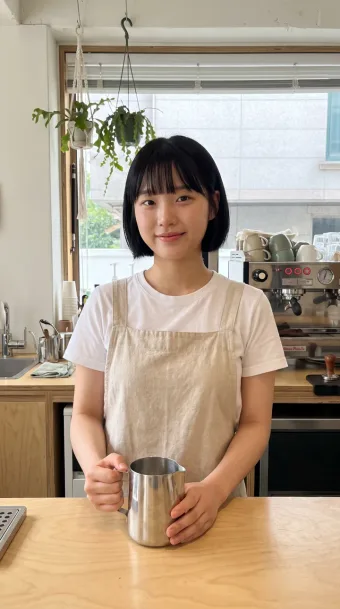
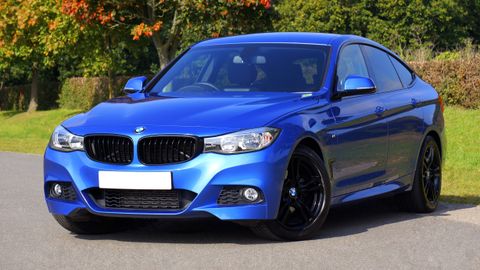
Café menu, sale, event, hiring, travel or movie: each comes with sample text and a photo.
Pick what the poster is for – a café menu, a sale, an event, a job opening, a trip or a film – type your text and get a finished design.
Shuffle for a genuinely different layout every time, with text that stays readable and Japanese headlines that can run vertically.
Every shuffle gives a different layout and colour scheme for the same text.
Need a photo for your poster?Describe the dish, product or scene and generate it right inside the tool, shaped to fit the layout.
Café menu, sale, event, hiring, travel or movie: each comes with sample text and a photo.
Replace the headline, details and small print, and upload your own photo if you have one.
Shuffle until the layout fits, then download PNG, JPG or a PDF to print.
Create the photo, illustration or video your campaign needs with WaveSpeed AI.
Create the photo or illustration for your poster from a short description.
Turn your poster image into a short video for social media.
Turn a picture into a 3D model.
$1 in free credits for eligible new accounts. No card needed. Generators have separate account and credit requirements. The poster maker is free.
Most use one recipe: a big centred headline on a blurred photo. Text melts into the background and every poster looks alike. This tool lays the poster out with design rules instead: the photo stays the subject, every word sits on a solid panel or a strong gradient, and each shuffle picks a different layout family.
Yes. Type Japanese and the poster switches to Japanese fonts (Noto Sans JP, Noto Serif JP, Dela Gothic One, Zen Maru Gothic). Short headlines can run vertically (tategaki), with punctuation and long marks placed as in print. Line breaks follow Japanese rules, so a line never starts with 、 or 。.
A4, A3 and B5 for print (the PDF is the real paper size at 300 dpi), an Instagram post (4:5), an Instagram carousel (cover, photo and details slides), square, story or signage (9:16), landscape (16:9) and a 91 × 55 mm shop or business card.
Yes. Choose A4, A3, B5 or the card size and download the PDF for print: the page is that paper size, with the poster at 300 dpi.
Yes. Upload a photo and drag the preview to choose what shows in the frame. No photo? Press "Generate a photo with AI", describe the scene, and a photo shaped for the current layout, with no text in it, is placed in the poster (a paid feature; sign in required).
Anthropic's canvas-design skill has Claude write a short design philosophy and then draw the poster in code. This tool follows the same idea in your browser – layout rules rather than a fixed template – and adds what code drawing lacks: your photo, Japanese typesetting and print sizes.
Yes. Making and downloading posters needs no account, adds no watermark and has no limit. Everything happens in your browser, so your text and photos are never uploaded. The only paid part is the optional AI photo, which needs a WaveSpeed account.
Pick a type, write your text and shuffle. Free, no sign-up.