Add an image
Drop a picture, a drawing or a logo. White or transparent backgrounds become transparent pixels.
Turn a picture or a drawing into pixel art with a set number of colours or a classic console palette.
Fix pixels with the brush, then download a sharp PNG at any scale, with transparency kept.
Drop a picture here, or paste it
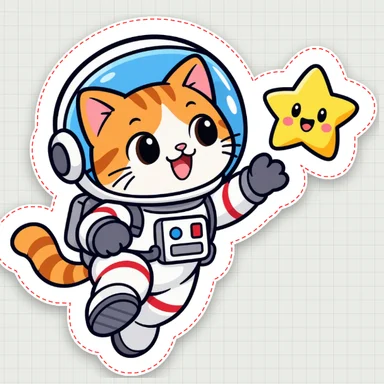
Simple drawings with bold colours work best · White backgrounds are removedNeed art? Create pixel art or a character with AI Image GeneratorSimple cartoons with bold outlines make the cleanest patterns. Choose one to open it as a pattern, then change the size, colours and craft.
Drop a picture, a drawing or a logo. White or transparent backgrounds become transparent pixels.
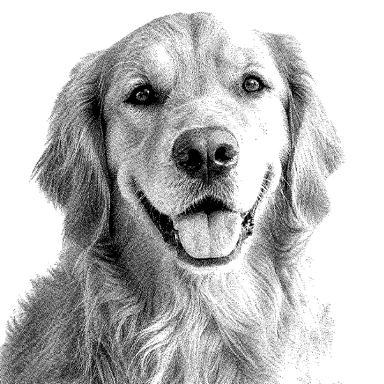
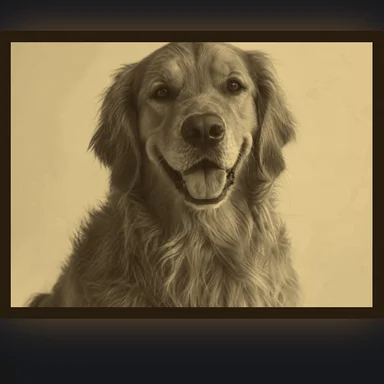
Set the width in pixels and the number of colours, or use the PICO-8, Game Boy or NES palette. Dithering helps with photos.
Paint, erase or swap colours with undo, then download the PNG scaled up with sharp, unblurred pixels.
Create a cute character, an animal or pixel art from a short prompt with WaveSpeed AI, then turn it into a bead pattern here.
Make simple, bold drawings that turn into clean bead patterns.
Bring your character to life in a short clip.
Turn your design into a 3D model.
$1 in free credits for eligible new accounts. No card needed. Generators have separate account and credit requirements. The bead pattern maker is free.
Yes. Convert and download as many images as you like, with no account and no watermark.
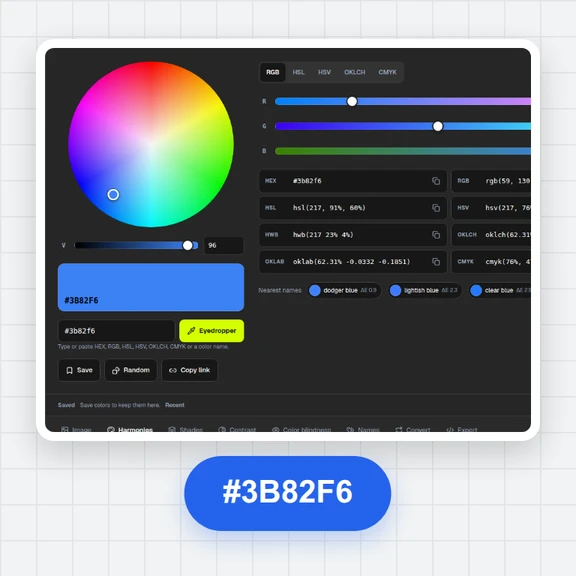
With “Best colours for the picture”, the converter finds the set number of colours that fit your image best. With PICO-8, Game Boy or NES, every pixel uses that console palette, and you can limit it to fewer colours.
Each pixel is copied into a solid square (×2 to ×32), with no smoothing, so edges stay crisp in games, on screens and in print.
Yes. Transparent areas stay transparent, and a white background around the picture is removed while “Remove background” is on.
Yes. Switch the craft to fuse beads, cross-stitch or diamond painting to get real bead or thread colours, a printable chart and a colour list.
No. The conversion runs in your browser; your image never leaves your device.
PICO-8, Game Boy & NES · Pixel-by-pixel editing · Crisp PNG up to ×32
/filters:quality(82)/media/images/1791123751656780930_IfFPY7R0.webp)
/filters:quality(82)/media/images/1791123737177812425_RjKT3cku.webp)
/filters:quality(82)/media/images/1791123748309870128_xlkNgK8N.webp)
/filters:quality(82)/media/images/1791123738630744263_oR09R0aj.webp)
/filters:quality(82)/media/images/1791177033162457776_uQ09OY7g.webp)
/filters:quality(82)/media/images/1791123734319125607_JdnwGPY7.webp)
/filters:quality(82)/media/images/1791123746355630206_udnxGPY7.webp)
/filters:quality(82)/media/images/1791123744771362580_yC0sPezZ.webp)
/filters:quality(82)/media/images/1791123738606970169_5KIR1ais.webp)
/filters:quality(82)/media/images/1791123748197655725_EUmuFNW6.webp)