Add a picture
Drop a drawing, a logo or a photo. Simple pictures with a few bold colours make the clearest charts.
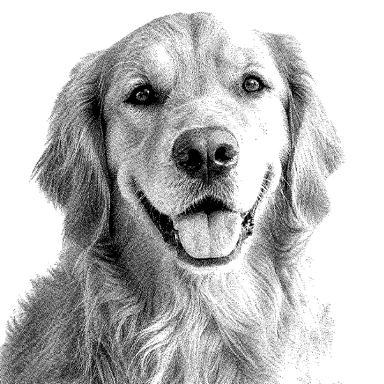
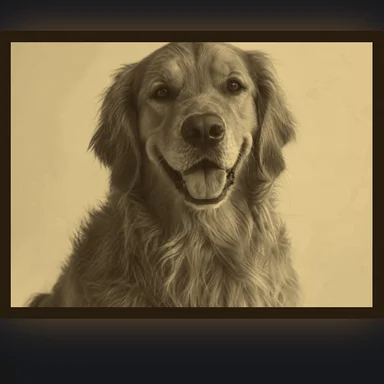
Turn a picture into a colourwork chart for intarsia, Fair Isle or stranded knitting, with a few colours picked from the image.
Set your gauge so the knitted picture keeps its shape, name your yarns, then print a numbered chart.
Drop a picture here, or paste it
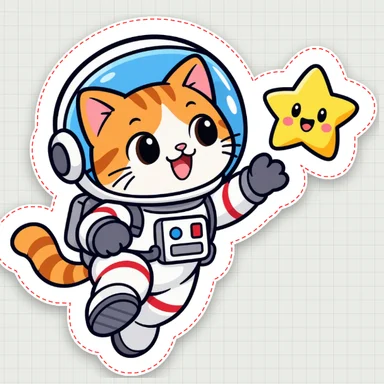
Simple drawings with a few bold colours work best · Transparent areas become the background colourNeed art? Create pixel art or a character with AI Image GeneratorSimple cartoons with bold outlines make the cleanest patterns. Choose one to open it as a pattern, then change the size, colours and craft.
Drop a drawing, a logo or a photo. Simple pictures with a few bold colours make the clearest charts.
Enter stitches and rows per 10 cm from your swatch, the width in stitches and how many yarns to use. Choose flat or in the round, and rename the colours after your yarns.
Turn on the Fair Isle check to see rows with more than two colours and long floats, fix stitches with the brush, then download the PDF, PNG chart or colour list.
Create a cute character, an animal or pixel art from a short prompt with WaveSpeed AI, then turn it into a bead pattern here.
Make simple, bold drawings that turn into clean bead patterns.
Bring your character to life in a short clip.
Turn your design into a 3D model.
$1 in free credits for eligible new accounts. No card needed. Generators have separate account and credit requirements. The bead pattern maker is free.
Yes. Make, edit and download as many charts as you like, with no account and no watermark.
Knitted stitches are wider than they are tall. With your gauge, the chart is stretched so that the finished piece has the same proportions as the picture, and the chart cells are drawn in the same shape.
Row 1 is at the bottom and stitch 1 on the right, as you knit. For flat knitting, right-side rows are numbered on the right and wrong-side rows on the left; in the round, every round is numbered on the right. Every 10th line is bold.
Rows that use more than two colours are shaded red, and floats longer than the limit you set (5 stitches by default) are marked with a red bar under the stitches the yarn passes behind, so you know where to catch floats or change the design.
The tool does not estimate yarn amounts, because they depend on the yarn, needles and your knitting. The colour list gives the exact number of stitches in each colour to work from.
Yes. Colours are lettered A, B, C from most to least used; type a yarn name next to each, and it appears in the legend, the PDF and the CSV.
No. The chart is made in your browser; your picture never leaves your device.
Gauge-correct proportions · Fair Isle float check · Printable PDF chart
/filters:quality(82)/media/images/1791123751656780930_IfFPY7R0.webp)
/filters:quality(82)/media/images/1791123737177812425_RjKT3cku.webp)
/filters:quality(82)/media/images/1791123748309870128_xlkNgK8N.webp)
/filters:quality(82)/media/images/1791123738630744263_oR09R0aj.webp)
/filters:quality(82)/media/images/1791177033162457776_uQ09OY7g.webp)
/filters:quality(82)/media/images/1791123734319125607_JdnwGPY7.webp)
/filters:quality(82)/media/images/1791123746355630206_udnxGPY7.webp)
/filters:quality(82)/media/images/1791123744771362580_yC0sPezZ.webp)
/filters:quality(82)/media/images/1791123738606970169_5KIR1ais.webp)
/filters:quality(82)/media/images/1791123748197655725_EUmuFNW6.webp)