Add a photo
Drop, paste or choose a JPG, PNG, WebP or AVIF photo. It stays on your device.
Read the GPS location a photo carries, or let AI guess the place from what the picture shows.
Everything runs in your browser: the photo never leaves your device.
Drop a photo here, or paste one
JPG, PNG, WebP, AVIF · Up to 50 MB · Nothing is uploadedThese example photos carry a GPS location. Load one to see what the file says and what the AI guesses from the picture alone.
Drop, paste or choose a JPG, PNG, WebP or AVIF photo. It stays on your device.
If the photo carries a GPS location, it is shown with a country and on the map. Many shared photos have it removed.
The AI studies the picture and marks its best guess and a few other possibilities. The first guess downloads the model once.
Create photos, portraits and illustrations from a short prompt with WaveSpeed AI.
Make photos, product shots and illustrations from a prompt.
Turn a still image into a short video clip.
Turn a picture into a 3D model.
$1 in free credits for eligible new accounts. No card needed. Generators have separate account and credit requirements. The photo location finder is free.
Two ways. First it reads the GPS location that the camera or phone saved inside the file, if there is one. That is exact. When there isn’t one, an AI model looks at the picture and guesses the place from landscape, buildings, plants, roads and other clues.
Phones only save it when location access is on for the camera, and most messaging and social apps remove it when a photo is sent or posted. Screenshots and edited copies usually don’t have it either. Then the AI guess is the only option.
It is a guess, not a measurement. In our tests on recent photos about half of the guesses were within 750 km (465 miles) of the real place and about one in three within 200 km (125 miles). Photos with a landmark or typical scenery do best; portraits, close-ups, indoor shots and screenshots can be far off. It never gives an address.
No. The location is read in your browser and the AI model runs on your device. The model is downloaded once and kept by your browser; your photo is never sent anywhere.
The AI model is about 100 MB. It is downloaded the first time you ask for a guess and then kept by your browser, so later guesses start right away.
No, and please don’t try. The AI guess is far too rough to point to a home, and the saved location is only there when the photo’s owner left it in. Use the tool on your own photos or with the owner’s permission.
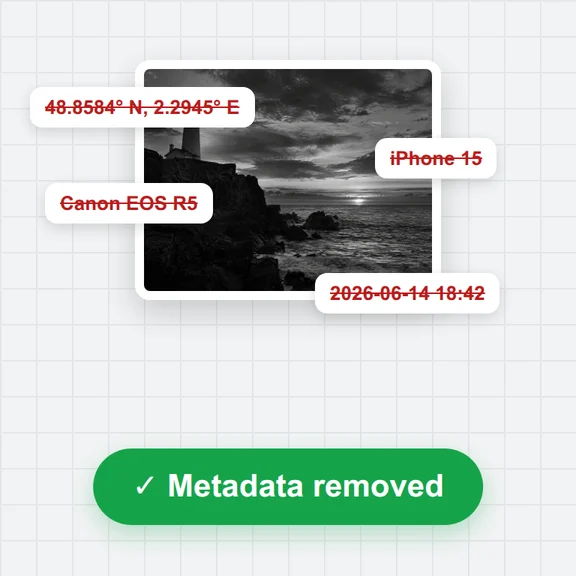
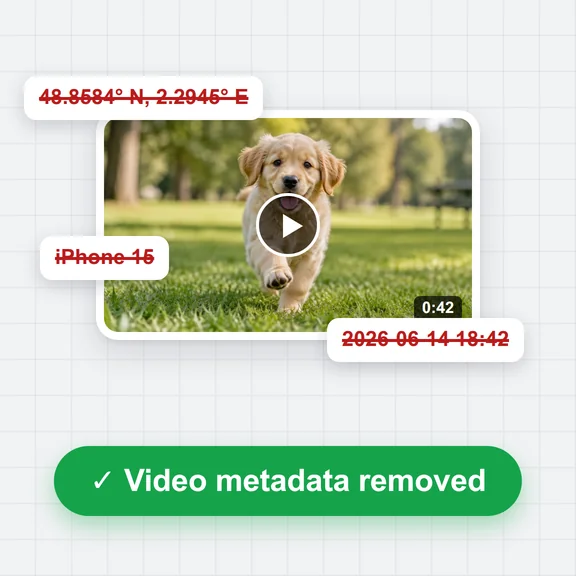
Remove the location before you share a photo. The free EXIF remover on this site shows what a file reveals and cuts it out without changing the picture.
JPG, PNG, WebP and AVIF can be used for the AI guess. The saved location can be read from JPG, PNG and WebP. HEIC photos from an iPhone need to be converted to JPG first.
Free, private and no upload.