Add your videos
Drop, paste or choose one or more MP4, MOV, M4V, WebM or MKV files. Each one shows what it contains.
See what a clip reveals: where and when it was recorded, the device, the software and more.
Remove it in one click without re-encoding, check the cleaned file, then download one video or a ZIP.
Drop one or many videos here, or paste them
MP4, MOV, M4V, WebM, MKV · Up to 8 GB each · Nothing is uploadedDrop, paste or choose one or more MP4, MOV, M4V, WebM or MKV files. Each one shows what it contains.
Select a video to see its location, device, dates, titles and other details. Videos with a location are marked.
Remove the metadata and download the clean video, or a ZIP when there are several. The cleaned file is read again so you can see what is left.
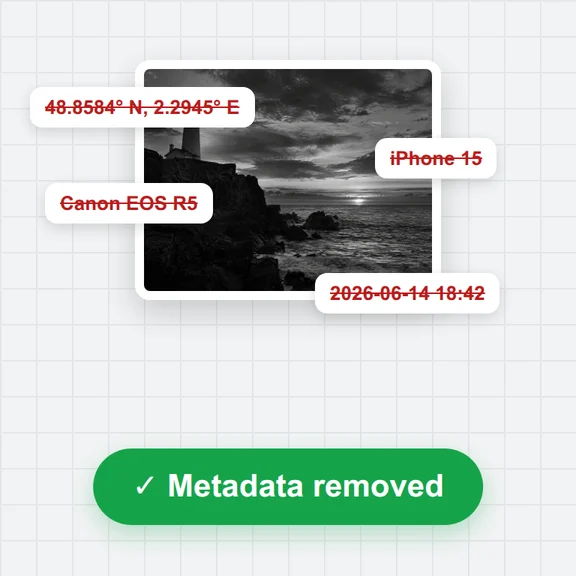
GPS coordinates saved by phones and cameras, in any of the places a video file can keep them.
The maker and model of the phone or camera, the app or editor that saved the file, and encoder names.
Recording and modification dates (set to empty), titles, comments, descriptions, author and copyright tags.
Cover images, thumbnails and XMP data, plus, if you choose, chapters, subtitles, timecode and sensor data tracks.
Create videos and images from a short prompt with WaveSpeed AI.
Turn a prompt or a still image into a short video clip.
Make photos, thumbnails and cover images from a prompt.
$1 in free credits for eligible new accounts. No card needed. Generators have separate account and credit requirements. The video metadata remover is free.
Phones and cameras often save where and when a clip was recorded, the device maker and model, and the app or software used. Editors add titles, comments, encoder names and cover images, and some devices record GPS or motion readings in a separate data track.
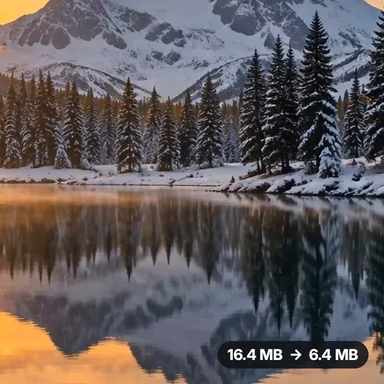
No. The video is not re-encoded. The picture and sound data are copied byte for byte; only the hidden information around them is removed, so quality, resolution and length stay the same.
No. Everything happens in your browser on your device. The files are read locally and the cleaned copies are saved straight to your downloads.
MP4, MOV, M4V and 3GP files, plus WebM and MKV. For other formats, convert the video to MP4 first with the Video Converter.
In WebM, MKV and streaming-ready MP4 files the removed data is overwritten with zeros in place, which keeps the file valid without moving anything. The information is gone even though the size does not change.
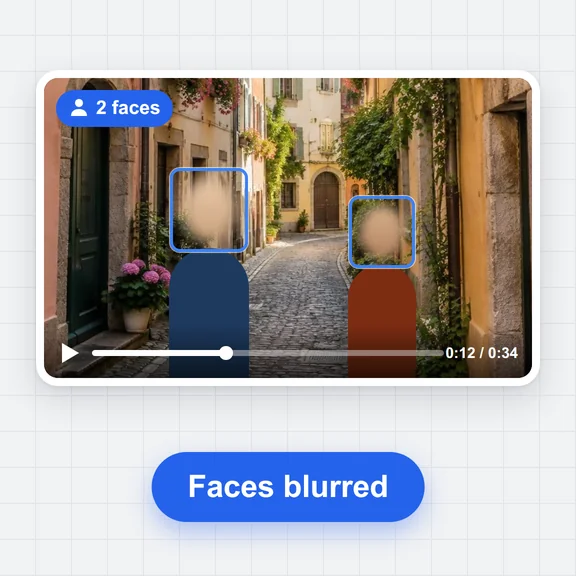
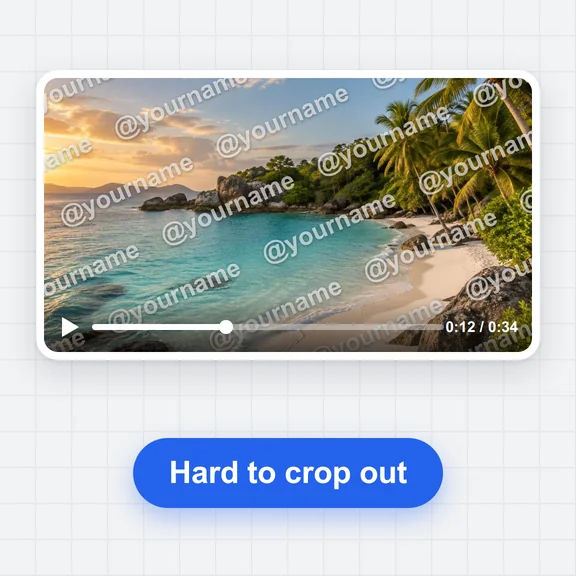
Yes. This tool cleans the file itself. What is in the picture or sound, such as a street sign or a voice, is not changed, and a platform can add its own details once the video is posted.
Free, private and in your browser. No sign-up, no upload.