Open the camera
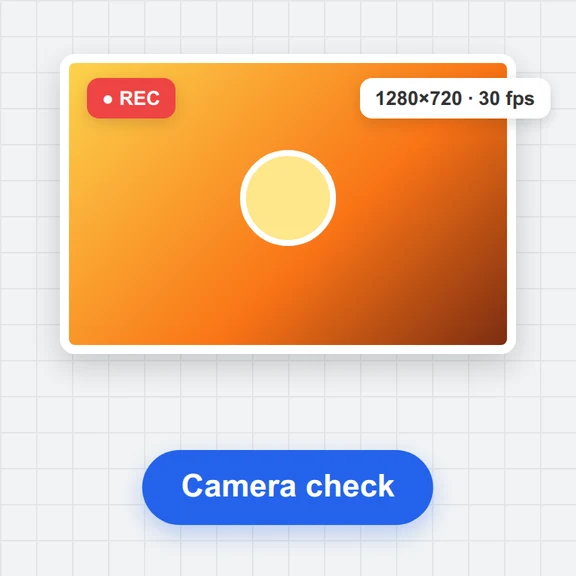
Press Start camera and allow access. Choose 1–4 shots, a countdown and a layout.
Turn your webcam into a photo booth: countdown, flash and up to four shots in a row.
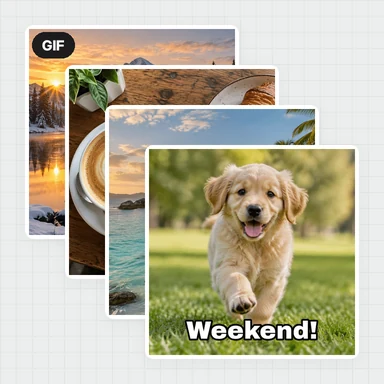
Add filters, frames, stickers and a caption, then save a strip, GIF or video.
Press Start camera and allow access. Choose 1–4 shots, a countdown and a layout.
Pick a filter, press the shutter and pose for each countdown.
Add a caption and stickers, then save PNG, JPG, GIF or video.
The booth takes and decorates your pictures. To restyle a portrait, make new scenes or bring a photo to life, WaveSpeed AI generates images and videos from a prompt or a photo.
Restyle a booth photo as a painting, cartoon or magazine cover from a short prompt.
Animate a still from your strip into a short clip for social media.
Turn a character or keepsake photo into a 3D model.
$1 in free credits for eligible new accounts. No card needed. Generators have separate account and credit requirements. The photo booth is free.
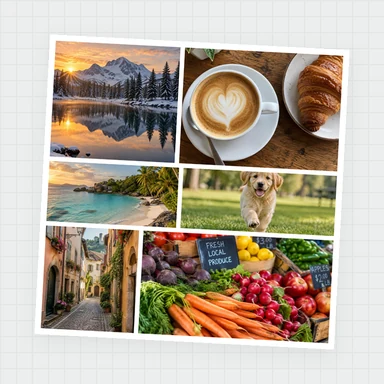
It uses your computer's or phone's camera in the browser. Press the shutter, and a countdown takes a series of photos that are laid out as a strip or grid, ready to save.
Yes, free with no sign-up, no watermark and no limit on photos.
No. It runs in current Chrome, Edge, Firefox and Safari. Your photos stay on your device.
Yes. The classic strip is 2×6 inches at 300 dpi, and the double strip fits a 4×6 print that you cut in half.
Yes. Open it on a laptop, let guests press the space bar to start the countdown, and start a new round with New photos.
Webcam countdown burst · Printable photo strips · No sign-up, no watermark
/filters:quality(82)/media/images/1791123751656780930_IfFPY7R0.webp)
/filters:quality(82)/media/images/1791123737177812425_RjKT3cku.webp)
/filters:quality(82)/media/images/1791123748309870128_xlkNgK8N.webp)
/filters:quality(82)/media/images/1791123738630744263_oR09R0aj.webp)
/filters:quality(82)/media/images/1791177033162457776_uQ09OY7g.webp)
/filters:quality(82)/media/images/1791123734319125607_JdnwGPY7.webp)
/filters:quality(82)/media/images/1791123746355630206_udnxGPY7.webp)
/filters:quality(82)/media/images/1791123744771362580_yC0sPezZ.webp)
/filters:quality(82)/media/images/1791123738606970169_5KIR1ais.webp)
/filters:quality(82)/media/images/1791123748197655725_EUmuFNW6.webp)