Add your files
Drop in photos, RAW files, videos, audio, PDFs or Office files. ExifTool reads each one in your browser.
Add photos, RAW files, videos, audio or PDFs and see all their metadata, grouped and searchable.
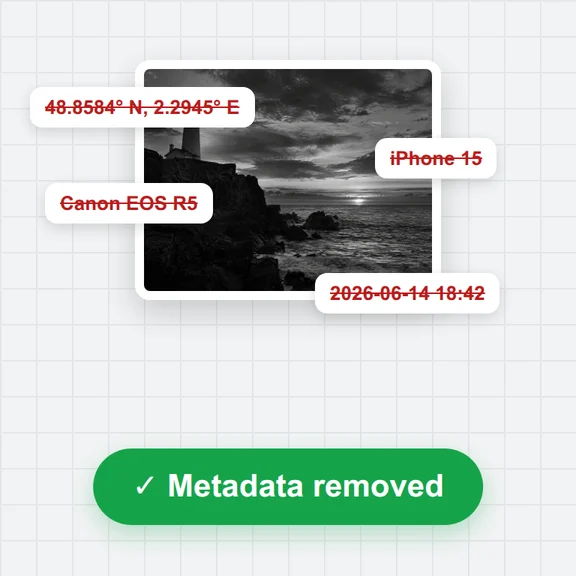
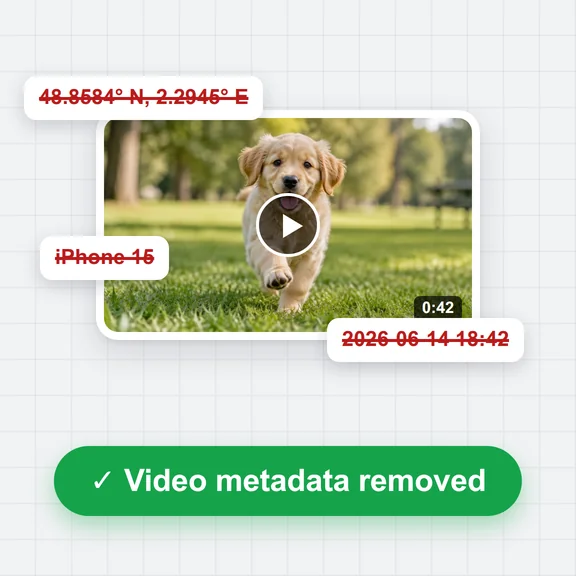
Edit the title, author, copyright and date, remove the location or strip everything, then download the file.
Photos (JPEG, HEIC, PNG, WebP, RAW), videos, audio, PDF and Office files. Add as many as you like.
The first use downloads ExifTool (about 7 MB) once. After that it starts from your browser's storage.Drop in photos, RAW files, videos, audio, PDFs or Office files. ExifTool reads each one in your browser.
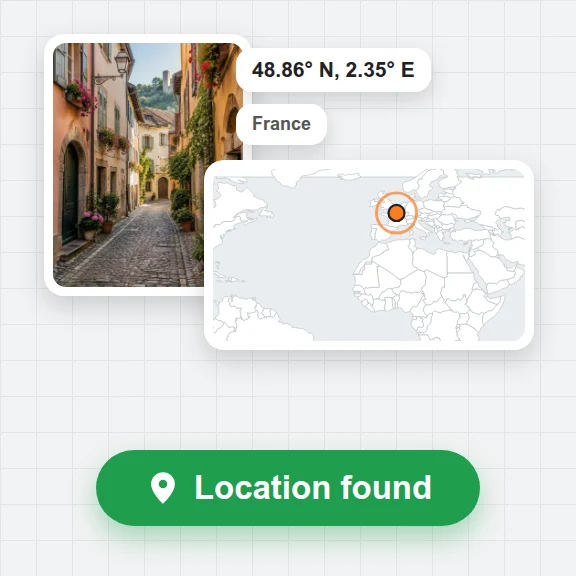
Tags are grouped by where they are stored. Search for a tag or value, open the location on a map, or export JSON or CSV.
Change the title, author, copyright or date, remove the GPS location or all metadata, and download the new file.
Create pictures, clips and 3D models from a short prompt with WaveSpeed AI.
Create a new picture from a prompt, or change one with words.
Turn a photo into a short video clip.
Turn a picture into a 3D model.
$1 in free credits for eligible new accounts. No card needed. Generators have separate account and credit requirements. The ExifTool page is free.
Yes. It is Phil Harvey's ExifTool (version 13.42), the same Perl program you would install on a computer, running in your browser inside a Perl interpreter compiled to WebAssembly.
No. ExifTool runs on your device and your files never leave it. The first visit downloads ExifTool once (about 7 MB); after that it starts from your browser's storage.
Anything ExifTool reads: JPEG, HEIC, PNG, WebP, TIFF, camera RAW files (CR2, CR3, NEF, ARW, DNG and more), MP4, MOV and other videos, MP3 and other audio, and PDF. For Word, Excel and PowerPoint files it shows the document properties, such as author, dates and application.
JPEG, PNG, WebP, MP4 and the other formats ExifTool can write. PDF, MP3 and Office files can be read but not changed here. The picture or video data is copied as it is, so nothing is re-compressed.
Add the photo, tick Remove GPS location and save. The GPS tags in EXIF and XMP and the location of a video are deleted, and the file is downloaded. The tag list then shows the new file, so you can check the location is gone.
Yes, ExifTool lists the C2PA fields it finds, such as the app that made the file, the actions recorded and the ingredients. It does not check the signature, so it can't tell you whether those credentials are genuine.
Yes. The Run ExifTool box takes options such as -json -G, -a -u -g1 or -GPS* for the selected file and shows the output. It only reads: options that write the file or read other files are not run there.
Yes. There is no account, no limit on the number of files and no paid upgrade. ExifTool is free software; its notice is on our third-party licences page.
Free, private and complete.