Press full screen
The screensaver starts right away. Tap the full screen button and leave it running on a laptop, monitor or TV.
The screensaver everyone watched on old players and TVs: a logo glides across the screen, changes colour at every wall and, once in a while, lands perfectly in a corner.
Type your own text or add your logo, go full screen and see how long it takes.
Loading the screensaver…
The screensaver starts right away. Tap the full screen button and leave it running on a laptop, monitor or TV.
Change the text, add your own logo, pick colours, a background, a retro CRT look and the speed.
Every corner hit plays a chime and adds to the counter. Turn on the forecast to see exactly when the next one comes.
Create logos, backgrounds and short videos from a prompt with WaveSpeed AI.
Generate a logo or a background image for your screensaver.
Turn an idea into a short intro or outro video for your stream.
$1 in free credits for eligible new accounts. No card needed. Generators have separate account and credit requirements. The bouncing logo screensaver is free.
It is the idle screen of classic DVD players: a logo drifts diagonally, bounces off the edges and changes colour on every bounce. People famously waited for it to hit a corner exactly. This page recreates that effect with your own text or logo.
Yes. The motion is computed exactly, so a corner hit happens only when the logo reaches a side and the top or bottom at the same moment. The forecast shows when the next one will happen, and Aim for a corner steers it there gently.
Open the page in a browser on the screen, press full screen, and the controls fade away. The screen stays awake while it plays on browsers that support it.
Yes. Upload a PNG, SVG, JPG or WebP. Transparent logos change colour on every bounce; photos can keep their original colours with a coloured glow. Your picture stays on your device.
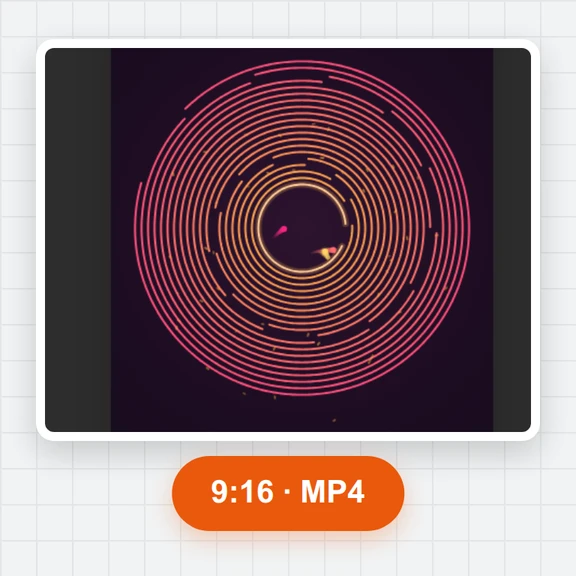
Yes. Open Video and export an MP4 or WebM in 16:9, 9:16 or 1:1, up to 10 minutes, with optional sound and a guaranteed corner hit at the end.
Full screen on any device · Your text or logo · Corner counter and celebration
/filters:quality(82)/media/images/1791123751656780930_IfFPY7R0.webp)
/filters:quality(82)/media/images/1791123737177812425_RjKT3cku.webp)
/filters:quality(82)/media/images/1791123748309870128_xlkNgK8N.webp)
/filters:quality(82)/media/images/1791123738630744263_oR09R0aj.webp)
/filters:quality(82)/media/images/1791177033162457776_uQ09OY7g.webp)
/filters:quality(82)/media/images/1791123734319125607_JdnwGPY7.webp)
/filters:quality(82)/media/images/1791123746355630206_udnxGPY7.webp)
/filters:quality(82)/media/images/1791123744771362580_yC0sPezZ.webp)
/filters:quality(82)/media/images/1791123738606970169_5KIR1ais.webp)
/filters:quality(82)/media/images/1791123748197655725_EUmuFNW6.webp)