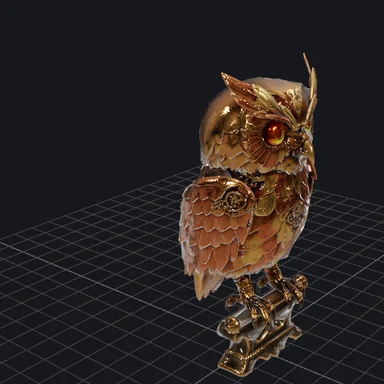
Add your image
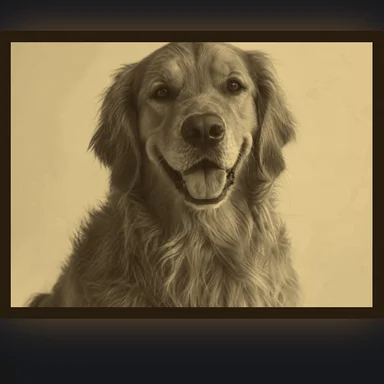
Drop, choose or paste a photo. Portraits, pets, rooms, streets and landscapes all work.
Add a photo and AI works out how near or far every pixel is, right in your browser.
Save it as a grey, color or 16-bit PNG for 3D, video and print projects.
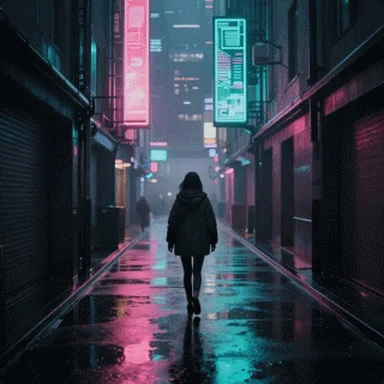
People, pets, rooms, streets and landscapes all work.
JPG, PNG, WebP, AVIF, GIF or BMP · up to 50 MB · or pasteOpen a sample photo and see its depth map and 3D photo in a click.
Drop, choose or paste a photo. Portraits, pets, rooms, streets and landscapes all work.
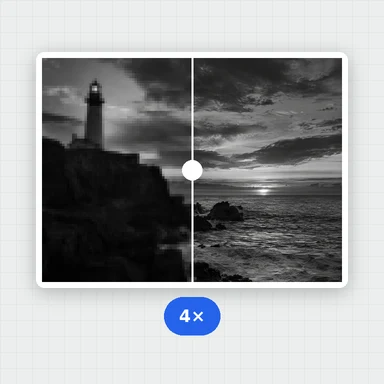
Pick a detail level and press Generate. Drag the slider to compare the photo with its depth.
Choose grey or a color map, invert it if your app expects black for near, then save a PNG or 16-bit PNG.
Turn still pictures into videos, new scenes and 3D models with WaveSpeed AI.
Animate your photo into a real video clip with natural motion.
Create new pictures and scenes from a prompt.
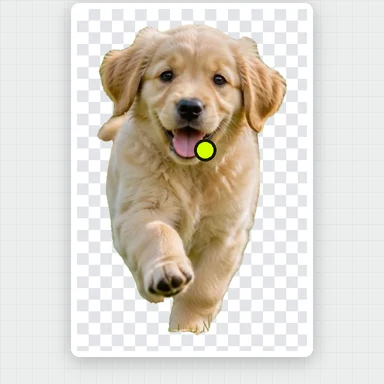
Turn the subject of your photo into a full 3D model.
$1 in free credits for eligible new accounts. No card needed. Generators have separate account and credit requirements. The depth map generator is free.
Add the image here and press Generate depth map. The AI estimates depth for every pixel in your browser, and you can download the result as a PNG in seconds.
Yes. Download the 16-bit PNG and use it as a displacement or height map: 65,536 grey levels give smooth surfaces without stair-steps.
Yes. People, animals, products, interiors, streets and landscapes all give useful depth. Photos with a clear foreground and background give the strongest result.
Yes. It's free with no sign-up or watermark, and your images are processed in your browser, never uploaded.
16-bit PNG · Color maps · No upload
/filters:quality(82)/media/images/1791123751656780930_IfFPY7R0.webp)
/filters:quality(82)/media/images/1791123737177812425_RjKT3cku.webp)
/filters:quality(82)/media/images/1791123748309870128_xlkNgK8N.webp)
/filters:quality(82)/media/images/1791123738630744263_oR09R0aj.webp)
/filters:quality(82)/media/images/1791177033162457776_uQ09OY7g.webp)
/filters:quality(82)/media/images/1791123734319125607_JdnwGPY7.webp)
/filters:quality(82)/media/images/1791123746355630206_udnxGPY7.webp)
/filters:quality(82)/media/images/1791123744771362580_yC0sPezZ.webp)
/filters:quality(82)/media/images/1791123738606970169_5KIR1ais.webp)
/filters:quality(82)/media/images/1791123748197655725_EUmuFNW6.webp)