Choose images
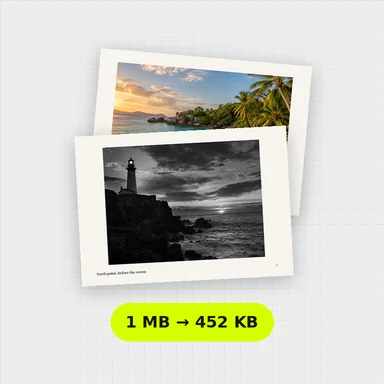
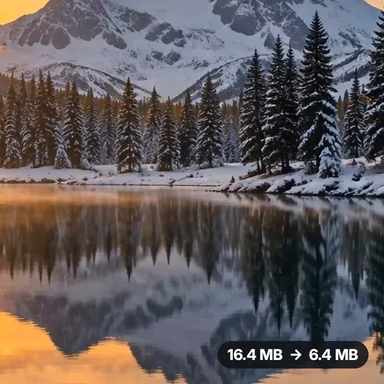
Drop, paste or choose one or more images. Each one appears as a card with its size.
Choose Target file size and enter a limit. JPG and WebP adjust quality; PNG preserves transparency. Allow smaller dimensions if needed. Files that cannot meet the limit are not downloaded.
If quality alone is not enough, reduce dimensions to meet the limit. Small targets can make text and details unreadable.
Drop one or many images here, or paste them
JPG, PNG, WebP, GIF, BMP, AVIF · Up to 100 MB each · Nothing is uploadedLoad a set of photos with the settings already chosen, then compress them all at once.
Drop, paste or choose one or more images. Each one appears as a card with its size.
Choose Target file size and enter a limit. JPG and WebP adjust quality; PNG preserves transparency. Allow smaller dimensions if needed. Files that cannot meet the limit are not downloaded.
Compress them all at once, see the size saved for each, and download one file or a ZIP.
Create photos, illustrations and graphics from a short prompt with WaveSpeed AI.
Make photos, product shots and illustrations from a prompt.
Turn a still image into a short video clip.
Turn a picture into a 3D model.
$1 in free credits for eligible new accounts. No card needed. Generators have separate account and credit requirements. The image compressor is free.
Choose Target file size and enter a limit. JPG and WebP adjust quality; PNG preserves transparency. Allow smaller dimensions if needed. Files that cannot meet the limit are not downloaded.
No. Images are compressed in your browser and never leave your device.
PNG and WebP keep transparency. JPG can’t store it, so transparent areas become white.
If quality alone is not enough, reduce dimensions to meet the limit. Small targets can make text and details unreadable.
20 KB or less per image. · Done in your browser. Your images are not uploaded. · No watermark