Choose a CHIP8 game
The Programs tab opens on the original CHIP8 games; open a .ch8 file to run your own.
Play public-domain CHIP8 games or open your own .ch8 ROM.
Original CHIP8 behaviour by default, with switches for every quirk.
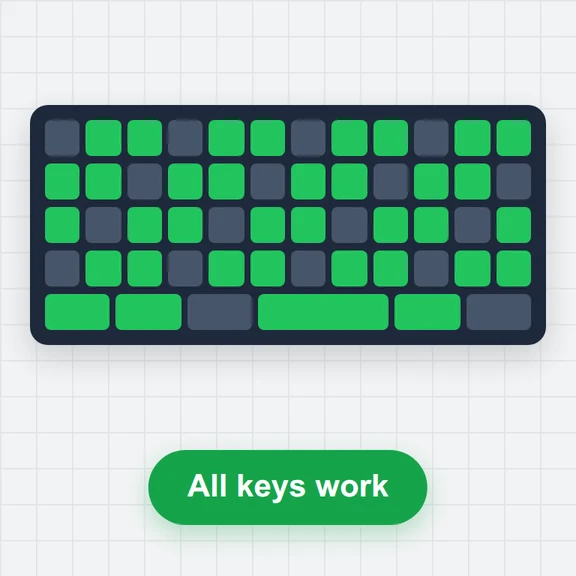
Keys the program reads light up here.
The 4×4 CHIP-8 keypad is on 1 2 3 4 / Q W E R / A S D F / Z X C V. Arrow keys work as W A S D and Space as E. Click the screen first if keys do nothing.
The Programs tab opens on the original CHIP8 games; open a .ch8 file to run your own.
Use 1–4, Q–R, A–F and Z–V, the arrow keys or the on-screen keypad.
Change the speed and quirks if a ROM runs too fast or glitches, and save your state.
Create sprites, title screens and short clips from a prompt with WaveSpeed AI.
Make pixel-art sprites, tiles and title screens.
Turn a still picture into a short animated clip.
Turn a picture into a 3D model.
$1 in free credits for eligible new accounts. No card needed. Generators have separate account and credit requirements. The CHIP-8 emulator is free.
A program that runs CHIP8 software, the simple game language of 1970s hobby computers, on today’s devices. This free one runs in your browser with nothing to install.
Click Open a CHIP-8 file or drop a .ch8 file onto the screen. It stays on your device.
The 16-key hex keypad is mapped to 1 2 3 4, Q W E R, A S D F and Z X C V. Arrow keys work as W A S D, and phones get an on-screen keypad.
Original CHIP8 games play best at around 10 instructions per frame. Set the speed in the speed menu or with the [ key.
Original CHIP8 quirks · Your own .ch8 files · Debugger included
/filters:quality(82)/media/images/1791123751656780930_IfFPY7R0.webp)
/filters:quality(82)/media/images/1791123737177812425_RjKT3cku.webp)
/filters:quality(82)/media/images/1791123748309870128_xlkNgK8N.webp)
/filters:quality(82)/media/images/1791123738630744263_oR09R0aj.webp)
/filters:quality(82)/media/images/1791177033162457776_uQ09OY7g.webp)
/filters:quality(82)/media/images/1791123734319125607_JdnwGPY7.webp)
/filters:quality(82)/media/images/1791123746355630206_udnxGPY7.webp)
/filters:quality(82)/media/images/1791123744771362580_yC0sPezZ.webp)
/filters:quality(82)/media/images/1791123738606970169_5KIR1ais.webp)
/filters:quality(82)/media/images/1791123748197655725_EUmuFNW6.webp)