Add the old photo
Choose, drop or paste a scan or a picture of the print (JPG, PNG, WebP) with a clear, front-facing face.
Choose a scan or a picture of an old photo with one person in it, pick a motion and get a short video: the head tilts, the eyes blink, the person smiles.
Black-and-white, sepia and faded prints work. The face moves, the rest of the picture stays as it is, and nothing leaves your device.
A JPG, PNG or WebP photo of one person looking toward the camera. Old and black-and-white photos work.
Or paste a photo. Up to 30 MB.AI-made portraits, some aged here in your browser, no real people. Choose one and bring it to life.
Choose, drop or paste a scan or a picture of the print (JPG, PNG, WebP) with a clear, front-facing face.
A blink and a soft smile are the gentlest; the laugh, the wink and the surprised look are livelier.
Press Animate, wait while the video is made on your device and save the MP4.
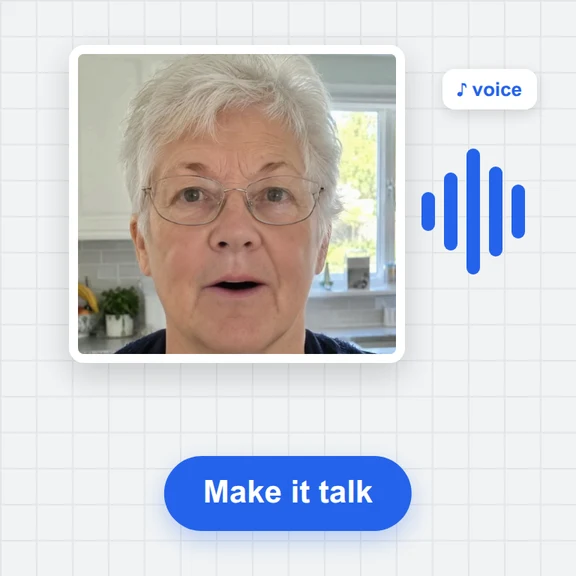
Turn a photo into a talking, singing or moving video with WaveSpeed AI.
Make a photo move, talk or dance with a prompt.
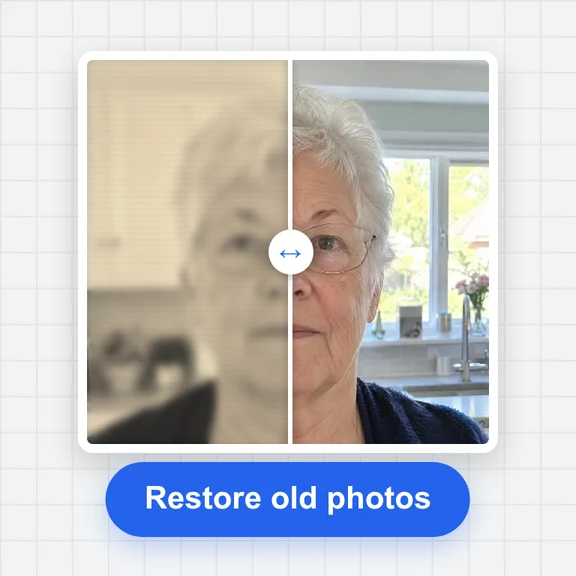
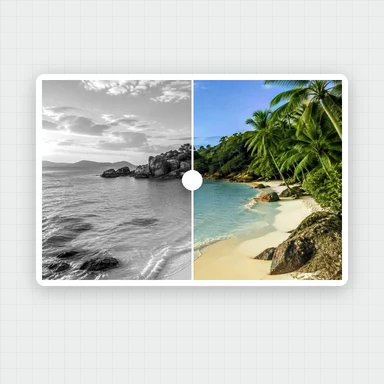
Restore, repaint or extend the photo itself.
Turn a picture of an object into a 3D model.
$1 in free credits for eligible new accounts. No card needed. Generators have separate account and credit requirements. The photo animator is free.
Add the photo, pick a motion and press Animate. The face is redrawn frame by frame and you download a short MP4 without sound.
Yes. Black-and-white, sepia and faded prints work as long as the face is visible and looks toward the camera. Heavy damage, creases across the face or a very small face give worse results.
No. The photo is processed in your browser and never leaves your device.
Yes. Use the old photo restoration and the colorizer tools first, then animate the result.
Face moves, picture stays · 10 motions · Free, no upload