Pick a move
Browse trending dances, flirty moves, walks, selfies and bed scenes, or search for “hair flip”, “catwalk” or “bed”. Hover a card, or scroll on your phone, to watch it.
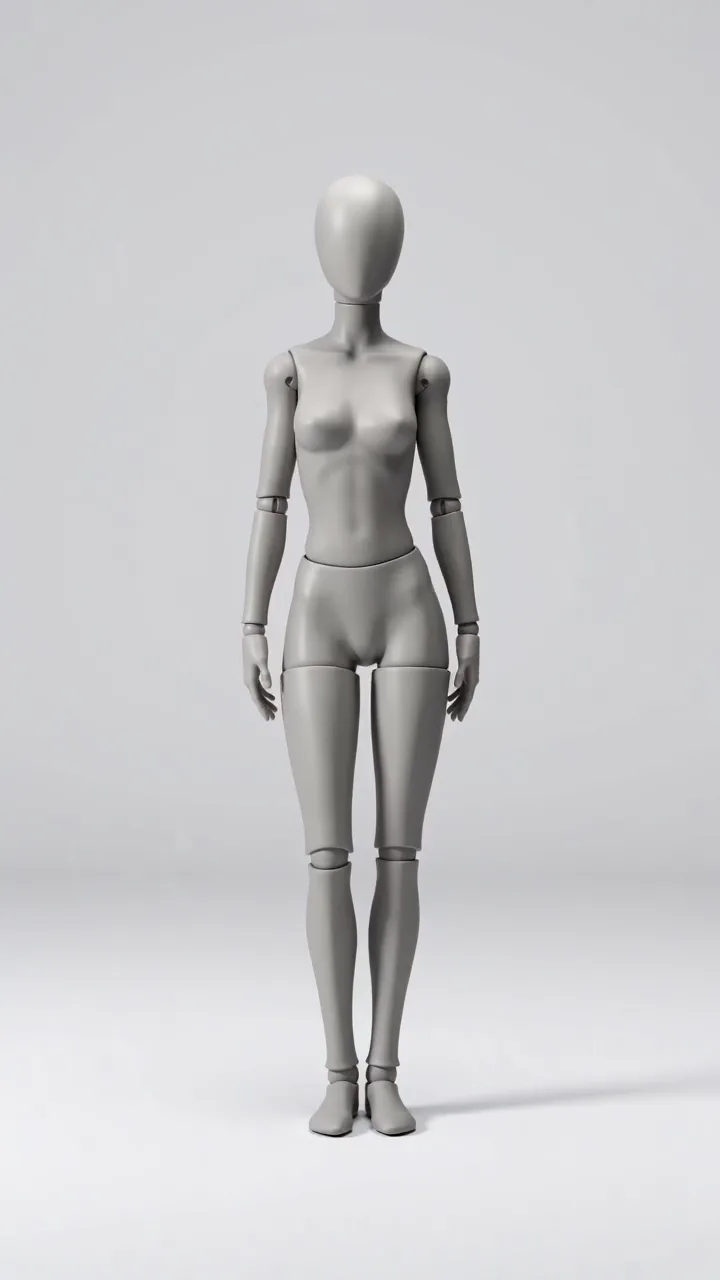
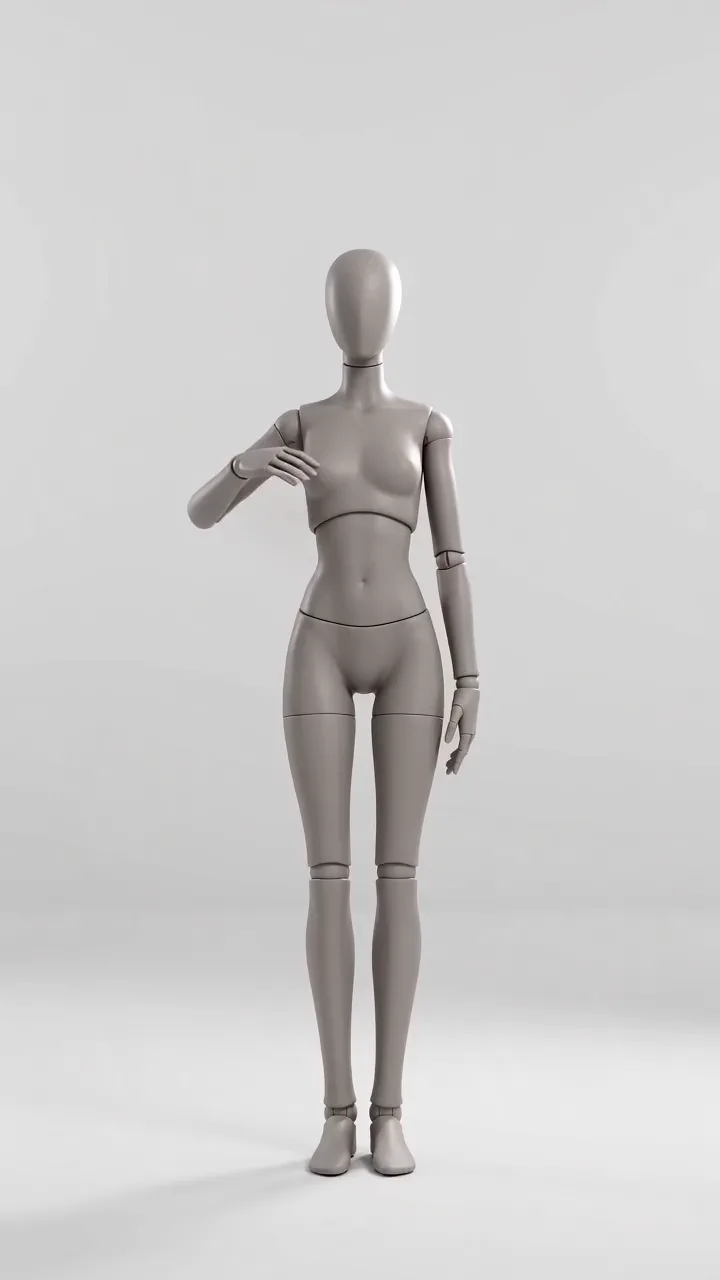
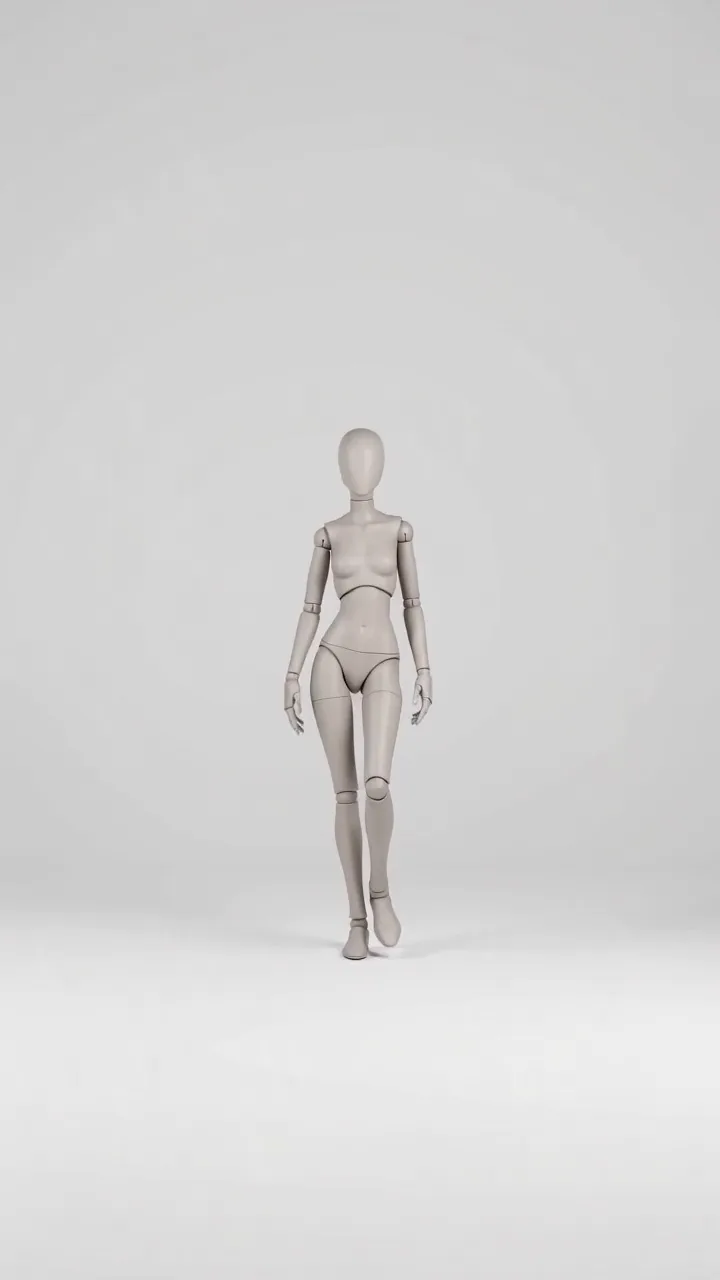
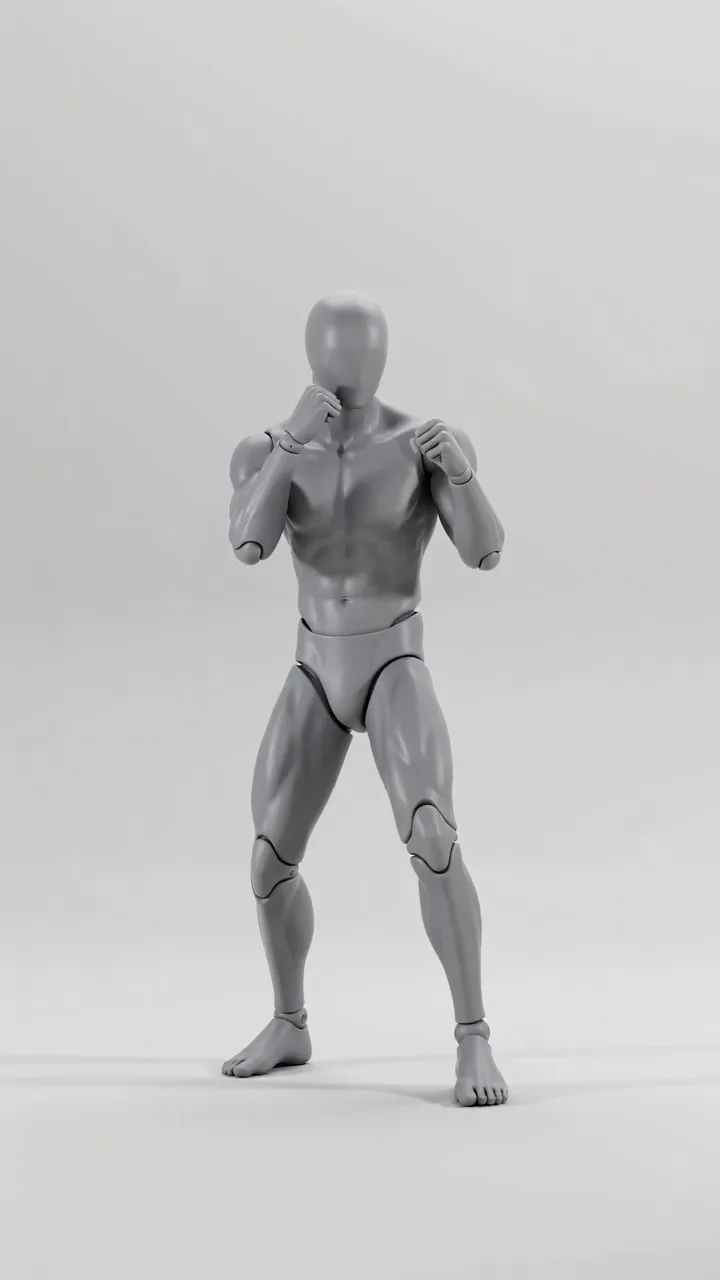
11 short dance clips performed by a faceless mannequin, from easy two-steps to sharp hip-hop hits. Send one to the AI Video Generator with a photo of your character and get a video of them dancing the same moves to the same beat.
11 moves · hover a card to play
Browse trending dances, flirty moves, walks, selfies and bed scenes, or search for “hair flip”, “catwalk” or “bed”. Hover a card, or scroll on your phone, to watch it.
Press “Use this motion”. The AI Video Generator opens with the clip already filled in; add one photo of your AI model. No character yet? Make one in the AI Image Generator first.
The AI Video Generator swaps the mannequin for your character and keeps the moves, timing and framing. Download the video and post it.
Each video started as a clip from this gallery and one photo of the character. The AI Avatar Generator kept the moves and replaced the mannequin. Tap a video to open its clip.
Built for creators who run AI models and AI influencers on OnlyFans, Fanvue, Instagram and TikTok.
Create your model’s look, outfit and setting in the AI Image Generator.
Open the AI Image Generator Copy any moveMake your character copy the moves of any clip, from this gallery or your own.
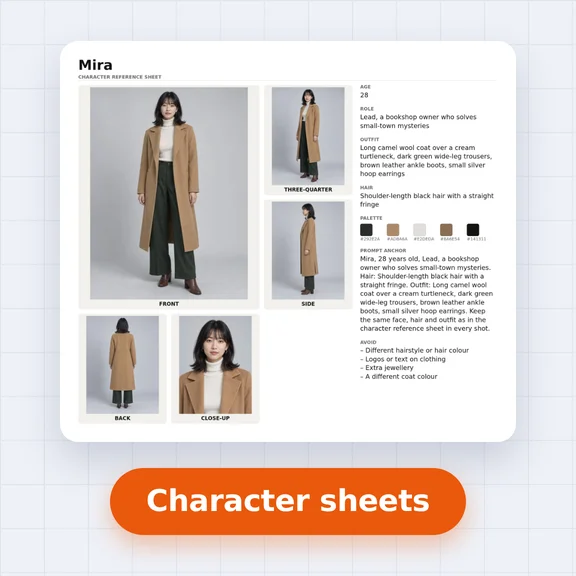
Open the AI Video Generator One face, every postDesign your AI influencer once and keep the same face in every photo and video.
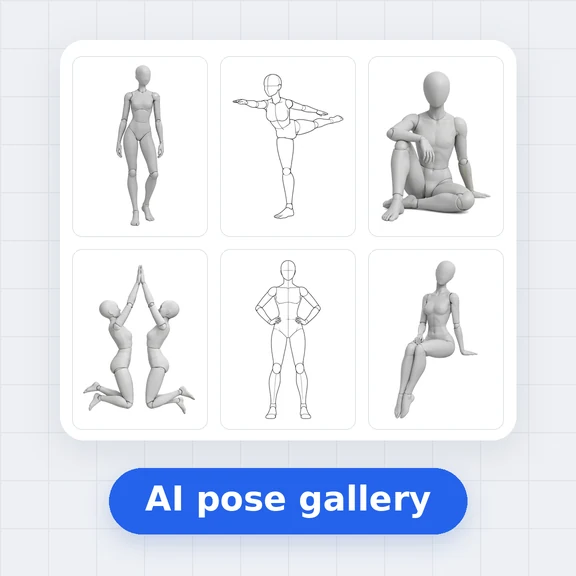
Open Influencer Studio Still posesHundreds of free pose references for photos, from boudoir to fashion.
Open the AI Pose GalleryGive your paid page fresh video every day: teasing walks, slow body rolls and bed scenes, without filming anything.
Jump on dance trends with your AI character, post outfit checks and selfie clips, and keep the same face in every video.
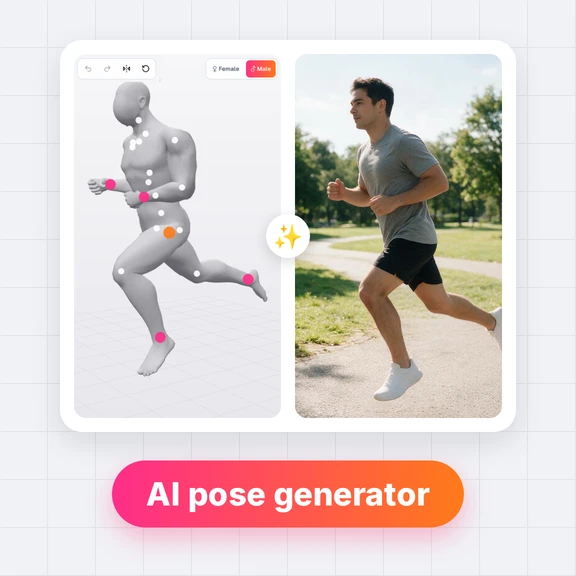
Plan a move with the mannequin, then put any character, mascot or model into it for ads, explainers and short films.
Yes. Watching, searching and downloading the clips is free and needs no account. Making a video of your character in the AI Video Generator uses credits.
Open a clip and press “Use this motion”. The AI Video Generator opens with the clip as the motion video. Add a photo of your character and generate. The character performs the same moves, with the same timing and framing.
Yes. Every clip works as a motion or dance template: open it and press “Use this motion”, and the AI Video Generator opens with the clip as the motion reference. Add a photo of your character and they perform the same moves.
A clear, full-body photo of one person facing the camera, in the outfit you want to see in the video. You can add more pictures for the outfit, props or setting next to the character photo.
Yes. The clips are free for commercial use, including paid creator pages. What you post must follow the rules of each platform: OnlyFans, for example, asks creators to label AI-generated content. Only create adult characters, and never use a real person’s face without their consent.
Yes. Every clip is an original video made by WaveSpeed AI. Use them in personal and commercial work, as motion references or as the motion video for your own characters. Please don’t resell the clips on their own as a motion pack.
A neutral figure carries only the motion: no face, hair or clothes to copy. The AI Video Generator keeps the body movement and takes the look of the person entirely from your photo.
Yes. The AI Video Generator accepts any video of one person moving, such as a dance you filmed yourself. The gallery clips are a quick start when you don’t have one.
Most clips are 5 seconds long, vertical 9:16 at 720p, made for TikTok, Reels and Stories. The video of your character comes out about as long as the clip.
Pick a move, add your character, and post a fresh video with the AI Video Generator.