Add your photos
Drop, paste or choose a whole set of JPG, PNG, WebP or HEIC photos. Each one shows the location and other details it carries.
Remove the location, camera and other hidden details from your photos, make them smaller and add your watermark.
Every file is checked after saving, then the set downloads as one ZIP. Your photos never leave your device.
Drop a whole set of photos here, or paste them
JPG, PNG, WebP, HEIC · Up to 100 MB each · Nothing is uploadedThese photos carry camera details, a GPS location and, in one case, a rotation flag. Load a set with the settings ready, then prepare it.
Drop, paste or choose a whole set of JPG, PNG, WebP or HEIC photos. Each one shows the location and other details it carries.
Keep the steps you need: turn upright, remove metadata, resize and compress, add a watermark, and use neutral names.
Every photo is processed and read back to check that the metadata is gone. The set downloads as one ZIP, with an optional list of old and new names.
Phones often store photos sideways with a rotation flag. The pixels are turned so the photo looks right in every app, even ones that ignore the flag.
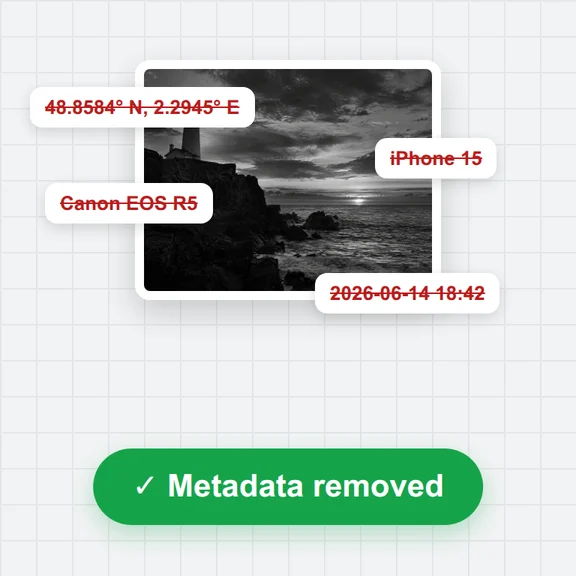
GPS location, camera model and serial number, dates, editing software, author names and the small embedded preview are left out of the new file.
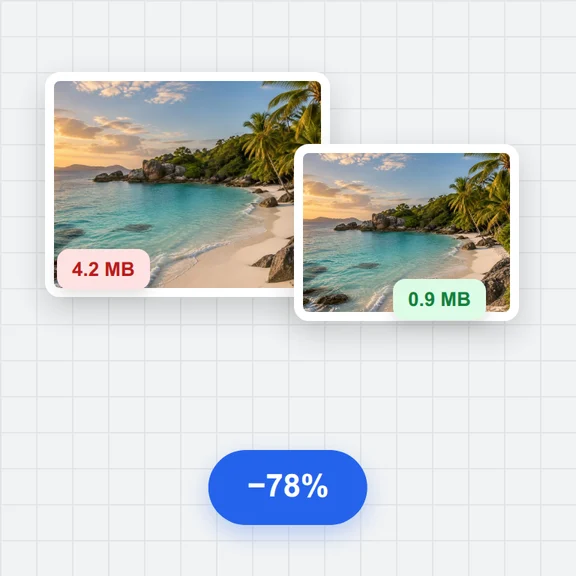
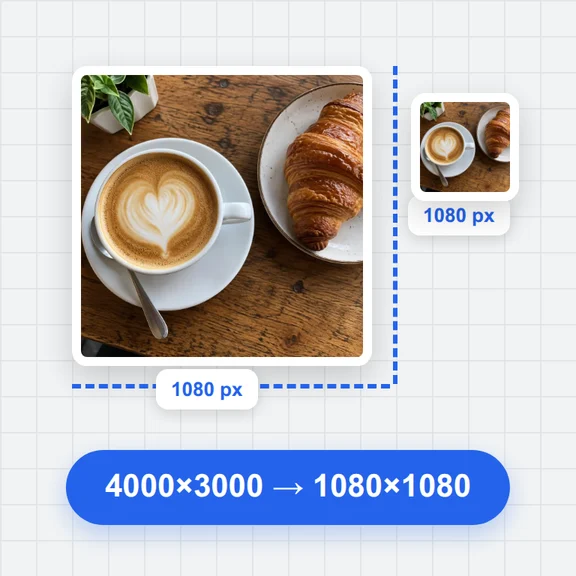
Limit the longest side, then choose a quality or a maximum file size per photo. Save as JPG, WebP or PNG, or keep the format.
Put your name or logo in a corner, in the middle or repeated across the photo, with the opacity and size you choose.
Original names can reveal a date, a device or a project. Random names hide them, and a CSV list keeps the link for you.
Each new file is opened again and read for metadata, so the list shows what was removed and confirms nothing is left.
Preparing videos instead? Add a watermark to a video
Create images and short clips from a prompt with WaveSpeed AI.
Make backgrounds, covers and illustrations from a prompt.
Turn a still image into a short video clip.
$1 in free credits for eligible new accounts. No card needed. Generators have separate account and credit requirements. The creator photo prep tool is free.
No. Everything runs in your browser: the photos are read, processed and zipped on your device and never sent anywhere.
EXIF and XMP details such as the GPS location, camera make and model, serial number, lens settings, dates, software, author and copyright fields, comments and the embedded thumbnail. The colour profile may be kept so colours look the same.
Each new file is opened again after saving and read the same way as the original. The list shows what was found before, what was removed and whether anything is left.
Only if you resize or compress them, or add a watermark, because the photo is then saved again. With only metadata removal on, the metadata is cut out and the picture data is copied unchanged; only sideways photos are saved again when “Turn photos upright” is on.
Names from phones and cameras often contain the date, a device name or a counter that links photos together. Random names hide that. The optional CSV keeps the old and new names together for you; don’t share it with the photos.
JPG, PNG and WebP, and HEIC in browsers that can open it. HEIC photos are saved as JPG, or as WebP or PNG if you choose.
Free, private and in batches.