
How to Use MiniMax H3 API for AI Video Applications
MiniMax H3 API is live on WaveSpeedAI. Learn endpoint selection, asynchronous task handling, retries, QA, and production integration patterns.
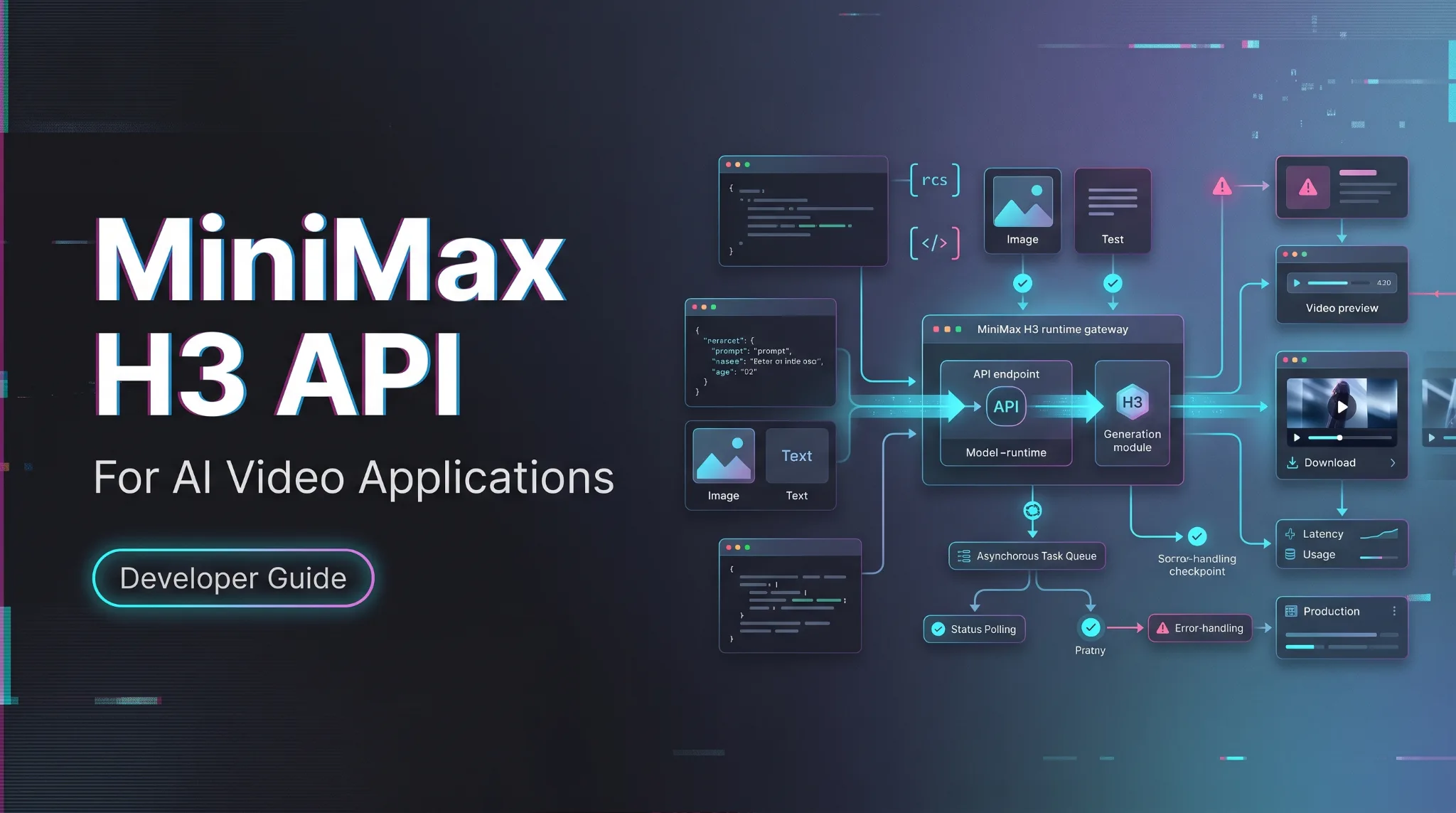
Hey, it’s Dora. I only care about the MiniMax H3 API once it survives the boring part: endpoint choice, async state handling, storage, retries, and the adapter layer nobody wants to maintain later. If you are putting AI video into a SaaS product, ad automation system, or media generation backend, the useful question is not “can it make a good clip.” It is “will this integration still be readable when the provider schema changes.”
I checked the live docs on July 31, 2026. WaveSpeedAI exposes three H3 routes through the MiniMax H3 API page: minimax/h3/text-to-video, minimax/h3/image-to-video, and minimax/h3/reference-to-video. MiniMax’s earlier public docs showed POST /v1/video_generation, current H3 docs use /v2/video_generation; if your MiniMax account has a v2 schema, keep it in the same separate provider adapter. Do not mix it into WaveSpeed prediction objects.
Choose the Right MiniMax H3 Endpoint on WaveSpeedAI
Text-to-video, image-to-video, and reference-to-video routes
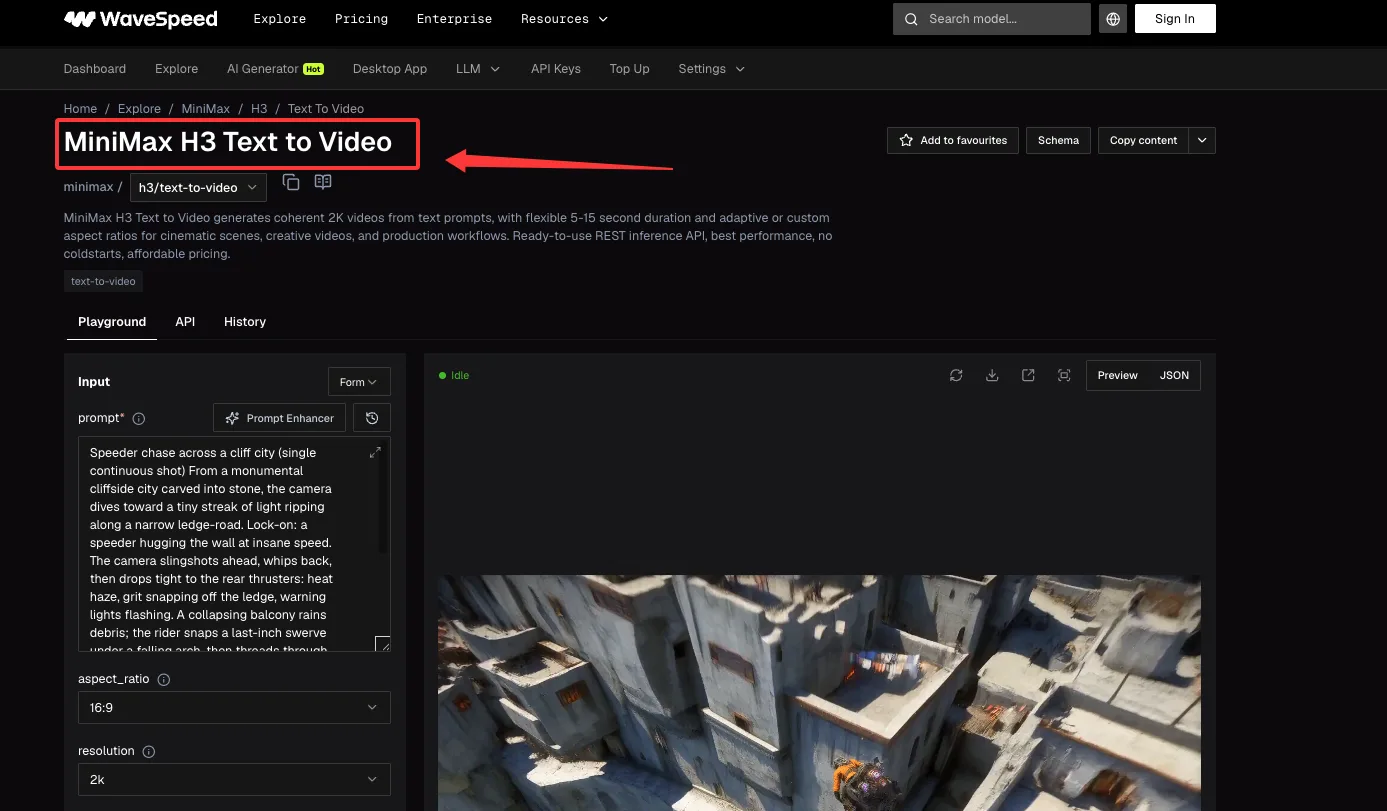
Pick the route by source material.
Use MiniMax H3 text-to-video when the job starts from a prompt. Use MiniMax H3 image-to-video when the first frame already exists. Use MiniMax H3 reference-to-video when images, videos, or audio references need to guide subject, style, motion, or timing.
Match each route to its required inputs and production use case
The text route takes prompt, optional aspect_ratio, resolution, and duration. Current WaveSpeed docs list 2k as the supported H3 resolution and 5 through 15 seconds as valid durations.
The image route adds image and optional last_image. Its current image constraints are stricter than a normal upload field: 256-5760 pixels per side, aspect ratio between 0.4 and 2.5, URL or Base64.
The reference route accepts reference_images, reference_videos, and optional reference_audios. Current limits: up to 9 images, up to 3 videos, up to 3 audio files. Audio cannot be provided alone. I paused here. That is the kind of rule that should live in validation, not in a support ticket.
Build and Submit a WaveSpeed H3 Request
Authentication, endpoint URLs, request fields, and prediction IDs
WaveSpeed uses bearer auth and JSON:
POST https://api.wavespeed.ai/api/v3/minimax/h3/text-to-video
Authorization: Bearer $WAVESPEED_API_KEY
Content-Type: application/json
A successful submit returns a WaveSpeed prediction object. Extract data.id as the prediction ID, then poll:
https://api.wavespeed.ai/api/v3/predictions/{prediction_id}/resultOn completion, read the generated video from data.outputs.
Route-specific parameters for prompts, images, references, aspect ratio, and duration
Keep one request builder per route. Shared fields are fine, but do not pretend every route has the same schema.
For text-to-video, validate prompt, aspect_ratio, resolution: "2k", and duration.
For image-to-video, validate image before submit. If last_image exists, check that it is visually compatible with the first frame. The API may accept a mismatched pair. Your output QA will not be as forgiving.
For reference-to-video, validate that at least one image or video reference exists. Count reference videos by total duration too. Current WaveSpeed billing rules list reference videos at $0.13 per second, up to 3 videos and 15 seconds total per request.
Implement the Asynchronous Prediction Lifecycle
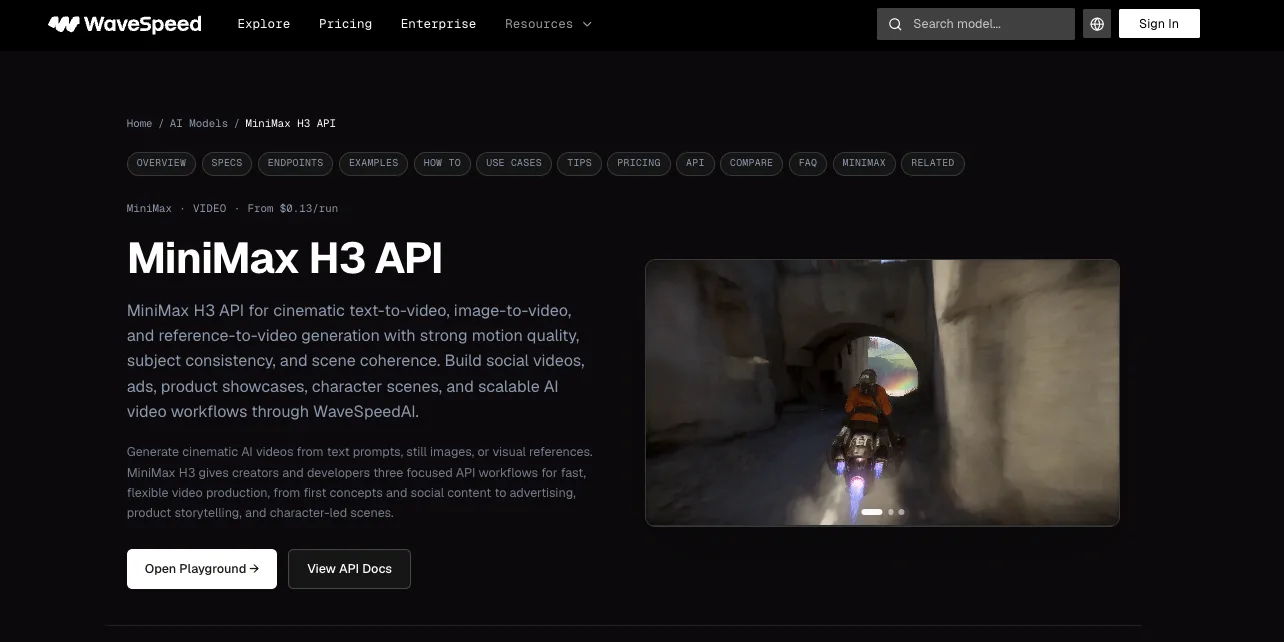
Poll result URLs with backoff instead of holding open connections
Do not hold an HTTP connection open for video generation. Submit, persist the prediction ID, then poll.
Start around 2 seconds. Back off toward 5-10 seconds for longer jobs. Stop on terminal states. This is not glamorous engineering. It is the difference between a clean worker pool and a pile of stuck requests.
Handle completed and failure terminal states
Return outputs on completed; treat failed, cancelled, timeout, and deleted as failure terminal states; continue polling for every other status.
Log unknown states with the raw response, route, request hash, prediction ID, and user-facing job ID so they can be investigated, and keep polling until a terminal status. Found the pattern on the third try.
Account for Provider-Specific API Schemas
WaveSpeed prediction IDs and outputs versus MiniMax task IDs and content URLs
WaveSpeed and MiniMax do not return the same object.
MiniMax’s video generation guide documents a three-step async flow: create task, query status, retrieve file. WaveSpeed wraps H3 behind its own prediction lifecycle. Keep those shapes separate.
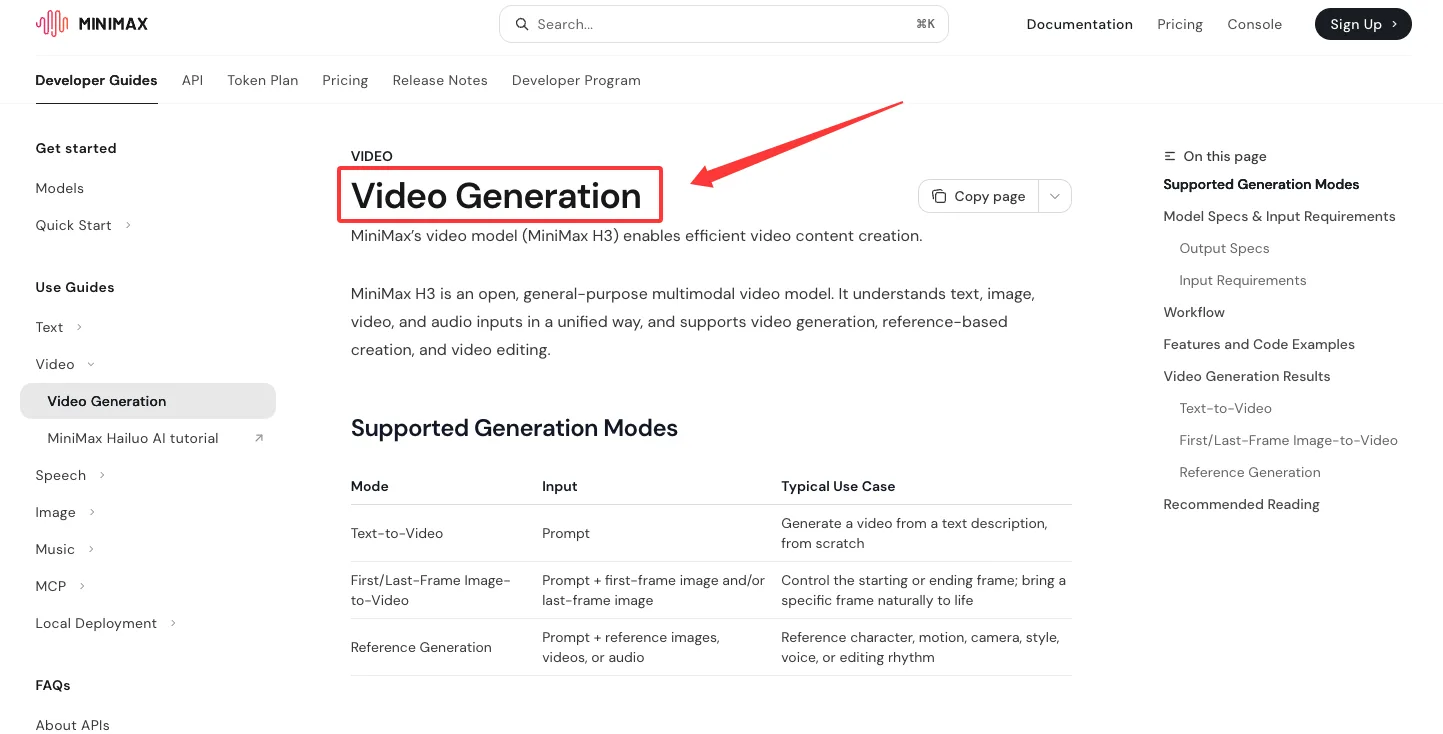
Keep provider adapters separate from application-level video jobs
Your app should own a neutral video_job_id. The provider adapter should own prediction_id, task_id, file_id, outputs, or download_url.
That separation makes fallback routing possible. It also keeps customer support from saying “task_id” when the customer is looking at a WaveSpeed prediction. Small thing. Adds up fast.
Make the H3 Integration Production-Ready
Idempotency, queue control, retries, storage, and failure classification
Generate an idempotency key from user ID, route, normalized input, and requested output settings. Store it before submit.
Retry network errors. Do not blindly retry provider rejections, invalid inputs, safety blocks, or quota failures. Classify failures as input, provider, platform, timeout, policy, or unknown.
Download or copy final outputs into your own storage if your product needs durable access. Provider URLs are not a content archive.
Output QA, observability, fallback routing, and cost guardrails
Run QA after completion: file exists, MIME type, duration, resolution, playable video, moderation status if required, and prompt-to-output sanity sampling.
Track cost by route and duration. Current H3 pages list $0.13 per generated 2K output second, with 5s at $0.65, 10s at $1.30, and 15s at $1.95. Reference inputs can add cost. This conclusion has an expiration date. Prices move.
Current Limits and Trade-Offs
Resolution, duration, prompt, reference, and input-format limits to verify
Verify these before release: 2k resolution, 5-15 second duration, prompt max 4000 characters on WaveSpeed H3 pages, image dimension limits for image-to-video, reference image/video/audio counts, and any live price shown near generation.
MiniMax direct docs differ. For example, MiniMax public text-to-video docs list prompt up to 2000 characters and model-specific 768P/1080P duration rules. That is not the WaveSpeed H3 schema.
Why model quality claims and live platform limits require dated evidence
Do not ship “best performance” or “no coldstarts” as product copy unless your team has independent logs. The endpoint pages contain those phrases. I would not repeat them in a production integration doc.
What I would publish: routes, fields, states, limits, pricing date, and known failure behavior.
That is enough.
FAQ
Who should approve production endpoint changes across teams?
The platform owner approves endpoint changes. Product and support should sign off when the change affects user-visible behavior, cost, latency, or output availability. Endpoint swaps are not just engineering changes once customers depend on generated media.
How should support communicate a temporary H3 suspension?
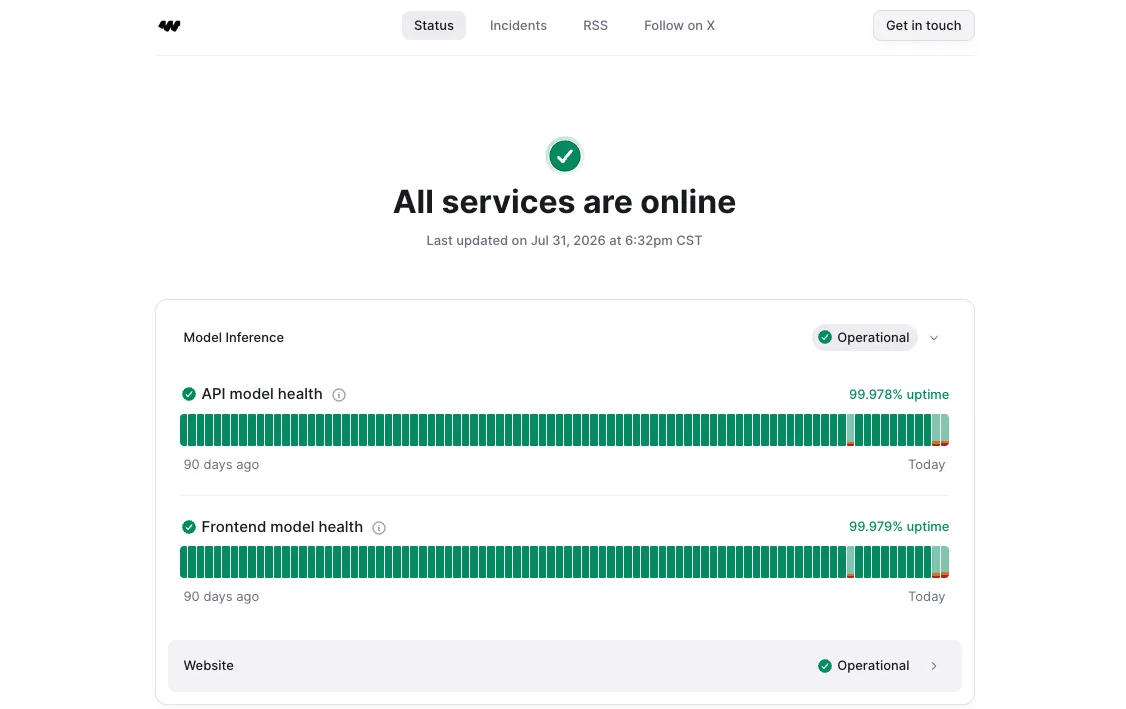
Support should say which route is affected, when the issue started, what job states users may see, whether queued jobs will resume or fail, and what fallback exists. Link to the WaveSpeed service status page when there is an incident record. Do not guess about provider recovery time.
When should integration changes require customer-facing release notes?
Write release notes when a change affects endpoint behavior, supported inputs, duration, resolution, pricing, output retention, safety handling, or fallback routing. Internal refactors do not need customer notes. Schema changes do.
Conclusion
The clean way to use the MiniMax H3 API is to treat WaveSpeedAI as its own provider surface, not a thin copy of MiniMax direct docs. Choose one of the three WaveSpeed routes. Submit a prediction. Poll the result URL. Read data.outputs. Keep MiniMax task_id, file_id, and download_url logic in a separate adapter if you also integrate direct MiniMax.
Good enough. That is the most honest assessment I can give.
Previous posts:
Related Articles
/filters:quality(82)/media/images/1773962750383987480_n3hqzHRZ.webp)
Seedance 3.0 Rumors: Native Audio-Video Sync, Multi-Shot Storytelling, and What to Expect
GPT Image 2.6: What Is Confirmed, What Is Rumor, and What to Build On Today
Pika H3 Flex Explained: What It Is and How to Try the H3 Family via API
Seedream 5.5: What to Expect, and How to Get Ready
AI Lip Sync Dialogue Scenes with Seedance 2.5: Prompts and Settings