
Can Seedance 2.5 Animate a Reference Image?
Seedance 2.5 can animate a reference image through image-to-video routes when the motion prompt is specific.
Overview
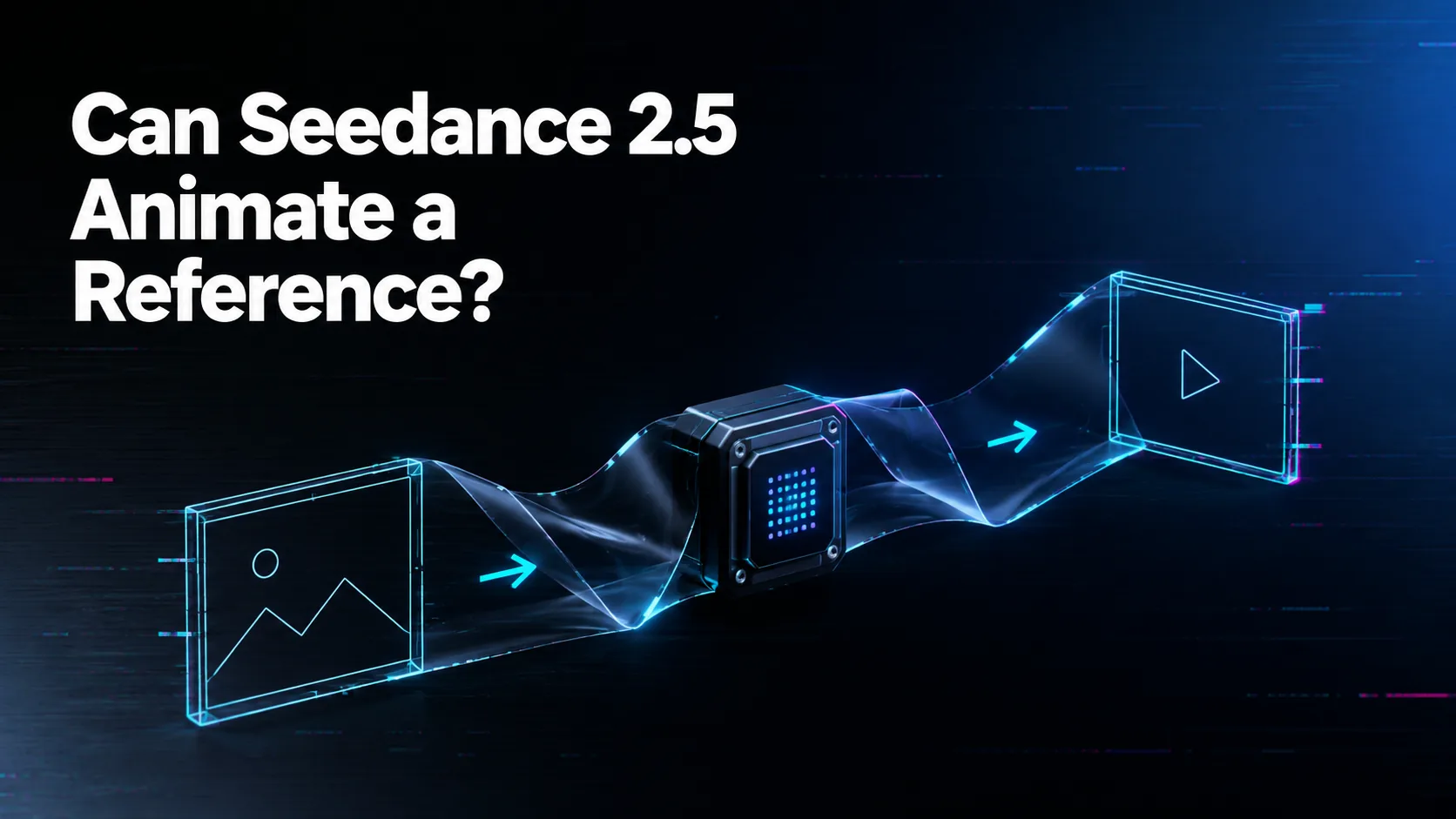
Yes. Seedance 2.5 can animate a reference image on WaveSpeedAI through image-to-video routes that take a start image and a prompt. The source image gives the model the initial subject, composition, and style; the prompt tells it what motion, camera movement, and scene progression to add.
The best prompt begins from what is already visible. Do not waste the prompt re-describing the whole image. Instead, specify how the subject moves, how the camera moves, what changes in lighting or environment, and what should remain untouched. If the output needs a precise ending, check whether the current route supports last-image guidance.
Reference-image animation works best when the image is clean and unambiguous. Crop around the intended subject, avoid cluttered backgrounds unless they matter, and use a source image that already matches the desired aspect ratio. The model can animate what it sees; it cannot reliably preserve details that are hidden or unclear.
For teams using WaveSpeedAI, turn successful image-to-video settings into presets: product turntable, character gesture, lifestyle shot, hero loop, or social cutdown. Store the source image and prediction result so the same creative pattern can be repeated instead of rediscovered.
Source: ByteDance Seed official Seedance 2.5 page; WaveSpeedAI Seedance 2.5 API collection. Source check: 2026-08-29.
/filters:quality(82)/media/images/b73c2438-6bdd-4b80-a229-8d71d8f819cf.webp)
/filters:quality(82)/media/images/427fd9f2-347d-4f86-a2d5-aee110cda01d.webp)
/filters:quality(82)/media/images/1773962750383987480_n3hqzHRZ.webp)
/filters:quality(82)/media/images/43fa0e7f-a0db-48d7-9bab-921d1225db30.webp)
/filters:quality(82)/media/images/5799ff56-3a73-40ca-a666-e4965d878496.webp)
/filters:quality(82)/media/images/7a8850fc-caf6-482f-ac4d-5ddbe64ec47c.webp)