
What Is the Difference Between Video Head Swap and Face Swap, and When Should I Use Each?
Learn how video head swap differs from face swap and choose based on hair, silhouette, motion, occlusion, identity, and consent.
Overview
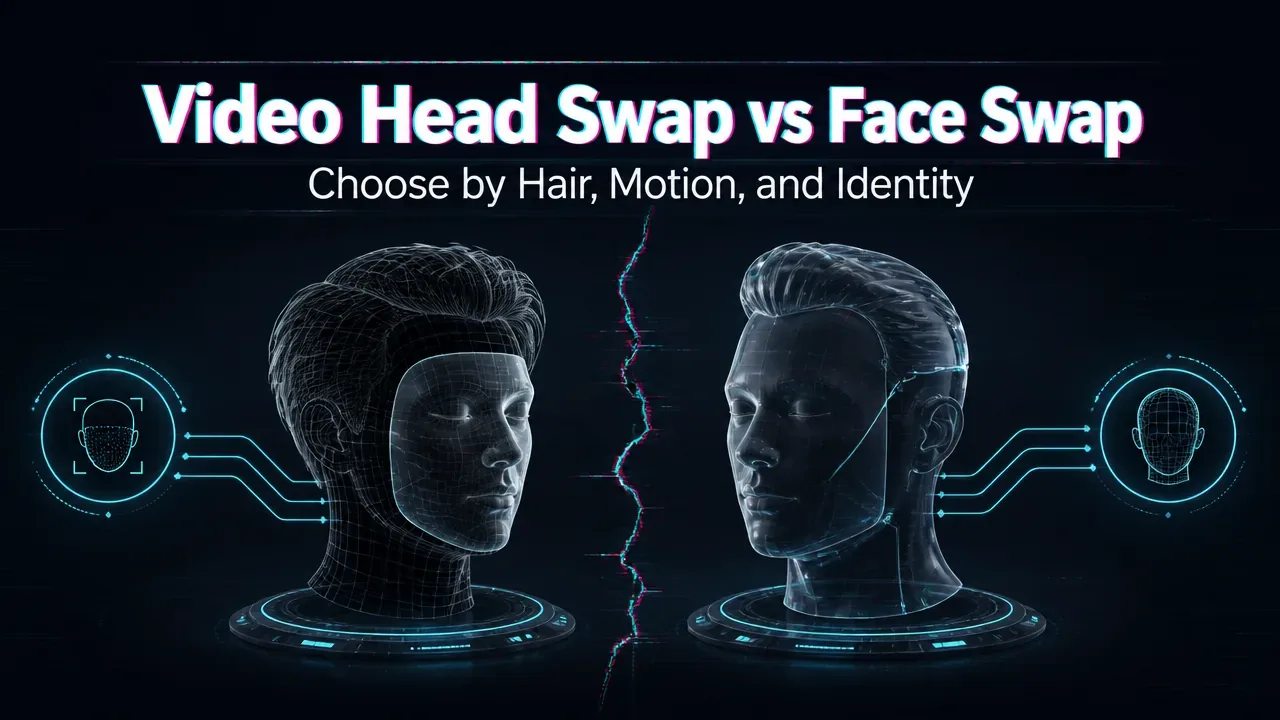
Video face swap replaces the facial region while generally preserving the source person’s hair, head outline, and much of the surrounding structure. Video head swap replaces a larger identity region, including the face, hair, silhouette, and sometimes visible accessories. Use the smallest replacement scope that satisfies the shot.
Match the method to the visual change
Choose face swap when the target hairstyle, head shape, and accessories should remain. It is often better for talking footage where expressions and original head motion carry the performance. Watch for skin-tone seams, profile failures, occlusion errors, and unstable facial detail.
Choose head swap when hair, hairline, skull outline, or the complete head identity must follow the reference. WaveSpeedAI’s current Video Head Swap description explicitly distinguishes full-head geometry from face-only replacement. A larger replacement region can solve mismatched hair but has more boundaries to stabilize during rapid motion, partial occlusion, or extreme angles.
These are model capabilities delivered through WaveSpeedAI endpoints; results still depend on the source footage, reference image, and current model behavior.
Test the hardest frames
Compare frontal, profile, blurred, backlit, and obstructed moments. Review the whole clip for identity drift and edge flicker, not just a selected frame.
Set a permission boundary
Use only likenesses you have the right and consent to process. Keep source ownership and approval records, especially for advertising, public figures, or customer-facing media.
/filters:quality(82)/media/images/c347367a-a007-4466-b8f7-d37f5fb52819.webp)
/filters:quality(82)/media/images/cd4db796-7728-45fb-8267-6813ed28e173.webp)
/filters:quality(82)/media/images/1791535252286714222_v4jvJT2a.webp)
/filters:quality(82)/media/images/1791451065663755033_qNqAKS1a.webp)
/filters:quality(82)/media/images/1791359984291066138_tW5eOX6f.webp)
/filters:quality(82)/media/images/1773962750383987480_n3hqzHRZ.webp)