
GPT Image 2 Pricing in 2026: What Teams Pay
Understand GPT Image 2 pricing in 2026, including per-image costs, token-based image pricing, edit costs, and what teams should budget for production use.
Update (September 9, 2026): GPT Image 2.5 is now available on WaveSpeedAI. Choose Flare Text-to-Image, Flare Edit, Sunburst Text-to-Image, or Sunburst Edit. Each endpoint supports five quality levels; check the selected endpoint’s current schema before use. GPT Image 2 stays available as described below.
I rebuilt my pricing spreadsheet three times last week. Each time, the per-image number came out different, and each time I was using the same model — gpt-image-2. The problem wasn’t the math. The problem was that I kept treating GPT Image 2 like it had a price tag, when what it actually has is a billing system. There’s a meaningful gap between those two things, and that gap is where most team budgets quietly start leaking.
I’m Dora. I spend more time than I’d like reading pricing pages. Most of what I write comes out of trying to answer a single question for a product team or a finance partner: what is this actually going to cost us at our volume? This piece is the version of that answer I wish I’d had two weeks ago, when a designer on my team asked me whether we could afford to generate 200 ad variants a week and I said “probably” — which turned out to be a 40% miss in either direction depending on the day.
That 40% miss is my own account, without a shareable call log. Treat it as context, not a benchmark.
If you’re trying to put a number next to “image generation” in a 2026 budget line, here’s how the model bills and what to count before you commit.
How GPT Image 2 Pricing Works
GPT Image 2.5 became available on WaveSpeedAI on September 9, 2026, through separate Flare and Sunburst text-to-image and edit endpoints. Its five quality levels are not defined as direct equivalents of GPT Image 2 tiers, so evaluate them on your own prompts rather than comparing tier names across generations.
Per-image pricing vs token-based image pricing
Image creation shows up in two billing contexts, and conflating them is the single fastest way to blow up your forecast.
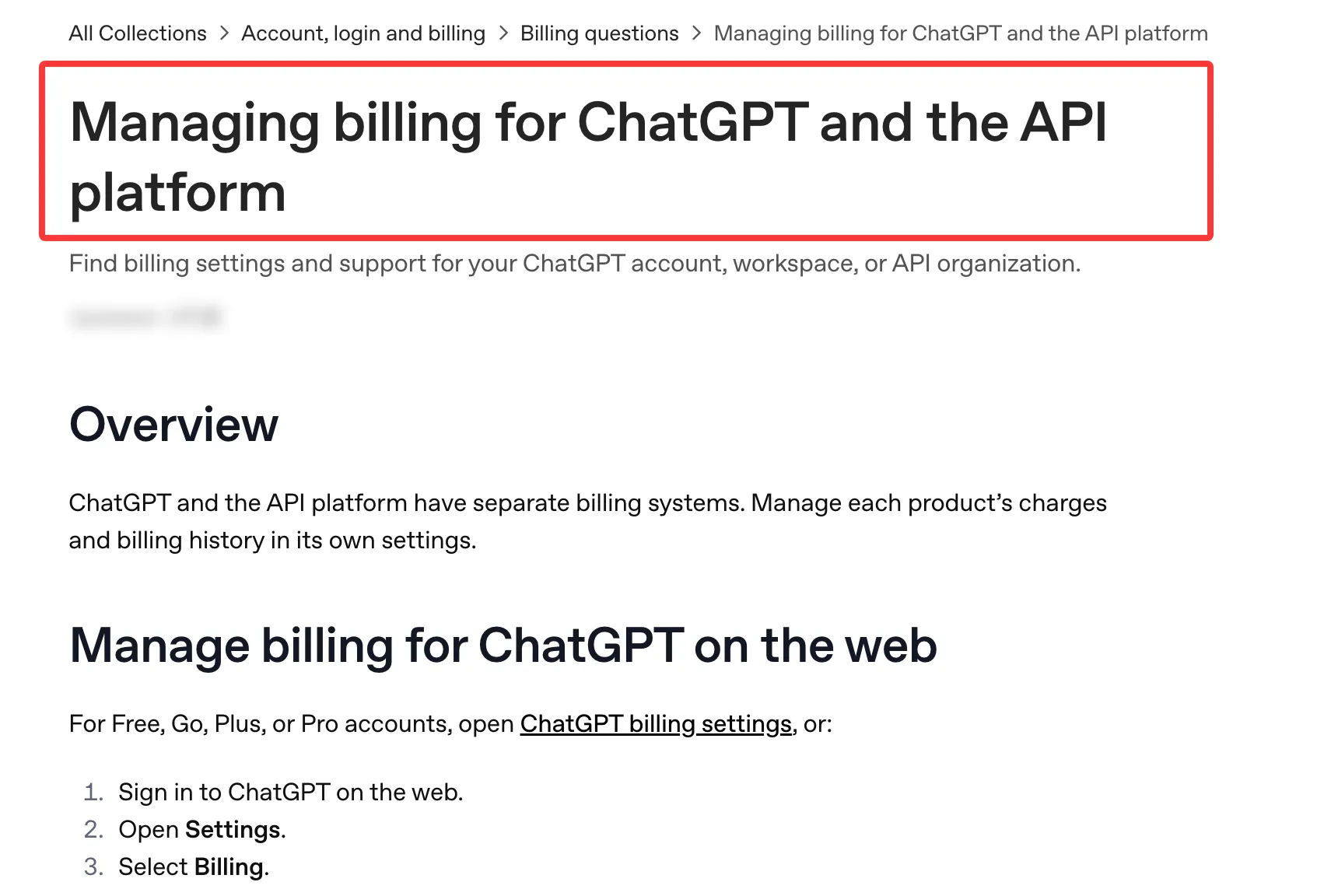
The first is ChatGPT: Free, Plus at $20/month, and Pro at $200/month offer image features subject to plan limits. You don’t budget those by API token. ChatGPT subscriptions and API usage are billed separately.
The second is the API, and the API is token-based, not per-image. OpenAI’s API pricing lists rates per million tokens: $8.00 for image input, $2.00 for cached image input, $30.00 for image output, and $5.00 for text input. The quoted $0.006, $0.053, and $0.211 per image are output-only estimates. Cached rates apply only to the Responses API image tool, not direct Images API requests.
Token use moves with model, size, quality, prompt length, and references. Forecast $0.05 per finished image, and you could land at $0.11 after repeats and inputs. That’s an illustration, not a benchmark.
What changes with size and quality settings
Quality is the biggest lever. In OpenAI’s GPT Image 2 cost table, a 1024×1024 output is estimated at $0.006 at low quality, $0.053 at medium, and $0.211 at high. Those are image output costs only, a 35x spread on the same canvas size. Switch to 1024×1536 (portrait) and the same tiers come in around $0.005, $0.041, and $0.165 — slightly cheaper, which is counterintuitive until you accept it.
Size doesn’t move the bill predictably either. On fal.ai’s GPT Image 2 page, high-quality 4K can reach $0.41 per image. That’s fal’s per-image price, not an OpenAI token estimate.
The Real Cost Drivers Teams Miss
Edit inputs, retries, and large output sizes
Here’s the part the pricing page doesn’t shout about, and it cost me two days of confusion.
When you send an edit request — meaning you’re passing in a reference image — gpt-image-2 processes that input at high fidelity. You can’t turn that off. The official image generation guide is explicit: omit input_fidelity for this model, and account for image input tokens in the edit bill regardless of output quality.
Practical translation: my 2–3x allowance is for lighter edit loops, not a ceiling. “Generate, then edit four times” means five paid outputs before reference-image inputs. Product mockups and ad variants can land here.
Retries compound the same way. A medium-quality output estimated at $0.053 looks cheap. Run it five times because the first four aren’t usable and the output-only subtotal is $0.265; you kept one. Rejected assets belong in the cost per finished asset.
Draft generation vs final asset generation
The cleanest cost-control move I’ve found is to separate exploration from delivery. Use low quality for ideation — 30 square outputs at $0.006 total about $0.18 before text input. Re-render the winners at high, provided the drafts are good enough to choose from.
The other lever: OpenAI’s Batch API cuts eligible input and output token rates by 50% if you can tolerate a 24-hour turnaround. For weekly content runs, that’s useful. For real-time product flows, it isn’t.
Compare OpenAI, WaveSpeedAI, and fal on the same job
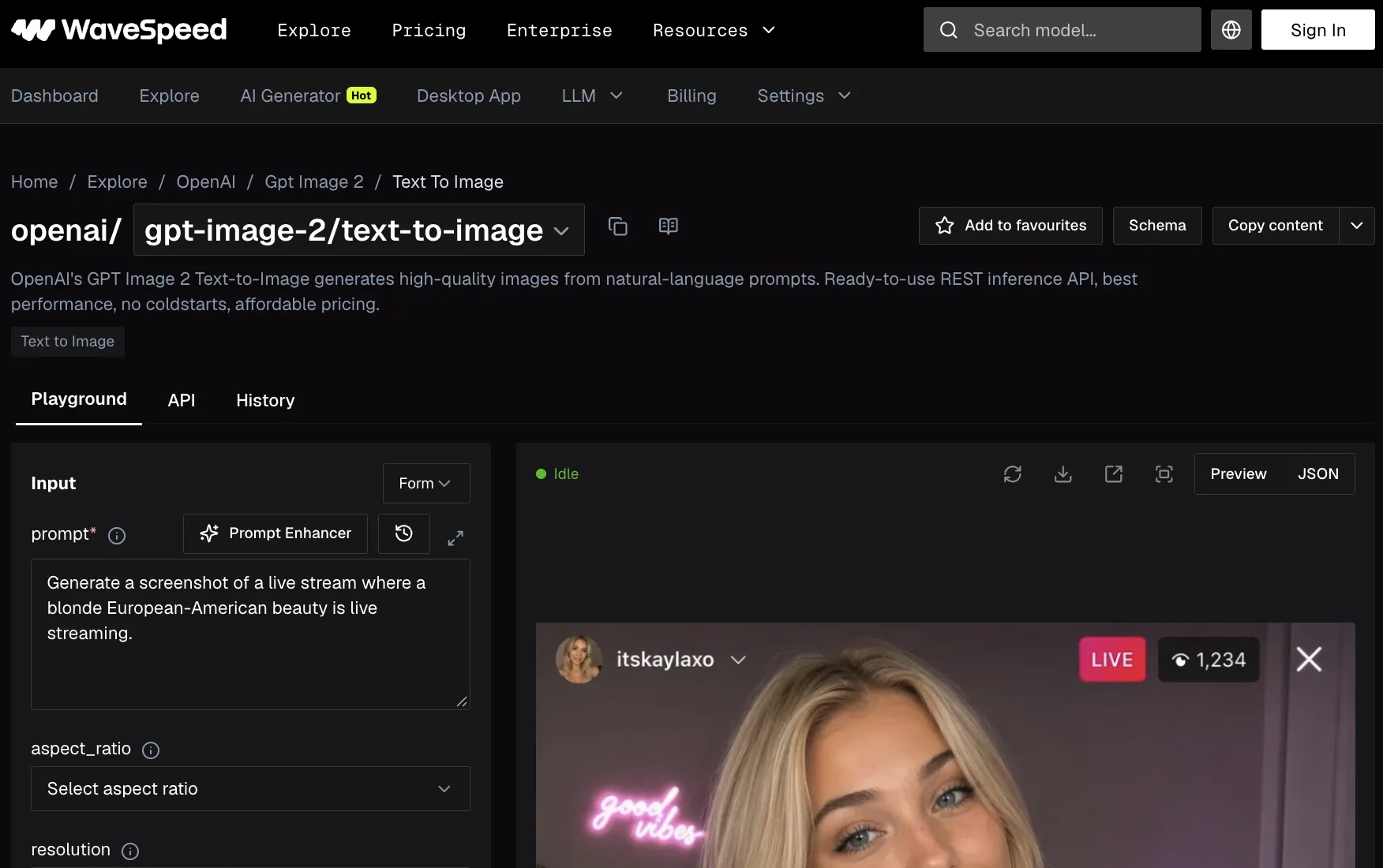
As of October 22, 2026, OpenAI’s $0.053 medium square figure is an output-only estimate. WaveSpeedAI’s GPT Image 2 generation starts at $0.057 per run and editing at $0.0665. Its GPT Image 2.5 endpoints show $0.024 per run for generation and $0.039 for edits in the displayed pricing, while their 1K low-quality tiers are listed at $0.01 and $0.025, respectively. fal quotes $0.01 for low-quality 1024×768 up to $0.41 for high-quality 4K. Each host applies its own billing rules.
To compare them, hold the prompt, size, quality, and acceptance rule constant. Log model, endpoint, references, attempts, and kept images. Compare total billed spend ÷ accepted assets.
Budgeting GPT Image 2 for Team Workflows
I don’t trust monthly cost projections that come from a calculator alone. The math I actually run looks like this:
- Start with the image output estimate for the quality and size you’ll ship.
- Multiply by calls per accepted asset (my self-reported figures sit around 1.4x for medium quality, 1.8x for high).
- Add image input and text input costs for edits. My rough allowance has been another 30–60% on top, but that isn’t a published rate.
- Apply Batch savings only to eligible OpenAI API work that doesn’t need a synchronous response.
For 200 accepted medium-quality 1024×1024 images a month, 200 × $0.053 × 1.4 = $14.84 in output costs, or about $7.42 through Batch, before inputs. The designer’s 200-a-week question is closer to 860 a month: about $63.81 before inputs, or $31.91 through Batch.
A small marketing team running 200 medium-quality social images per month, with light editing, lands somewhere around $15–$25/month in raw API cost. The same volume at high quality with heavy iteration runs $80–$140/month. They’re what I see when I export billing, but I can’t attach that export here. These are my numbers, not a forecast for your team.
The point isn’t the specific figures — your workflow will move them. The point is that “per-image cost” as published is a starting line, not a finish line.
When Direct Pricing Is Simple Enough and When It Is Not
For occasional work inside ChatGPT, Plus at $20/month may be enough. I wouldn’t use the old “400 images a month” break-even rule: that subscription doesn’t buy API calls.
Where direct pricing stops being simple: reference images, unpredictable volume, a Responses API flow that also bills the mainline model, or third-party hosting with its own rate card.
For anyone in those buckets, the honest budgeting move is a one-week pilot with cost logging on every call. The calculator is fine for sanity-checking. It’s not fine for committing a quarter of spend.
FAQ
How much does GPT Image 2 cost per image?
There isn’t one number. Via OpenAI’s API, the image output estimate for a 1024×1024 image is about $0.006 at low quality, $0.053 at medium, and $0.211 at high. Text and reference-image inputs add to the request total; retries add more requests.
Are edits more expensive than fresh generations?
Often. gpt-image-2 processes reference images at high fidelity, adding image input tokens to an edit request. My 2–3x allowance is a planning heuristic, not a fixed multiplier; count the actual edit calls and billed input tokens.
What settings increase cost fastest?
In OpenAI’s square example, quality creates the largest output-cost spread. Size and reference images matter too; fal’s high-quality 4K reaches $0.41 per image. OpenAI doesn’t list format or compression as separate rates. Check each host’s live quote.
How should teams estimate monthly spend?
Run a one-week pilot at production settings. Log provider, endpoint, attempts, references, accepted assets, and billed cost. Multiply weekly spend by about 4.3, or use your production calendar if volume varies. The official calculator can’t supply your retry and edit workload.
Can I cut costs without changing quality?
Yes. Batch halves eligible OpenAI token rates with a 24-hour turnaround. Cached text input falls from $5.00 to $1.25 per million tokens only on a cache hit through the Responses API image tool. Direct Images API calls, including edits, don’t get that rate.
Conclusion
GPT Image 2 isn’t expensive. It’s just billed in a way that punishes anyone who treats it as a fixed-price product. The per-image numbers in the headlines describe one output at standard, synchronous API rates — no edit inputs, no retries, one size and quality. Batch pricing is lower. The bill you actually pay is shaped by the workflow you actually run.
The one habit worth building: log a real week of calls before you commit to a budget. The calculator will get you in the right zip code. Your billing export will tell you the street address.
Previous posts:
Related Articles
/filters:quality(82)/media/images/1773962750383987480_n3hqzHRZ.webp)
AI Lip Sync Dialogue Scenes with Seedance 2.5: Prompts and Settings
How to Make an AI Short Drama with Seedance 2.5, Wan 3.0 and Kling 4.0
How to Keep the Same Character Across AI Video Shots
Multi-Shot Action Scenes with Kling 4.0: Long Takes, Keyframes and Extends
Vertical 9:16 AI Video Settings for Shorts and Reels