
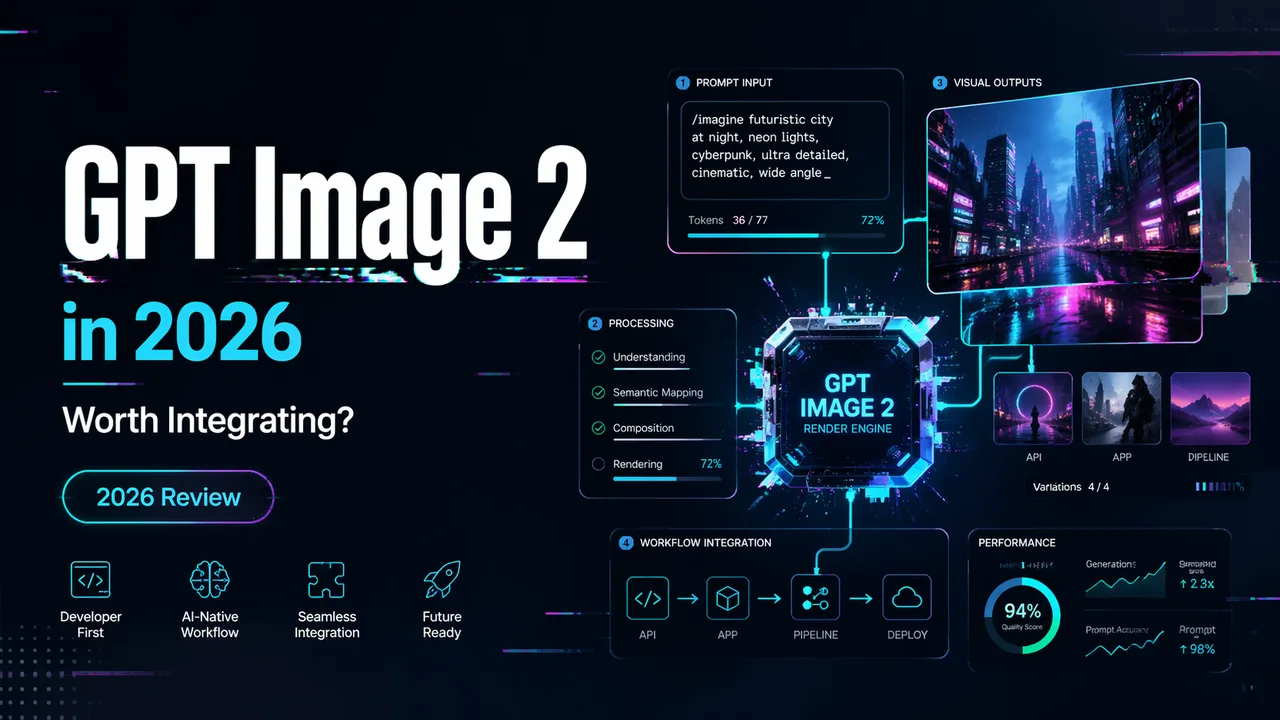
GPT Image 2 in 2026: Worth Integrating?
A builder-first guide to GPT Image 2 covering API access, pricing, rate limits, editing support, and whether it is ready for production workflows.
Update (September 9, 2026): GPT Image 2.5 is now available on WaveSpeedAI. Choose Flare Text-to-Image, Flare Edit, Sunburst Text-to-Image, or Sunburst Edit. Each endpoint supports five quality levels; check the selected endpoint’s current schema before use. GPT Image 2 stays available as described below.
Dora here. I spent the weekend after launch wiring gpt-image-2 into a workflow I already had running on the previous model. Same prompts, same reference images, same batch sizes. The point wasn’t to be impressed — it was to find out what actually changes when you swap the model ID. I’m Dora, and this is the kind of thing I do before recommending anything to the team.
Three days in, I have enough to write down. Not enough to give a verdict, but enough to flag what builders should check before they integrate.
This piece is for people who already ship images through an API. If you’re evaluating whether to add gpt-image-2 to a production workflow — alongside whatever you’re currently running — here’s what I’d want someone to tell me. The model is real, the API is live, and the rate limits will surprise you if you don’t read the docs first.
What GPT Image 2 Is and What OpenAI Officially Released
Confirmed model IDs, endpoints, and launch timing
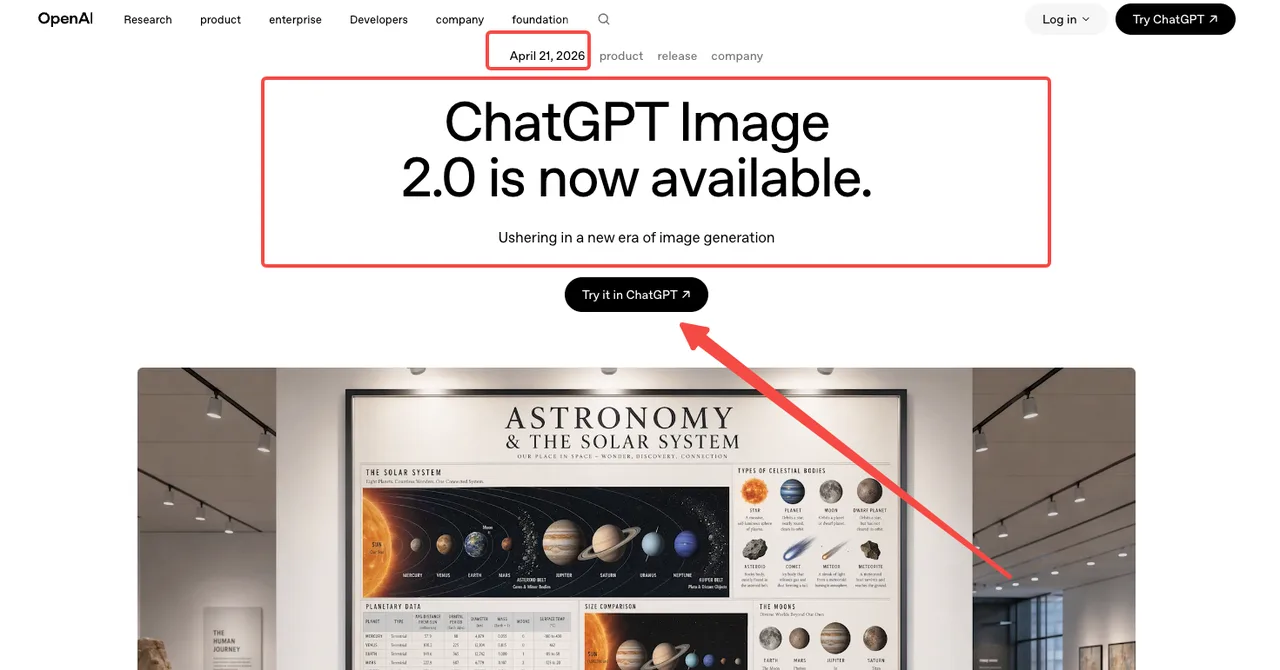
OpenAI launched gpt-image-2 on April 21, 2026, alongside the consumer-facing “ChatGPT Images 2.0” rebrand. The model ID is gpt-image-2, with the current snapshot pinned as gpt-image-2-2026-04-21 per the official GPT Image 2 model page. It runs through v1/images/generations, v1/images/edits, v1/responses, and v1/chat/completions.
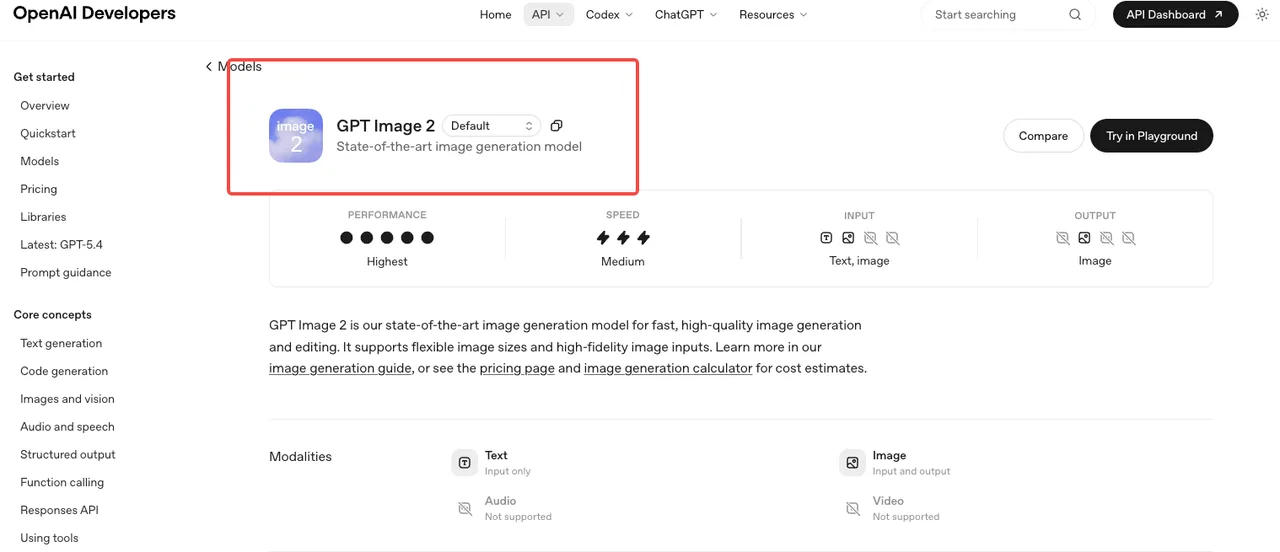 That’s the verified surface. Anything claiming earlier API access was either A/B test traffic inside ChatGPT or speculation. Use the snapshot ID in production code — the alias will roll forward when OpenAI publishes a new version, and that’s not a behavior you want changing under you mid-batch.
What changed from earlier GPT Image models
Two things matter for builders. First, gpt-image-2 is the first OpenAI image model with reasoning built in — what they’re calling “thinking mode,” documented in the introducing ChatGPT Images 2.0 announcement. Before generating, the model can plan layout, search the web for references, and self-check outputs. Second, text rendering improved enough that mixed-script layouts — the kind that broke every prior commercial model — now produce usable results, as confirmed in the GPT Image entry on Wikipedia covering the model lineage.
I tested both. Reasoning mode is real. It’s also slower.
Why GPT Image 2 Matters for Production Teams
Editing support, flexible sizes, and workflow implications
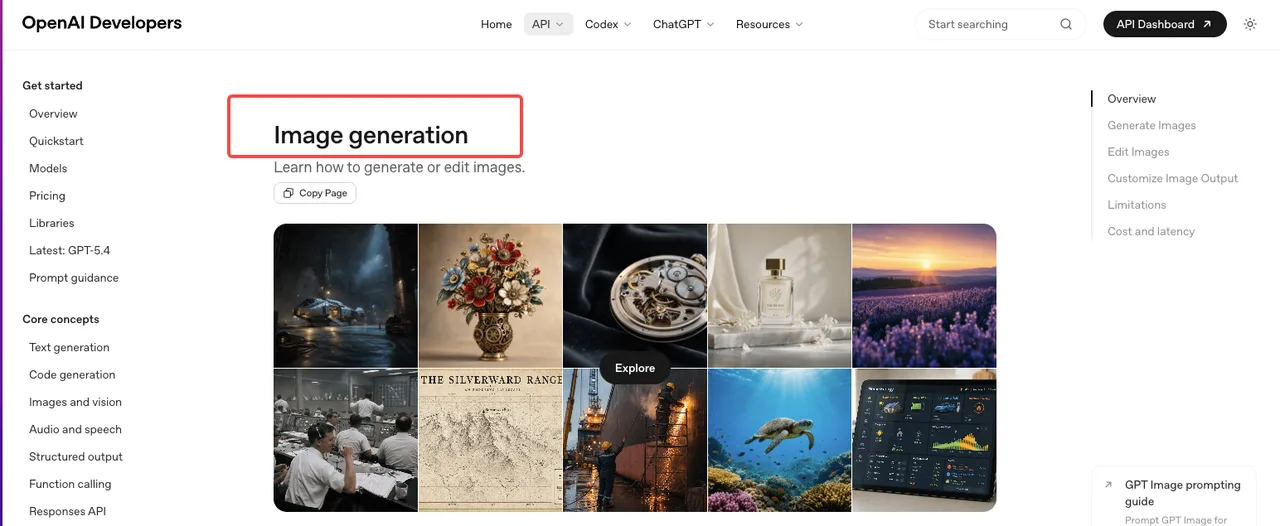
The API exposes both generation and edits, which means you can pass a reference image and an instruction in one call — no separate inpainting pipeline. The official image generation guide covers size, quality, format, compression, and background options.
One detail that bit me: transparent backgrounds aren’t currently supported through the Responses image-generation tool option. I caught it on day two, halfway through a batch where I’d assumed parity with the previous model. The output came back with a white fill instead of alpha. The whole batch was unusable for the downstream compositing step. If your pipeline depends on alpha output, verify this against your actual code path before swapping models. I lost an hour to this, plus the credits for the failed batch.
For teams running multi-step asset workflows — generate, edit, refine, export — the unified surface saves a real handoff. Not because each step is faster, but because there’s one less integration to maintain. Fewer moving parts in production means fewer places things break later.
Quality, latency, and rollout questions teams should ask
Speed is “medium,” per OpenAI’s own model card. In practice, thinking mode adds noticeable latency — fine for one-off marketing assets, painful for batch jobs. Non-thinking mode is closer to gpt-image-1.5 territory.
The decision isn’t “always use thinking mode because it’s smarter.” It’s “use thinking mode when the layout matters, skip it when speed matters.” For a mockup with text and spatial constraints, the extra seconds buy you a usable result on the first try. For a batch of background variations, you want the faster path.
I haven’t run enough batches to give a clean latency number. Three days isn’t enough. What I can confirm: cold-path requests on Tier 1 get throttled fast. The 5-images-per-minute ceiling sounds generous until failed retries and parallel test runs eat into the same quota. That’s not a model problem. That’s a tier problem, and it shapes whether this is production-ready for you specifically.
What Builders Need to Verify Before Integration
Pricing, rate limits, and unsupported features
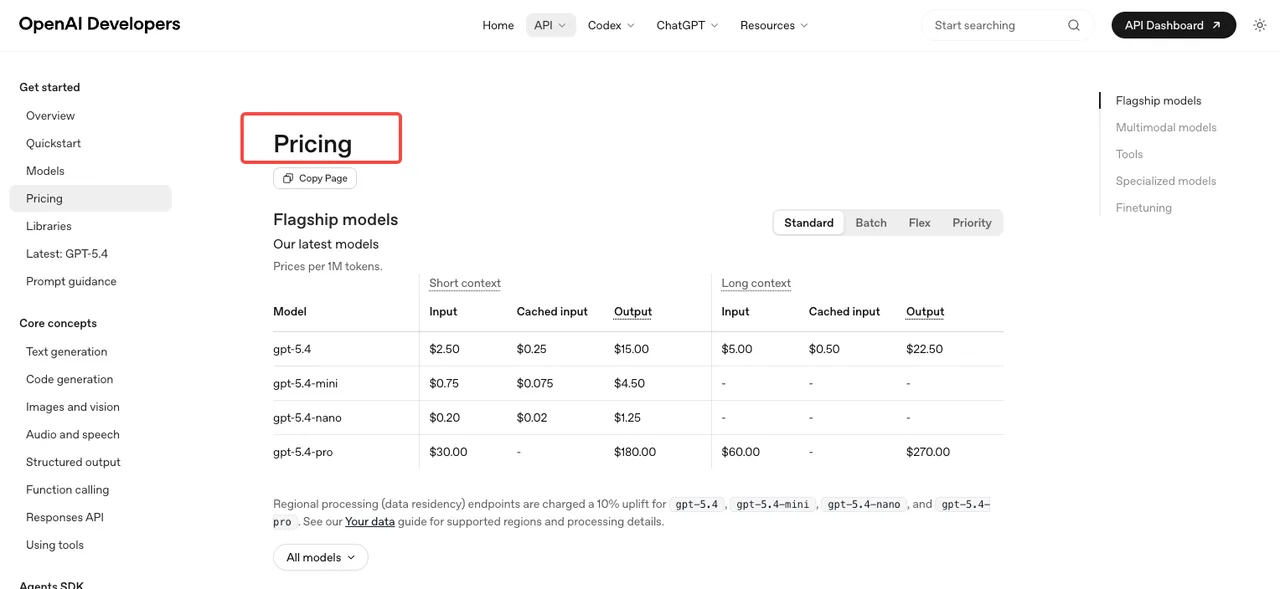
Token-based pricing per the OpenAI pricing page: image input runs $8 per million tokens, cached image input $2, image output $30. Text input is $5, cached $1.25, text output $10. Batch tier halves these. Per-image estimates published in the calculator land around $0.006 (low quality), $0.053 (medium), and $0.211 (high) for 1024×1024.
Rate limits are where teams get caught. Tier 1 caps at 5 images per minute. Tier 2 jumps to 20, Tier 3 to 50, Tier 5 to 250 — but reaching Tier 5 requires $1,000 spent and a 30-day-old account, as documented on the OpenAI rate limits guide. If your product expects bursty traffic, plan the tier ramp before you launch.
Operational questions for production use
Five things I’d verify against your own workflow before integration:
- Does your pipeline need transparent backgrounds (currently unsupported via the Responses tool)
- What’s your peak images-per-minute under realistic load
- Are you running edits with reference images (these add image input tokens — don’t estimate from output alone)
- Does your prompt strategy benefit from reasoning mode, or is non-thinking sufficient
- What happens when a generation fails — do you retry, fall back, or queue
The REST image generation API reference documents request/response shapes. Read it before writing your wrapper.
When GPT Image 2 Is a Strong Fit and When It Is Not
Strong fit: products where text appears inside the image (UI mockups, infographics, menus, social graphics with copy), localized campaigns in non-Latin scripts, workflows that benefit from a single API for both generation and editing, and teams already inside the OpenAI billing relationship.
Weaker fit right now: high-volume batch pipelines on Tier 1 or Tier 2 accounts, products requiring transparent backgrounds through the Responses tool, latency-sensitive applications where thinking mode overhead matters, and teams whose existing model is already dialed in and where switching cost outweighs marginal quality gain.
This isn’t a “use it or fall behind” situation. It’s a “verify against your own constraints” situation. The model is good. Whether it’s good for you depends on the five questions above.
FAQ
Is GPT Image 2 available in the OpenAI API?
Yes. The model ID is gpt-image-2, with snapshot gpt-image-2-2026-04-21. It’s accessible through the standard image generation, image edits, and Responses endpoints. The Free tier is not supported — you need a paid account, with rate limits scaling by usage tier.
What image tasks is GPT Image 2 best for?
Anything involving text inside the image (menus, mockups, infographics, multilingual graphics), reference-driven edits, and layouts requiring spatial reasoning. The text rendering is the most practically significant upgrade. For purely photorealistic generation without text, the gain over gpt-image-1.5 is smaller.
What limitations should teams check first?
Three concrete ones: transparent backgrounds aren’t supported through the Responses image-generation tool option, Tier 1 caps generation at 5 images per minute, and reasoning mode adds latency. Also worth checking — streaming, function calling, and structured outputs are listed as not supported on the model page.
Is it ready for high-volume production use?
It can be, but not on a fresh account. Reaching Tier 3 (50 images/min) requires $100 spent and an account at least 7 days old. Tier 5 (250 images/min) needs $1,000 spent and a 30-day account history. If you need high concurrency from day one, plan tier progression or use a provider with higher pooled limits.
How does pricing compare to GPT Image 1.5?
gpt-image-2 uses per-token billing: image input $8/M, image output $30/M. Per-image estimates (1024×1024) fall around $0.006 low quality, $0.053 medium, $0.211 high. Edits with reference images add image input tokens, so cost is higher than output-only estimates suggest. Run your actual workload through the calculator before assuming parity with 1.5.
Conclusion
Three days of testing isn’t enough to give a verdict on long-term reliability. It is enough to say the model is real, the API is stable, and the integration questions are mostly operational rather than technical — pricing tiers, rate limits, missing features your workflow might depend on. Run a small pilot against your actual prompts and your actual concurrency before you commit. That’s all I can confirm from here. The rest you’ll need to verify in your own environment.
Continuing next week with batch latency numbers once I have enough data to trust them.
Previous posts:
Related Articles
/filters:quality(82)/media/images/1773962750383987480_n3hqzHRZ.webp)
Seedance 2.5 vs WAN 3.0 vs Kling 4.0: Specs, References and Price Compared
/filters:quality(82)/media/images/660b4b48-6351-40cd-ba00-51322b7455f4.webp)
How to Use Kling 4.0 Keyframes for a Product Reveal
/filters:quality(82)/media/images/273bf240-30e3-4e6c-8ae4-e3346b487bc7.webp)
Kling 4.0 Pricing: What Does One Usable Clip Cost?
/filters:quality(82)/media/images/bb7ec772-f694-45f4-9a9a-c0e5fd2e7d60.webp)
Kling 4.0 Reference-to-Video: Keep a Product Consistent
/filters:quality(82)/media/images/444431ee-1387-4a40-81ad-866e095a7c75.webp)
Kling 4.0 Review: Can It Handle Product Video Ads?
/filters:quality(82)/media/images/81212eb5-4b43-4cc4-92f4-38a0c439d258.webp)