
Godmod3 AI Explained: Multi-Model Chat Without the Gatekeeping
Godmod3 lets you run 50+ AI models in parallel with one OpenRouter key — no install, no server, no account. Here's what that means in practice.
I built a workflow around it before I fully understood what it was. That’s usually how it goes.
Last week I was three tabs deep — Claude on one, GPT-5 on another, Gemini on a third — copy-pasting the same prompt into each to figure out which model handled a nuanced technical comparison best. The friction was obvious: three login sessions, three parameter panels, three billing accounts, zero standardized output format. I’m Dora, who has run this kind of cross-model evaluation dozens of times, keeps a running note in my work log: “switching cost is invisible until you’re doing it fifty times a week.” Then it becomes very visible.
That’s the problem godmod3.ai solves. One prompt. Multiple models. One scored winner. Here’s what you actually need to know before deciding whether it belongs in your workflow.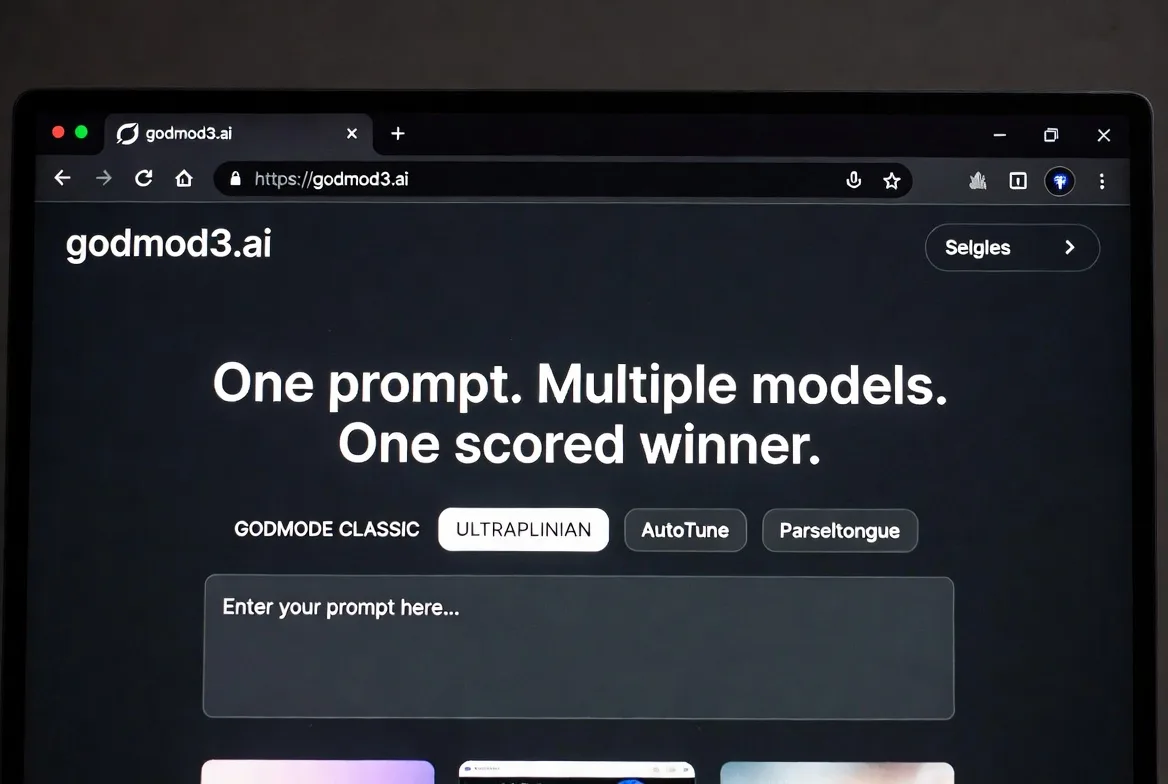
Godmod3 vs Your Current AI Chat Setup
The single-model problem: why switching tabs between ChatGPT and Claude isn’t enough
The issue isn’t that ChatGPT or Claude are bad. It’s that using one model at a time forces you to trust that model’s judgment without a comparison point. You type a prompt, get a response, and either accept it or rephrase. You don’t know if another model would’ve nailed it on the first try.
Switching tabs to find out is slow. Each platform has its own parameter settings, its own context window behavior, its own way of interpreting the same instruction. By the time you’ve compared three outputs, you’ve spent more time on the process than on the actual task.
What godmod3.ai gives you: one prompt, multiple models, one winner
Godmod3 sends your prompt to multiple models simultaneously and returns the results side by side. In its ULTRAPLINIAN mode, it scores responses on a 100-point composite metric and surfaces the highest-ranked answer automatically. You’re not reading through five tabs — you’re reading the verdict.
The entire interface is a single-page browser application built by Pliny (elder-plinius) under the AGPL-3.0 license. No backend server required for the basic hosted version. Your API key stays in your browser’s localStorage. Godmod3 doesn’t store your conversations on any server — close the tab and they’re gone.
The OpenRouter dependency explained simply
Godmod3 doesn’t connect to OpenAI, Anthropic, or Google directly. It routes everything through OpenRouter, a unified API gateway that provides access to 300+ models from multiple providers with a single key. You pay OpenRouter per token, not godmod3. The tool itself is free. OpenRouter is the billing layer, the model catalog, and the routing infrastructure all at once.
Three Ways to Access Godmod3
Hosted version at godmod3.ai — no install, bring your OpenRouter key
Go to godmod3.ai, paste your OpenRouter API key in settings, and start prompting. That’s it. No download, no Docker, no npm install. The hosted version strips out the optional dataset collection feature entirely — it’s a pure client-side chat interface.
I was using it within 60 seconds of landing on the page. The friction was near zero, which is rare for open-source AI tools.
Self-hosted single file — clone and open index.html
The entire application fits inside one index.html file. Clone the GitHub repo, open index.html in a browser, done. Or run python3 -m http.server 8000 if you want a local server. No build step, no dependency installation, no configuration file.
This matters if you want to inspect exactly what code is running before you paste an API key into it. The AGPL-3.0 license — recognized by the Open Source Initiative as a free software license — means the source code is fully auditable.
Static deploy — GitHub Pages, Vercel, or Netlify in under 5 minutes
Because it’s a single HTML file, deploying to any static hosting platform is trivial. Push to a GitHub repo, enable GitHub Pages, and your personal godmod3 instance is live at a URL you control. Same for Vercel or Netlify — import the repo and deploy. No serverless functions, no environment variables (beyond your API key, which stays client-side).
I tested the GitHub Pages route. Took about three minutes from fork to live URL.
The Four Modes Explained
GODMODE CLASSIC — the parallel race mode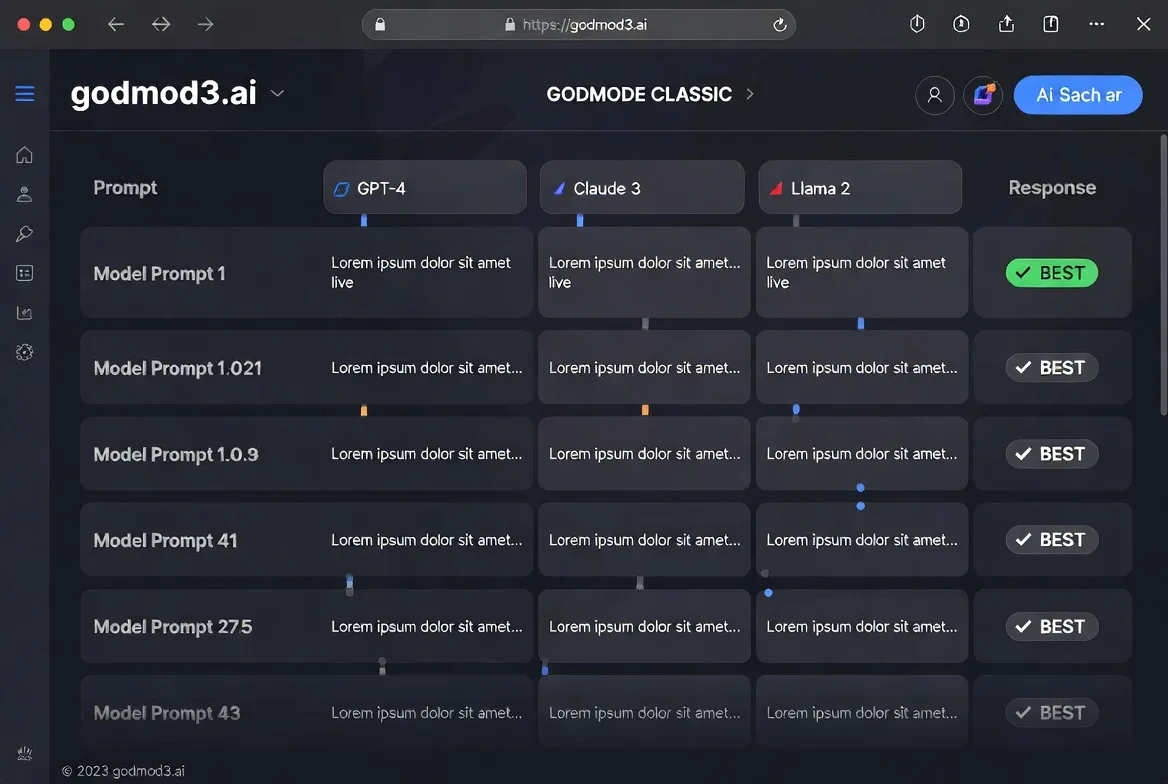
The original mode. Five model-prompt combinations run in parallel, each pairing a specific model with a tuned system prompt. The responses race, and the interface surfaces the best one. It’s fast and opinionated — you’re trusting the preset configurations rather than choosing models yourself.
Good for quick comparisons when you don’t want to think about parameter tuning. Less useful when you need specific model control.
ULTRAPLINIAN — deep multi-model evaluation for serious comparisons
This is the mode that made me pause. It can query up to 51 models in parallel, score each response on a composite metric, and rank them. The scoring accounts for relevance, coherence, and response quality. For prompt engineers testing how different models handle the same instruction, this is where the real value sits.
Not cheap, though. Running 51 models in parallel means 51 separate API calls, each billed through OpenRouter. I ran a medium-complexity prompt through a 10-model configuration and the cost was modest — a few cents. At 51 models, it adds up.
AutoTune — why you don’t need to manually set temperature anymore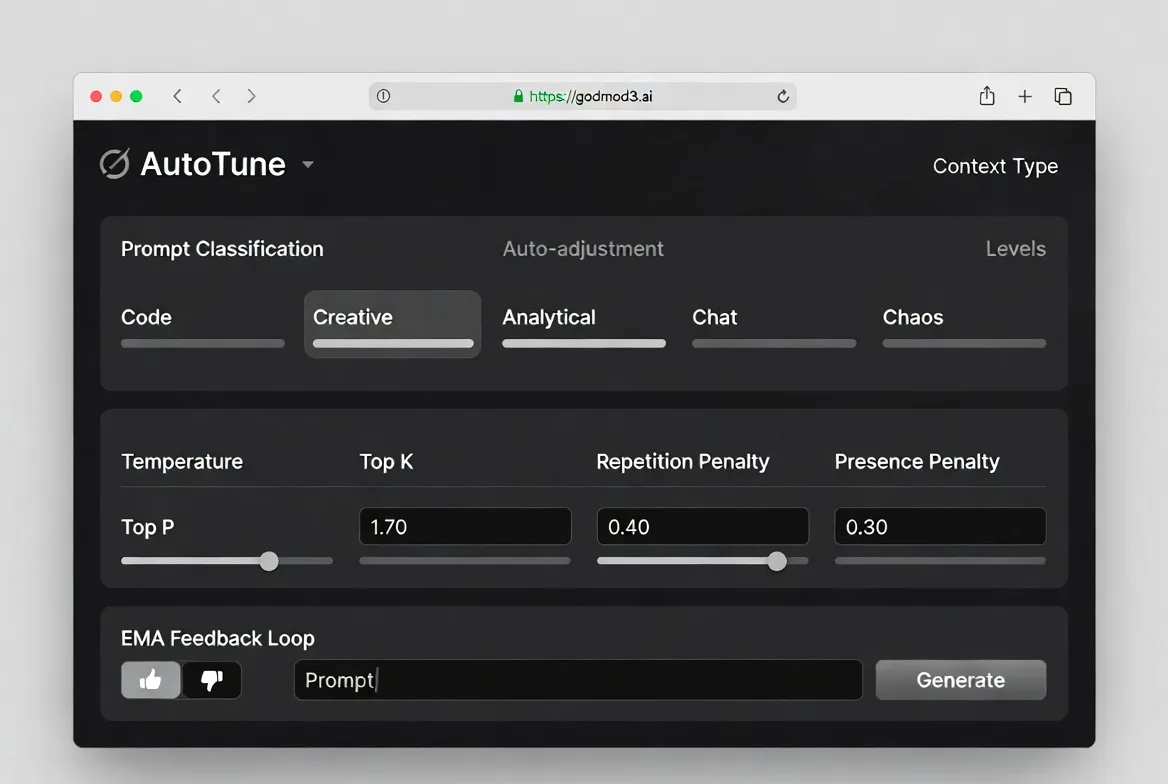
AutoTune classifies your prompt into one of five context types — code, creative, analytical, chat, or chaos — and automatically adjusts temperature, top_p, top_k, and penalty parameters. It uses an EMA-based feedback loop: thumbs up or down on a response refines future parameter selection.
I’m still not fully sure how much difference this makes versus manually setting temperature to 0.7 and leaving it. After a week of use, the parameter choices felt reasonable but not dramatically better than my defaults. This conclusion has an expiration date — the feedback loop needs more data to converge.
Parseltongue — input perturbation for security researchers (and what it’s not for)
Parseltongue is a red-team research module. It detects trigger words and applies character-level transformations — leetspeak, Unicode substitution, phonetic encoding — to study how models respond to adversarial inputs. The project’s research paper frames this explicitly as an AI safety evaluation tool for testing model robustness at inference time.
This is not a content-bypass tool. It’s designed for controlled research on how safety layers respond to input perturbation. The distinction matters. If your use case is “I want to trick an AI into saying something it shouldn’t,” that’s not what this module is built for, and the project documentation says so directly.
Model Access Through OpenRouter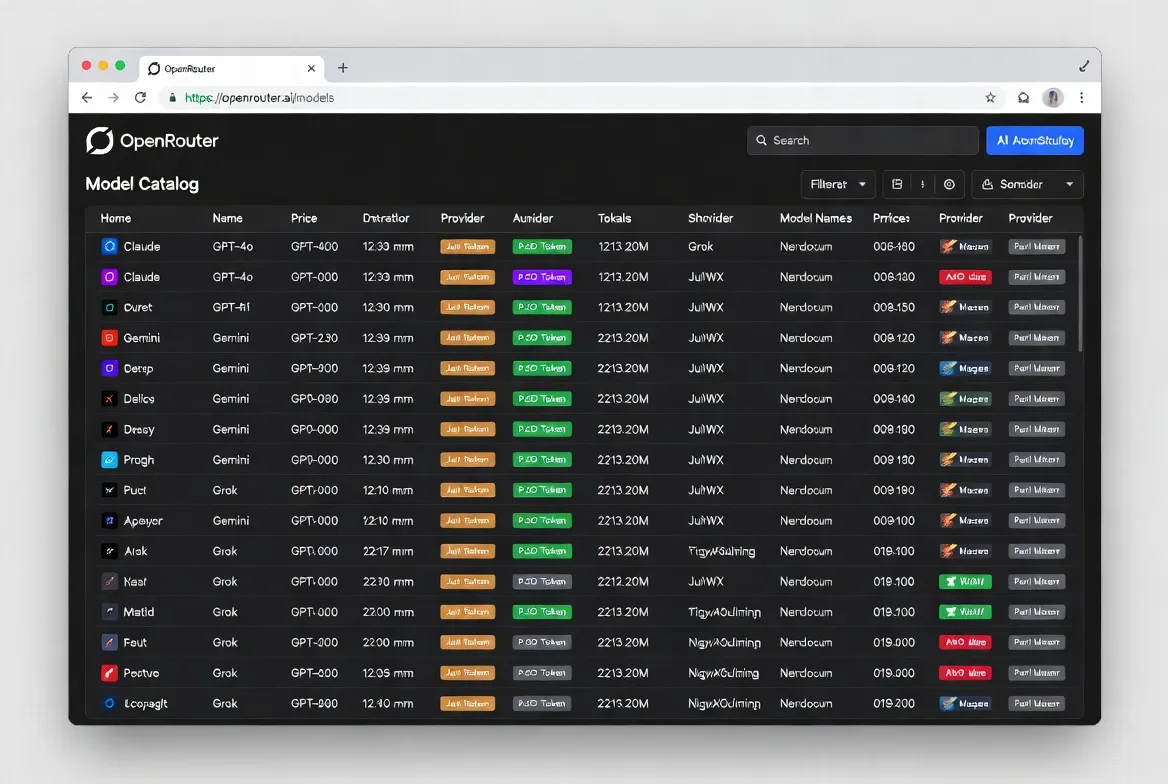
Which models are available
Through OpenRouter, godmod3 can access Claude, GPT-4o, Gemini, Grok, Mistral, Llama, DeepSeek, Qwen, and dozens more. The OpenRouter model catalog lists 300+ options across 60+ providers as of April 2026. Not all of them are useful for every task, but the breadth means you’re unlikely to hit a “model not available” wall.
Pricing reality: you pay OpenRouter per-token, not godmod3
Godmod3 itself is free. Your costs come from OpenRouter’s per-token billing, which passes through each provider’s pricing at or near direct API rates. Running a prompt through one model costs the same as calling that model’s API directly. Running it through ten models costs ten times that.
The OpenRouter pricing page breaks down per-token rates by model. There’s no monthly fee, no minimum spend. You add credits and they deplete as you use them.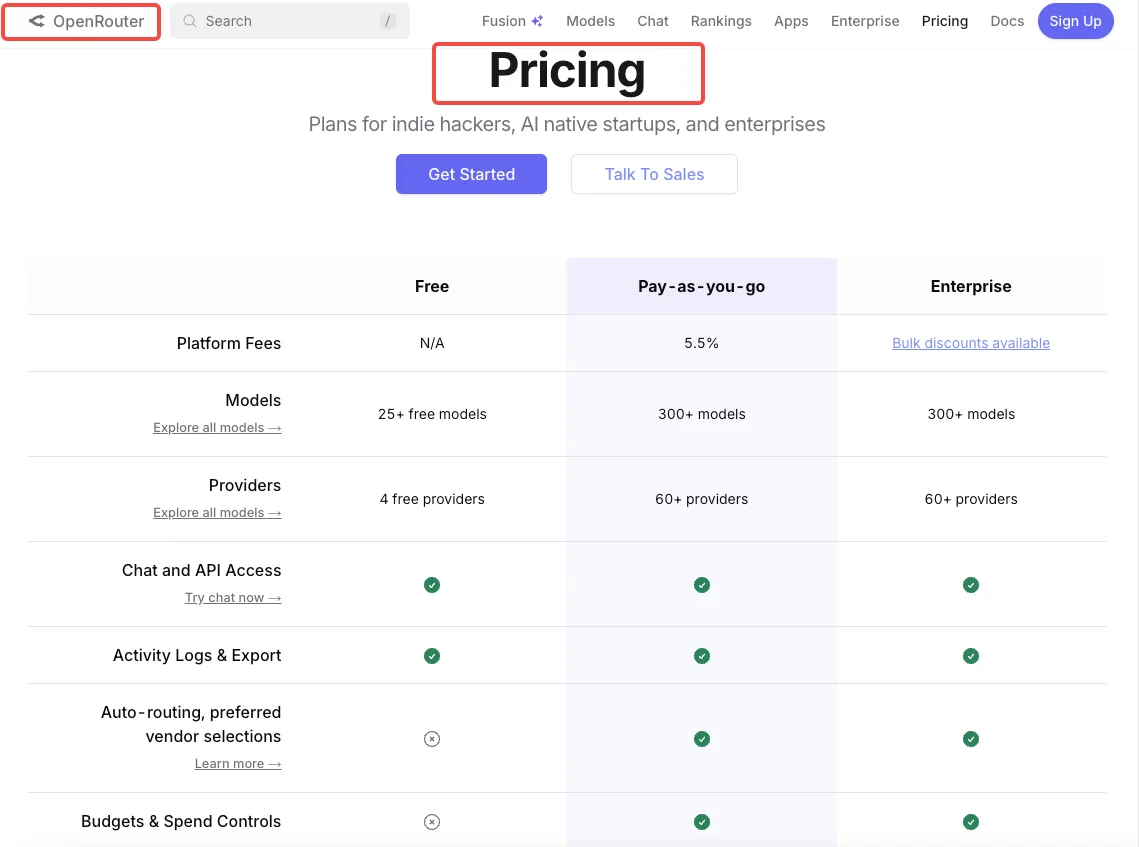
Free models on OpenRouter you can use with godmod3 today
OpenRouter maintains a collection of free models — currently around 29 options including DeepSeek R1, Llama 3.3 70B, Qwen3 Coder, and several Gemma variants. Free models have rate limits (typically 20 requests per minute, 200 per day) but require no credits.
For testing whether godmod3 fits your workflow before committing any money, the free tier is enough to form an opinion.
What Godmod3 Is Not
Not a backend — chat history lives in your browser only
There’s no account, no cloud sync, no server-side storage. Clear your browser data and your conversations disappear permanently. Switch devices and nothing follows you. Private browsing mode discards everything on window close.
This is a privacy feature, not a limitation — but it means godmod3 is a scratchpad, not a knowledge base.
Not a replacement for production APIs
If you’re building a product that calls LLMs, you need direct API integration with retry logic, error handling, and rate limit management. Godmod3 is a research and evaluation interface, not production infrastructure. The project’s own documentation is clear about this.
Not a bypass tool — Parseltongue’s purpose in AI safety research
Worth repeating: Parseltongue exists for studying model robustness under controlled conditions. The project positions itself within the broader AI safety research landscape alongside frameworks like Constitutional AI and RLHF. It provides inference-time evaluation tools — not training-time modifications. The dual-use risk is acknowledged in the documentation, and users are responsible for compliance with local law.
Who Gets the Most Value From Godmod3
Prompt engineers who need rapid multi-model comparison
If you’re testing how a prompt performs across Claude, GPT-4o, and Gemini before committing to one, godmod3 compresses that workflow from “three tabs, three logins, manual comparison” to “one prompt, one screen, ranked results.” That’s the core value.
Developers evaluating which LLM fits their use case before committing to an API
Before you integrate an API and build around its quirks, you want to know: does this model handle my use case well? Running the same test prompts through 5-10 models in parallel gives you a comparison matrix in minutes, not days.
Researchers doing controlled LLM behavior studies
The combination of AutoTune (parameter variation), Parseltongue (input perturbation), and ULTRAPLINIAN (cross-model scoring) creates a structured evaluation pipeline. For academic or industry researchers studying how models respond under different conditions, this is a ready-made toolkit that doesn’t require building custom infrastructure.
FAQ
Is godmod3.ai the same as G0DM0D3 on GitHub?
Yes. “Godmod3” and “G0DM0D3” refer to the same project. The hosted version at godmod3.ai runs the same codebase as the GitHub repository. The main difference is that the hosted version doesn’t include the opt-in dataset collection feature — that’s only available when self-hosting with the full Docker-based API server.
Do I need to pay to use godmod3?
The tool itself is free. You need an OpenRouter API key, and OpenRouter charges per token when using paid models. You can use free models on OpenRouter at zero cost, subject to rate limits. No subscription, no platform fee from godmod3.
Is my API key safe on godmod3.ai?
Your OpenRouter key is stored in your browser’s localStorage and sent directly to OpenRouter’s API. It never touches a godmod3 server. That said, you’re trusting the client-side code not to exfiltrate it — which is why the open-source codebase matters. You can audit it yourself, or self-host for full control.
Can I use godmod3 without an OpenRouter account?
No. OpenRouter is the routing layer for all model access. You need an OpenRouter account and an API key. Account creation is free and doesn’t require a credit card if you’re using free models only.
What happens to my chat history if I close the browser?
It stays in localStorage until you clear browser data. But there’s no backup, no sync, no recovery. If you need to preserve a conversation, copy it out manually before closing the tab.
I’ve been using godmod3 for about ten days now. It hasn’t replaced my direct Claude or GPT subscriptions — those still matter for long conversational workflows where context continuity counts. But for the specific task of “which model handles this prompt best,” it cut my comparison time from minutes to seconds.
That’s all I can confirm. The rest you’ll need to verify yourself.
Previous posts:
Related Articles
/filters:quality(82)/media/images/1773962750383987480_n3hqzHRZ.webp)
Seedance 2.5 vs WAN 3.0 vs Kling 4.0: Specs, References and Price Compared
/filters:quality(82)/media/images/660b4b48-6351-40cd-ba00-51322b7455f4.webp)
How to Use Kling 4.0 Keyframes for a Product Reveal
/filters:quality(82)/media/images/273bf240-30e3-4e6c-8ae4-e3346b487bc7.webp)
Kling 4.0 Pricing: What Does One Usable Clip Cost?
/filters:quality(82)/media/images/bb7ec772-f694-45f4-9a9a-c0e5fd2e7d60.webp)
Kling 4.0 Reference-to-Video: Keep a Product Consistent
/filters:quality(82)/media/images/444431ee-1387-4a40-81ad-866e095a7c75.webp)
Kling 4.0 Review: Can It Handle Product Video Ads?
/filters:quality(82)/media/images/81212eb5-4b43-4cc4-92f4-38a0c439d258.webp)