
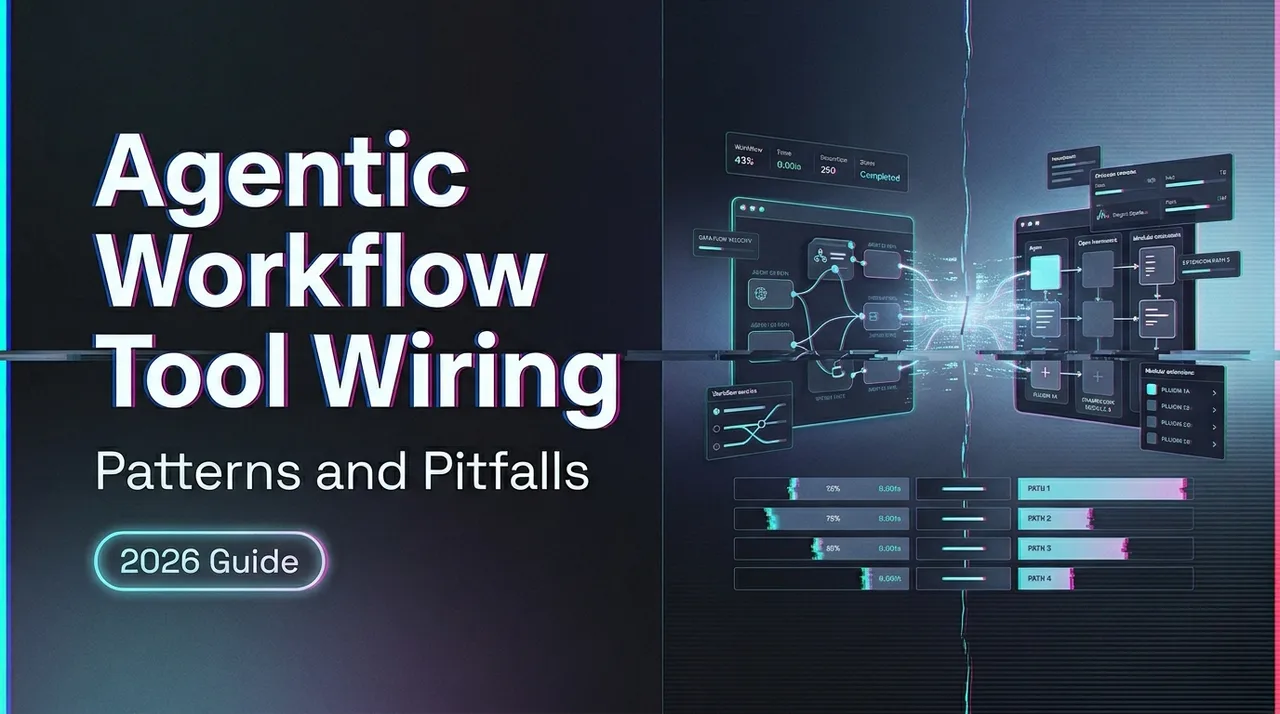
Agentic Workflow Tool Wiring: Patterns and Pitfalls
Building agentic workflows? The failure modes are rarely the model. Here's how tool wiring, permissions, and orchestration actually break in production.
I counted the hours last week. Across a five-day sprint wiring an agentic pipeline — seven tools, three external APIs, a code sandbox, a browser automation layer — I spent roughly 14 hours debugging. Eleven of those were on the wiring. Not the model. Not the prompts. The space between the model deciding to call a tool and that tool actually doing the right thing.
Build agentic workflows on WaveSpeedAI — Claude, GPT, Gemini, DeepSeek, and more share one OpenAI-compatible endpoint. Browse LLMs → · Open the Playground →
Someone in our team Slack asked me, ”*Dora, wasn’t the hard part supposed to be prompt engineering?*” It was, about eight months ago. Now the prompts take an afternoon. Getting tool dispatch, auth scoping, and failure recovery to behave under real load takes the rest of the week.
If you’re at the stage where your agentic system works in a demo but breaks in production — tools timing out silently, retry loops eating your token budget, permission errors the model can’t interpret — that’s the stage where wiring becomes the actual engineering problem. This piece documents the patterns and failure modes I’ve hit in that layer, and the design decisions that determined whether my system recovered or spiraled.
Why Tool Wiring Is the Hard Part
The model is rarely the bottleneck. Most production failures I’ve tracked don’t originate in the LLM’s reasoning. They originate in what happens after the model decides to call a tool — the dispatch, the auth handshake, the response parsing, the error handling. Anthropic’s own engineering guidance on building effective agents makes this point clearly: the augmented LLM is just a building block. The hard work is everything around it.
What “wiring” actually means in agentic systems. Tool wiring isn’t just “connect an API.” It’s the full surface: how tools are discovered, how they’re described to the model, how permissions are scoped per tool, how responses are validated before being fed back into the context window, and how failures at any of these points are handled without crashing the session. The Model Context Protocol specification was designed specifically to standardize this layer — tool discovery, invocation, and result formatting — because every team was reinventing it.
Common misconceptions from demo to production. In a demo, you wire three tools, the model calls them correctly, and it feels like magic. In production, you discover that tool descriptions compete for attention when you have fifteen of them. That parameter schemas need to be absurdly precise or the model will hallucinate arguments. That the “happy path” demonstrated in your prototype covers maybe 40% of real invocations. Anthropic’s recent post on writing effective tools for agents found that even subtle changes to tool descriptions — like whether Claude appended “2025” to search queries — could meaningfully degrade performance. The interface design matters as much as the model.
Core Patterns in Production Tool Orchestration
Static vs. dynamic tool surfaces. A static tool surface means the model sees the same set of tools for every invocation. Simple, predictable, easy to test. A dynamic surface means tools are loaded, filtered, or generated based on session context — the user’s role, the current workflow step, what’s already been called. Dynamic surfaces are more flexible but significantly harder to debug. I’ve been running a hybrid: a fixed core set plus conditional tools gated by workflow state.
Sequential vs. parallel tool dispatch. Sequential dispatch is straightforward — call tool A, parse result, call tool B. Most early agentic systems work this way. Parallel dispatch, where the model requests multiple tool calls simultaneously, cuts latency but introduces coordination complexity. LangGraph’s orchestration framework supports both patterns through its graph-based state management, and the difference in real-world latency is significant — I measured 3-4x speedup on batch operations. But parallel dispatch also means you need to handle partial failures: what happens when tool A succeeds and tool B times out?
Permission gating per tool type. Not all tools carry the same risk. A read-only database query is fundamentally different from a tool that can delete files or send emails. I gate tools into three tiers: read-only (auto-approved), write with rollback (logged, auto-approved with audit), and destructive/external (requires explicit confirmation). NVIDIA’s AI Red Team published practical sandboxing guidance that frames this well: the mandatory controls are network egress restrictions and blocking file writes outside the workspace. Everything else is secondary.
Sandboxing and isolation strategies. If your agent executes code, it needs a sandbox. Not a Docker container — containers share the host kernel and aren’t sufficient isolation for untrusted LLM-generated code. The production options are microVMs (Firecracker, Kata Containers), gVisor for syscall interception, or hardened containers strictly for trusted-only code. I run gVisor for most tool execution. The overhead is acceptable. The alternative — discovering that an LLM-generated bash command ran rm -rf on a mounted volume — is not.
Failure Modes to Expect
Tool call loops and infinite delegation. The most expensive failure pattern. The model calls a tool, gets an error, retries the same call with identical parameters, gets the same error, retries again. Without a bounded retry budget, this continues until you hit your token limit or your API billing threshold. I’ve seen this happen with auth failures especially — the model keeps retrying something that will never succeed. A bounded retry count of 2-3 attempts with classification of retryable vs. non-retryable errors is the minimum.
Output truncation breaking downstream steps. Tool responses that exceed the context window get silently truncated. The model then reasons on incomplete data without knowing it’s incomplete. This is particularly nasty with database queries that return large result sets. I now enforce a hard token limit on every tool response — 25,000 tokens max — with explicit pagination signals when results are truncated.
Auth expiry mid-session. Long-running agentic sessions can outlive OAuth token lifetimes. The tool worked fine at minute one. At minute forty-seven, the token expired, and every subsequent tool call fails. The model doesn’t understand why. I’m not sure there’s an elegant solution here yet — my current approach is pre-checking token expiry before dispatch and refreshing proactively.
Destructive commands without guardrails. A model with access to shell execution or file system tools can and will occasionally generate destructive commands. Not maliciously — just incorrectly. The AWS prescriptive guidance on workflow orchestration agents recommends tracking execution state per worker agent and implementing approval gates for anything affecting production systems. I agree. Any tool that can write, delete, or send should have an explicit confirmation step.
Rate limit cascades across tool calls. When one tool hits a rate limit, the model often attempts to call it again immediately. Or calls a different tool that hits the same underlying API. The cascade effect can saturate your rate limits across all tools in seconds. Exponential backoff with jitter per tool endpoint is the baseline — not per-model, per-tool.
Recovery and Resilience Patterns
Retry logic with exponential backoff. Start at 1 second, double each retry, cap at 60 seconds, add random jitter. This isn’t optional. Without jitter, parallel sessions retry simultaneously and create thundering herd effects. Classify errors first: rate limits and 5xx errors get retried. Auth failures and validation errors do not — no amount of retrying fixes a wrong API key. Two to three retries for transient errors. Zero for non-retryable ones.
Checkpoint and compaction strategies. Long-running agents that work across multiple context windows need a way to persist progress. Anthropic’s engineering team documented this in their work on effective harnesses for long-running agents — the key insight is using a progress file alongside git history so that a fresh context window can quickly reconstruct what’s already been done. I adapted a similar pattern: before compaction, the agent writes a structured checkpoint summarizing completed steps, pending steps, and known failures. The next context window starts by reading that file instead of guessing.
Graceful degradation when a tool is unavailable. If your database connector goes down, the agent shouldn’t crash. It should recognize the failure, skip that step, and continue with what it can do — or tell the user what it couldn’t complete. This requires designing your tool surface so that no single tool is a hard dependency for the entire workflow. Fallback chains help: primary tool fails, cheaper or simpler alternative runs. The model’s instructions should explicitly cover what to do when a tool returns no data.
Evaluating Agentic Infrastructure
Build vs. buy: when to roll your own harness. If your workflow is a linear chain of 3-4 tools with predictable inputs, a custom harness takes a day to build and is easier to maintain than a framework. If you need dynamic routing, parallel dispatch, state persistence across sessions, and human-in-the-loop checkpoints, building from scratch will take months. That’s when frameworks like LangGraph or managed platforms earn their place. I started custom. I migrated after the third time I re-implemented state checkpointing.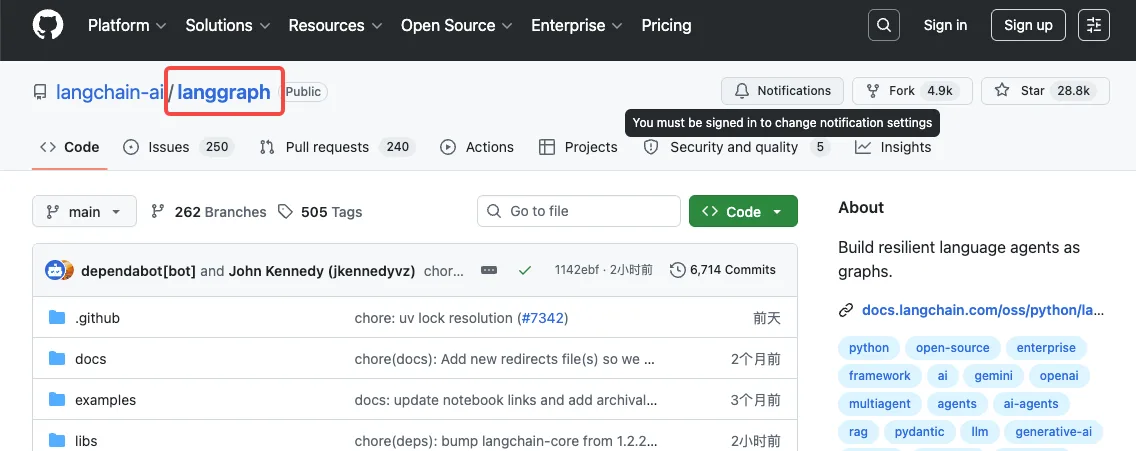
Key signals of production-readiness. Can you answer these: What happens when a tool call times out? Where are tool call logs stored, and can you query them? How does the system handle a tool response that’s valid JSON but semantically wrong? Can you replay a failed session from a checkpoint? If any of those questions make you pause, the system isn’t production-ready.
What to benchmark before you scale. Latency per tool call under load. Error rate per tool type. Token consumption per session (tool responses are a major driver). Rate limit headroom at 2x your current traffic. I ignored the token consumption metric for weeks and was shocked when I actually measured it — tool responses accounted for 60% of my total token spend.
FAQ
What is tool wiring in agentic AI systems?
Tool wiring refers to the full integration layer between an LLM and the external tools it can invoke — including tool discovery, schema definition, permission scoping, dispatch logic, response parsing, and error handling. It’s the infrastructure that determines whether a model’s decision to “call a function” actually results in the right function being called correctly. The Model Context Protocol was created to standardize this layer across different LLM applications.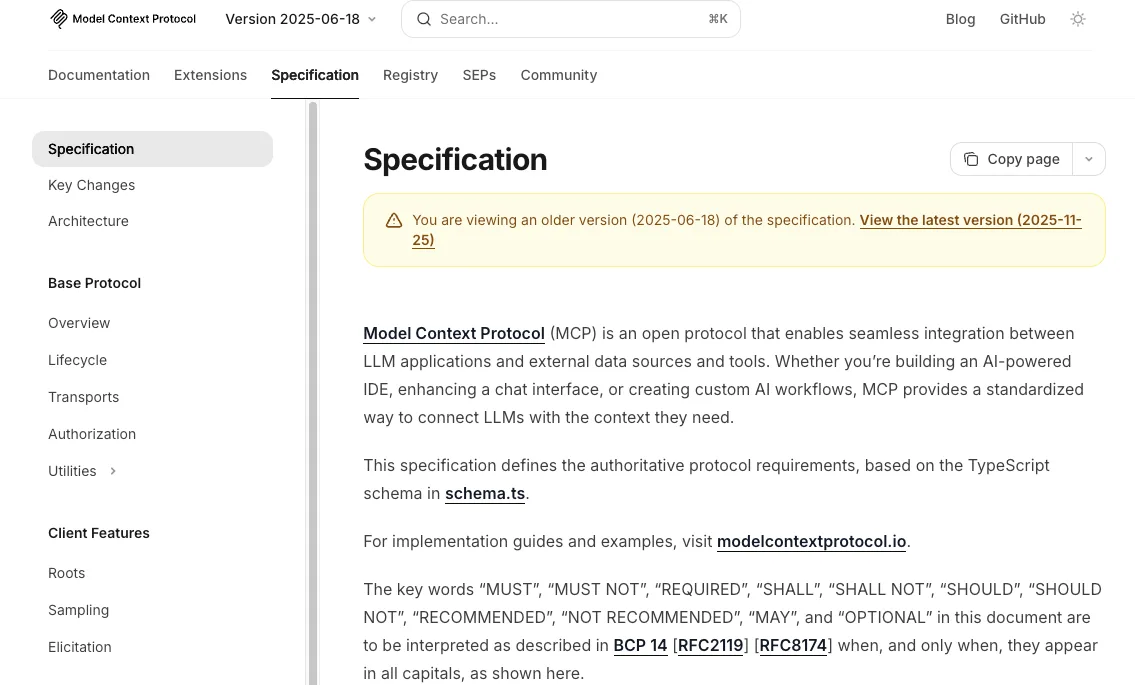
How do I prevent destructive commands in agentic workflows?
Tier your tools by risk level. Read-only operations can be auto-approved. Write operations should be logged with rollback capability. Destructive operations — anything that deletes data, sends external communications, or modifies production state — should require explicit human confirmation. Combine this with sandboxing (gVisor or microVMs for code execution) and network egress controls that block arbitrary outbound connections by default.
What’s the best way to handle tool call failures in production?
Classify errors into retryable (rate limits, timeouts, 5xx) and non-retryable (auth failures, validation errors, permission denied). Apply exponential backoff with jitter for retryable errors, capped at 2-3 attempts. For non-retryable errors, return a clear error message to the model so it can adjust its approach — or escalate to the user. Layer this with circuit breakers that detect when a tool is consistently failing and route around it.
How does permission management work in multi-tool agents?
Each tool should have a defined permission scope: what it can access, what actions it can perform, and what data it can return. In production, this means short-lived credentials per session (not shared service keys), explicit capability checks before dispatch, and audit logging for every tool invocation. The principle is least privilege — an agent doing text analysis doesn’t need write access to your file system.
When should I use a managed agentic layer vs. building my own?
If your use case involves fewer than five tools with predictable, sequential execution, build your own — it’s faster to debug and maintain. Once you need dynamic routing, parallel execution, state persistence, human-in-the-loop gates, or multi-agent coordination, the engineering cost of building and maintaining custom infrastructure outweighs the learning curve of a framework. The deciding factor is usually state management: once your sessions need to survive process restarts, you need infrastructure, not scripts.
I’m still tuning the permission gating model. Three tiers might not be granular enough — some write operations feel like they should auto-approve (appending to a log file) while others clearly shouldn’t (updating a customer record). That boundary keeps shifting as the workflows get more complex. More to come.
Previous posts:
/filters:quality(82)/media/images/7a8850fc-caf6-482f-ac4d-5ddbe64ec47c.webp)
/filters:quality(82)/media/images/64b08aeb-92bb-48b8-924c-2e2535731f28.webp)
/filters:quality(82)/media/images/6cd1ca63-9e7e-493b-8a68-97bad82fb7b4.webp)
/filters:quality(82)/media/images/567077af-c3bd-4701-ba96-1b981a515d79.webp)
/filters:quality(82)/media/images/1773962750383987480_n3hqzHRZ.webp)
/filters:quality(82)/media/images/1ecd59e5-56e4-434d-ae06-c414860b29b8.webp)