
How to Use claw-code with WaveSpeed AI Models via API
Learn how to integrate image and video generation models into a claw-code agentic workflow using a unified model API.
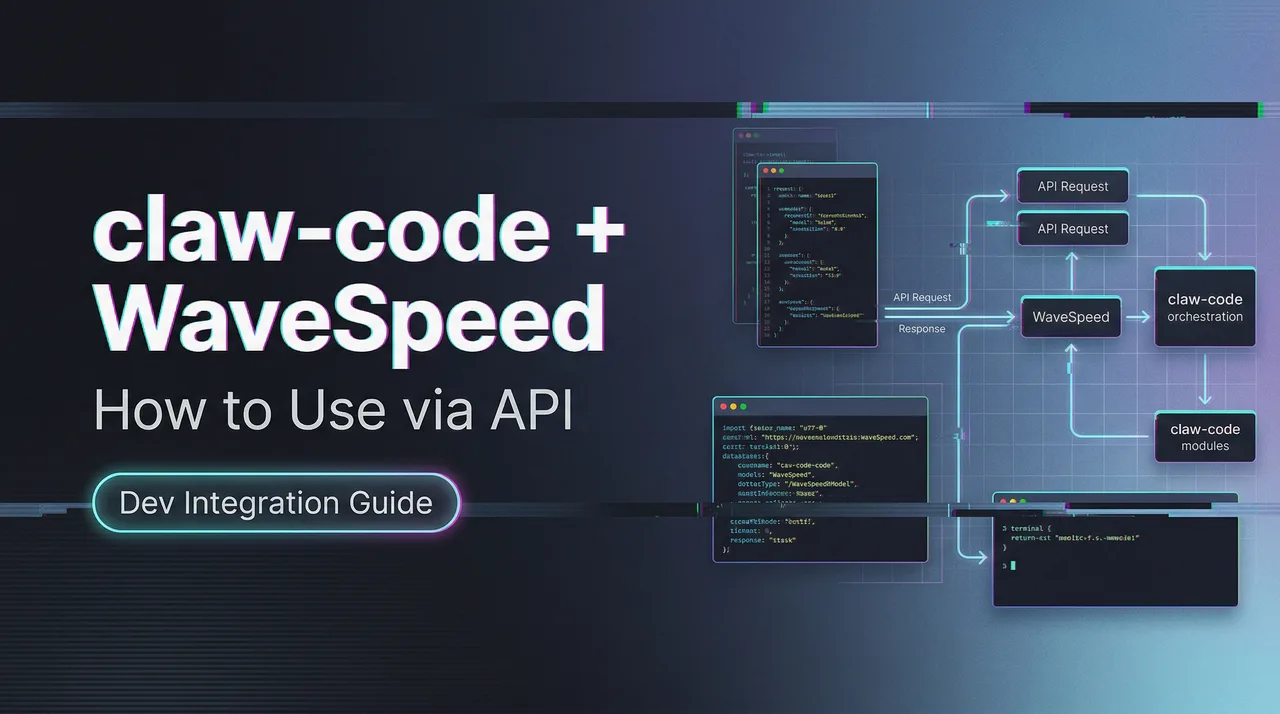
Imagine this: Your AI agent doesn’t just think — it creates.
It reasons step-by-step, then seamlessly calls a powerful image generation model to produce a stunning visual, switches to a video model for motion, analyzes the results, and continues the workflow — all without you lifting a finger or rewriting a single line of code.
That’s exactly what’s now possible with WaveSpeed AI models and claw-code — rebuilt from scratch in Python in a clean-room style, and open-sourced by a Korean developer right after the Claude Code leak.
In this guide, you’ll discover how to harness this powerful combination to build agents that don’t just chat… they create, iterate, and deliver real multimedia output inside a single intelligent loop.
Whether you’re a creator, developer, or AI tinkerer tired of switching between tools, this is your shortcut to truly agentic multimedia workflows.
Ready to make your AI agents visually powerful? Let’s dive in.
Prerequisites: What You Need Before Starting
Before touching a single line of config, get these two things sorted. Skipping either one costs you hours of cryptic error messages.
claw-code Setup and Environment
claw-code runs on Python 3.11+. As of March 2026, the main branch is Python-first (72.9% Rust, 27.1% Python according to the project’s own language breakdown, but the CLI entry you’ll actually use daily is Python). Install it from the official repo:
git clone https://github.com/instructkr/claw-code.git
cd claw-code
pip install -e .
You’ll also want to set your Anthropic key as an environment variable — claw-code supports both ANTHROPIC_API_KEY and ANTHROPIC_AUTH_TOKEN, matching the Anthropic API authentication patterns from their official documentation.
export ANTHROPIC_API_KEY="your-key-here"One thing worth flagging: the Rust port is still in progress on a separate branch. For video/image workflows, the Python harness is stable enough. The Rust migration is aimed at performance-critical runtime paths — not something you need for this use case right now.
API Key and Model Provider Access
New accounts get $1 in free trial credits — enough to test a few image generations and confirm your pipeline works end-to-end before spending anything real.
WaveSpeed’s model catalog as of March 2026 covers 700+ models across image, video, audio, and 3D generation, all behind a single unified API key. That matters a lot once you start building multi-model agent workflows — you don’t want to manage five different auth headers.
Connecting External Model APIs in a claw-code Workflow
Here’s where things get genuinely interesting. claw-code isn’t just a coding assistant — it implements a full tool execution layer with 19 permission-gated tools and a plugin model you can extend. That’s what makes wiring in an external API like WaveSpeed’s actually tractable.
How claw-code Handles External Tool Calls
claw-code’s tool system works through JSON schema definitions generated in the Rust layer, with Python handling the agent orchestration side. Each tool has its own access controls defined in permissions.py. When you add a custom tool, the agent can decide autonomously when to call it based on the task context — which is exactly what you want when a “write me a script and generate a matching thumbnail” prompt should trigger both a text task and an image generation call.
The retry logic built into claw-code’s Anthropic API client uses exponential backoff for 408, 429, and 5xx responses. You’ll reuse the backoff idea for WaveSpeed result polling only; the task-submit request is sent once and never retried automatically (see below).
Adding a Model API as a Tool in the Harness
Create a file called wavespeed_tool.py in the claw-code tools directory:
import httpx
import os
import time

WAVESPEED_API_KEY = os.environ.get("WAVESPEED_API_KEY")
BASE_URL = "https://api.wavespeed.ai/api/v3"

TOOL_SCHEMA = {
    "name": "generate_image",
    "description": "Generate an image using WaveSpeed AI given a text prompt.",
    "input_schema": {
        "type": "object",
        "properties": {
            "prompt": {"type": "string", "description": "Image generation prompt"},
            "model": {"type": "string", "default": "wavespeed-ai/flux-dev"},
        },
        "required": ["prompt"],
    },
}

def generate_image(prompt: str, model: str = "wavespeed-ai/flux-dev") -> dict:
    headers = {"Authorization": f"Bearer {WAVESPEED_API_KEY}"}
    payload = {"inputs": {"prompt": prompt}, "enable_safety_checker": True}
    response = httpx.post(f"{BASE_URL}/{model}", json=payload, headers=headers)
    response.raise_for_status()
    return response.json()
Register this in claw-code’s tool registry and the agent can now call generate_image during any session that has image creation in scope.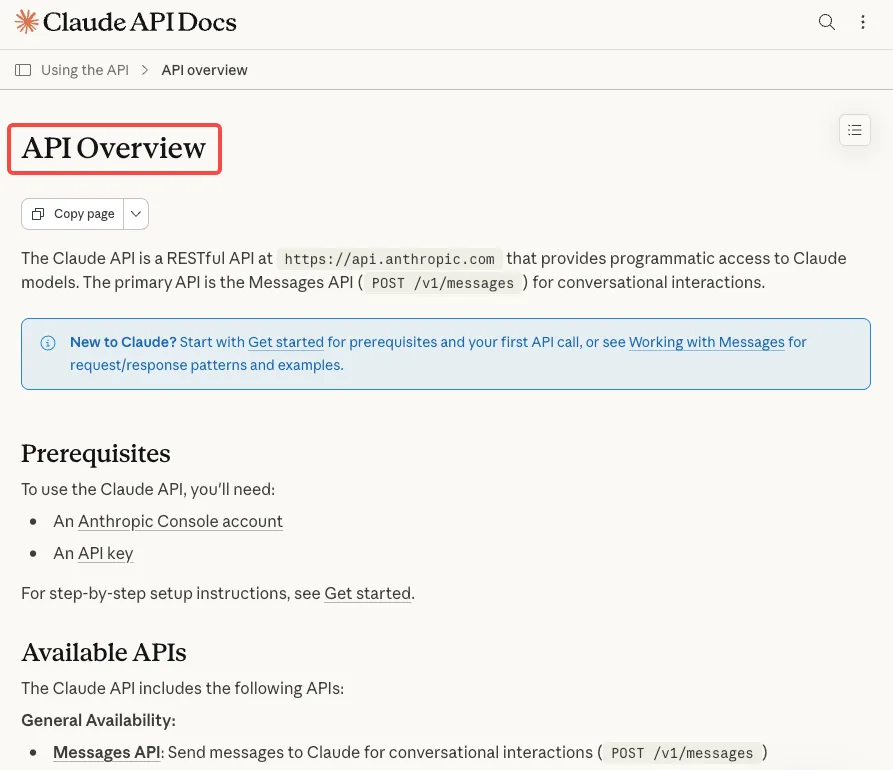
Calling Image and Video Generation Models from Inside an Agent Workflow
This is the section I kept wanting to find when I was first setting this up — and couldn’t. So here it is, as plainly as I can write it.
REST API Call Pattern
WaveSpeed uses a consistent REST pattern across all models. The base call looks like this (using WAN 2.7 text-to-video as the example):
import httpx

def call_wavespeed(model_id: str, inputs: dict) -> dict:
    headers = {
        "Authorization": f"Bearer {os.environ['WAVESPEED_API_KEY']}",
        "Content-Type": "application/json",
    }
    payload = {"inputs": inputs}
    response = httpx.post(
        f"https://api.wavespeed.ai/api/v3/{model_id}",
        json=payload,
        headers=headers,
        timeout=30,
    )
    response.raise_for_status()
    return response.json()
For images (like Flux Dev or Seedream v4.5), the response comes back synchronously with an output URL. For video models — WAN 2.7, Kling 2.6, Hailuo 2.3 — it’s async, which means you need to poll.
Handling Async Generation and Polling
Video generation on WaveSpeed typically takes 30 seconds to a few minutes depending on model and length. The API returns a request_id immediately; you poll a status endpoint until the job completes.
import os
import time
import httpx

TRANSIENT = {429, 500, 502, 503, 504}


def poll_until_done(request_id: str) -> dict:
    headers = {"Authorization": f"Bearer {os.environ['WAVESPEED_API_KEY']}"}
    url = f"https://api.wavespeed.ai/api/v3/predictions/{request_id}/result"
    failures = 0

    while True:
        try:
            resp = httpx.get(url, headers=headers, timeout=30)
        except httpx.TransportError:  # network error or per-request timeout
            resp = None

        if resp is None or resp.status_code in TRANSIENT:
            failures += 1
            retry_after = resp.headers.get("Retry-After", "") if resp is not None else ""
            time.sleep(int(retry_after) if retry_after.isdigit() else min(2 ** failures, 60))
            continue
        if resp.status_code != 200:
            raise RuntimeError(f"Task {request_id}: unexpected HTTP {resp.status_code}")
        failures = 0

        data = resp.json()["data"]
        status = data.get("status")
        if status == "completed":
            return data
        if status in {"failed", "cancelled", "timeout", "deleted"}:
            raise RuntimeError(f"Task {request_id} {status}: {data.get('error')}")

        time.sleep(2)  # poll every 2 seconds
Inside a claw-code agent loop, you’d wrap this polling in the tool’s execute function so the agent waits for the result before continuing to the next step.
Managing Rate Limits and Fallbacks in an Agentic Context
Rate limits inside an agent loop are messier than in a simple script — the agent might fire multiple tool calls in quick succession if the task is parallelizable. Here’s the pattern I’m using: submit exactly once, retry only the polling requests, and use the fallback model only when the submit was clearly rejected:
import httpx

FALLBACK_MODELS = {
    "wavespeed-ai/wan-2.7-t2v": "wavespeed-ai/wan-2.6-t2v",
}


def submit_once(model_id: str, inputs: dict) -> str:
    """Send the submit POST exactly once and return the task id."""
    try:
        return call_wavespeed(model_id, inputs)["data"]["id"]
    except httpx.HTTPStatusError as e:
        if e.response.status_code < 500:
            raise  # 4xx: the request was rejected, no task was created
        unknown = e
    except httpx.HTTPError as e:  # timeout, dropped connection, no response
        unknown = e
    raise RuntimeError(
        f"Submit to {model_id} has an unknown outcome ({unknown!r}). A task may "
        "exist and be billed: check History in the WaveSpeed dashboard before resubmitting."
    ) from unknown


def generate(model_id: str, inputs: dict) -> dict:
    try:
        task_id = submit_once(model_id, inputs)
    except httpx.HTTPStatusError as e:
        fallback = FALLBACK_MODELS.get(model_id)
        # Only a 429 is a clear "not accepted" signal; try the fallback once.
        if e.response.status_code != 429 or fallback is None:
            raise
        task_id = submit_once(fallback, inputs)
    return poll_until_done(task_id)
The key rule: never retry the submit POST automatically. If it fails with a 5xx error or times out, you don’t know whether the task was created (and billed), so check History in your WaveSpeed dashboard before resubmitting. Only a clear rejection such as a 429 is safe to act on, because no task was created. Polling GET requests are safe to repeat, so they tolerate transient errors and keep going until the task reaches a terminal status.
The WaveSpeed API documentation details rate limit tiers by account level — Silver accounts (one-time $100 top-up) get substantially higher concurrency limits than the default Bronze tier, which matters once you start running agents that fire multiple generation requests per session.
Multi-Model Patterns: Why Aggregated Access Matters in Agentic Pipelines
I want to spend a second on why this architecture is worth the setup effort — because it’s not obvious until you’ve actually hit the friction of managing separate API accounts for every model you want to test.
Model Switching Without Workflow Rewrite
WaveSpeed’s unified API means you can swap wavespeed-ai/flux-dev for wavespeed-ai/seedream-v4-5 in a single string change. No new auth flow, no different response schema to parse, no SDK switch. For an agentic workflow where you want the agent to choose the right model for the task (photorealistic thumbnail vs. stylized illustration vs. short video clip), this is genuinely useful — you can pass the model ID as a variable and let the agent reason about which one fits.
Here’s a simple model comparison table based on March 2026 generation specs from WaveSpeed’s catalog:
| Model | Type | Output | Best For |
|---|---|---|---|
| Flux Dev | Image | Up to 4K | Photorealistic, fast |
| Seedream v4.5 | Image | Up to 4K | Artistic, stylized |
| WAN 2.7 T2V | Video | 720p/1080p | Text-to-video, cinematic |
| Kling 2.6 Pro | Video | 720p | Motion control, animation |
| Hailuo 2.3 Fast | Video | 720p | Speed-optimized I2V |
Unified Billing and Key Management
This one surprised me more than I expected. Managing separate API keys for Runway, Kling, FLUX, and WAN separately — each with different billing dashboards, different rate limit behaviors, different error formats — is a meaningful operational tax when you’re building agentic workflows. One key, one billing dashboard, and consistent error schemas across all models is a real quality-of-life improvement that shows up in how maintainable your agent code stays over time.
The OWASP software supply chain security guide is worth a read before deploying any third-party agent in production — especially relevant given the supply chain incident that affected npm-based Claude Code installations in March 2026 (claw-code itself was not affected, but the broader ecosystem warrants caution).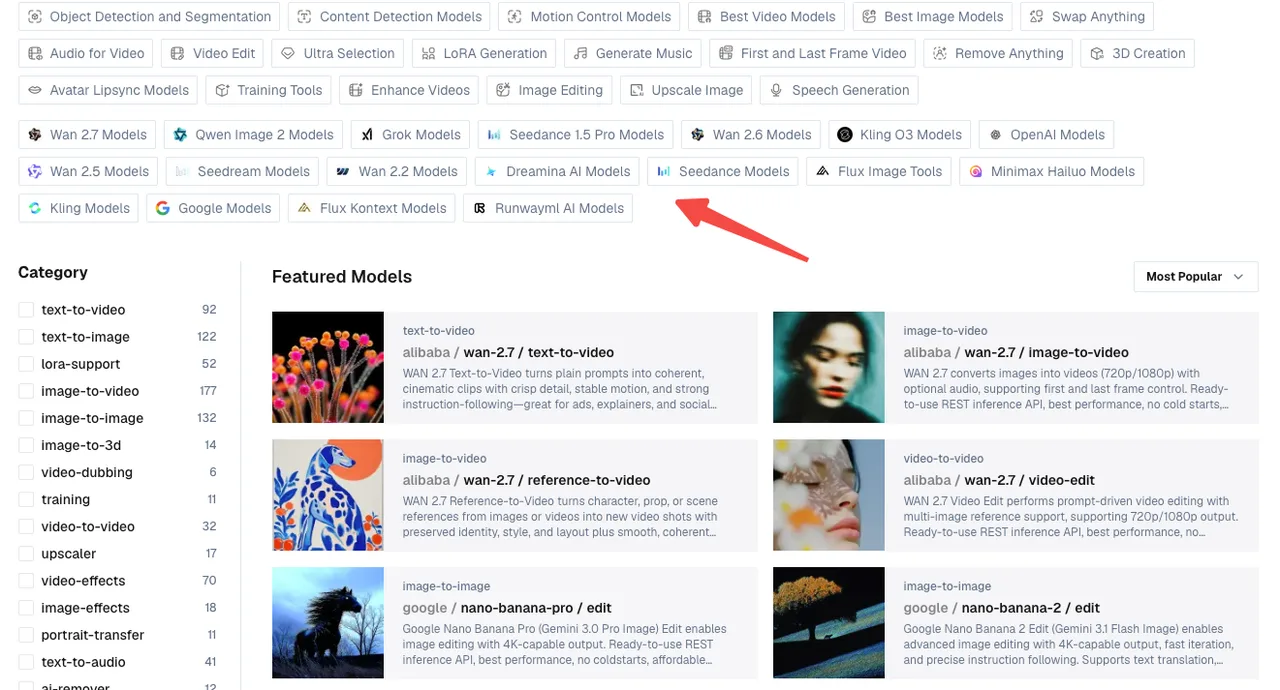
Limitations and Things to Verify
I’d be leaving out the most useful part of this review if I skipped the rough edges.
claw-code Stability Caveats
As of April 2026, claw-code is not at feature parity with Claude Code. The Rust port is still in progress. IDE integrations don’t exist — this is terminal-only. Multi-agent orchestration is documented in the architecture but hasn’t been battle-tested at scale. The project has 48k+ GitHub stars and is moving fast, but “interesting architecture” and “production-ready” are genuinely different bars.
The legal status of the project is also unresolved. claw-code claims clean-room status as its defense against Anthropic’s DMCA pressure — it’s a rewrite, not a copy of the leaked source — but that legal question isn’t settled. If you’re building something for a client or at scale, factor that uncertainty is.
What Requires Manual Testing
Before trusting this workflow in production, you should manually verify:
- Polling timeout behavior: The 5-second polling interval I’m using is conservative. Test with your actual video model and length to tune
max_wait. - Tool registration: claw-code’s tool registry is in active development. The exact registration API may shift between commits — check the repo’s
CHANGELOGbefore pinning a version. - Permission context: claw-code implements permission-gated tool execution. Confirm that your
generate_imageandgenerate_videotools are granted the correct access level inpermissions.py. - Response schema changes: WaveSpeed occasionally updates model output schemas. Add validation around the output URL field rather than assuming structure.
FAQ
Q: Can claw-code call image generation APIs natively?
Not out of the box — there’s no built-in WaveSpeed or image generation tool in the default install. But the tool system is designed for exactly this kind of extension. Once you register a custom tool with the correct JSON schema (as shown above), the agent can call it autonomously within any session.
Q: Does claw-code support async tool calls?
The Python harness handles tool execution synchronously within the agent loop. For async generation (like video models), the pattern I’d recommend is: fire the initial request, get the request_id, then poll inside the tool’s execute function until completion before returning to the agent. This keeps the agent’s reasoning linear and avoids race conditions in the session state.
Q: Is this workflow production-ready?
Honestly? Not yet, for most teams. claw-code is moving fast but carries legal uncertainty and hasn’t been hardened for production-scale agentic use. The WaveSpeed API side is production-ready — 99.99% uptime SLA, no cold starts, per-second billing — but the claw-code harness wrapping it is still early-stage. I’d use this for internal tooling, prototyping, and exploration right now, and revisit for client-facing production once the project stabilizes.
Previous Posts:
- How to Set Up MaxClaw: Step-by-Step Beginner Guide (2026)
- MaxClaw Use Cases: 7 Ways to Put Your AI Agent to Work
- How to Use Seedance 2.0 via API: Async Jobs, Retries, and Result Handling
- Seedance 2.0 Quick Start on WaveSpeed: First Video in 10 Minutes
- Z-Image-Turbo Image-to-Image Guide: Strength Parameter Deep Dive
/filters:quality(82)/media/images/b73c2438-6bdd-4b80-a229-8d71d8f819cf.webp)
/filters:quality(82)/media/images/427fd9f2-347d-4f86-a2d5-aee110cda01d.webp)
/filters:quality(82)/media/images/1773962750383987480_n3hqzHRZ.webp)
/filters:quality(82)/media/images/43fa0e7f-a0db-48d7-9bab-921d1225db30.webp)
/filters:quality(82)/media/images/5799ff56-3a73-40ca-a666-e4965d878496.webp)
/filters:quality(82)/media/images/7a8850fc-caf6-482f-ac4d-5ddbe64ec47c.webp)