
Seedance 2.0 Quick Start on WaveSpeed: First Video in 10 Minutes
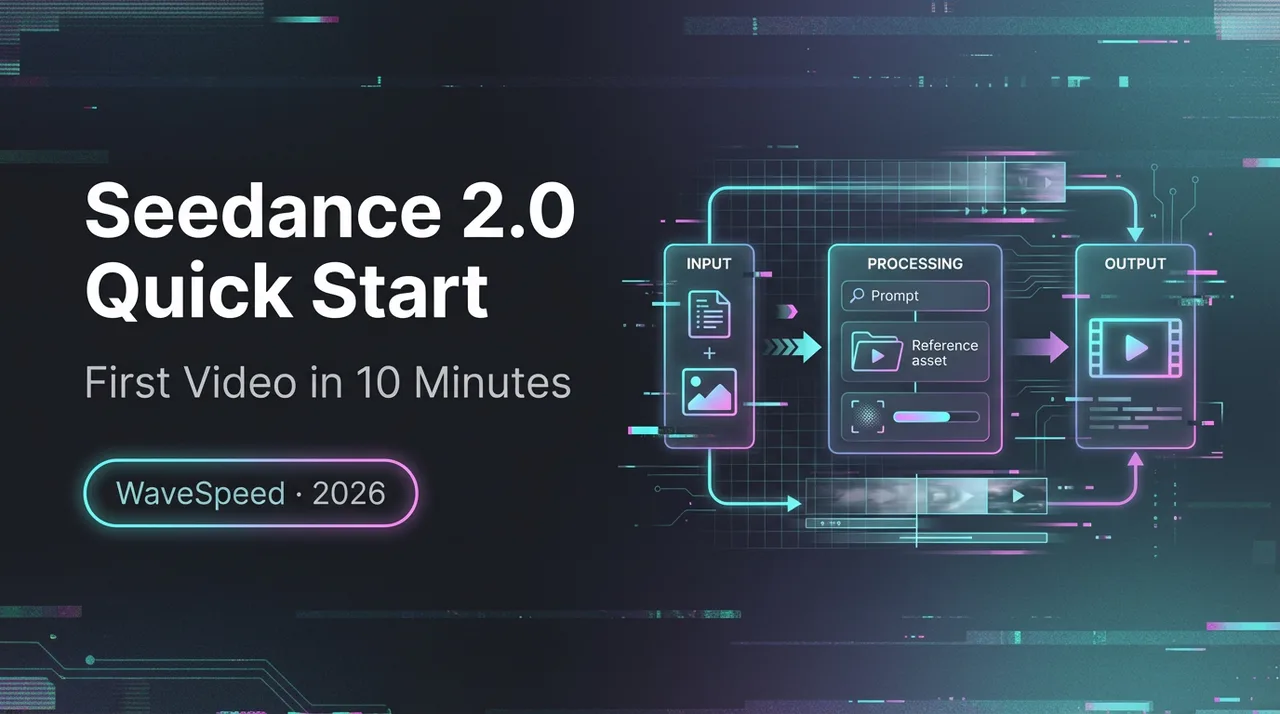
A minimal, reliable quick start: run Seedance 2.0 on WaveSpeed with a prompt that works and a clean output checklist.
Looking for video generation with fewer restrictions? Try these top models on WaveSpeedAI:
WAN 2.7 | Veo 3.1 Fast T2V | Veo 3.1 Fast I2V | Sora 2 T2V | Sora 2 I2V | Kling | Vidu
Dora is here. This week, I hit the same tiny snag three mornings in a row: a 12‑second product loop that kept coming out a bit jittery at the end, like the motion lost its nerve. I noticed Seedance 2.0 on WaveSpeed, and I kept seeing the same quiet claim, steady motion, fewer weird artifacts. I gave it a day.
I’m not here to gush. I wanted a reliable path from “idea in my head” to “a clip I’m not embarrassed to post.” I ran this on WaveSpeed in early February 2026, for real work: a few looping hero shots, one lightweight explainer, and a quick cut for social. Here’s the simplest way I found to get Seedance 2.0 running without noise, plus what broke and how I fixed it. If you’ve been wondering how to use Seedance 2.0 without turning your morning into a settings scavenger hunt, this is the runbook I wish I had.
Quick start prerequisites (inputs you need, what to skip)
Before I pressed “generate,” I set a few guardrails. The fastest way I’ve found to get good first outputs with Seedance 2.0 on WaveSpeed is to bring less, not more.
What I actually needed:
- One clear visual intent in one sentence. Example: “A slow, continuous dolly-in on a ceramic mug with steam, soft morning light, 12 seconds.” If I can’t explain it like that, I pause and tighten.
- Two reference assets max. For identity or product fidelity, I used either one reference image (frontal, clean background) or a short reference clip (3–5 seconds). I avoided noisy backgrounds and busy patterns.
- Duration and aspect ratio. I stuck to 6–12 seconds for first runs. 9:16 or 16:9 only. Square invites indecision in the framing.
- A seed. Even if I don’t lock it forever, I start with a seed for reproducibility.
What I skipped on purpose:
- Style mashups. “Studio + watercolor + glitch + analog film” reads like panic. Seedance 2.0 responds well to a single look.
- Excessive negative prompts. One or two crisp “must nots” beat a paragraph of fear.
- High motion asks in every direction. If I want a parallax push-in, I don’t also ask for orbit, rack focus, and hand motion. One primary motion.
On WaveSpeed’s platform, I kept defaults for steps and sampler on my first pass. I changed only: prompt, duration, aspect, references, and seed. That constraint made it easier to see what Seedance was actually doing, not what I wished it would do.
The “first run” prompt template (copy/paste)
I don’t love templates, but this one got me clean first passes. I fill the brackets and delete any line I’m not using. Plain, steady language wins here.
Prompt body
- Scene: [one-sentence description of what’s in frame]
- Motion: [one camera move only: slow dolly-in | locked-off with subtle subject motion | gentle pan | static]
- Look: [soft natural light | neutral studio | nighttime city ambient | high-key commercial]
- Subject fidelity: [reference: image or short clip URL], match identity/features and color exactly
- Duration: [6–12 seconds]
- Aspect: [16:9 | 9:16]
- Pacing: [unbroken continuous shot | even tempo | no sudden jumps]
- Must not: [no warping hands | no lens breathing | no zoom pops]
Controls (WaveSpeed fields)
- Model: Seedance 2.0
- Seed: [integer]
- Guidance/CFG: [start with default]
- Steps: [default on first run]
- Output: [mp4, 24 fps]
Example I actually used
- Scene: Ceramic mug on a wooden desk, steam curling, window light on the right.
- Motion: slow dolly-in
- Look: soft natural light
- Subject fidelity: reference: single product image, match color and logo
- Duration: 12 seconds
- Aspect: 16:9
- Pacing: unbroken continuous shot
- Must not: no jitter on the last two seconds, no logo distortion
Why this works: According to the Seedance 2.0 guide, Seedance 2.0 seems to honor a single declared motion and a single lighting idea. When I layered multiple moves (“dolly + orbit”), the pacing went mushy. When I specified a look and left everything else implied, the model stayed calm, and so did I.
Minimum reproducible test (3 runs, what to keep constant)
The point of a quick start is to get signal, not a portfolio. I ran a small MRT (minimum reproducible test) with three outputs. It took about 18 minutes end to end on a weekday afternoon.
What I held constant
- Prompt body: exact same words
- Model: Seedance 2.0
- Duration: 12 seconds
- Aspect: 16:9
- References: same single product image
- Steps/sampler: WaveSpeed defaults
- Output: mp4, 24 fps
What I changed (deliberately)
- Run A: Seed 1111
- Run B: Seed 2222
- Run C: Seed 1111 again (to confirm reproducibility)
What I observed
- A and C matched in motion arc and framing within reason, tiny differences at the micro-texture level, but usable. That told me Seedance 2.0 on WaveSpeed respects seeds well enough for production.
- B gave me the same overall shot but a slightly different steam pattern and micro-contrast. Not a problem, actually helpful for choice.
- Queue time was 1–3 minutes per run: render time hovered around 2–4 minutes. I noted both. If queue time spiked, I paused and tried off-peak (early mornings were quieter for me).
Why this matters: once I can reproduce an output, I can diagnose changes one by one. If I vary five knobs and the shot improves, I don’t know which knob helped. Keeping it tight for three runs gave me a baseline, and calmed the urge to tinker.
Output QA checklist (motion, ID, artifacts, pacing)
I stopped guessing. After each run, I checked four things, in order. It sounds formal. It took less than two minutes.
Motion
- Does the primary move (dolly, pan, or static) hold steady? Watch the edges of the frame for drift.
- Any micro-jitters in the last second? That’s where most seams hide.
Identity (ID) and fidelity
- If I used a reference, is the logo, color, or face shape consistent shot to shot?
- Are small brand details (kerning, icon corners) stable across frames? I scrub with arrow keys to spot warping.
Artifacts
- Hands, text, and thin lines: do they hold? If not, I either simplify the scene or shorten the duration.
- Look for “breathing” in objects (subtle size pulsing) and edge shimmer on contrast boundaries.
Pacing
- Are there unplanned jumps or accelerations? If the motion speeds up mid-clip, I dial back steps or simplify the move.
- Does the shot land? The final half-second should feel intentional, not like the model ran out of steam.
If two of the four categories fail, I don’t salvage. I rerun with the same prompt and a new seed first. If all four pass but I still don’t like it, I adjust the look or lighting, not the motion. That kept me from spiraling into feature soup while learning how to use Seedance 2.0 with some sanity.
First-run issues + fixes (queue/timeout/format)
A few bumps I hit on WaveSpeed with Seedance 2.0, plus the fixes that actually helped.
Queue spikes
- What I saw: wait times jumped from ~2 minutes to ~10–12 around lunch hours.
- Fix that helped: I batched prompts and queued them early (before 9am) or late (after 6pm). When I had to run mid-day, I shortened duration to 6–8 seconds for the first pass, then re-ran keepers at full length.
Timeouts on longer shots
- What I saw: 16–20 second clips sometimes timed out, especially with heavy references.
- Fix that helped: I split the concept into two 8–10 second beats and stitched them later. I also removed any secondary motion asks and kept one reference asset. If a timeout repeated, I lowered resolution one notch, confirmed it rendered, then scaled the final in post.
Format mismatches
- What I saw: occasional playback stutter from odd frame rates or variable frame timing in the container.
- Fix that helped: I forced 24 fps CBR mp4 on export from WaveSpeed, then transcoded once with a consistent profile in my editor. If you’re seeing shimmer, sometimes it’s the player, not the model.
Identity drift
- What I saw: logo corners rounding off by frame 150, or a face softening.
- Fix that helped: cleaner reference (higher-res, simple background), plus a direct “match identity exactly” line in the prompt. If that still drifted, I shortened duration and locked the seed.
End-of-clip jitter
- What I saw: a tiny lurch in the last second, just enough to feel cheap.
- Fix that helped: “even tempo, no acceleration” in the prompt, and one camera move only. If it persisted, I trimmed 0.5–1.0 seconds in post. I’ve stopped trying to bully the last frame into behaving.
Small note on expectations: Seedance 2.0 is steady, not magical. If I feed it a chaotic reference or an overloaded prompt, it reflects that back. When I treated it like a patient camera operator, clear brief, single move, it behaved like one.
Who this suits: people who value repeatability and can live with simple first passes. Who will hate it: folks chasing novelty in every shot or expecting text-perfect titles inside the clip. For those, I’d comp text in post.
I’ll keep using this stack because it lowered mental load, not just minutes. On most weeks, that’s the real win. And if your clip still jitters at the end, well, mine did too, until I stopped asking it to do three things at once.
Looking for video generation with fewer restrictions? Try these top models on WaveSpeedAI:
WAN 2.7 | Veo 3.1 Fast T2V | Veo 3.1 Fast I2V | Sora 2 T2V | Sora 2 I2V | Kling | Vidu
Try Seedance 2.0 Mini — the faster, lower-cost tier at 50% of standard pricing: Seedance 2.0 Mini API. New to the family? Seedance 2.0 API.
Related Articles
/filters:quality(82)/media/images/1790934318687045151_6DhqzIS1.webp)
Best AI Video APIs for High-Volume Workflows in 2027
/filters:quality(82)/media/images/1790879706333726948_TmjHVhrF.webp)
Introducing AI Cinema Studio on WaveSpeedAI: Direct Cinematic AI Video Shots
/filters:quality(82)/media/images/1790934887466368319_r2GQZ8hr.webp)
LTX Studio Review 2027: Does the Video Workflow Hold Up?
/filters:quality(82)/media/images/1790935090456133598_u9CLU4dm.webp)
Segmind Review 2027: Can Its Media APIs Scale?
/filters:quality(82)/media/images/1790935248497016685_6cZjDPeF.webp)
Best Shotstack Alternatives in 2027 for Video APIs
/filters:quality(82)/media/images/1790935438012010745_IjwFOnwG.webp)