
Inworld TTS 1.5 Is Now Live on WaveSpeedAI (Max + Mini)
WaveSpeedAI now supports Inworld TTS 1.5, a production-ready real-time text-to-speech engine designed for low latency, high expressiveness, and scale.
If you’re building voice agents, real-time assistants, game NPC dialogue, or any interactive voice UX where every millisecond matters, this integration is about one thing: ship a responsive, natural voice experience—without sacrificing reliability or cost at scale.
Co-marketing note: We’ll be doing a joint promotion with Inworld starting Tuesday, Feb 10, 2026 (Tuesday, 2:00 AM)—so if you’re evaluating real-time voice for your product, this is the best week to try it end-to-end.
Why this matters: top-ranked quality + real-time latency
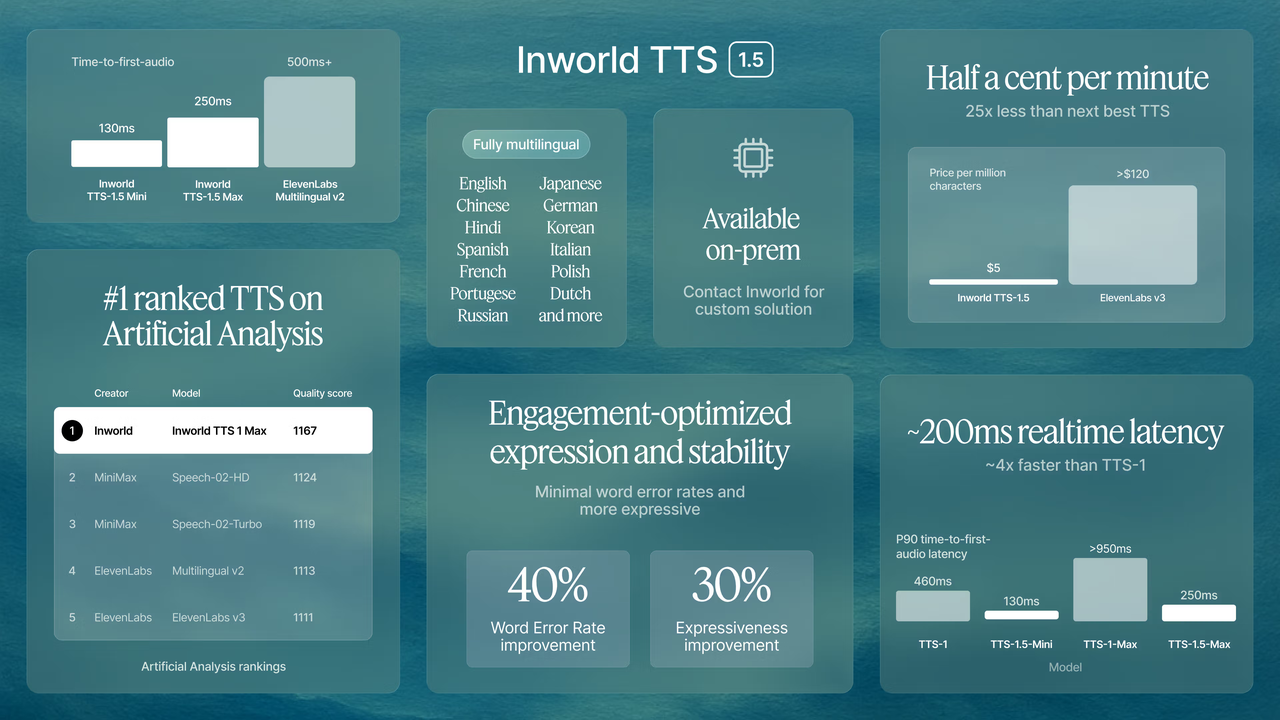
Inworld’s latest TTS line has been positioning itself around measurable, third-party benchmarks—especially independent leaderboard performance and real-time responsiveness.
- #1 ranking signal (quality): Inworld TTS is listed at the top tier on Artificial Analysis’ TTS comparisons, which track quality (ELO) alongside speed and price.
- Real-time streaming: Inworld highlights real-time streaming via WebSocket, with model variants targeting different latency/quality tradeoffs.
In short: developers don’t just want “good voices”—they want good voices that respond instantly and don’t fall apart under load.
Max vs Mini: which model should you pick?
WaveSpeedAI provides two production choices:
TTS 1.5 Max (recommended for most apps)
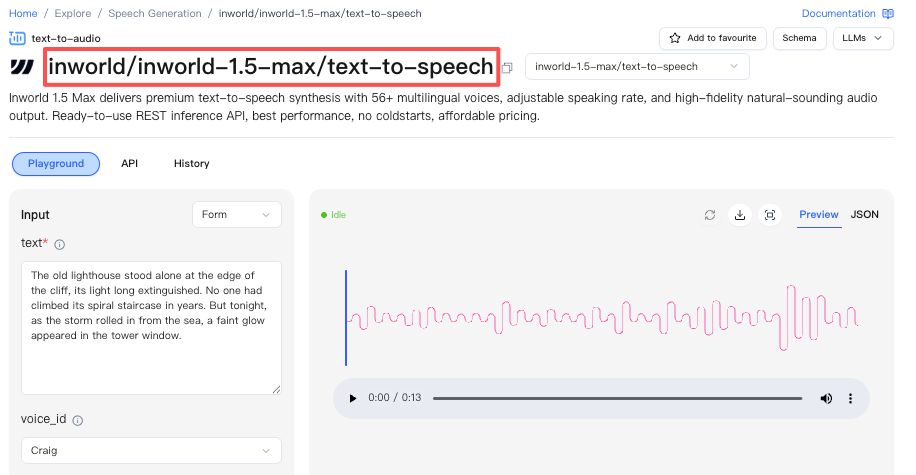
Pick Max if your priority is best overall voice quality, stability, and expressiveness while still keeping latency in real-time territory (Inworld describes ~200ms-class performance for Max).
Typical fit:
- Voice agents where naturalness matters
- Customer support / enterprise UX
- Content narration where “human-like” tone wins
WaveSpeedAI endpoint: https://wavespeed.ai/models/inworld/inworld-1.5-max/text-to-speech
TTS 1.5 Mini (when latency is the #1 KPI)
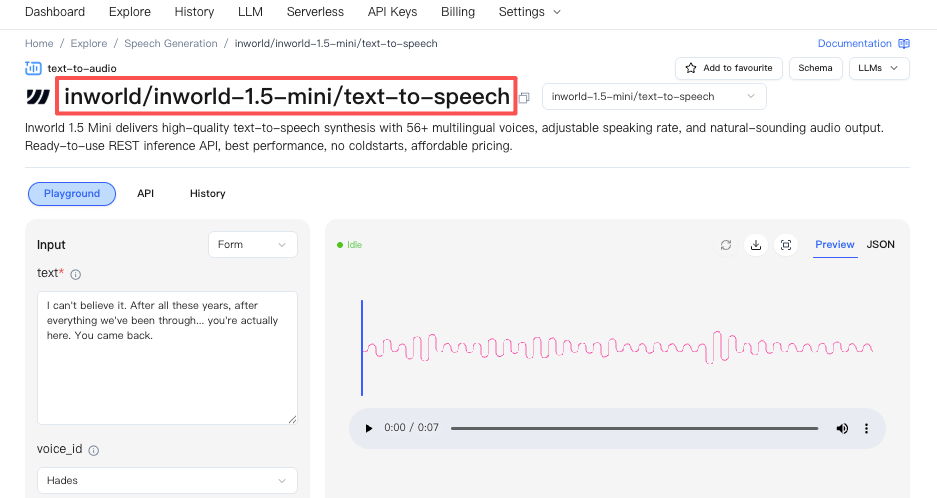
Pick Mini if your priority is ultra-low latency for instant turn-taking (Inworld describes <120ms P90 latency for Mini).
Typical fit:
- Real-time gaming NPC dialogue
- Live avatars / streaming interactions
- Any product where response time beats fidelity
WaveSpeedAI endpoint: https://wavespeed.ai/models/inworld/inworld-1.5-mini/text-to-speech
What you can build now (real use cases)
Here are the patterns we’re seeing teams ship fastest:
Real-time voice agents (S2S / turn-taking) Low-latency synthesis + streaming is what makes the conversation feel “alive”—especially when you pair it with an LLM and an interruptible audio pipeline.
Customer support voice copilots When you need consistent tone, high intelligibility, and cost control, the “voice layer” can’t be the bottleneck. Inworld also markets voice cloning options for branded or customized voices.
Games & interactive characters Short responses, lots of concurrency, and unpredictable spikes—this is where infrastructure matters as much as the model.
Quick start: call Inworld TTS 1.5 on WaveSpeedAI
Use the model endpoints directly:
Implementation tips (production-minded):
- Prefer WebSocket streaming when you need real-time playback and tight turn-taking.
- If you’re building a voice agent, design for interruptions (barge-in) and partial audio playback rather than waiting for the full waveform.
- If you need alignment features like timestamps / audio markups, plan your client playback layer to consume those signals (great for karaoke-style highlighting, captions, or UI sync).
FAQ
Do you support WebSocket streaming? Yes—Inworld positions TTS 1.5 for real-time streaming via WebSocket, and that’s the recommended path for interactive voice UX.
How many languages? Inworld markets multilingual support; WaveSpeedAI exposes the models so you can build multilingual experiences from the same integration surface. (Your exact supported language set depends on the model/version you select.)
Is voice cloning available? Inworld provides voice cloning capabilities (with different tiers/flows depending on cloning type).