
What Is Seedance 2.0? Reference-First Video Generation Explained (2026)
Seedance 2.0 explained with a reference-first mental model, best use cases, limits, and how to evaluate outputs reliably.
Seedance 2.0 is now available on WaveSpeedAI! Try it now ->
Hello, guys. I’m Dora. Recently, I kept rewriting short video prompts for the same brand look, same color, same pacing, same camera move, and each run drifted a little. Not wrong, just… off. I wanted something that would follow references without arguing with me. That’s what pulled me into Seedance 2.0.
I spent a week with it, using it on a few real tasks: ad variants, UGC-style explainers, and a couple of motion-matching experiments. Nothing flashy. I wanted to see if it could make the work feel lighter, not louder.
Seedance 2.0 in 60 seconds (what it is, what it isn’t)
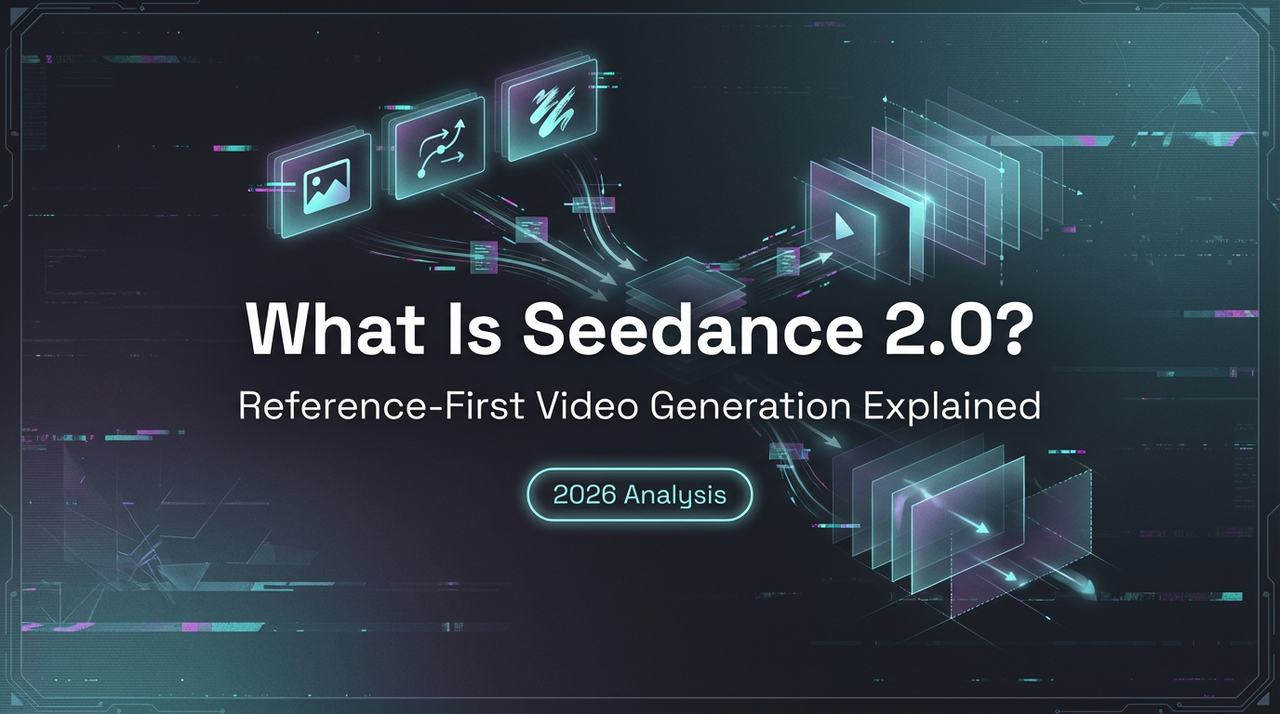
Seedance 2.0 is a “reference-first” video model. In practice, that means I don’t just type a prompt and hope. I give it an image, a short clip, or even a storyboard frame, then layer a concise prompt on top. The reference sets the anchor: the text nudges.
💡What I noticed right away: it behaves more like a careful assistant than a storyteller. If I give it a product shot with a clean background, it tries to respect that framing. If I add a motion cue (pan left, slow push-in), it aims for that arc without inventing extra drama.
What it isn’t: a magic wand. If you ask for “a cyberpunk cat on a hoverboard at midnight” and feed a corporate skincare still, it’ll choose one parent. Usually the reference wins. Sometimes the prompt does. When they fight, you feel it in the seams, textures smear, motion jumps, color shifts.
If you’ve used general text-to-video tools, think of Seedance 2.0 as the calmer sibling. Fewer surprises, more obedience, when you feed it the right kind of guidance. When you don’t, it defaults to safe, slightly bland choices. I’d rather have that than chaos on a deadline.
If you want a broader picture of how this reference-first approach fits into Seedance’s full workflow (inputs, modes, and constraints), a more complete breakdown here:Seedance 2.0 complete guide.
I ran it on short clips (3–8 seconds), 16:9 and 9:16. Generation times were reasonable for my tests, most runs landed between a coffee sip and a stretch break. Cost felt mid-range compared to other labs I’ve tried recently. I won’t quote numbers because pricing shifts, but I tracked enough runs to know I wasn’t wincing.
“Reference-first” explained (text vs image/video/audio guidance)
Here’s the simple version I landed on after a few dozen runs:
- Text is intent.
- Image is look.
- Video is motion.
- Audio is timing.
You can mix them, but each has a job.
Text-only prompts were fine for broad direction, “moody morning kitchen, soft light, slow push-in.” The outputs looked sane but generic. As soon as I added a strong image reference (brand palette, lens feel, negative space), the model snapped into place. Colors held. Product geometry stayed put. I used fewer words, got more control.
Video references worked best when I wanted a very specific move or rhythm: a three-beat product spin, a 2-second hold, a gentle parallax. The model respected the spine of the motion even when I changed the subject. If I fed a 5-second gimbal glide and asked for a desk scene instead of a street scene, it carried over the glide. Nice.
Audio surprised me. Not because it did something wild, but because it acted like a quiet metronome. With a simple click track or a rough VO bed, cuts and emphasis lined up better than chance. Not surgical, but the alignment reduced small re-edits. A few seconds saved here, a few there, that adds up on batch work.
Where it slipped: competing references. If I gave a saturated image with hard shadows, then paired it with a flat, evenly lit motion clip, it tried to reconcile both and ended up soft. The fix was obvious in hindsight, choose one boss. When I made the look dominant (image) and used a short motion clip that matched contrast, the output steadied.
The practical takeaway: decide what matters most on a given task, look, motion, or timing, and make that reference clean, short, and unmistakable. Then keep the text minimal, specific, and boring on purpose.
Best-fit use cases (ads, UGC, motion matching, brand consistency)
I don’t think Seedance 2.0 is for everything. It shines in a few steady, repeatable patterns:
- Ad variants with a fixed look: I produced six vertical ad intros from one product still and a short push-in reference. The model held framing and palette across all six while letting me swap copy and minor props. Not faster on the first pass, faster on the third. Mental load dropped because I wasn’t fighting the look every time.
- UGC-style explainers that need polish but not gloss: I used a neutral bedroom still and a hand-held sway clip. The result stayed casual, slight motion, soft light, but cleaner than a raw phone capture. If you live in the “authentic but watchable” zone, this helps you land there without faking it.
- Motion matching: I cloned a 4-second dolly move from an old shoot and applied it to a new desk scene. The spatial feel carried over enough that the cut between old and new footage didn’t clash. It won’t fool a DP, but on social it reads as consistent.
- Brand consistency across short runs: For a small library of B-roll (headers, app loops, product on background), I locked in a brand still and a short pace clip. Outputs came back siblings, not strangers. When you’re building a system that should age well, this matters more than surprise.
Where I’d skip it:
- Long-form storytelling. It’s not a screenwriter. Scene-to-scene continuity and character logic are still fragile.
- Heavy VFX or exact lip sync. You can get close on rhythm with audio, but don’t expect frame-accurate phonemes.
- Wild style exploration. It can push a look, but its bias is to respect the reference. If you want leaps, use a different playground.
Known limits + failure patterns (drift, artifacts, ignored refs)
A few patterns kept repeating. I’ll name them so they’re easier to spot.
- Drift on longer shots: Past ~6 seconds, small stylistic wobble crept in, shadows soften, color temperature shifts, edges breathe. Not ruinous, but you notice it when you A/B against the reference. I shortened shots or broke them into beats.
- Texture conflict: Fine patterns (weaves, hair, micro-text on packaging) sometimes smear during motion. High-contrast references help, but the model still smooths under pressure. If detail is sacred, lock the camera or limit movement.
- Ignored micro-cues: It follows big rules (palette, framing) and misses tiny ones (exact type weight, stitch lines). I stopped asking it to respect typography in-motion. I comped that later.
- Over-literal timing: When I fed audio, it occasionally prioritized beat alignment over natural motion, causing tiny stutters near cuts. Softening the click track fixed it.
- Reference mismatch: If the look and motion references fight, it chooses a mushy middle. Make one clearly dominant or rerun with matched pairs.
I didn’t hit hard crashes or broken renders, just these mild, repeatable frictions. Once I named them, they were easier to route around.
A simple evaluation rubric you can reuse (consistency, motion, artifacts, cost)
I like checklists because they make me slower in the right way. Here’s the rubric I used across the week. It’s boring. That’s the point.
- Consistency (0–5)
- Does the output match the color palette and framing of the reference across multiple runs?
- If you generate 3 variants, do they look like siblings?
- Quick test: thumbnail view. If you can spot the odd one out in a second, drop a point.
- Motion fidelity (0–5)
- If you supplied a motion clip, does the new clip keep the same beats and arc?
- Watch start, midpoint, end. If two of the three line up, give it a 3. If all three, 4–5.
- Penalize visible breathing or speed ramps that weren’t in your reference.
- Artifact control (0–5)
- Look for edge shimmer, texture smear, and shadow flicker.
- Pause on frames 1, 10, last. If any frame is unusable without cleanup, subtract.
- Prompt obedience (0–5)
- Keep prompts short. Did the model honor the top two textual instructions without ignoring the reference?
- If it invented props or changed lens feel, dock it.
- Cost + time (0–5)
- Track average generation time and cost per usable second.
- If you can produce three usable clips in under an hour without babysitting, that’s a 4 for me.
How I score: I run three seeds for a setup, pick the median for each category, and write one sentence on what I’d change next run. That single sentence is weirdly powerful, it prevents me from chasing novelty and keeps the system intact.
If you try Seedance 2.0, reuse this as-is. Or swap categories to match your constraints. The value isn’t the numbers: it’s the repeatability.
Who will like Seedance 2.0: people who want control without micromanaging, teams maintaining brand tone across short pieces, solo creators who prefer systems over sparks.
Who won’t: folks chasing big stylistic leaps, long-form storytellers, and anyone hoping a prompt will fix a messy brief.
This worked for me, your mileage may vary. The small surprise: once I stopped asking for cleverness and fed it cleaner references, the model got out of my way. That was the help I wanted.
I’ll keep it in my kit for the quiet work: the loops, the openers, the connective tissue. The kind that rarely wins awards but holds a project together. And I’m still curious where the edges move next month.
Seedance 2.0 is now available on WaveSpeedAI! Try it now ->
Related Articles
Claude Code Agent Harness Architecture: Key Insights from the Leak
Claude Code Undercover Mode: What the Leaked Source Actually Reveals
Claude Mythos API & Pricing: What Builders Need to Know Before Launch
GLM-5V-Turbo: What Developers Should Know in 2026

WAN 2.7 vs Seedance 2.0 vs Sora 2 vs Veo 3.1 Fast: Image-to-Video Comparison